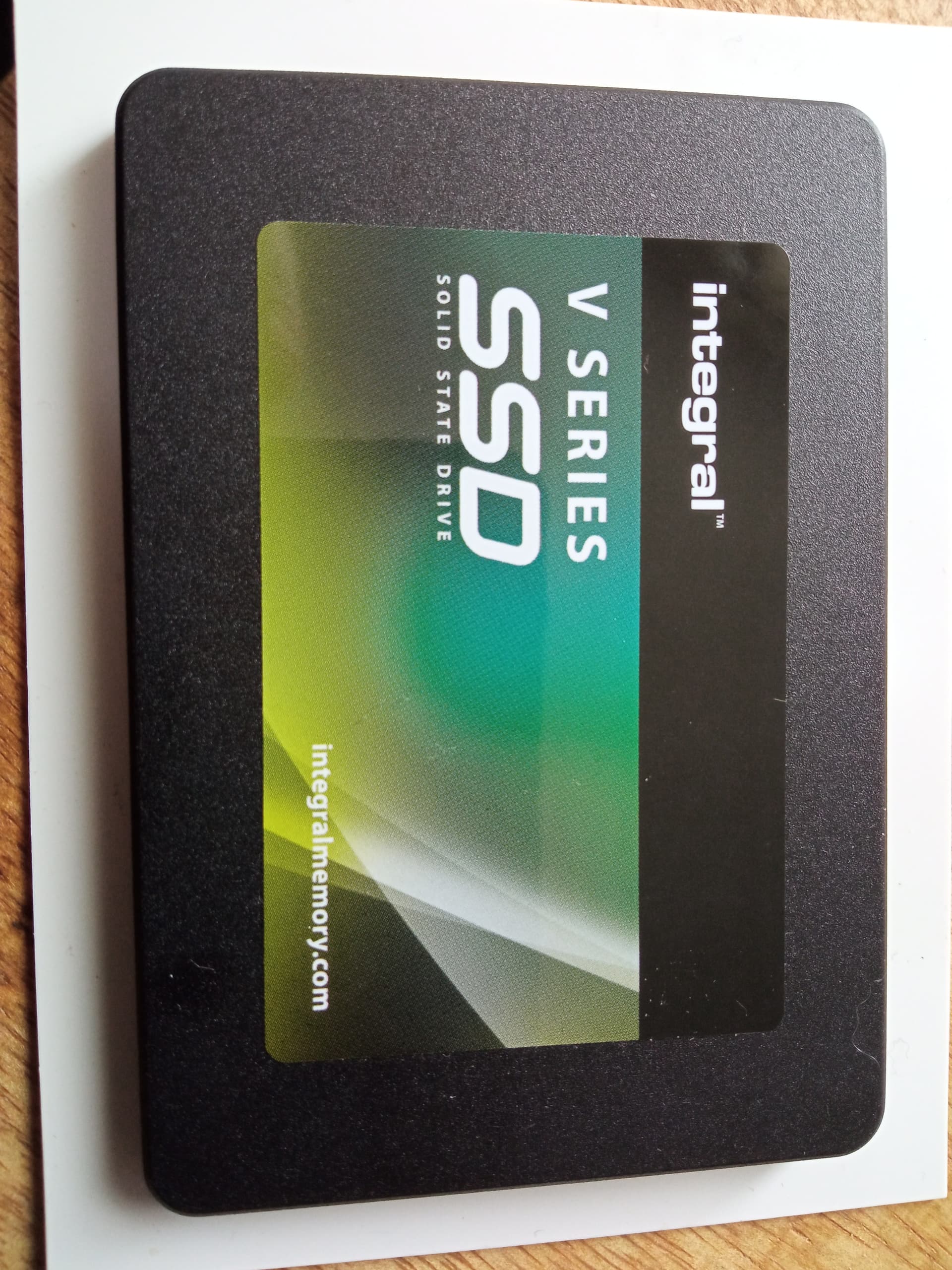
I have a Raspberry Pi 3B+ configured to boot from USB with an SSD running Jeedom, which works perfectly. I find Jeedom too complicated and want to try Gladys. I got a new SSD and followed the YouTube video to install the Bullseye 64-bit image. The writing and verification processes work correctly. However, it then asks if I want to format the disk, and when I cancel this request, I get the following message: « unable to customize. F:/config.txt’ does not exist. »
When I connect the disk to my Raspberry Pi, nothing happens; it doesn’t boot, the disk light stays on, and the Raspberry Pi’s green light doesn’t turn on. There’s not even a light on my network cable.
I also tried with a hard drive, but the result is the same. When I connect my Jeedom SSD, everything works again. I’m a beginner in home automation, and my skills don’t go beyond following a tutorial, and I’m stuck. Any ideas?
First thing: be aware that not all SSD enclosures are functional with the Pi.
Second thing: when you connect your SSD to your Pi, to access Gladys you need to find the IP address of the latter. A network scan (smartphone app) does the job.
Hello, thank you for your quick responses, both of which were helpful. I understood from the GitHub rpi-imager that the problem was with it. I tried again with my SSD and Balena Etcher, and this time there was no error message, but the same result on the rpi 3b+—it doesn’t start. So I removed my brand new SSD and switched to a recycled 2.5" hard drive, and this time the little light on the rpi started blinking, and I was able to connect to Gladys locally. Too bad for my SSD bought for 20€ on Amazon; I was hoping to gain a bit of reactivity on my rpi 3 b+.
My power supply delivers 2.4A. Surely a bit tight. Especially since I intend to add a Bluetooth dongle, the Sonoff Zigbee 3.0 dongle that I already have, and probably my DIY RFLink on Arduino Mega or the TOSCORP for my Somfy RTS solar shutters. Thanks for this tip, I will look for a more powerful power supply.