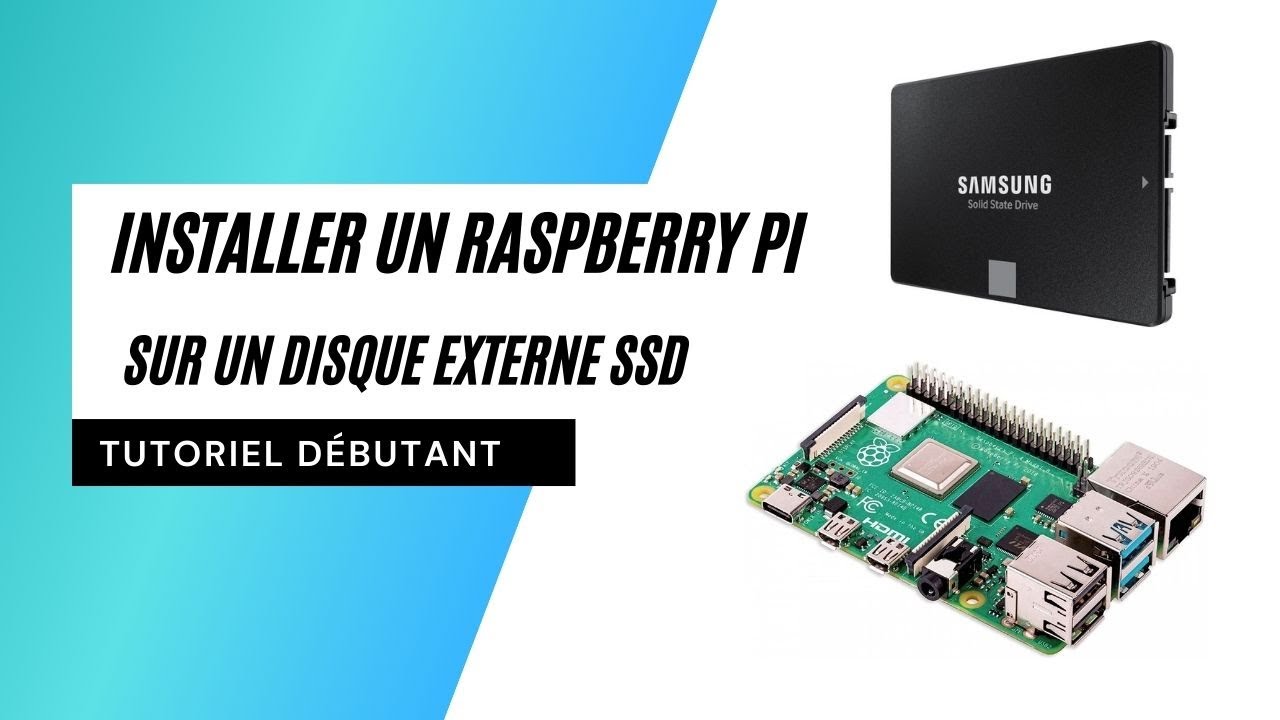
New YouTube video: Installing Gladys on Raspberry Pi with an external SSD (beginner)

Hello everyone!

This is a recurring topic. Installing a Raspberry Pi on a micro-SD card is not a recommended solution in the long term, as a micro-SD card is not designed to withstand so many write/read cycles.

I recommend everyone to use an external SSD, to have a reliable and performant installation.

I have been following the tutorials available on the internet for a while, and so far all the tutorials I found required an advanced level: you had to connect via SSH, edit files, etc.

But recently, the Raspberry Pi Foundation released a new tool, « Raspberry Pi Imager Â», which, since version 1.6, allows you to do the entire configuration with an external SSD disk, entirely on your computer with a GUI, no command line necessary!

In addition, an SSD now costs around 20€ + 10€ for the SATA III USB case, so it would be a shame to deprive yourself of such a performance and stability boost!

I therefore propose a tutorial with this super simple method.

Feel free to give me your feedback :slight_smile:

+1. I personally followed the following video: https://www.youtube.com/watch?v=-XS9k848UNY&ab_channel=GuiPoM-G.testé!.
Very simple for a programming novice.
On my v3 which still runs on SD card, I am regularly forced to reflash a backup.
Small question, the « At your own risk Â» on the camera settings can harm the disk? I have the blue activity LED blinking quite a bit.

The video is from 2018 (already 4 years ago!!), there is much simpler now, without needing to do SSH :slight_smile:

The higher the frequency, the more it will actually record a new camera image on the disk very often. The « At your own risk Â» is more to warn that Gladys may lag a bit :slight_smile:

Thanks, it’s great that you made this video, it will be very useful for Gladys and other projects that will have the same need, so they will discover Gladys :wink:

Why not offer ready-made external SSDs at the same price (35€ in total for what you propose)?

Examples:

EDIT: Do not buy the references below, after investigation these models are not suitable for booting!

250GB: KOOTION Disque Dur Externe 250 Go SSD Ultra Mince Jusqu’à 550 Mo/s en Lecture USB 3.1 USB Type-C Solid State Drive avec 2*câbles Portable pour PC,Desktop,Laptop,Macbook,Smartphone : Amazon.fr: Informatique 36€
120GB: KEXIN SSD Externe 1To USB Type C Petit et Exquis,1To SSD Disque Dur Externe Portable USB C 3.1 Flash Drive Fonctionne pour Ordinateur PC Smartphone (Noir)… : Amazon.fr: Informatique 33€

I admit! I thought it was more expensive to use a ready-made SSD, but apparently not!

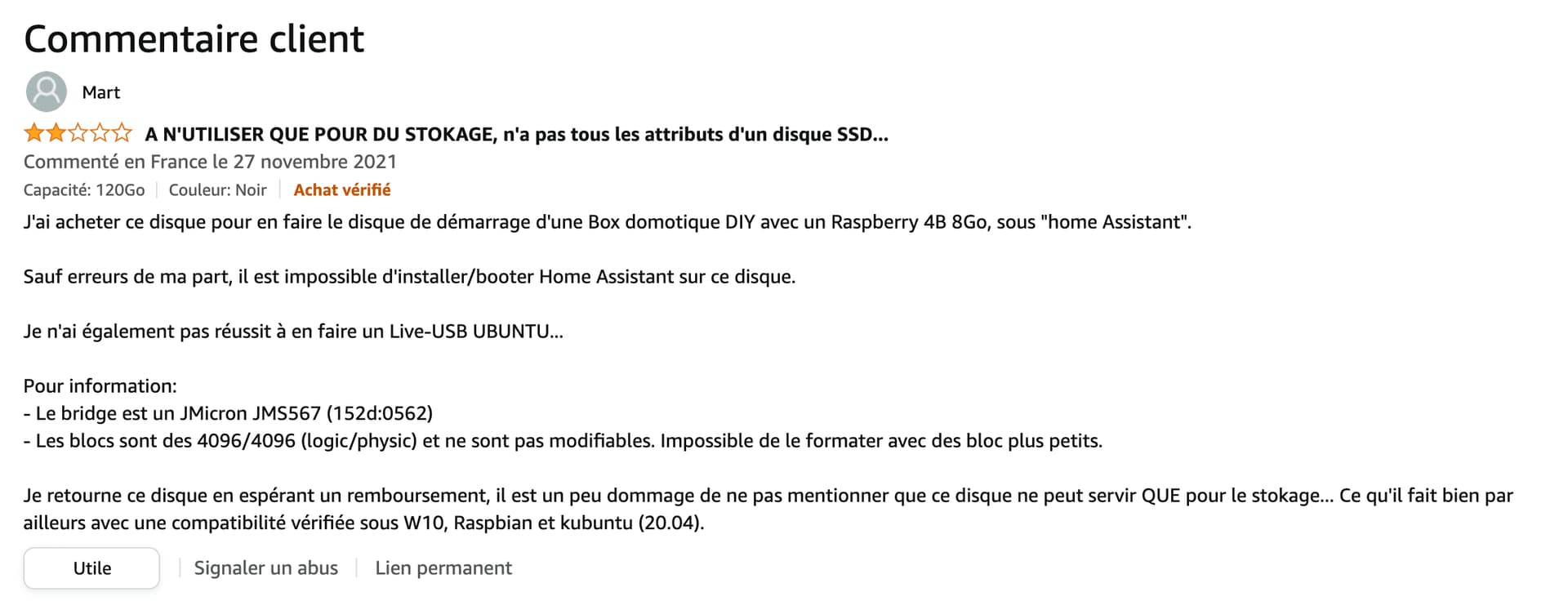
Edit: actually, after looking a bit, I came across this comment @lmilcent:

This doesn’t seem suitable for this use.

Wow, great find the comment!

thanks for the video.
Can this modify the tutorial to move from an existing version of gladys on SD to an external HD.
In summary, what I see:

  • we mount the HD on the current gladys
  • we copy gladys from the SD to the HD
  • in parallel, we create the bootable SD (as in the video).
  • We turn off the raspberry
  • We unplug everything (SD and HD and zigbee key)
  • We do as in the video for the boot (does it work for a raspberry3?)
  • We remove the bootable SD
  • We reconnect everything (HD and zigbee key)
  • Miracle it works again (?)

otherwise, we could have the essential files to save for a gladys PRI. (tutorial to be put in the forum?)

@mikael I think yes, it can help to migrate an existing installation more easily!

That’s a very good question, I think yes, but I haven’t tested it on my side. Has anyone been able to test it on Raspberry Pi 3?

The only difference on Pi 3 and before (in my opinion) is that you need a powered USB hub because the Pi may not provide enough power on the USB ports.

I’ve only tested the one in the video mentioned on a rpi3, sorry.

Great video @pierre-gilles, indeed much simpler as you show it.
After that, SSH is still within my skill level :grin:

A quick aside, I removed the refreshes/second from my cam because it was causing it to disconnect from the router over time.

Again, great job on your video. :+1:

@mikael Alternatively, it might be simpler to clone the current SD card (containing Gladys) with Etcher (or Win32diskImager) and then flash this cloned image with Raspberry Pi Imager by selecting the « Use custom image Â» option in the OS choice.
I haven’t tested it (lack of SSD at the moment), but it should work with any RPI.
Good evening

Good evening, I just reinstalled a copy of my SD card on a hard drive with this video, and I’m using an RPI3B+ and it worked very well.
Bravo pierre-Gilles, thank you.

Same, it works well on a Raspberry Pi 3B, I just need to tweak the Raspberry Pi settings, it boots up faster than the SSD.

I tried with a Raspberry Pi 3 B and I have a power supply issue when I connect the SSD and a Zigbee dongle.
For the hard drive, I took the one recommended in the tutorial, and the dongle is the Sonoff Zigbee 3.0 (https://www.domadoo.fr/fr/interface-domotique/5976-sonoff-cle-usb-zigbee-30-antenne-externe-20dbm-compatible-zha-zigbee2mqtt.html?domid=17).

I think I need to use a powered USB hub. :slight_smile:

Indeed, I didn’t mention it in the video but I put it in the description and the comments, on older models a powered USB hub is recommended!

I took this instead: KUYiA Y Câble USB 3.0 - 1FT/ 30CM, 5 Gbps Mâle A vers Micro B avec Câble Alimentation, Cordon Disque Dur Externe Sync Compatible avec Wii U PS4 Xbox Western Digital My Passport Toshiba Seagate Maxtor : Amazon.fr: Informatique

I just received my SSD and my case.

For information, I tested the installation on 2 RPI 3 Model B V1.2 2015 which are supposedly identical, but it only worked on one of the two RPI, weird…

Moreover, after modifying the bootloader with Raspberry Disk Imager as in the video, I was able to directly clone my µSD card containing Gladys to my SSD in one operation with Etcher, you just need to properly select the Source and the Destination.

Hello
I followed the procedure but nothing works, I can’t boot from the SSD. Moreover, when inserting the microSD with the bootloader, nothing happens. The small green LED should blink to indicate the update, but nothing. I’ve changed the SD card several times, reformatted it, still nothing. I’m stuck.

nothing to do I can’t install the bootloader with this procedure yet simple

@pascal_sapin
As mentioned in my last message, it seems it doesn’t work on all RPIs, which model do you have?
Also, I think that when loading the bootloader (on the correct RPI), the red LED stayed on and the green one off, to be confirmed!

I have a raspi 3+ tested also command line configuration with putty style boot=1 without success, I read that the raspi 3+ could boot natively on udb?