Password reset in Gladys logs

Hello,
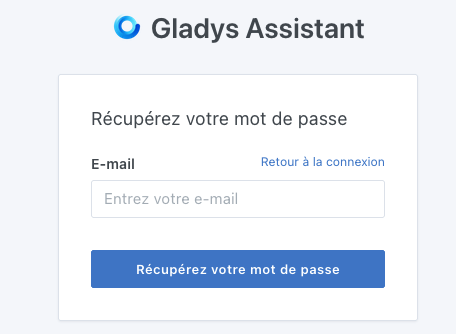
Here is the message I receive when I click « Forgot password »

Succès ! Vous devriez voir un lien de réinitialisation de mot de passe dans les logs de Gladys.

I’m on a Raspberry Pi
I connected over SSH via MobaXterm, but I can’t find the logs and therefore this link! :frowning_face:
Could you tell me where to find this link

Hello,
you type: docker logs gladys, to get Gladys’ logs

:+1:
Thank you

1 Like

Hello,
I tried, to connect locally, to access the link to reset the password by typing: docker logs gladys
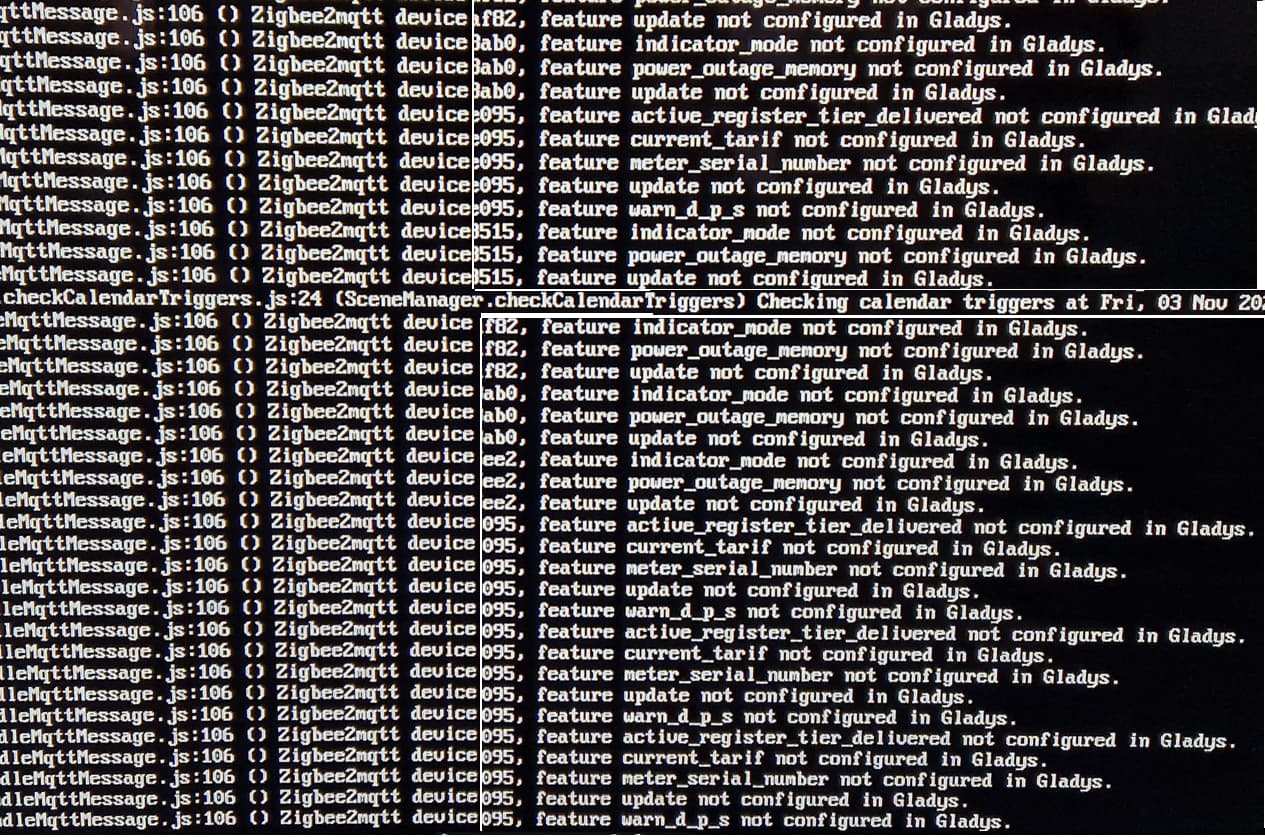
I don’t see it in any of the output that scrolled on the screen. The Pi is connected to my TV and I can’t get the logs from my PC connected via Wi‑Fi.
Thanks in advance for any information

Hello,

Try docker logs -f gladys, the logs will be live.

And you mean the Gladys interface password, right? This one?

You should see a message like this :

2023-11-03T17:04:53+0100 \u003cinfo\u003e user.controller.js:162 (forgotPassword) Forgot password initiated for user \u003cemail\u003e, link = http://192.168.1.11/reset-password?token=eyJ...

Super quick, thanks @cicoub13, I have the link but it’s on the TV screen and, given the length of the key, I won’t be able to copy it without errors :blush:
Ideally it would be possible to get it on the PC, do you have any idea?

Do you know how to connect over SSH (the user is pi if you installed the Gladys image)?

To find the IP of your Raspberry Pi, you can use apps like (Network Scanner on Android or iNet on iOS)

I connected the Raspberry Pi to the TV using a password. SSH uses two keys, I think, but I don’t know much about it.
On the PC, I can open Zigbee2mqtt but I can’t display the logs :thinking:

Is your PC Windows or Linux/macOS ?

If it’s Windows, you need to install software like PuTTY

Otherwise

I’m fine with Windows on the PC, and when I type ssh pi@ and the address, I immediately get the password reset page :blush:

I’d like to be able to exit the logs as they stream, but I can’t type sudo — what should I do to get the prompt back?

On Linux it’s CTRL + C, worth a try ^^

I’ve locked everything with the keyboard, the logs aren’t scrolling anymore and no key will fix it. I’ll probably try unplugging the Pi.

This is the SSH account password change the first time you connect.
By default, it’s

  • Login : pi
  • Password : raspberry

But you are asked to change it (set whatever you want). Once changed, you can reconnect via SSH to run any commands you want (including docker logs -f gladys)