Hello Vincent,
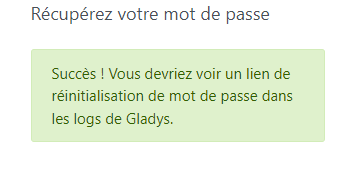
I’m trying again to set up my Raspberry Pi but my password won’t work. When I click « Forgot password » I receive a message saying I can retrieve it from the logs but I don’t know where to find them.
I plan to re-flash the SD cards and SSDs with the new versions to try to get the system working.
I’m really a beginner but I’d really like to be able to use Gladys.
Thank you in advance if you can help me.
Sincerely.
Hi @Jluc,
If your goal is to reinstall everything for a complete update, is it really necessary for you to recover your password? Do you have any data to back up?
Hi,
Indeed, since I had nothing installed, I was able to start from scratch and I still am
After the various tests I was able to run, I’m a bit stuck and will therefore buy a new dongle.
Thank you for your help.
Have a good day.
Hello,
I wanted to try testing my installation again but I still have the password issue. I did receive a message to recover it in the logs, but which command should I use to display it? Since I don’t have any saved data, I can start from scratch — but how?
Thanks in advance.
You must log in, either using another device connected to your network with an application such as PuTTY, or directly on your Pi if it has a screen, then enter the username ‹ pi › and the password ‹ raspberry ›.
Introduces ensuite la commande docker logs gladys et tu devrais y trouver le sésame…
I’m stuck because of the password. I’ve reconnected everything with the devices plugged directly into the powered hub. The key is a model P so I hope that now I’ll be able to use Gladys.
Is it possible to read the logs on the computer rather than on the screen connected to the Pi?
A priori (found on the web) you can export your log into a file like this :
docker logs le_nom_du_container 2\u003e file.log
That should create the file file.log that you will find in the /home directory on your RPi.
It may be easier for you to browse it afterwards with a file editor, or even copy it from your SD card to read it on your computer / send it to us here.
Otherwise you can also try CTRL+A to select everything in your terminal. Then copy (sometimes you have to do CTRL+SHIFT+C
Normally, immediately after clicking ‹ reset the password ›, it appears in the last lines of the Gladys log.
So maybe perform the operation in parallel or at a very short interval…
Many thanks for your replies, I do have a link (a very long one that appears on the Pi’s screen but impossible to select.
Since I haven’t configured anything, it’s certainly more practical to start from scratch. Do I need to flash the SSD again?
Have a good Sunday

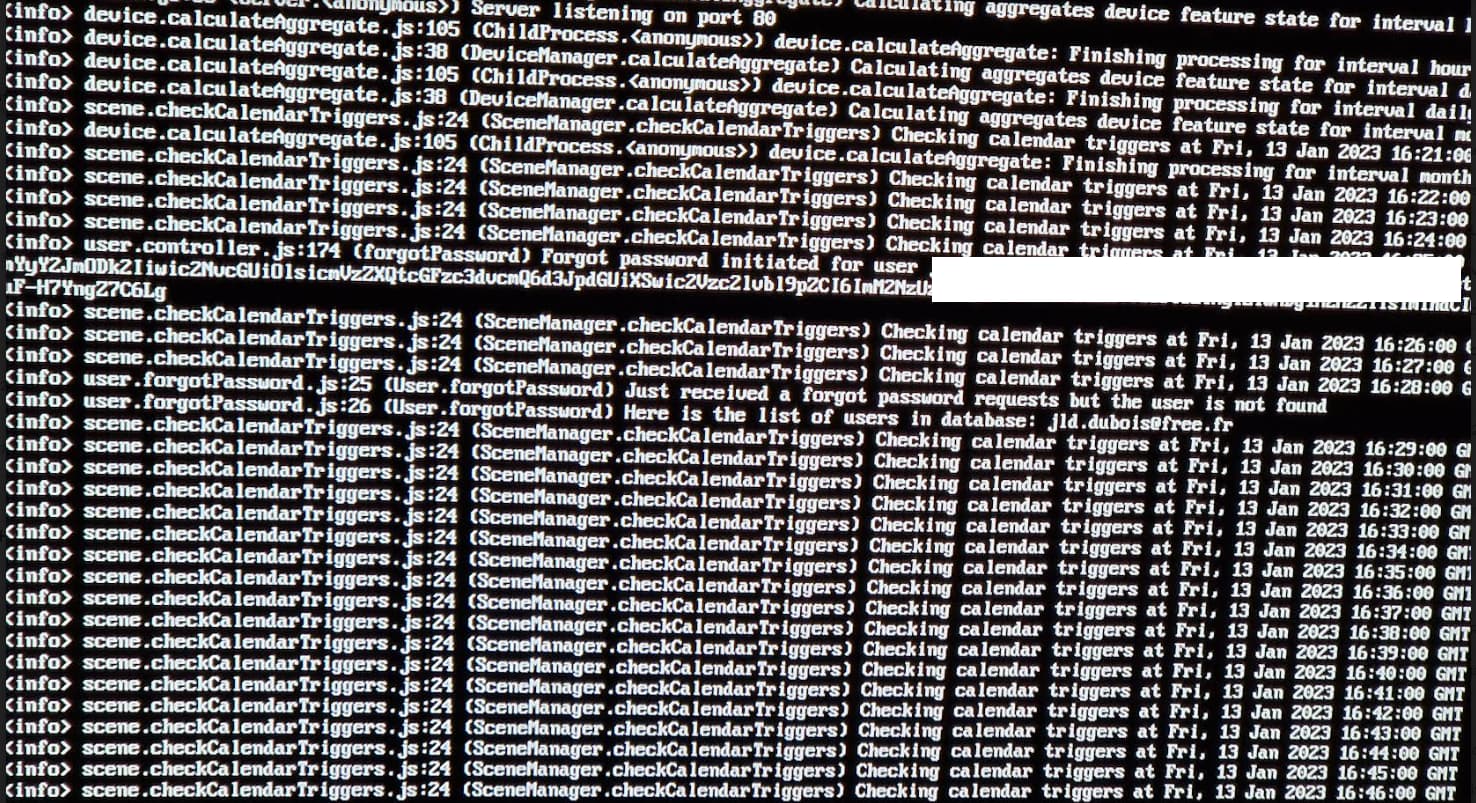
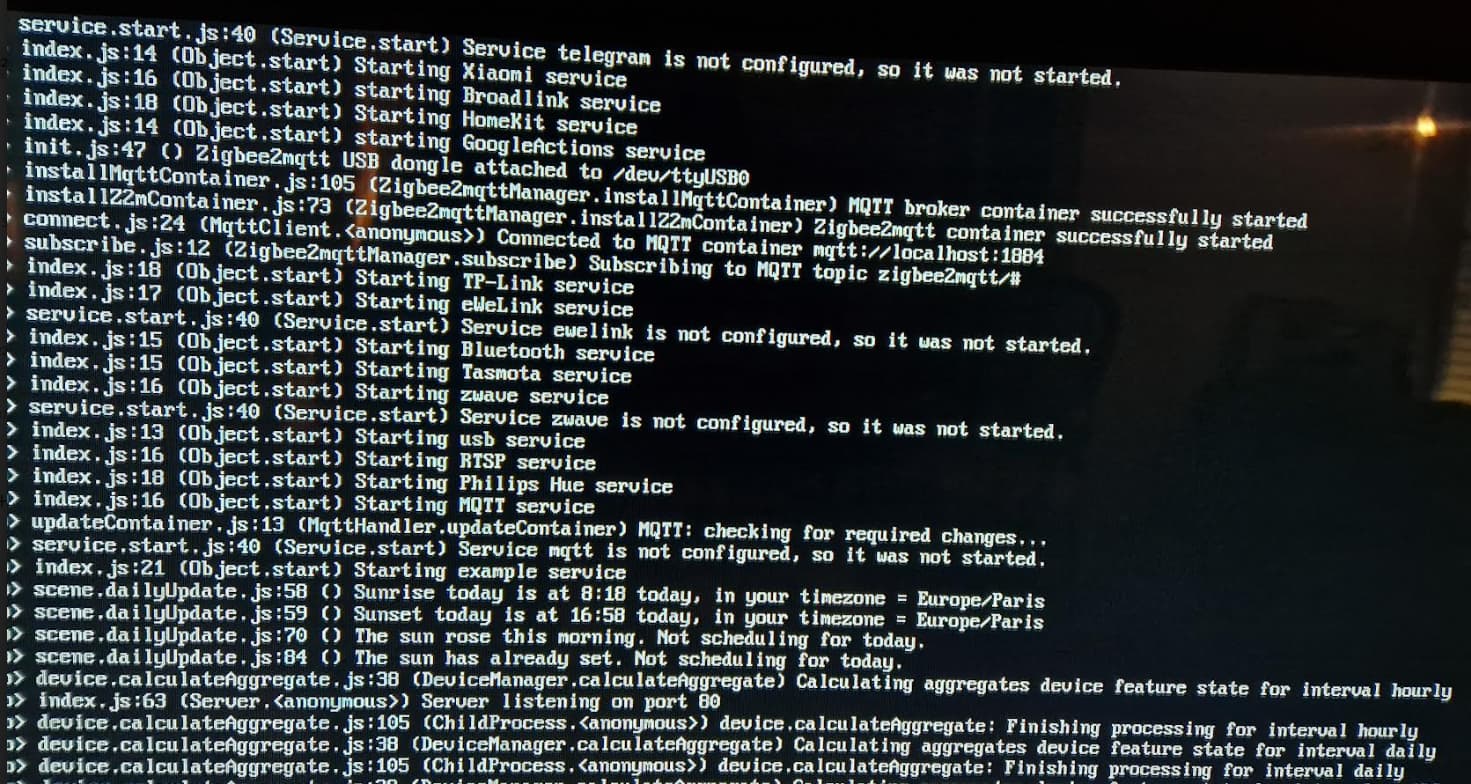
 Could you maybe copy/paste them here?