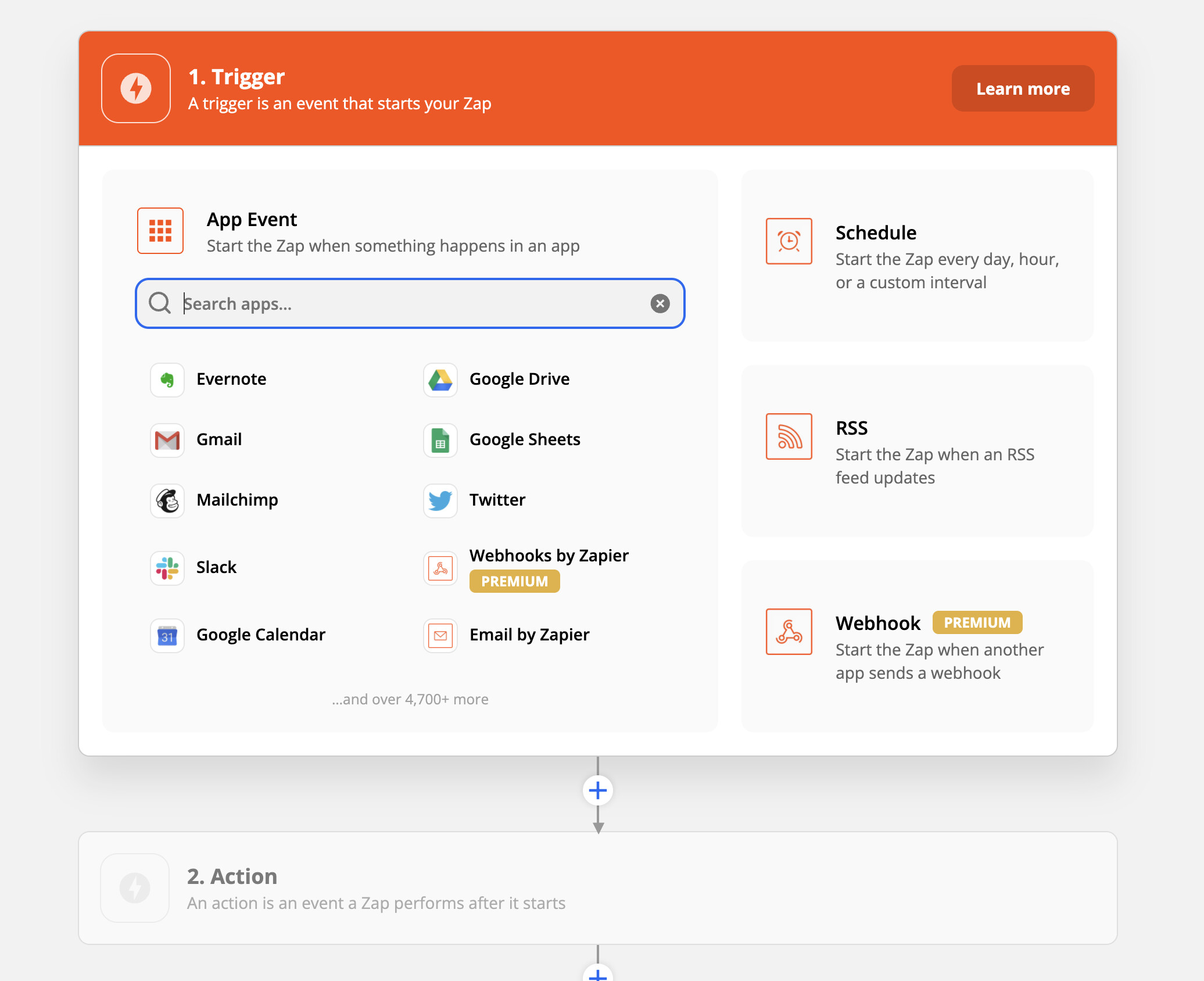
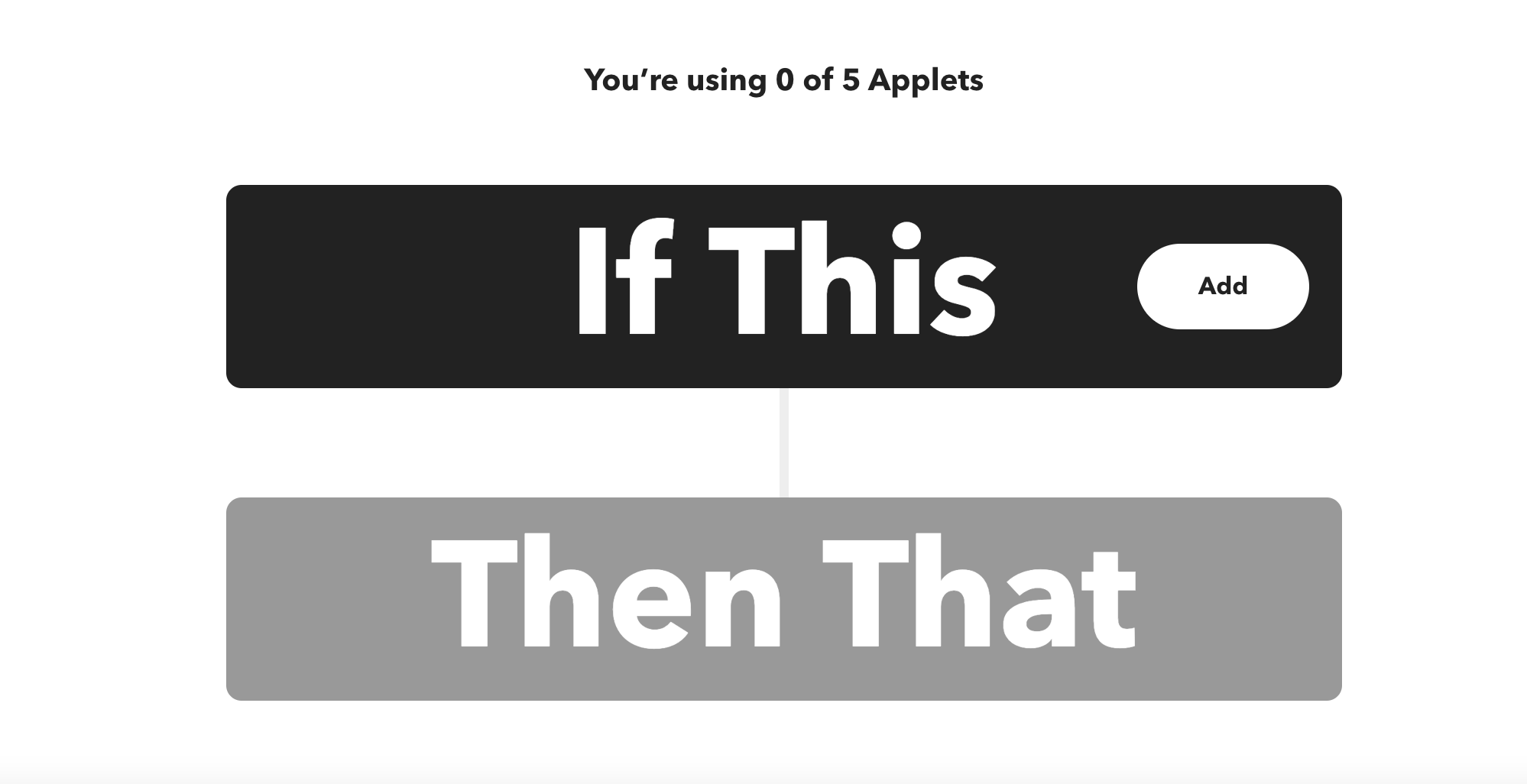
Even if it is theoretically possible to do this with « continue only if » and « dummy sensors », integrating the « AND » function as a logical operator (1+1=1) in the trigger could be really interesting.
For me yes, today in the trigger we have [« condition1 » or « condition2 »] but not [« condition1 » and « condition2 »]
It doesn’t seem logical from my point of view to have the condition mechanism in the « action » of the scene. Hence this feature request that would allow to streamline the reasoning.
@lmilcent, you who are the instigator of the first feature request, what do you think?
Perhaps it’s just a naming issue? We could replace the name « action » if it was called something else, « Actions/Conditions », « Body » of a scene?
Actually, I often have the impression that there is often this confusion between condition and trigger.
By definition, a trigger is a « event » that is punctual in time, which is triggered at a unique moment. It is not possible to have several triggers that are triggered at the same time.
However, I agree that it is possible to have a trigger THEN a condition, and that is what we are currently doing:
You can say in a scene currently:
IF a sensor value is received > 23°C (event)
AND it is between 10 a.m. and 6 p.m. (condition)
The condition is indeed an a posteriori check, when the trigger has been triggered, because a trigger is not a state that is continuously checked, it is an event.
The condition, on the other hand, will go and get a state (here, the time), then check this state according to the condition entered by the user.
In « trigger », I understand « what conditions must be met to trigger my scene ». In your example, it is indeed « condition1: >23° » and « condition2: between 10 a.m. and 6 p.m. »
It seems much simpler to put them in the same « trigger » block rather than in « Actions/Conditions », especially since the OR is already present in the triggering conditions.
It would be great to create demo topics in the « scenes » section that we just created to make it more meaningful.
Scene experts, @Terdious, @lmilcent, @GBoulvin …
I understand that for simplicity, it would be easier to do it in a single box: « trigger = 23°C AND time > 12h ».
This is already possible currently, but by going through a 2nd « condition » action as very well explained by @pierre-gilles and it responds to a certain logic and ease. Proof, the « big ones » do it this way, it is surely after several reflections that they arrived there.
But it seems more natural to do it as described by @Fabic from a human point of view. It’s true that as a new Gladys user, I had that in mind before understanding how to do it with the 2 steps. That is to say, being able to tell Gladys in a single block: trigger the scene if my sensor detects 23°C and I am absent.
There may be a slightly different subject here, on the potential (or not) evolution of the way to write the scenes.
Either by changing the ending with « Triggering event » by specifying that the conditions are in a 2nd action block, or by allowing the graphical interface to simplify all that.
Example:
the trigger part allows to use the content of « continue only if ».
When a sensor is called in this block, it is directly added to the list (hidden or implicit) of triggering events, as well as for the « condition » block, which is also implicit.
The web UI displays a single block to the user that contains the conditions and the event sources to use, and does the job of formatting all that so that the backend receives the information as currently.
I think this is indeed a general presentation issue.
We need to improve the titles/descriptions to make it clearer.
Trigger → Explain that it’s an event
Action → Specify action or condition
However, I disagree with this, as it’s not the same thing.
A scene in Gladys is not defined by its triggers; a trigger is optional in a scene.
A scene is a sequence of tasks, some of which are actions, and others are conditions that can stop the scene’s execution. If you manually click « start » on a scene, the conditions are also executed, and that’s what we want.
If we start mixing triggers and actions, on the contrary, we risk creating a false « mental model » of what a Gladys scene is for users, and on the contrary, it will confuse users even more.
I think there is terminology work to be done: better explain how to do it, slightly adapt the UI to make it clearer.
However, I don’t think it’s a good idea to modify the frontend to make the user believe that Gladys works in a way it doesn’t.
I think @pierre-gilles is right about this. I must admit that it was only by reading this topic today that I understood how to differentiate a trigger from a conditional action…!!
I’m not Einstein, but surely not dumber than anyone else, and this deserves a bit more clarity.
Either through contextual information, or comments under the blocks, modals / popovers / others that open to guide the scene creation.
What I understand from @Fabic’s request is that today it would work in one direction but not the other.
If the trigger is « it is daytime » and the condition is « it is more than 23° » then when it is daytime:
either it is < 23°, the scene does not trigger.
or it is > 23°, the scene triggers.
But if 1 hour later the temperature goes >23° the scene will not retrigger.
Conversely if the trigger is « it is more than 23° » and the condition is « it is daytime » then when it is 23°:
either it is night, the scene does not trigger.
or it is daytime, the scene triggers.
But if 1 hour after it is night, it is daytime and the temperature has remained above 23°, the scene does not execute either.
The solution to successfully run the scene would therefore be (I suppose) to put the 2 triggers in « OR » and then put the 2 conditions to continue. Let’s say that should be functional, am I wrong? And is this the visualization that bothers you @Fabic?
Yes, that’s it. Then we need to stop talking about « OR » in the triggers, I think that’s what confused @Fabic. Triggers are just independent events, there is no comparison between them.
I indeed find that this way of thinking is complicated.
Actually, ultimately, to keep the spirit of the trigger, we could also create combined variables.
Example:
If (variable 1) temperature > 23°C = true AND (variable 2) Day = true then (new variable 3) TempJourSup23 = true otherwise TempJour23 = false
Then in the scene, the trigger is played by the variable TempJour23 and that’s it.

 Maybe the trigger part is not well explained in this case.