For some time now I’ve been running a new Gladys installation for which I also haven’t restored a backup of G+…
We included in the Free Devialet player a little voice that answers to the name Alexa. Since we had G+ we used it on the previous Gladys installation… already some devices were not showing up.
After the new installation the link with Alexa was reestablished without any specific action on my part. But with lots of gaps and especially devices appearing in Alexa but not functional according to it! (They work perfectly with Gladys)
Initially it seemed to me that the devices not working were those that had the same name from the first installation to the current one.
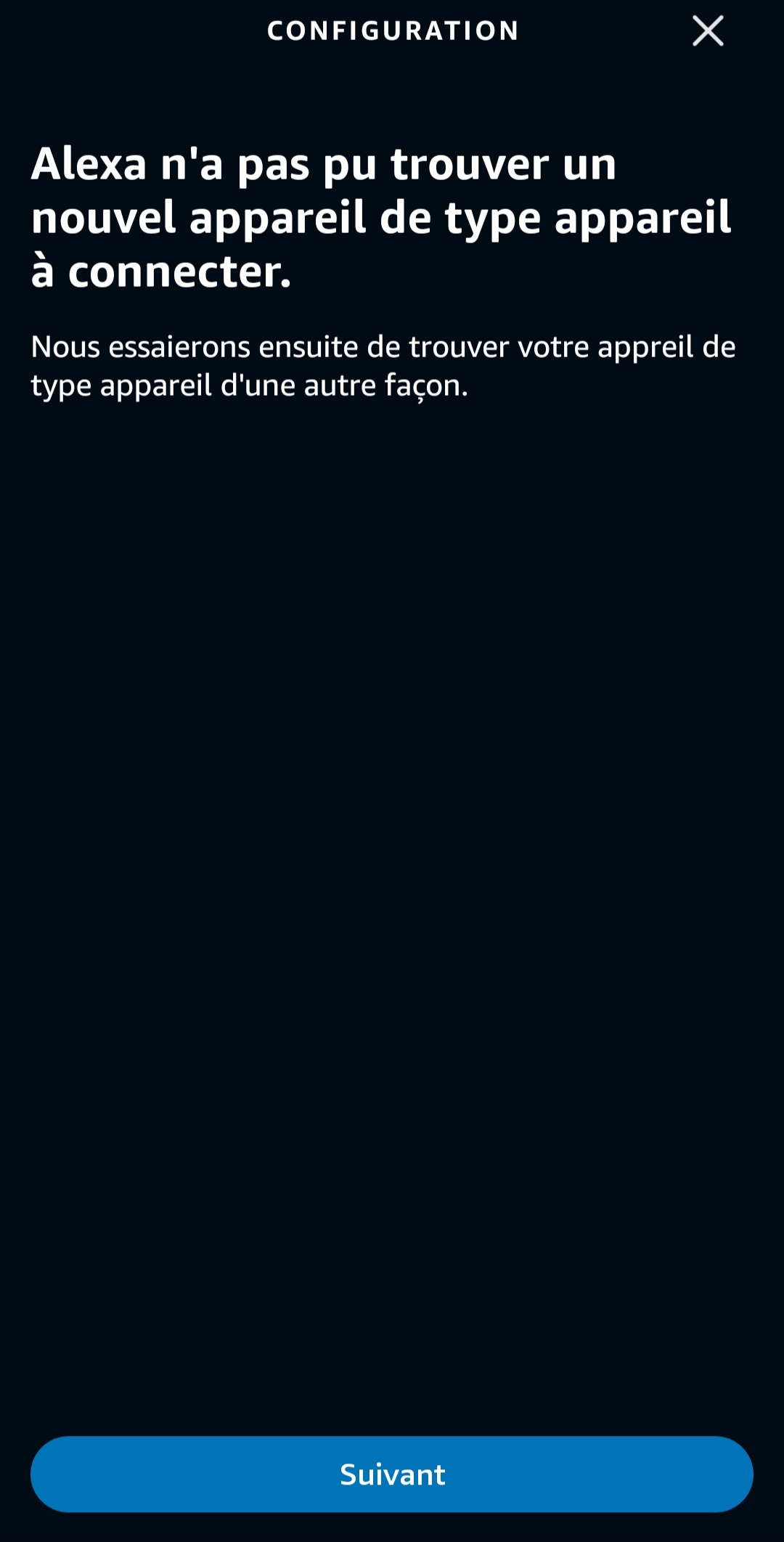
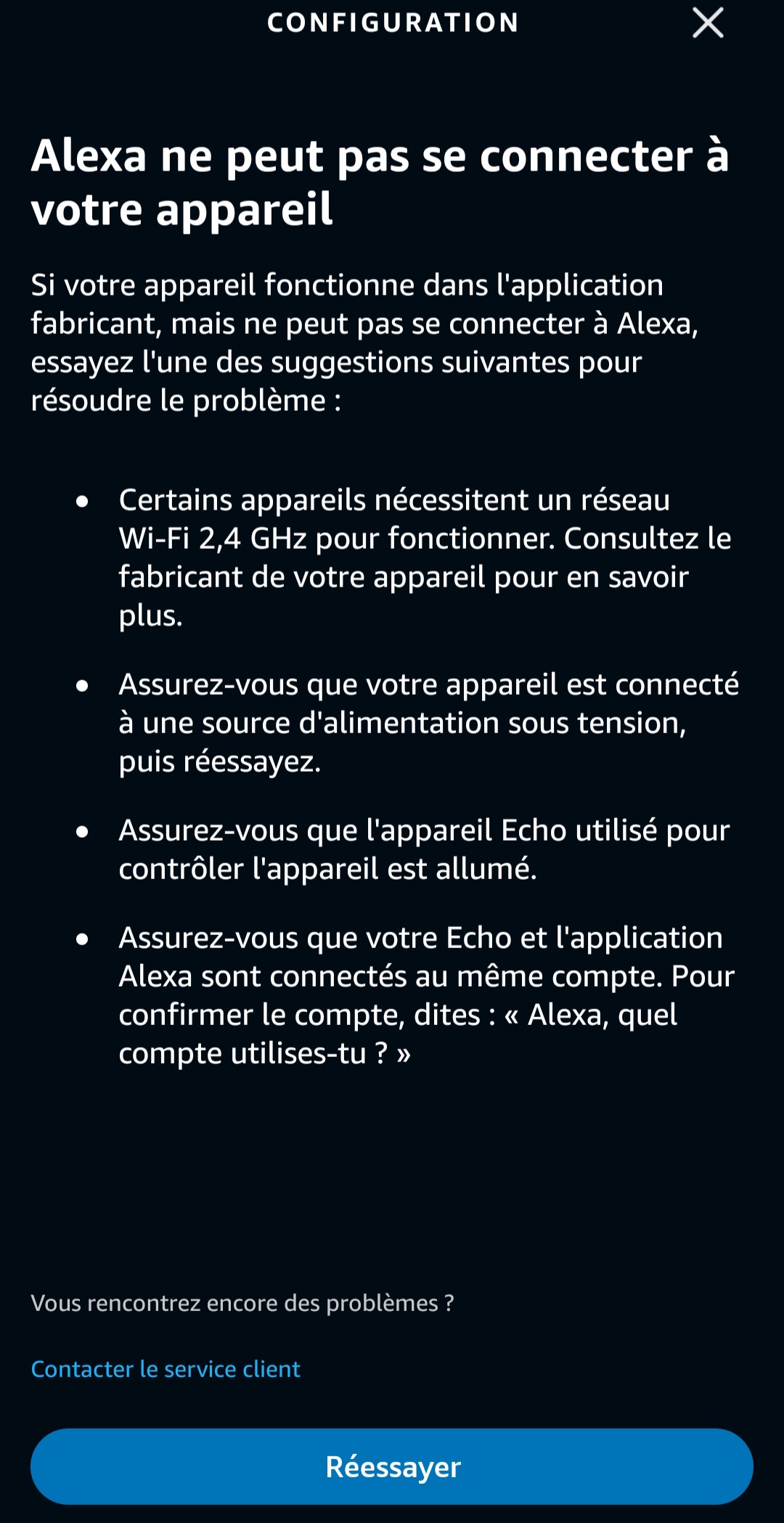
So I therefore removed the Gladys skill in Alexa, deleted all the devices (because they don’t get removed automatically with the skill) and reinstalled the skill, Gladys identification… Ok! But now no devices appear in Alexa anymore…
Yes, I only have a single instance and it is indeed connected to gladys+ (I can access my dashboards outside the house)…
As for devices, I have a bit of everything and I knew that not everything was recognized… I still have quite a few bulbs and plugs but nothing shows up in Alexa…
Strangely, during the installation of the new Gladys instance, Alexa reconnected by itself, the Gladys + login account being the same. And at the time I had not anticipated this behavior.
The devices « imported » by the skill are not differentiated from the others. And there is no way to refresh or scan.
The only way I found to do this is to disable the skill and reactivate it…