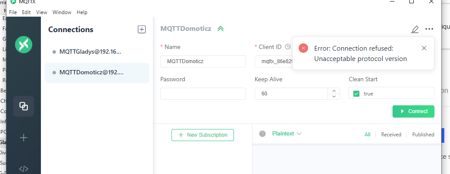
In the MQTT Integration doc, under the « Test the MQTT device » section you say:
I suggest using an MQTT client to test this MQTT device.
You can use the MQTT client MQTT.fx.
But I can’t find MQTT.fx on the internet
In the MQTT Integration doc, under the « Test the MQTT device » section you say:
I suggest using an MQTT client to test this MQTT device.
You can use the MQTT client MQTT.fx.
But I can’t find MQTT.fx on the internet
It doesn’t exist anymore, any client will do
You can use this one on Windows
Thank you

I’m using this client now:
I’ll update the docs!

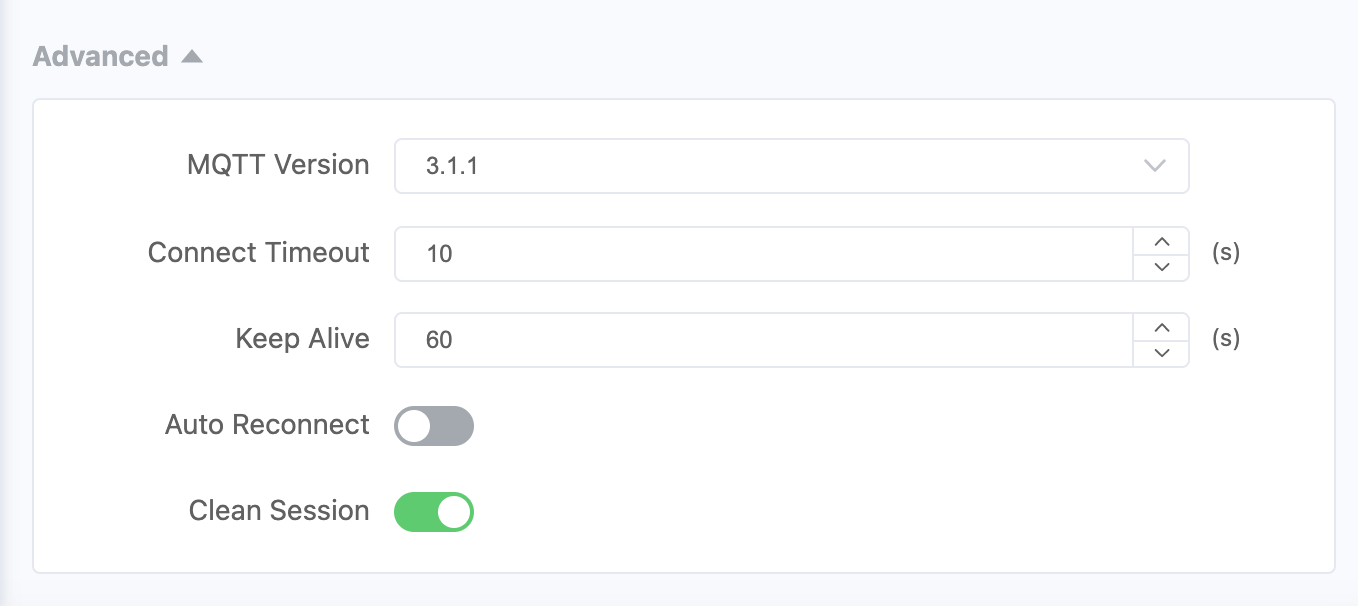
With 3.1.1
Hello,
I would like to retrieve an MQTT topic in a bash shell script, but I can’t find the exact syntax such as:
mosquitto_sub -h $server -t gladys/device/mqtt:pac/feature/mqtt:pac/state
I tested on MQTT X, it works.
Then I would like to get the payload value 0 or 1 later in the script.
I searched on Google but can’t find it.
Thanks for your advice.
Thanks Vincent, I did see that script, but when I replace « test » with the Gladys topic I can’t get it to work, I’ll keep looking.
@VonOx Everything works perfectly thanks to the script you posted, I just had to additionally install an MQTT client: " sudo apt-get install