mutmut
March 10, 2025, 4:26pm
1
Hello,
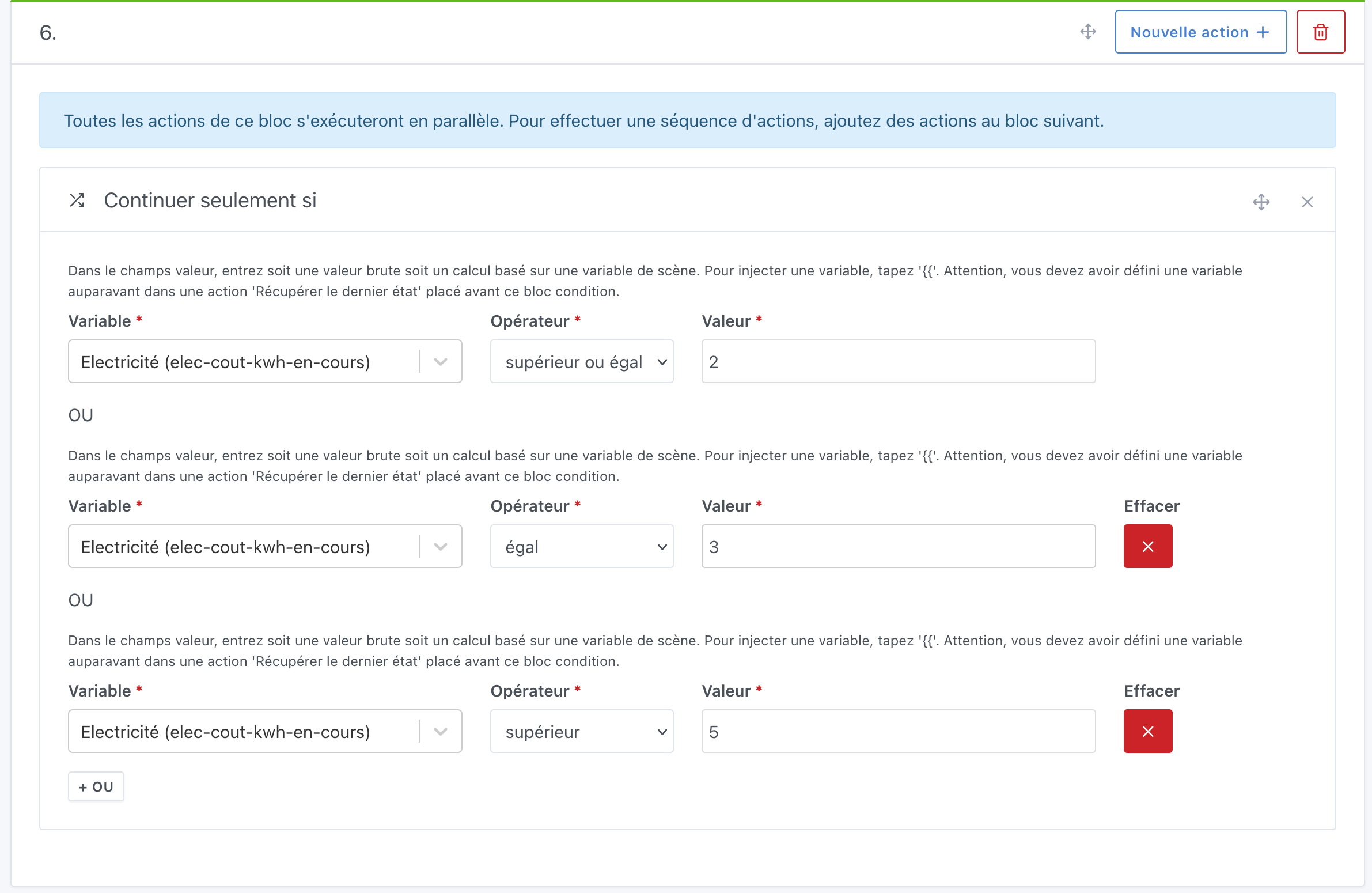
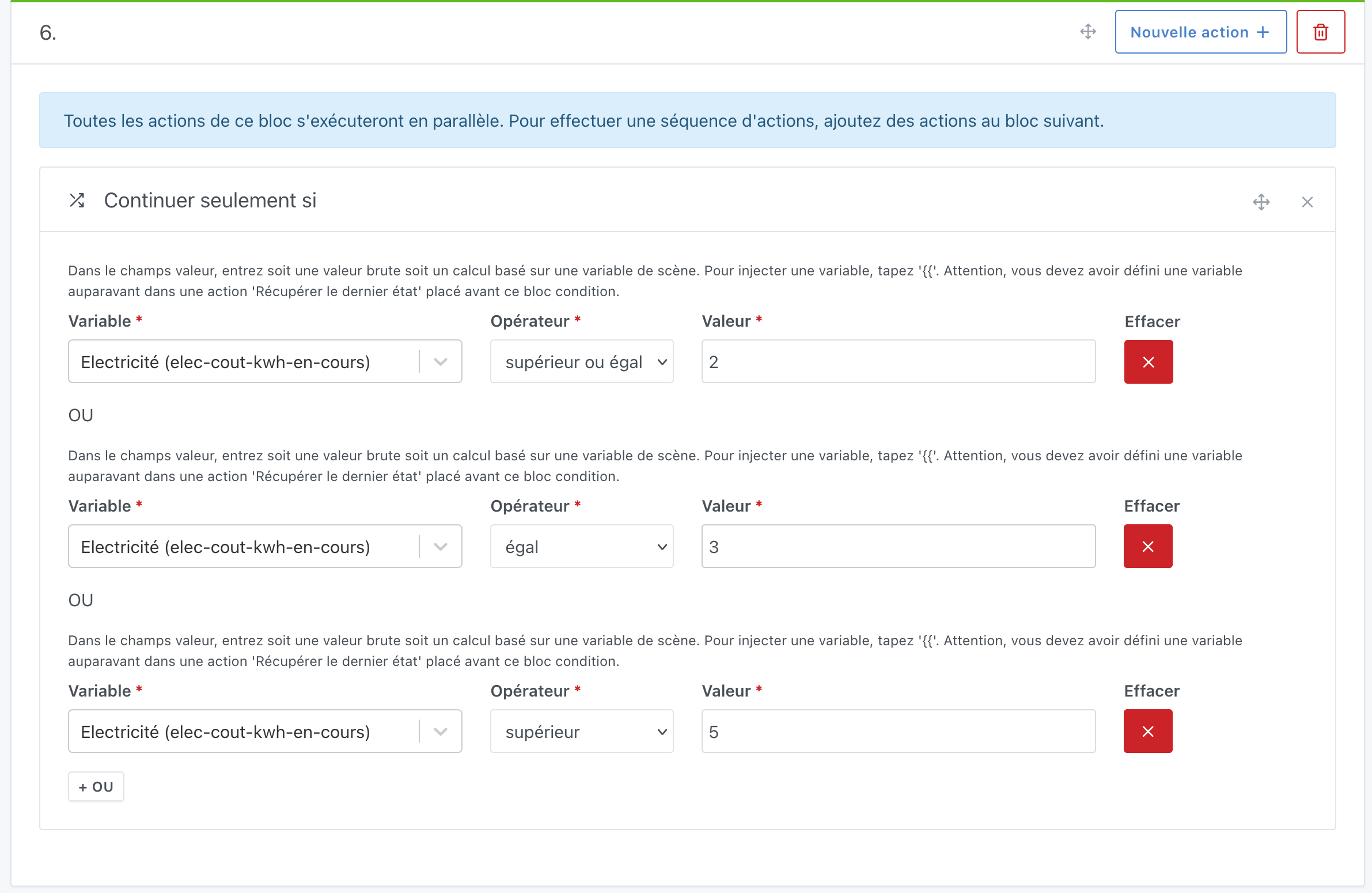
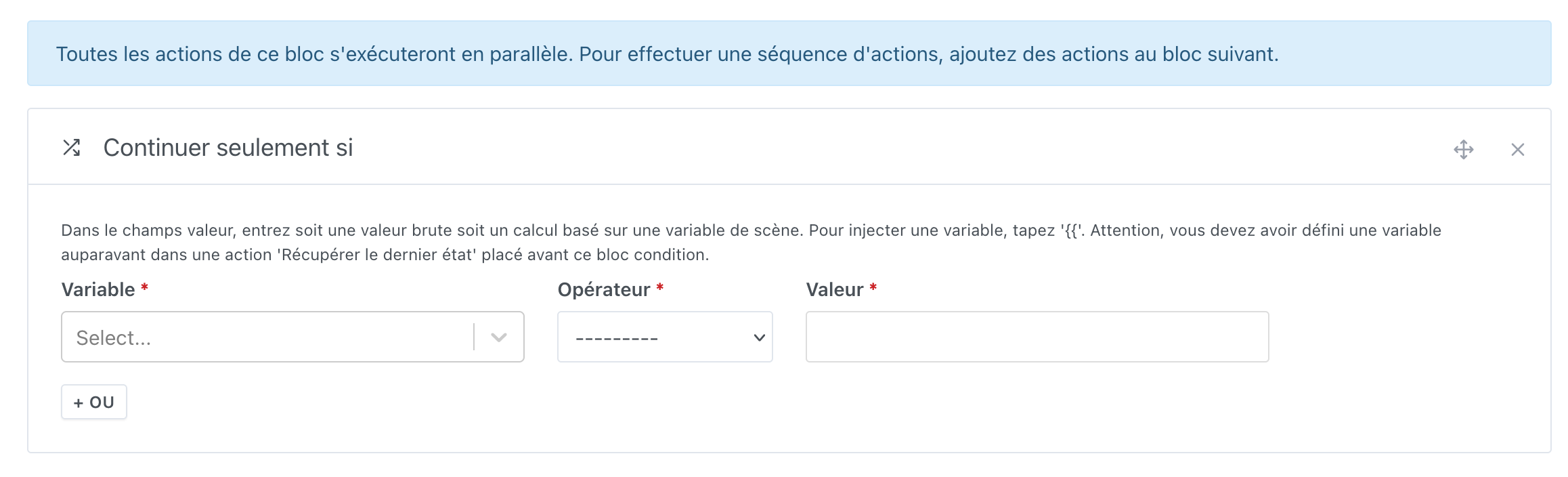
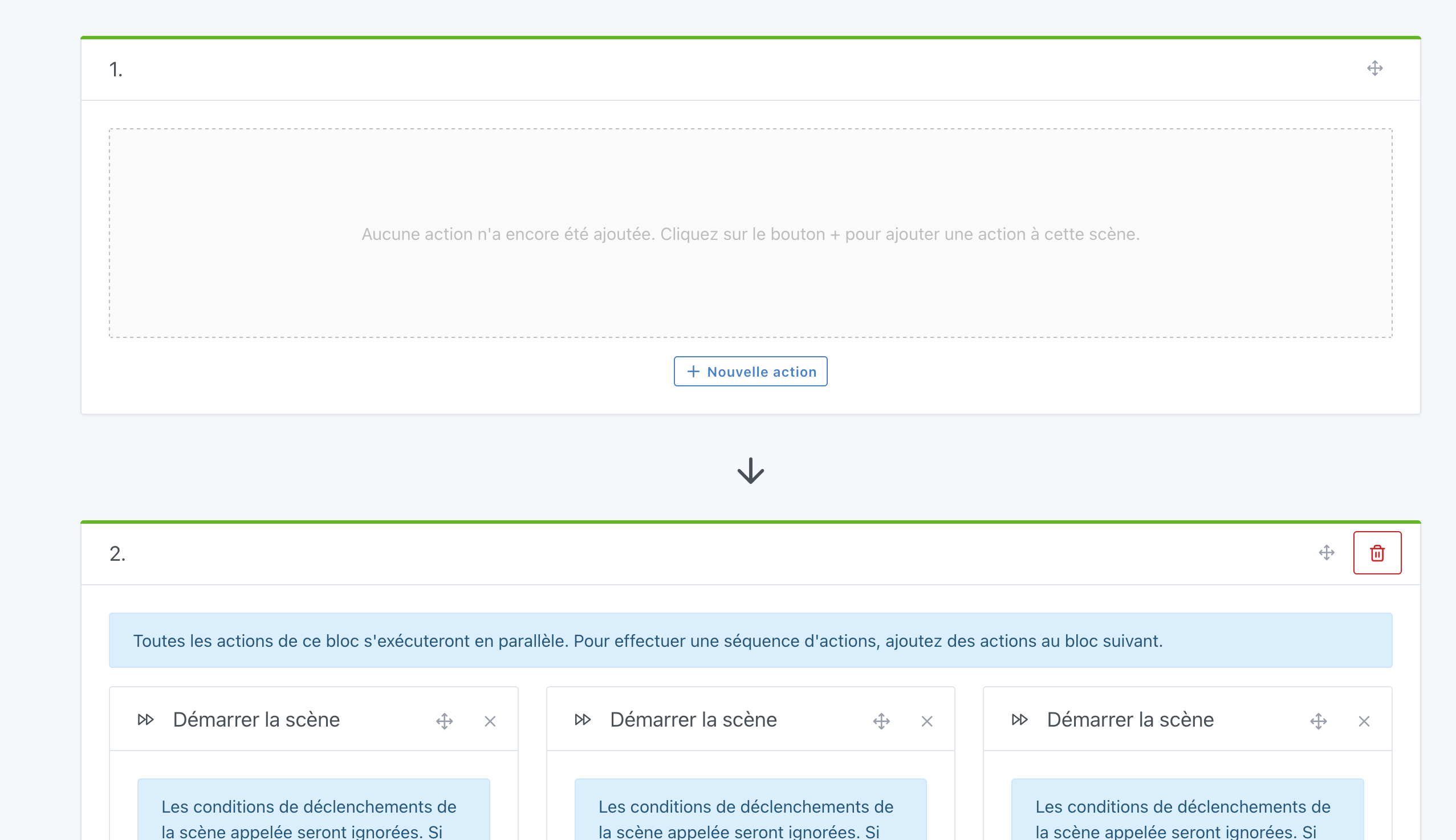
Is it possible to have a delete on each condition and for the delete to disappear when there is only one EMPTY condition?
and then I delete the only one left to reset the condition to 0.
guim31
March 11, 2025, 9:03am
2
I’m moving this to Feature Request because I think that’s where it belongs
Hi @mutmut
I totally agree with adding a “Delete” button to the “Continue only if” .
For the blocks, could you create a new request? It’s better to separate topics to keep discussions clear, and all the information should be in the first message
mutmut
March 21, 2025, 6:55pm
5
Hi @pierre-gilles , I’m on it and I’ll change the title!
EDIT: [Scène] Effacer bloc 1 si vide
mutmut
April 16, 2025, 4:36pm
6
Hello,
Hi @mutmut
I just fixed it in this PR :
master ← scene-can-delete-condition-even-first
ouvert 04:42PM - 02 May 25 UTC
… are multiple conditions
### Pull Request check-list
To ensure your Pull … Request can be accepted as fast as possible, make sure to review and check all of these items:
- [x] If your changes affects code, did your write the tests?
- [x] Are tests passing? (`npm test` on both front/server)
- [x] Is the linter passing? (`npm run eslint` on both front/server)
- [x] Did you run prettier? (`npm run prettier` on both front/server)
- [x] If you are adding a new features/services, did you run integration comparator? (`npm run compare-translations` on front)
- [x] Did you test this pull request in real life? With real devices? If this development is a big feature or a new service, we recommend that you provide a Docker image to the community ([french forum](https://community.gladysassistant.com/)/[english forum](https://en-community.gladysassistant.com/)) for testing before merging.
### Description of change
https://community.gladysassistant.com/t/ui-ameliorer-continuer-seulement-si/9419
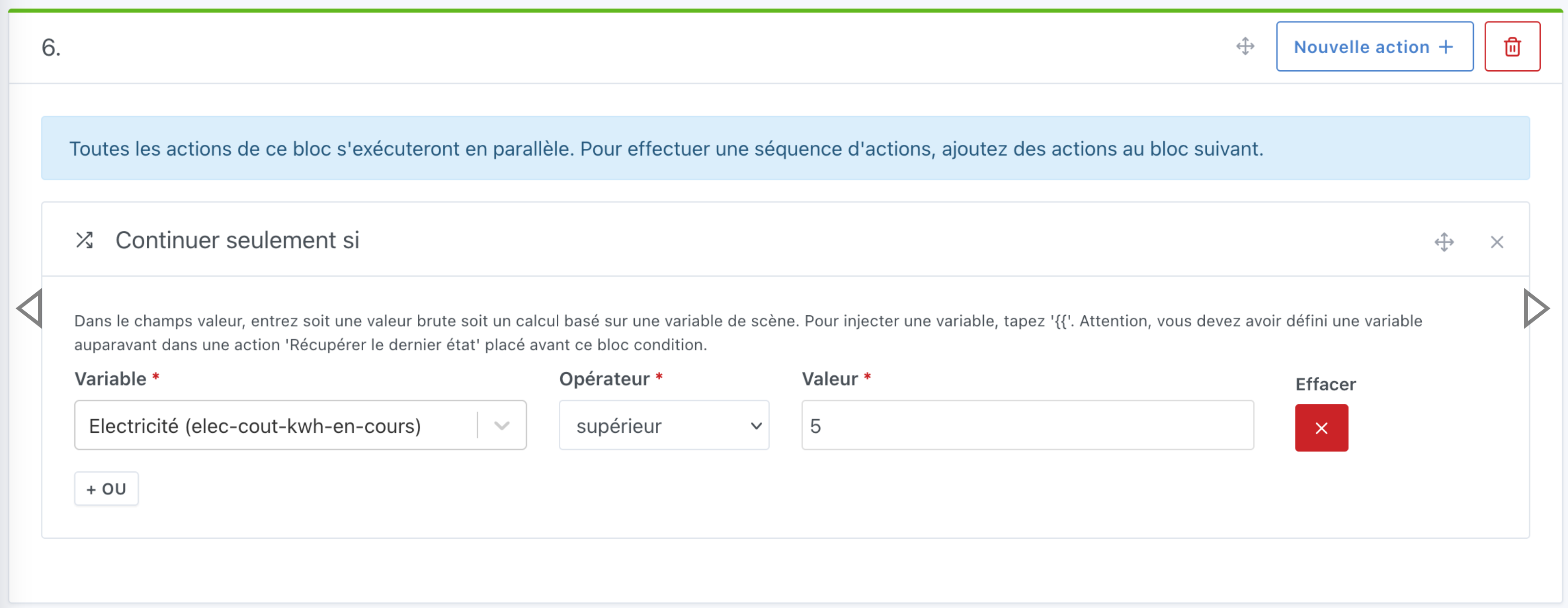
Now, all conditions can be deleted, provided there is at least one condition :
I have 2 conditions :
I remove the first one :
This new feature is available in Gladys Assistant 4.58:
Salut la communauté