I don’t particularly have an opinion, I admit I don’t know if the chart is intended for this use, but since it’s allowed, I was mainly pointing out that it displays like this and in this case it’s not very clear
Thanks for the feedback! We need to keep this in mind, as it’s currently complicated to display all the graphs on a single graph. 
Hey @euguuu,
umm… how do I test? sorry…
While reading on the forum, I get the impression that I need to switch from the latest tag to the dev tag, but that some people are playing on 2 instances.
Can I do without the two instances and only have the dev version, or is it not stable enough?
Thanks
Hello,
the only way I know is to start gladys in dev mode on the machine by putting the PR code, I don’t know how we can run this code directly on the PR
We are not in stable mode, I advise against launching this PR if you don’t know what you are doing
In general, what other developers do to get more feedback is to build an image on their Docker Hub account. This allows distributing an image that can be launched as easily as Gladys, as very few people have a dev environment setup.
If you’re interested, I can explain how to do it (it’s just clicking, it’s very simple)
Hello,
I just made new changes following some technical feedback on the PR, so I’m open to new tests.
I also made a Docker image available on Docker Hub.
To use it, there is the Gladys documentation available here:
The repository where the image is located is euguuu/gladys (the tag used is dev)
Thanks in advance
I just tested it! No apparent regressions for me, it’s perfect!!
Also, with the Docker image it’s much easier to test!
Great job
Just to know, what do you still need to get this service into production?
Cool, I’ll try to run some tests but it won’t be before the weekend of the 21st, so maybe it’ll be in production before then 
Hello,
I have just made some new (final) changes following a few technical comments on the PR, so I would welcome further testing
I have published the new Docker image,
Thanks in advance
I’ll take care of it tomorrow!
Hello!
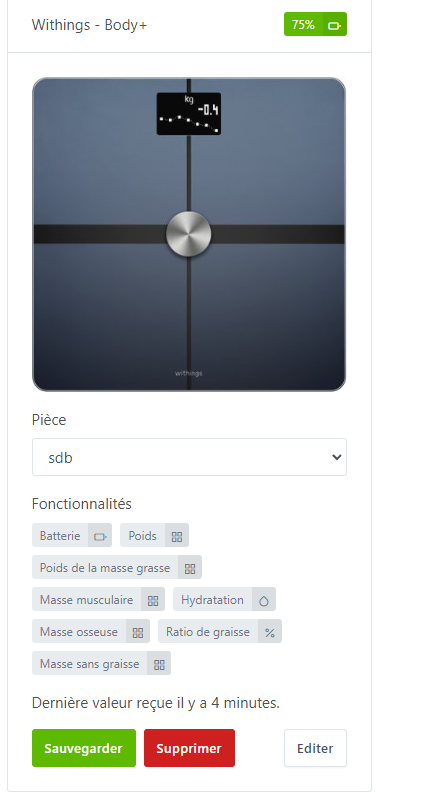
Nothing to report except for one thing: how do you select the user?
Otherwise the integration is OK for me apart from this selection
Hi,
thanks for the feedback.
For now we can’t select a user; the devices behave like a standard device assigned to a room.
In v2 I’ll try to add this notion of a user.
Hello,
I’ve updated the Docker image with the latest requested code changes. If anyone can test it, I’d appreciate it 
Good evening,
I’ve only just discovered this thread about Withings development !!!,
I own a scale and a Scanwatch, I’m willing to test if necessary.
I just tested your latest image (euguuu/gladys:dev) but the connection URL (http://gladys.local/dashboard/integration/health/withings/settings) is not recognized — I did replace gladys.local with the local IP of my Gladys instance.
On the developer.withings.com page, I clicked « Create Application » then « Public API integration » and then I accessed the Information page 2 where you enter the URL.
Is that the correct procedure?
Note that the Health Mate app was already installed on my phone
Good evening
With the Docker image, I think it’s better to use localhost instead of Gladys.local
If you still have an error message, could you take a screenshot for me please?
Good evening @euguuu,
I have the same error with the IP or localhost
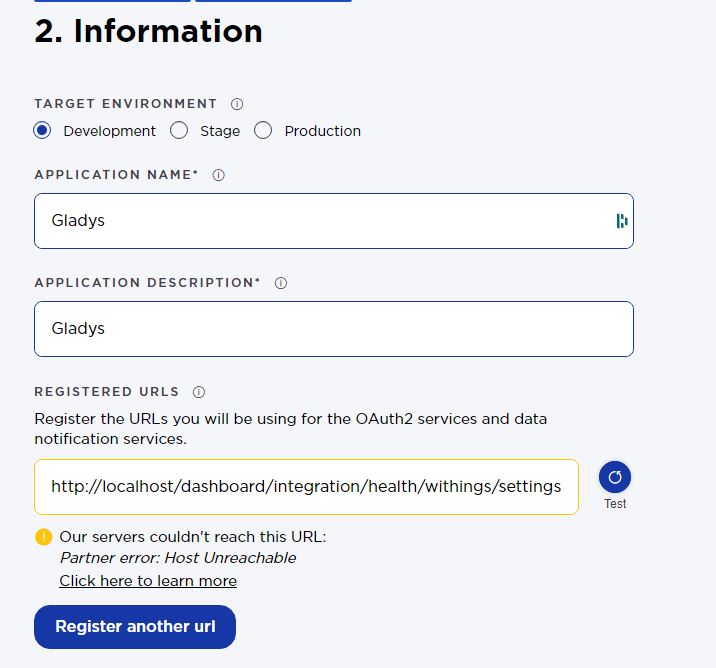
But actually, I didn’t continue because the URL test caused an error.
By continuing the configuration despite this error, I was able to obtain the IDs on the next page and integrate everything into Gladys without any problem.
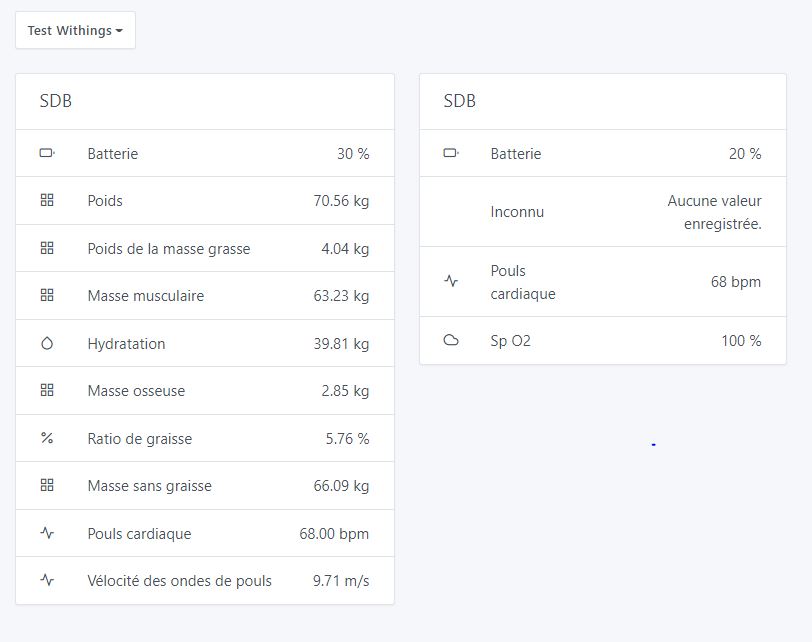
Here is my dashboard after integrating the scale and the watch:
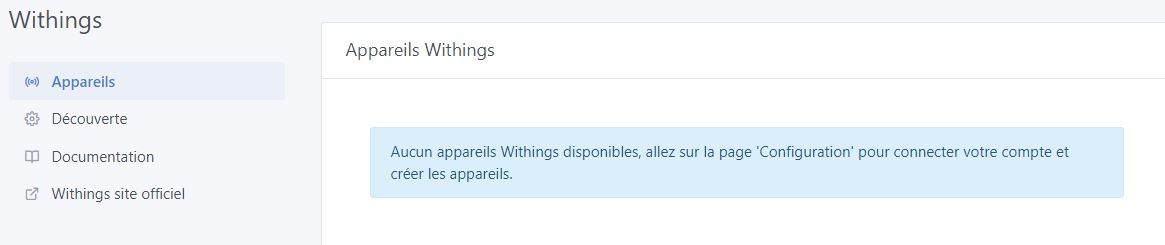
Just one detail to note on the Gladys config page: you ask to go to the « Configuration » page whereas in the left menu it’s called « Discovery »
Nice integration! Well done!
Have a good evening.