Thanks for the feedback,
I’ll add a note in the documentation to indicate that this warning message should be ignored and to change the menu label.
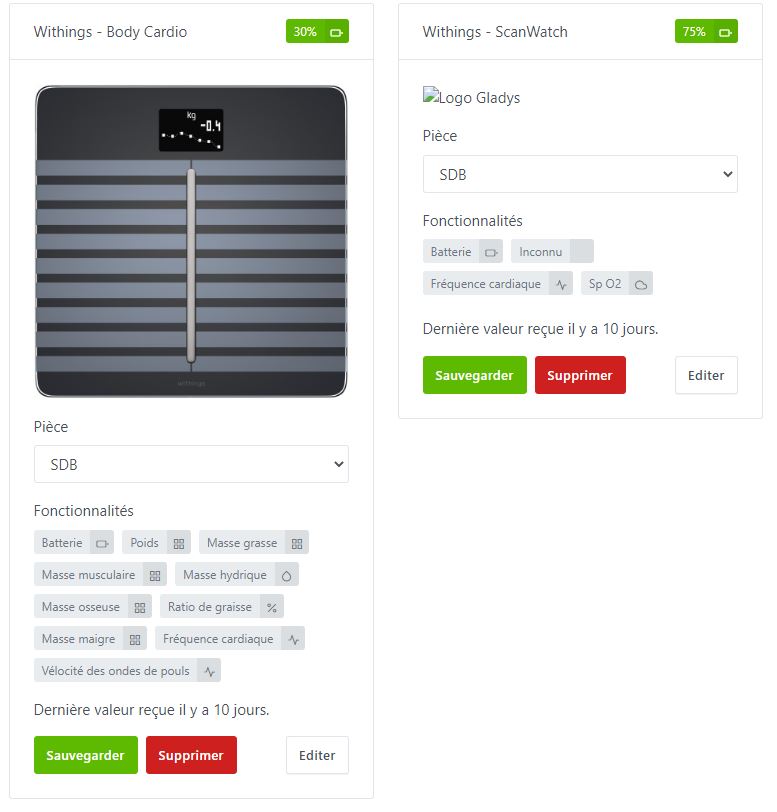
I’ll also try to handle the « unknown » feature at least minimally so that
Thanks for the feedback,
I’ll add a note in the documentation to indicate that this warning message should be ignored and to change the menu label.
I’ll also try to handle the « unknown » feature at least minimally so that
Good evening @euguuu,
A few brief notes after a day of testing:
1 Scanwatch watch:
2 Body Cardio scale :
More generally, I think the following terms are more appropriate:
« Heart rate » instead of « Cardiac pulse »
« Fat mass » instead of « Fat mass weight »
Hello,
In general:
for the particular cases of watches (and also sleep-tracking devices):
I will take your comments on the translations into account along with the other changes above
Thanks for your feedback!
@euguuu In any case, the watch’s live data isn’t particularly useful in Gladys, since you can read it directly on the watch you’re supposed to be wearing, so development in that direction isn’t necessarily useful!!!
[quote="euguuu, post
@jparbel I made the changes to the translations and added the new measurement types, could you retest to verify that there are no more unknown features? (by reloading the same docker image)
on the battery values, I checked the values I set and they are:
I set these values to be sure to have a red, yellow or green color on the device battery icon, but I can set the max value if you prefer
In the doc, we’ll need to indicate that it’s approximate and that there’s nothing we can do about it.
@euguuu
I just loaded your latest image, but I notice the data aren’t updating; they’re the same as in my first test, from 10 days earlier.
@jparbel, did you disconnect and then reconnect your Withings account (or delete and recreate the devices)?
Normally the « unknown » feature should not appear with the new version.
@euguuu No, I haven’t made any changes to my account or to my devices. Is there any need to do so?
To recreate the features, yes, and it will retrieve all the measurements (otherwise, for the measurements you have to wait 1 day before you see them arrive)
Good evening @euguuu,
I won’t be able to test for about 15 days.
See you soon.
Good evening @euguuu,
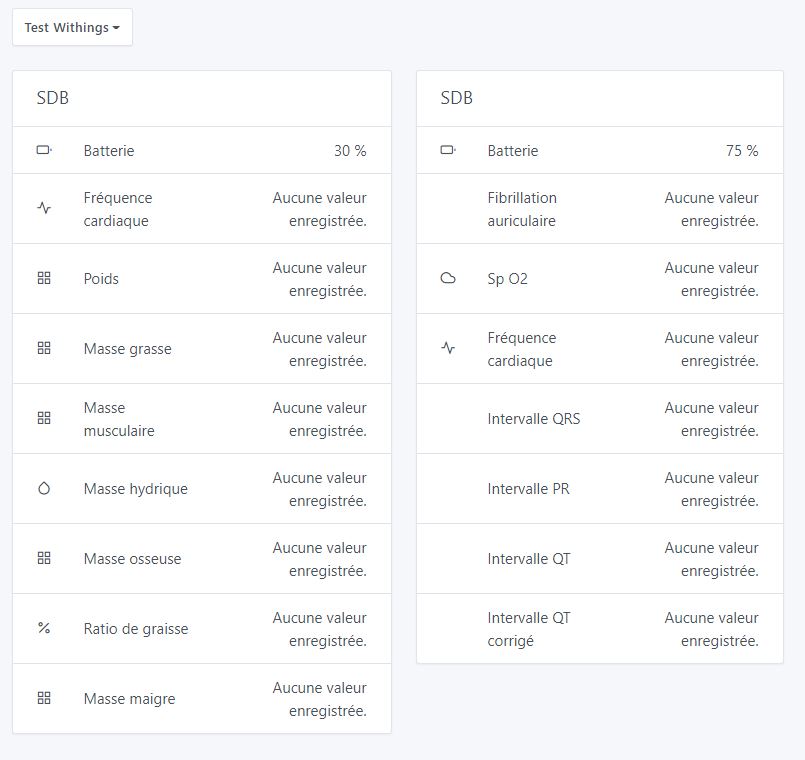
I’m back, and I just tested your image posted 18 days ago; here is what I get after logging out of the Withings account and then logging back in.
Maybe we need to wait one day?
Hello,
@jparbel thanks for the tests, normally the measurements should arrive right away but basically with my last changes I totally messed up …
I fixed the issue and made a new image available for testing
Good evening @euguuu
I just installed your release, but I still don’t have any readings, despite logging out of and back into my Withings account
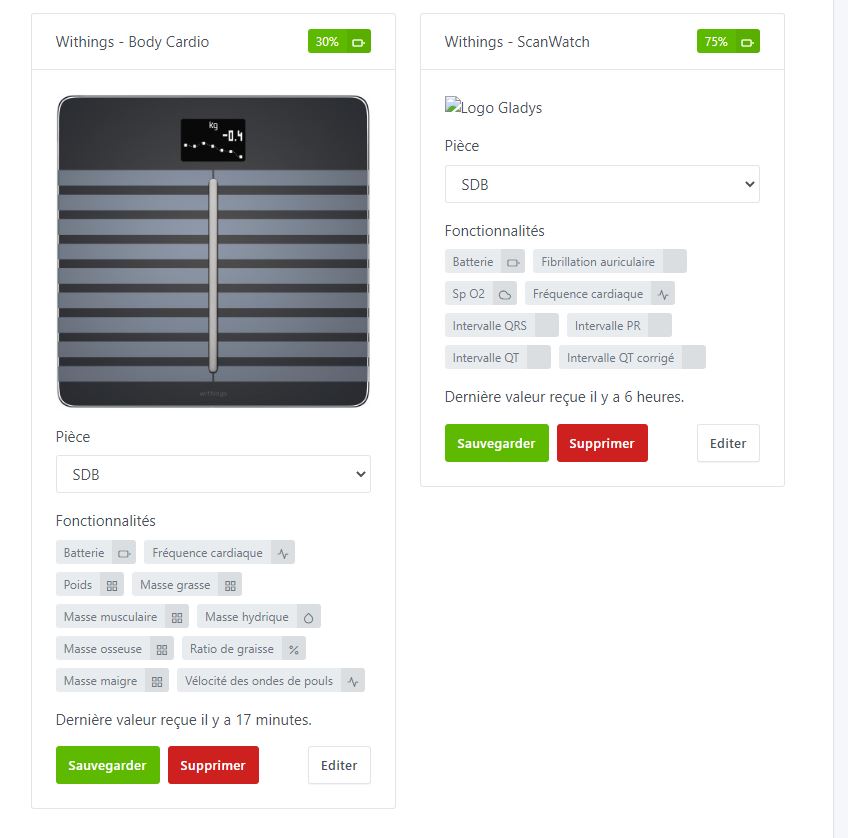
Did you remove the Docker image properly? On the list of Withings devices, do you have an image showing on your watch and icons on all the features (I should have fixed that problem as well)?
@euguuu Yes, I remove everything each time, container and Docker image, but I’ll try a new installation to confirm.
@euguuu I just tried a fresh install of your image, and I’m still not getting any values.
Here’s an excerpt from the docker log, if that helps:
« 2022-12-12T20:56:09+0100 \u003cerror\u003e device.poll.js:23 (DeviceManager.poll)
There was an error while polling device withings-body-cardio\n »,« stream »:« stderr »,« time »:« 2022-12-12T19:56:09.819262064Z »}
{« log »:« 2022-12-12T20:56:09+0100 \u003cerror\u003e device.poll.js:24 (DeviceManager.poll) TypeError: Cannot read property ‹ value › of undefined\n »,« stream »:« stderr »,« time »:« 2022-12-12T19:56:09.822504961Z »}
{« log »:" at WithingsHandler.poll (/src/server/services/withings/lib/withings.poll.js:19:102)\n",« stream »:« stderr »,« time »:« 2022-12-12T19:56:09.822617124Z »}
Have a good evening
@euguuu If you need additional tests, don’t hesitate, maybe I didn’t integrate it correctly.
Have a good day.
Hello,
I’ve just remade an image that I hope will fix the problem — can you retest it, please?