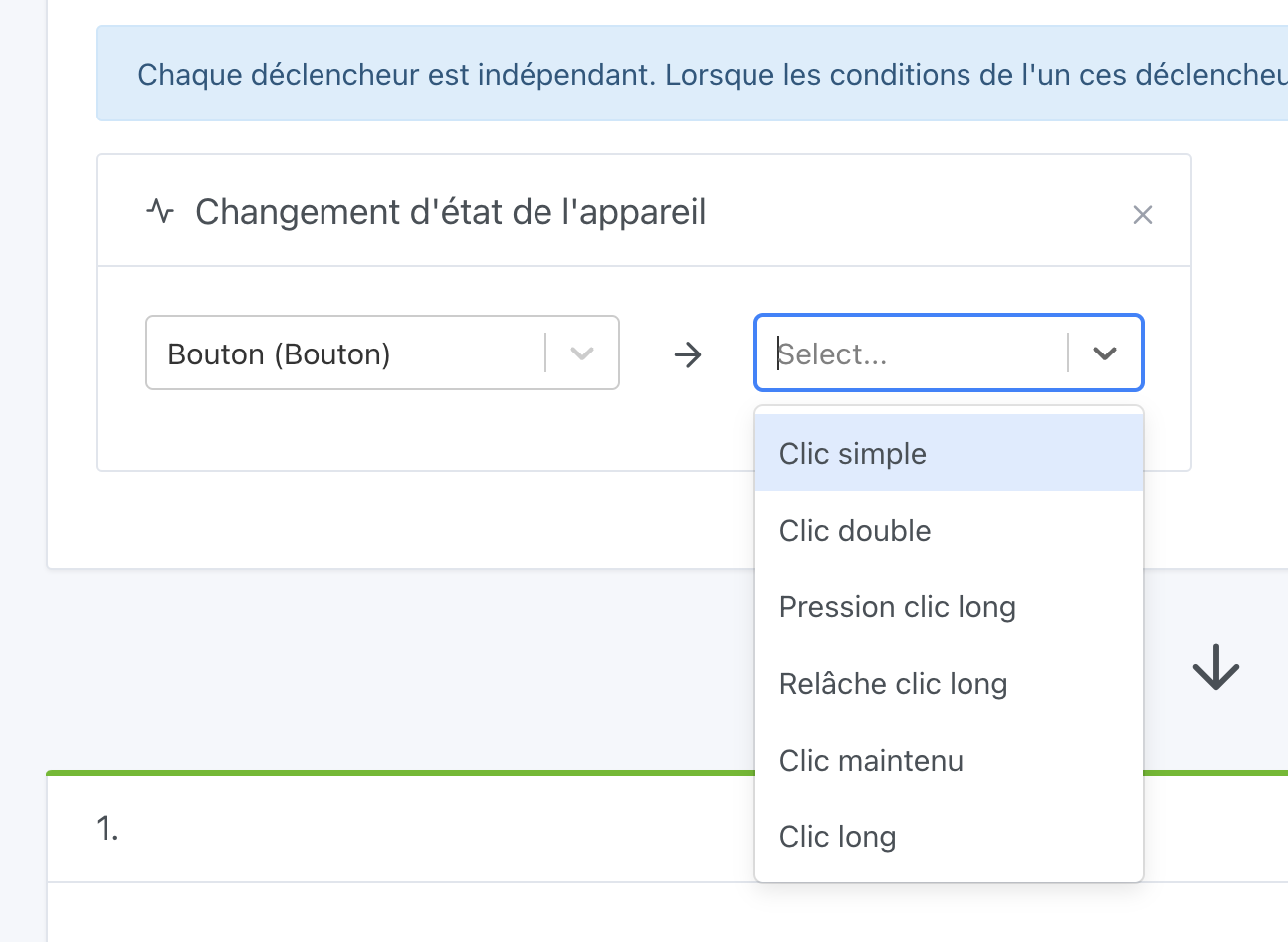
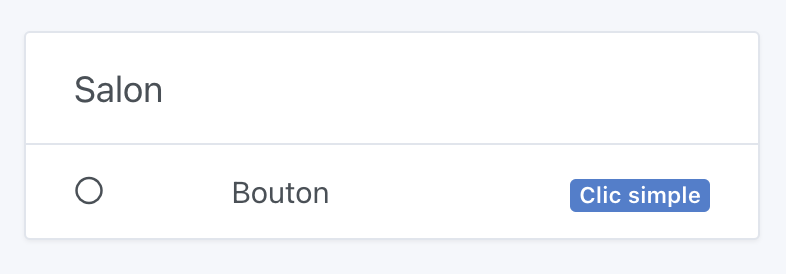
So I looked into the thing a bit more,
so the files to modify would be:
server/services/zigbee2mqtt/exposes/enumType.js
 addMapping('action', BUTTON_STATUS.CLICK, 'single');
 addMapping('action', BUTTON_STATUS.DOUBLE_CLICK, 'double');
 addMapping('action', BUTTON_STATUS.TRIPLE_CLICK, 'triple');
 addMapping('action', BUTTON_STATUS.QUADRUPLE_CLICK, 'quadruple');
 addMapping('action', BUTTON_STATUS.MANY_CLICK, 'many');
 addMapping('action', BUTTON_STATUS.HOLD_CLICK, 'hold');
 addMapping('action', BUTTON_STATUS.LONG_CLICK, 'long');
and the file server/test/services/zigbee2mqtt/exposes/actionEnumType.test.js
const { assert } = require('chai');

const enumType = require('../../../../services/zigbee2mqtt/exposes/enumType');
const { BUTTON_STATUS } = require('../../../../utils/constants');

describe('zigbee2mqtt action enumType', () =\u003e {
  const expose = {
    name: 'action',
    values: ['single', 'long', 'short', 'double', 'triple', 'quadruple', 'many', 'hold'],
  };

  [
    { enumValue: 'single', intValue: BUTTON_STATUS.CLICK },
    { enumValue: 'double', intValue: BUTTON_STATUS.DOUBLE_CLICK },
    { enumValue: 'triple', intValue: BUTTON_STATUS.TRIPLE_CLICK },
    { enumValue: 'quadruple', intValue: BUTTON_STATUS.QUADRUPLE_CLICK },
    { enumValue: 'many', intValue: BUTTON_STATUS.MANY_CLICK },
    { enumValue: 'hold', intValue: BUTTON_STATUS.HOLD_CLICK },
    { enumValue: 'long', intValue: BUTTON_STATUS.LONG_CLICK },
  ].forEach((mapping) =\u003e {
    const { enumValue, intValue } = mapping;

    it(`should write ${enumValue} value as ${intValue} value`, () =\u003e {
      const result = enumType.writeValue(expose, intValue);
      assert.equal(result, enumValue);
    });

    it(`should read ${intValue} value as ${enumValue}`, () =\u003e {
      const result = enumType.readValue(expose, enumValue);
      assert.equal(result, intValue);
    });
  });

  it('should write undefined value on missing enum', () =\u003e {
    const missingEnumExpose = {
      values: ['single', 'short', 'double', 'triple', 'quadruple', 'many'],
    };
    const result = enumType.writeValue(missingEnumExpose, BUTTON_STATUS.LONG_CLICK);
    assert.equal(result, undefined);
  });

  it('should write undefined value', () =\u003e {
    const result = enumType.writeValue(expose, 7);
    assert.equal(result, undefined);
  });

  it('should read enum value', () =\u003e {
    const result = enumType.readValue(expose, 'unknown');
    assert.equal(result, undefined);
  });

  it('should have multiple indexes', () =\u003e {
    const result = enumType.getFeatureIndexes(['1_single', '1_double', '2_single']);
    assert.deepEqual(result, [1, 2]);
  });

  it('should have no indexes', () =\u003e {
    const result = enumType.getFeatureIndexes(['single', 'double']);
    assert.deepEqual(result, []);
  });
});
Should we also touch enumType.getFeatureIndexes([‹ single ›, ‹ double ›]);?
And I also noticed that when you hold the button down, it shows long and when you release it afterwards it shows release.
Yet another state