Hello
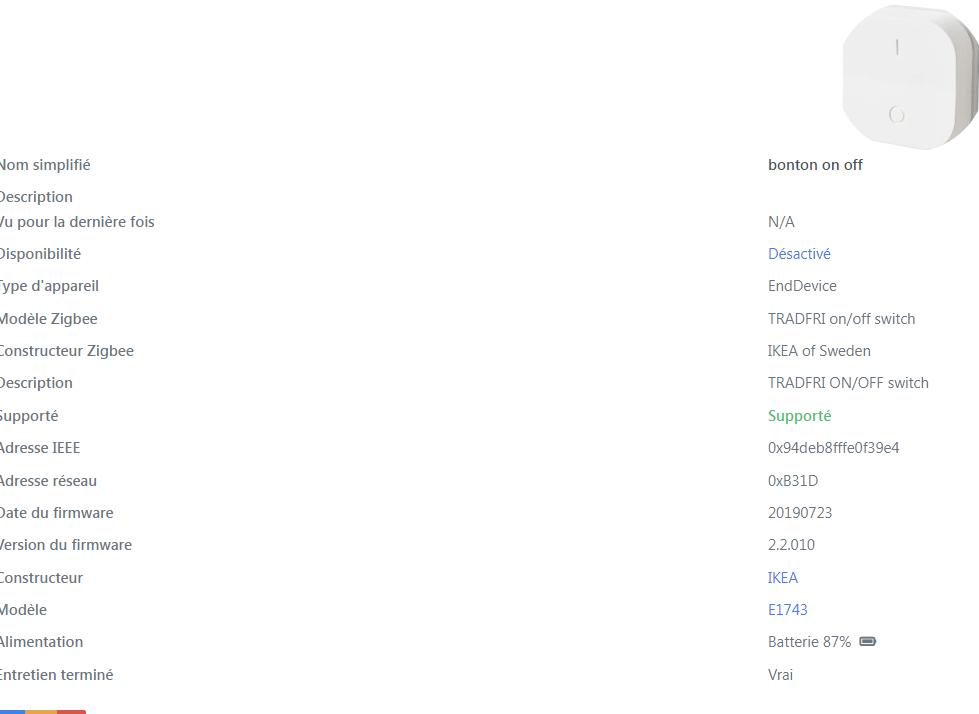
I bought an on/off button at IKEA using Zigbee (that’s all that’s available now). It’s well recognized in Zigbee2MQTT. Pairing was difficult because the manual says to hold the pairing button for 10 seconds, whereas the method I discovered by chance is to click 3 times quickly. In short, it pairs and everything, but in Gladys it’s impossible to make a simple on/off push button work — the values returned by this button: in Gladys scenes you can’t set On/Off, only numeric values, so it doesn’t work.
My question: what solution is there to make a simple button work? Is this under development?
Thanks
Quick search, yes it’s in development
just an idea like that in the meantime.
maybe use Node-RED to convert text to numbers and vice versa.
that’s what’s done for the 433 MHz.
hello
with the new version my IKEA button appears correctly and also in the dashboard, with 2 push buttons, on and off, however there’s still no way to make it work — values returned by Z3M are off and on
can we make it work by another means? without using Node-RED?
or do we have to wait for a development?
it is obvious that with the multitude of devices on the market that all send different values it gets complicated, we could for example in the integration create a choice like 1 = on and ask the user to match their choice.
example in Gladys 1 corresponds to on and 0 to off — in the integration I put whatever I want: on, off, turned on, running, power, etc., and Gladys takes care of mapping that choice?
well I’m not a programmer but it’s an idea
in any case Gladys is progressing really well and I’ve already convinced some work colleagues
congratulations to everyone
@pascal_sapin On the dashboard, what do you see?
Can you send us the link to that button in this list: https://www.zigbee2mqtt.io/supported-devices/?
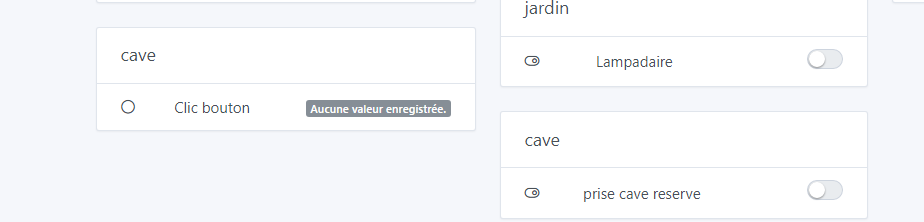
Looking at the page you sent me, I see this:
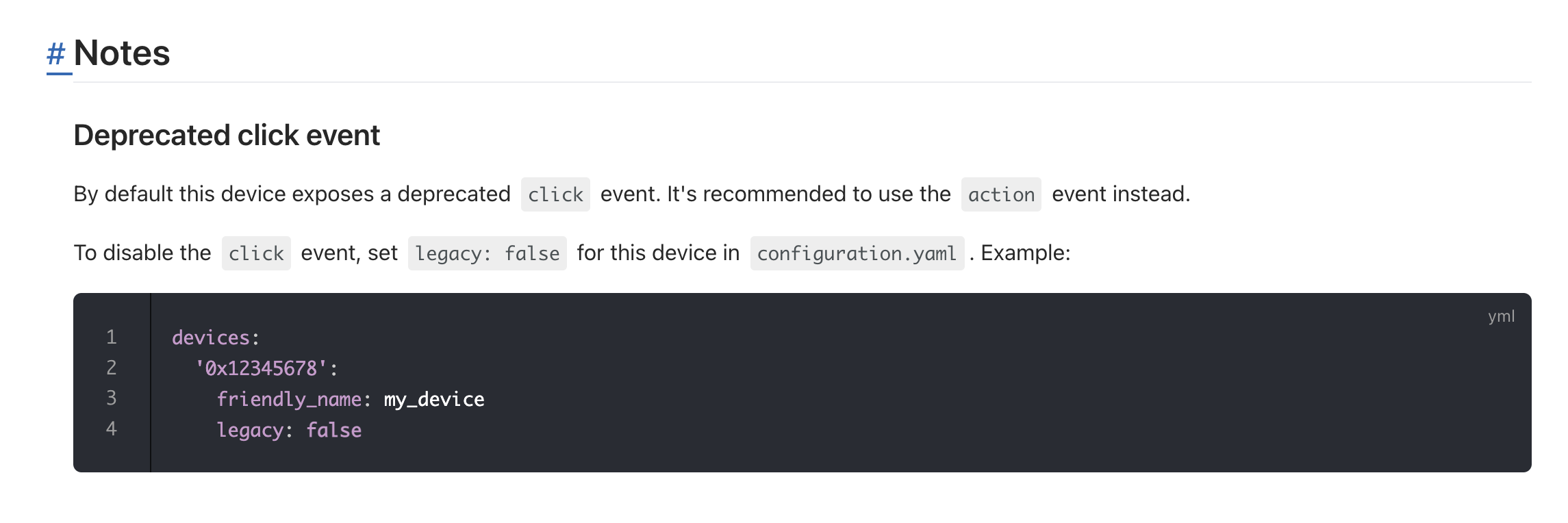
@AlexTrovato Are we affected by this message? Is Gladys handling only the « click » event or do we need the « action » event?
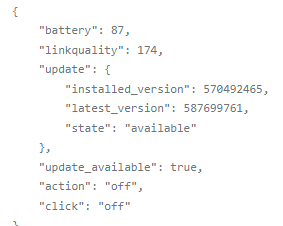
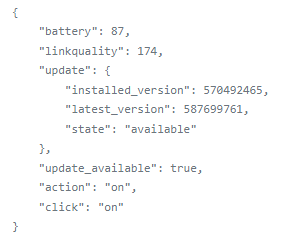
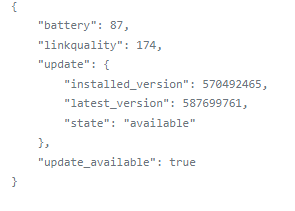
So, what does the interface look like in Gladys? (on the dashboard, and in the scenes?)
I’d like a screenshot
Actually, I don’t understand the logic of the clicks — is it indeed a device state
Yes, that’s right
But that’s strange — we agree your device doesn’t handle all those clicks; it’s just « On/Off », right? If so, it’s misclassified by the Zigbee2mqtt integration in Gladys; it should just be in « On/Off » mode in Gladys.
At first glance, we’re already bound to the action event and not click.
We can therefore disable the event without any problem.
However, I just noticed a potential risk: we’re using the z2m latest image.
"Image": "koenkk/zigbee2mqtt:latest"
Okay, my question is: does this button work with Gladys? Or is it for future development?
So no, indeed, this button is currently not supported by Gladys, because the values it sends are not considered button/click values :
Action (enum)
Triggered action (e.g. a button click). Value can be found in the published state on
ok thanks then , I’ll put it aside for now
one last little question
I have an Aqara leak sensor, here is the screenshot, when there’s no leak it says « NO » but the background is red instead of green — shouldn’t it be the other way around?
Lol yeah that must be me, generally NO it’s not good… we’ll look into it. If you have time to create an issue on GitHub, so we keep it in mind.
Haha it’s always the same YES / NO issue depending on what’s expected of the sensor.
Leak = yes = 
Opening = yes =
Lamp = yes = 