Hello everyone (and everyone else, if there are any)
I acquired a Sonoff SNZB-01 button. It is supposed to respond to single click, double click, and long press.
But I don’t see how to take advantage of the long press, because the values returned by the button are « 1 » for single click, « 2 » for double click, and « long » for long press (these are the values I see appearing on the dashboard page).
It seems to me that the states of the buttons in the scenes can only be numerical values [when I type « long », the scene save is refused, and any other numerical value other than 1 and 2 has no effect].
So how do I make Gladys understand that « long » is a numerical value?
TL;DR
To my knowledge, Gladys still does not support long press.
Explanations
Gladys is still relatively young, and some features supported in the services used are not supported in the core of Gladys. In your case, the Zigbee service (which is an integration with the Zigbee2MQTT project) allows support for a huge number of different devices, some of which have features not yet supported.
In particular, long clicks, features specific to a few devices, heating thermostatic heads, etc.
I think @cicoub13 had proposed adding « 3 » for the long click as a first step, but that a more permanent (and understandable?) solution really needed to be considered.
Hello,
thank you for your responses.
First question: what physically does the button correspond to the LONG_CLICK event?
Second question: I understand that the three functions of the Xiaomi WXKG06LM button are already processed by Gladys; is this also valid for the Sonoff now, or will it be in a future update (when)?
Thank you again, have a good day,
JPL
On this point, I think the manufacturer’s manual will be clearer than me, I don’t have this device
From what I just tested, Gladys handles the « click », « double-click » and « long_press », but not the others.
Only you can tell us since you have the button at home
If things are missing, you can discuss with the developers of this integration on the forum (all the people in this discussion: Zigbee2mqtt - Debug)
Regarding a date, we generally don’t talk about dates, Gladys is a free community project managed by volunteers, so it generally depends on the availability of people
Knowing that not everyone has the devices of others, the best way to bring compatibility is to contribute yourself!
In this case, you would need to isolate all the keys that this Sonoff sensor returns, and add them to the constant files of the Zigbee2mqtt integration in a PR. Ideally, you would need to adapt the UI to avoid displaying « 1 », « 2 », but rather translated words
I confirm what I wrote to start this discussion.
1 - The manual for the « wireless switch » SNZB-01 (Sonoff’s name for it) is very brief; it only mentions single-click, double-click, and long press (at least 3 seconds of continuous pressure). I assume without much risk of being wrong that it is the latter that generates the LONG_CLICK event.
LONG_CLICK_PRESS and LONG_CLICK_RELEASE may not be generated (at all, or in a usable way) by the button.
2 - Gladys does detect the three expected events (1 click, 2 clicks, and long click), since the dashboard page displays them when they occur (results, respectively: « 1 », « 2 » and « long » [without the quotes, of course]).
3 - But Gladys does not know how to handle the long click in a scene, because the result does not seem to be numerical (if I judge by the string of characters that the dashboard displays, and by the numerical tests that I tried [<1, >2] to define my scene). In a scene, you must test a numerical value (the constant BUTTON_STATUS), and Gladys does not get it during a long click.
I would be happy to contribute to Gladys by providing some elements, within the limits of my limited skills (already, PR and UI don’t mean much to me …).
JPL
Ok, so indeed these values are missing in the constant on Gladys’s side.
Great! Everything can be learned
A PR is a « Pull Request », it’s a code modification request. In the project we use Github to host the code, and it’s there that anyone can propose code modifications in Gladys, to add a new feature, to fix a bug, etc…
Of course, not just anyone can make these changes directly without approval, every « PR » goes through a review done by members of the community.
During the review, changes can be requested (bad code style, changes in the interface, etc.), or directly approved if the code seems good, and the code will be integrated into Gladys.
I just signed up on Github (username: JPLalv), but I didn’t know how to formulate a PR for Gladys.
But never mind, in atrovato [Fix & clean NaN device state], I found this:
// Case for Button devices
case 'click': {
  switch (value) {
    case 'single':
      result = BUTTON_STATUS.CLICK;
      break;
    case 'double':
      result = BUTTON_STATUS.DOUBLE_CLICK;
      break;
    case 'hold':
      result = BUTTON_STATUS.LONG_CLICK;
      break;
    default:
      result = value;
  }
  break;
The Sonoff SNZH-01 button sends « single », « double » and « long ».
The module above uses « single », « double » and « hold ».
Does this explain it?
What I would do: keep the processing of « hold », since apparently some buttons send this code, and add the processing of « long » with the same result.
I don’t know JavaScript, but I would add something like:
case ‹ long ›:
result = BUTTON_STATUS.LONG_CLICK;
Thank you lmilcent.
Can you do it on my behalf? Thanks in advance.
Now, my previous question comes back: when will it be effective in Gladys, (do we need to wait for a new version)? It’s just a question; don’t see it as a desire on my part to provoke those who work on it, and whose production I admire!.
Actually, I would like my Sonoff button to work completely, which could also be useful for others: the said button is still on sale at Domadoo for 8.93 €.
JPL
// Case for Button devices
case 'click': {
  switch (value) {
    case 'single':
      result = BUTTON_STATUS.CLICK;
      break;
    case 'double':
      result = BUTTON_STATUS.DOUBLE_CLICK;
      break;
    case 'hold':
      result = BUTTON_STATUS.LONG_CLICK;
      break;
    case 'long':
      result = BUTTON_STATUS.LONG_CLICK;
      break;
    default:
      result = value;
  }
  break;
Complete the automatically pre-filled pull request
Validate and wait for a Gladys developer to approve the change
These changes are taken into account with each new version. Knowing that on average there has been an update every 2 weeks this year I think, it can be quickly deployed
A big thank you for your help and explanations.
Perhaps in the future, if the situation arises, I will be able to manage alone on GitHub.
As for JavaScript, I just have to dive into it.
However, for this PR to be integrated, two things are missing:
Unit tests: Gladys 4 is stable in the long term precisely because we test everything, it’s very important. Your PR doesn’t pass because the code coverage is not good (no tests written).
« Real » tests: In Gladys 4, we don’t test in production, we do real tests before merging. To do this, you need to build a Docker build of your branch, which can then be tested by someone who has hardware.
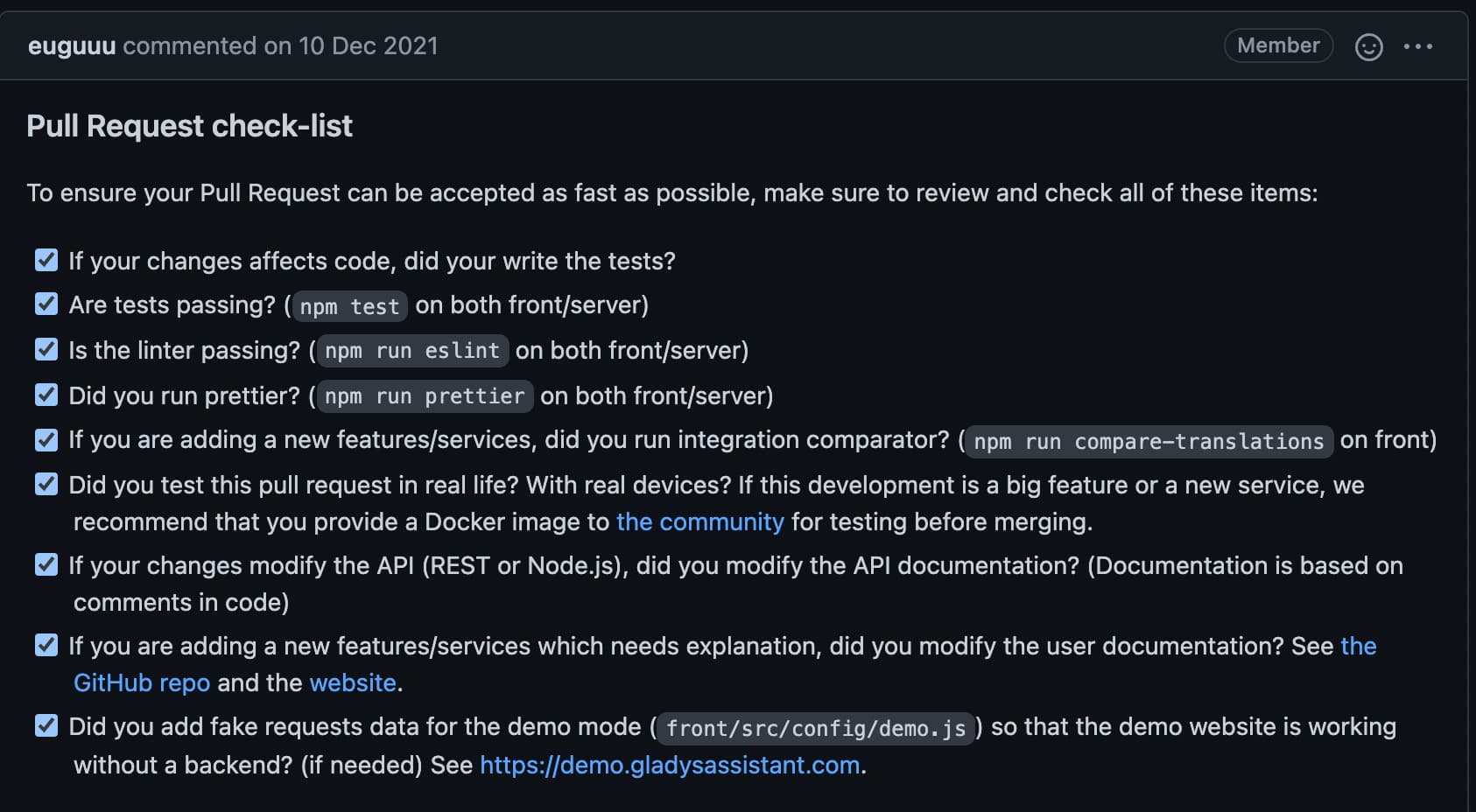
Normally when you create a PR there is a checklist that is pre-filled and must be filled out before merging, I have the impression that you removed it?
Yes, I confirm, it was indeed present. Given the modification, new tests should not be necessary, can we rely on the current tests?
I made the modification from my work, so from the GitHub web interface and indeed I did not test everything locally. That’s also why I did not leave the list, not having passed all the tests.
Yes but as a result, we don’t have the checklist that allows us to certify that everything is okay with this PR.
No, on this point we are very strict, if there is new code, there must be new tests to verify that the code works and will work in the future.
If you don’t write a test, potentially in 4 months someone removes the line, and it won’t cause any issues since there are no tests, and the one who will notice that it no longer works is the end user.
In Gladys 4 precisely, we are trying to be rigorous, it’s not up to the end user to realize that Gladys is broken with each new version, it’s our processes in place that verify that the software does what we want, now and in the next 10 years
Moreover, all this is not something I verify, it’s the continuous integration that verifies that each line written is well covered, via our code coverage tool.
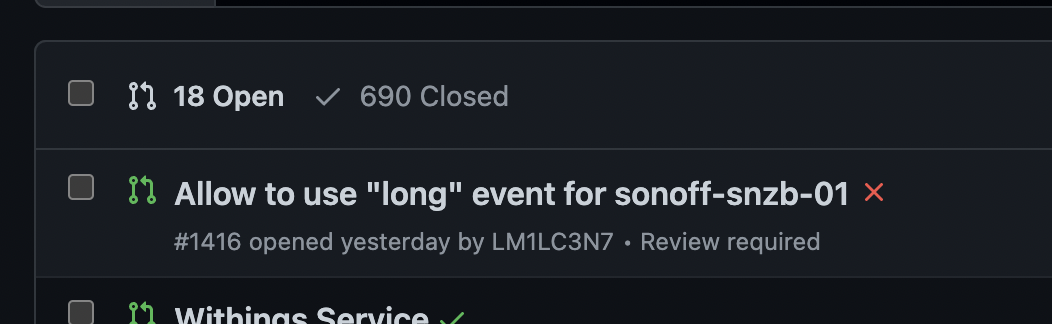
Your PR appears as « invalid » and the merge is blocked:
The Sonoff button sends « long ». It cannot send LONG_CLICK_PRESS or LONG_CLICK_RELEASE. Personally, I see no problem with the value taken by Button_status being 5 during a long press.
Which buttons (brands?) send long_click_press and long_click_release?
These two events seem strange to me…


 ?
?