I returned the Aqara E1 Door & Window Sensor (MCCGQ14LM) sensors.
I bought Sonoff SNZB-04 sensors compatible with Zigbee2MQTT which arrived today.
I put Gladys in Association mode, I pressed the button for 5s with a small object (the LED flashed 3 times) but the sensor did not appear in the Gladys interface.
I opened the Zigbee2MQTT interface on port 8080, I activated pairing and the sensor was discovered immediately. It then appeared in Gladys.
Moreover, when I activate the association in Gladys, it does not activate it in the Zigbee2MQTT 8080 interface, but the opposite works.
Any ideas to solve the problem?
Thanks in advance
Today (22/01/2022) I dive back into Zigbee2MQTT:
when I activate or deactivate the association in Gladys, it does the same thing in the Zigbee2MQTT interface… Cool!
when I activate the association in Gladys and press the pairing button, the device is well discovered… Cool!
So, my problems are solved
I’ve made the choice to invest as much as possible in the Zigbee protocol, especially given the prices. So I equipped myself with a good Zigbee2mqtt dongle and I use the list of supported hardware before each purchase… Even if it slightly reduces the possibilities!
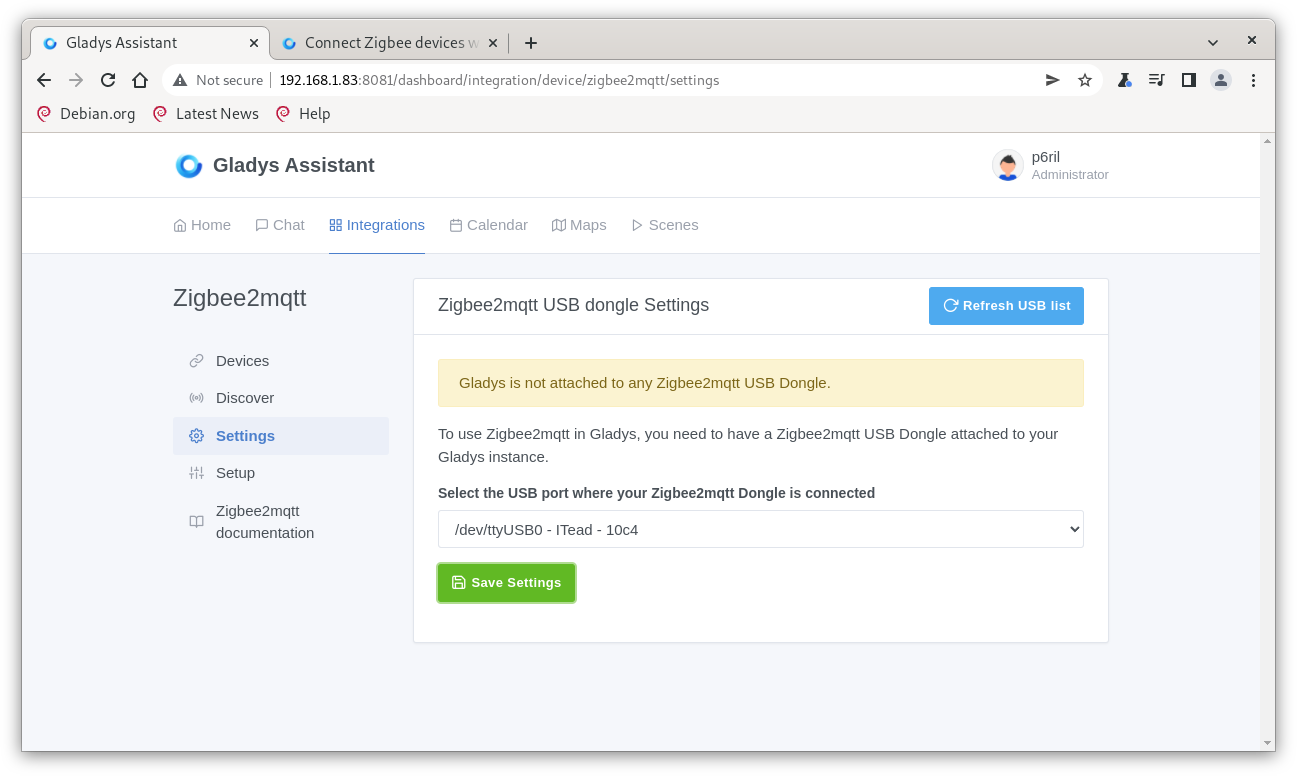
I have an issue with the Sonoff dongle. It is properly connected and seems to be detected by Gladys (it appears in the list of attached USB devices), but it never goes to the « configured » status when I click on « Save Settings ».
Do you have any idea what could be blocking it? How can I investigate the issue?
I am on the latest version of Gladys (4.8) deployed manually on docker. However, I specify that I am on a 64-bit version of raspiOS. I don’t know if this can have an impact.