Zigbee2MQTT with CC2652BLE SimpleLink dongle - It works!

Hello everyone,

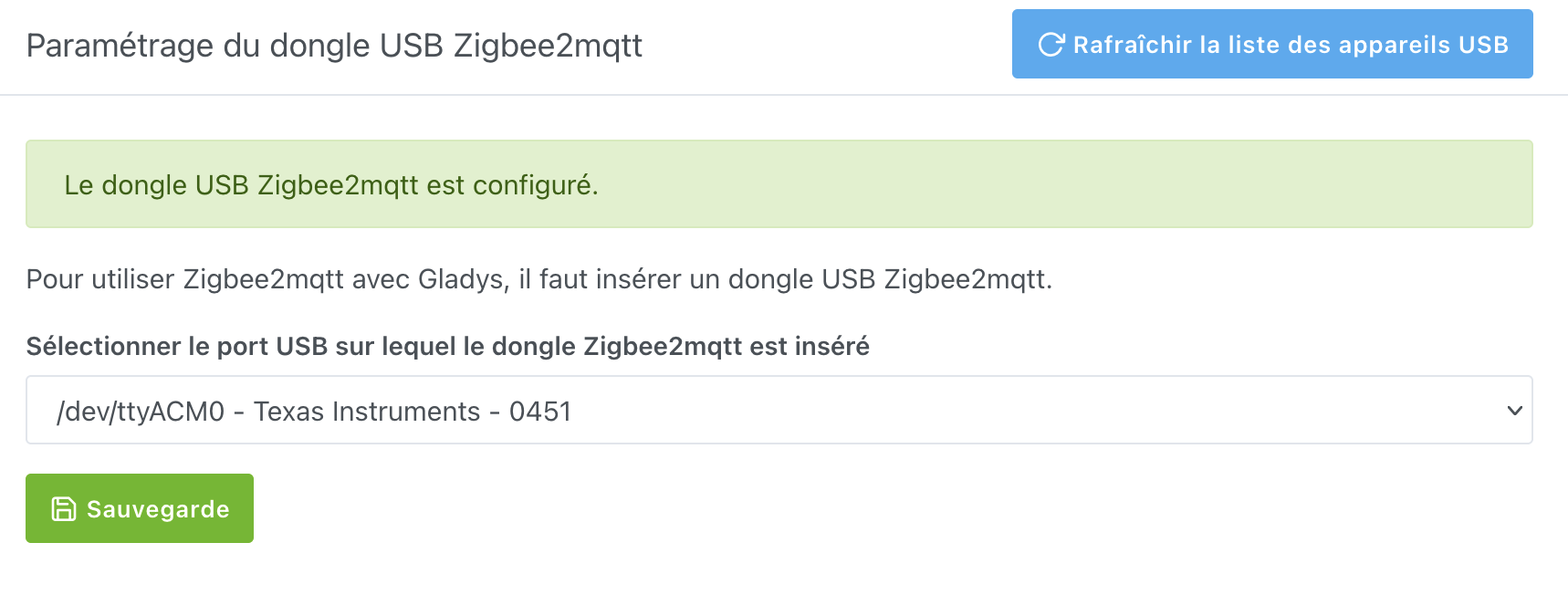
I bought a CC2652BLE Simplelink Adapter and Aqara door and window sensors (MCCGQ14LM). The integration with Gladys seems good:

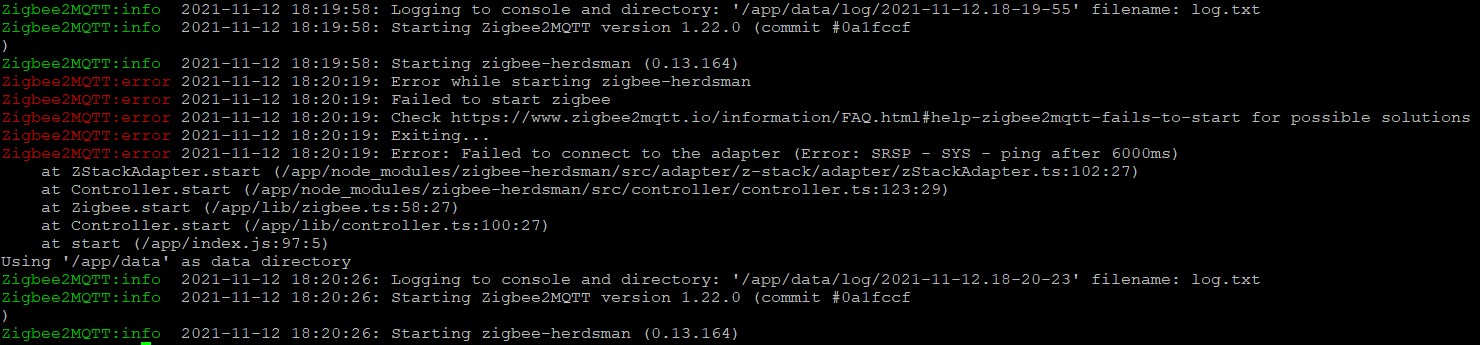
But I can’t pair the sensors. I have allowed the association, I keep the sensor button pressed and the LED blinks, I click on Scan and nothing appears. Here are the logs:

Any idea about the problem and a solution? Is it a CH340 driver issue?

Thanks in advance,
Gaëtan

According to the logs, zigbee2mqtt cannot connect to your dongle

Yes, that’s what I thought. I had connected it to ttyACM0 in the interface.
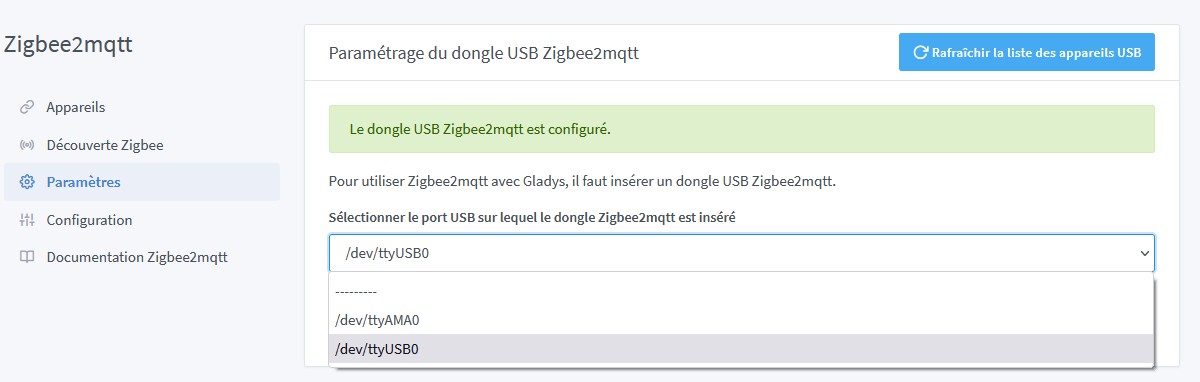
I changed it last night to ttyUSB0 but it didn’t make any difference.
I just unplugged it, saved the config with ----- as the adapter so that Glagys recognizes that the dongle is no longer there (if you don’t save, it still indicates that the adapter is present even after refreshing the USB device list).
I plug it back in and choose ttyUSB0, I activate Zigbee2mqtt
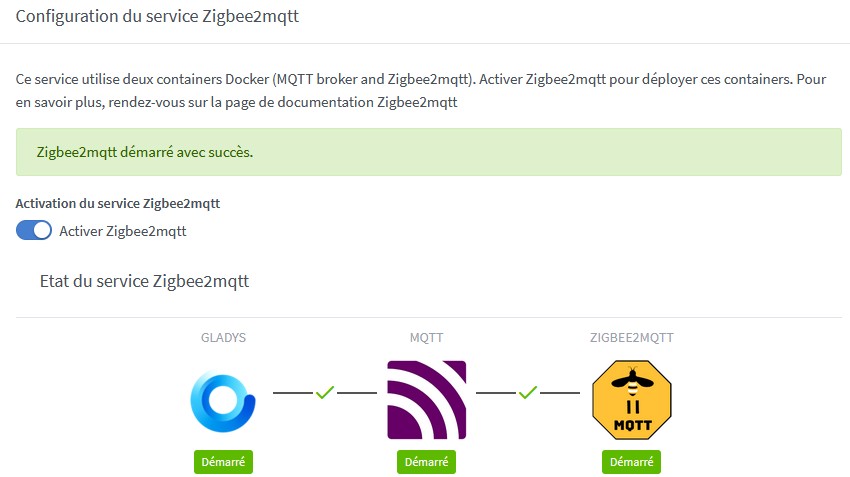
I have the red cross between MQTT and ZIGBEE2MQTT, even after a few minutes…
I go to Zigbee Discovery, I start a scan and I go back to Configuration so that the cross becomes a green tick (it’s the only way I’ve found to make the tick green)
I have the same logs.

I have a question: should I use the Gladys v4.6.0 installation or is this a test image?
I did the manipulations with Gladys v4.6.0

Hello.

Can you give us the results of the following two commands?

sudo cat /var/lib/gladysassistant/zigbee2mqtt/z2m/configuration.yaml | grep port

docker inspect gladys-z2m-zigbee2mqtt | grep PathOnHost

Hello @cicoub13

..@gladys:~ $ sudo cat /var/lib/gladysassistant/zigbee2mqtt/z2m/configuration.yaml | grep port
port: /dev/ttyACM0
port: 8080
et
..@gladys:~ $ docker inspect gladys-z2m-zigbee2mqtt | grep PathOnHost
« PathOnHost »: « /dev/ttyACM0 »,

Your USB dongle change in the interface was not taken into account (you should have ttyUSB0 in the second command). I will try to reproduce (and fix if there is an issue). In the meantime, you can:

  • delete the gladys-z2m-zigbee2mqtt container
  • properly select ttyUSB0 in the integration
  • disable/enable the service in the Configuration page

Thank you @cicoub13,
Should the USB dongle be placed in the interface on ACM0 or on ttyUSB?
In the documentation, it’s ACM0 in the screenshot.

How do you delete a container?
Is it:

docker ps -a

To know the container ID
then

docker rm *container ID*

The one where your dongle is connected (ttyUSB0 if I followed correctly).

Yes, you can do it that way.

I will first stop the container before deleting it.
Should I also delete the gladys-z2m-mqtt container?
I unplugged the dongle and plugged it back in.
The only adapter found in Gladys is ttyAMA0…

How do we know this in Gladys?

No, there’s no need.

You should have the name of your dongle next to it in the list.

No, there is no name, and I only have AMA0 now, even after refreshing the USB adapter list.
I changed the dongle port on the powered hub connected to the rpi, but that didn’t change anything.
I created a new topic to simplify tracking and searching

Thanks @VonOx :smiley:,
I did indeed feel like I was « polluting » the topic with my issue :+1:

Silly question but did you flash the firmware on the dongle?

No…
No documentation provided.

Tools to flash Supported Adapters | Zigbee2MQTT

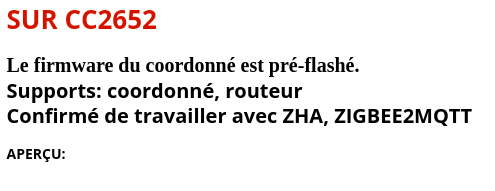
You can try this firmware https://github.com/Koenkk/Z-Stack-firmware/raw/master/coordinator/Z-Stack_3.x.0/bin/CC2652RB_coordinator_20210708.zip but you should know that what you bought is not in the list of supported dongles

If you have a link to the site where you bought it, it would help me know what the base firmware is

I was looking at the same page on GitHub.
I had a feeling:

  • Multiprotocol 2.4GHz RF development board (OpenThread, Zigbee, BLE, 6LoWPAN and proprietary) based on the TI chip
  • Easy to use with the Koenkk brand

Many reviews say it works with zigbee2mqtt

I just opened it to see which chip is used:


I think it’s a CC2652R, as you can see

You need to flash it with the firmware (it’s roughly translated)

image

This is indeed the firmware link I gave you earlier.

Edit, I said nothing (it was written so big that I didn’t see it)

You can still try to reflash the firmware.

For flashing?

Here’s what I get after flashing:


ttyUSB0 appears when I plug in the dongle


There is no more zigbee2mqtt