I’m now trying to use the Zigbee part with Sonoff sensors and a Sonoff bridge as well. No problem installing the USB stick and configuring what’s needed. But then I notice that all services are running but the link is red:
I’ve done some hard reboots (the « reboot » or « shutdown -r » command apparently doesn’t work). Any alternative to restart cleanly?
Which log(s)? Somewhere in /var/logs/? Or the basic information in Gladys? The only error is the following and repeats every X hours:
Error: Error
at Database.<anonymous> (/src/server/node_modules/sequelize/lib/dialects/sqlite/query.js:179:27)
at /src/server/node_modules/sequelize/lib/dialects/sqlite/query.js:177:50
at new Promise (<anonymous>)
at Query.run (/src/server/node_modules/sequelize/lib/dialects/sqlite/query.js:177:12)
at /src/server/node_modules/sequelize/lib/sequelize.js:314:28
at async SQLiteQueryInterface.bulkDelete (/src/server/node_modules/sequelize/lib/dialects/abstract/query-interface.js:403:12)
at async /src/server/lib/device/device.calculcateAggregateChildProcess.js:142:7 {
name: 'SequelizeTimeoutError',
parent: [Error: SQLITE_BUSY: database is locked] {
errno: 5,
code: 'SQLITE_BUSY',
sql: "DELETE FROM `t_device_feature_state_aggregate` WHERE `type` = 'hourly' AND `device_feature_id` = '4c919947-e87e-49b6-8bbe-48f65f1751f4' AND `created_at` BETWEEN '2023-02-10 14:00:00.000 +00:00' AND '2023-02-10 16:00:00.000 +00:00'"
},
original: [Error: SQLITE_BUSY: database is locked] {
errno: 5,
code: 'SQLITE_BUSY',
sql: "DELETE FROM `t_device_feature_state_aggregate` WHERE `type` = 'hourly' AND `device_feature_id` = '4c919947-e87e-49b6-8bbe-48f65f1751f4' AND `created_at` BETWEEN '2023-02-10 14:00:00.000 +00:00' AND '2023-02-10 16:00:00.000 +00:00'"
},
sql: "DELETE FROM `t_device_feature_state_aggregate` WHERE `type` = 'hourly' AND `device_feature_id` = '4c919947-e87e-49b6-8bbe-48f65f1751f4' AND `created_at` BETWEEN '2023-02-10 14:00:00.000 +00:00' AND '2023-02-10 16:00:00.000 +00:00'",
parameters: {}
}
Absolutely, I’d even go so far as to say: could it be automatic? Or if it’s not automatic, could we add a dropdown in the UI so that the user can select their key?
Whatever happens, I’ll add a dropdown that the user can use to choose, but I’ll still try to preselect the key if it’s possible to detect its model from the USB inputs.
Can we consider running a test automatically? If that doesn’t work, a ‹ detect key type › button:
Does it change the value, restart the container and verify that it sees Zigbee devices? Some kind of test in the application
Alternatively, a dropdown could also work — you change the value and it triggers a proper restart
I’ve had the same issue since Friday with the Sonoff dongle, I just saw this thread. I’ll try it tonight to confirm that it also resolves the problem for me.
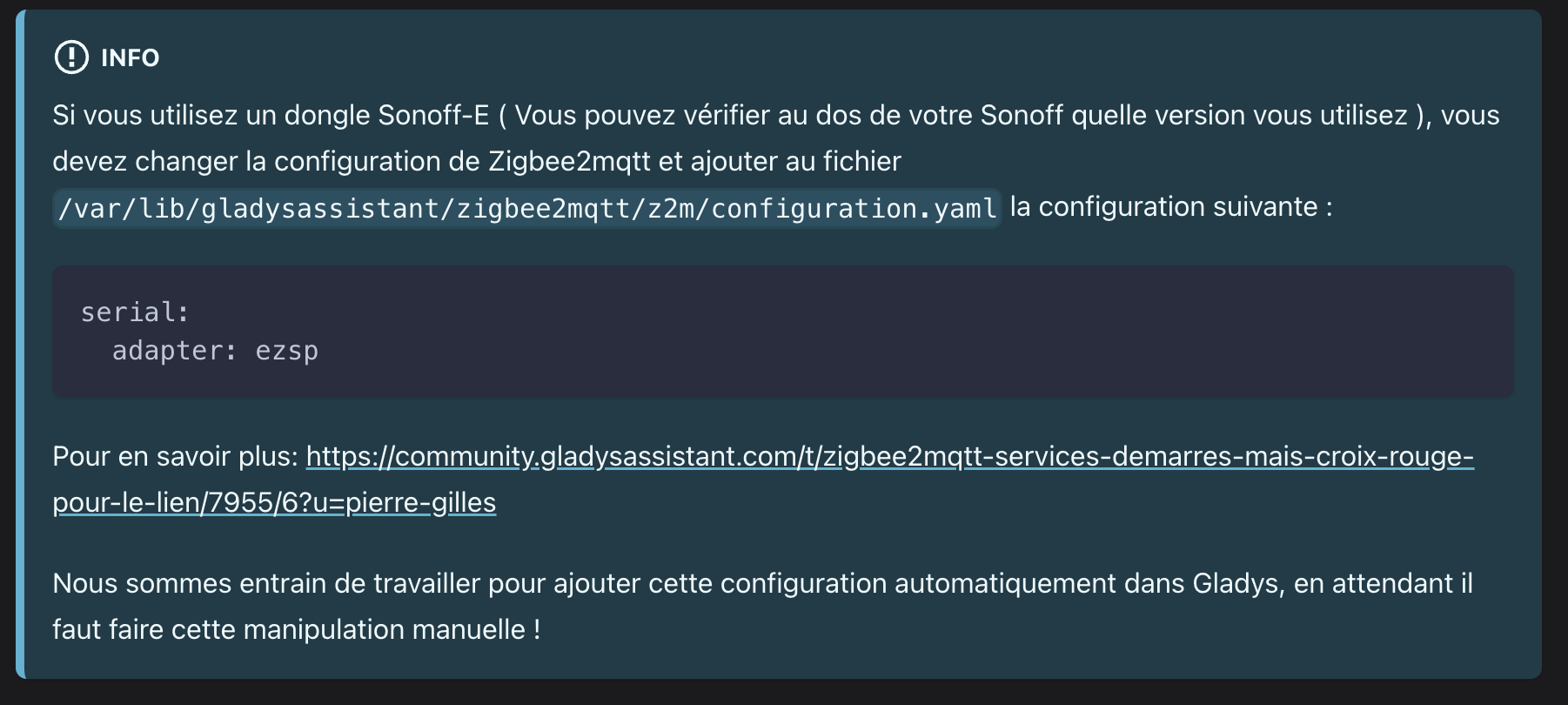
EDIT : Adding « adapter: ezsp » works well to restore communication with Z2M for the Sonoff-E dongle
@Kevin I don’t know if you’re a bit of a dev, feel free to make changes directly in the doc if you see possible improvements, everything is open-source and editable by everyone