Hello,
the day before yesterday I tried to set my heating to Eco with the remote control but it didn’t work.
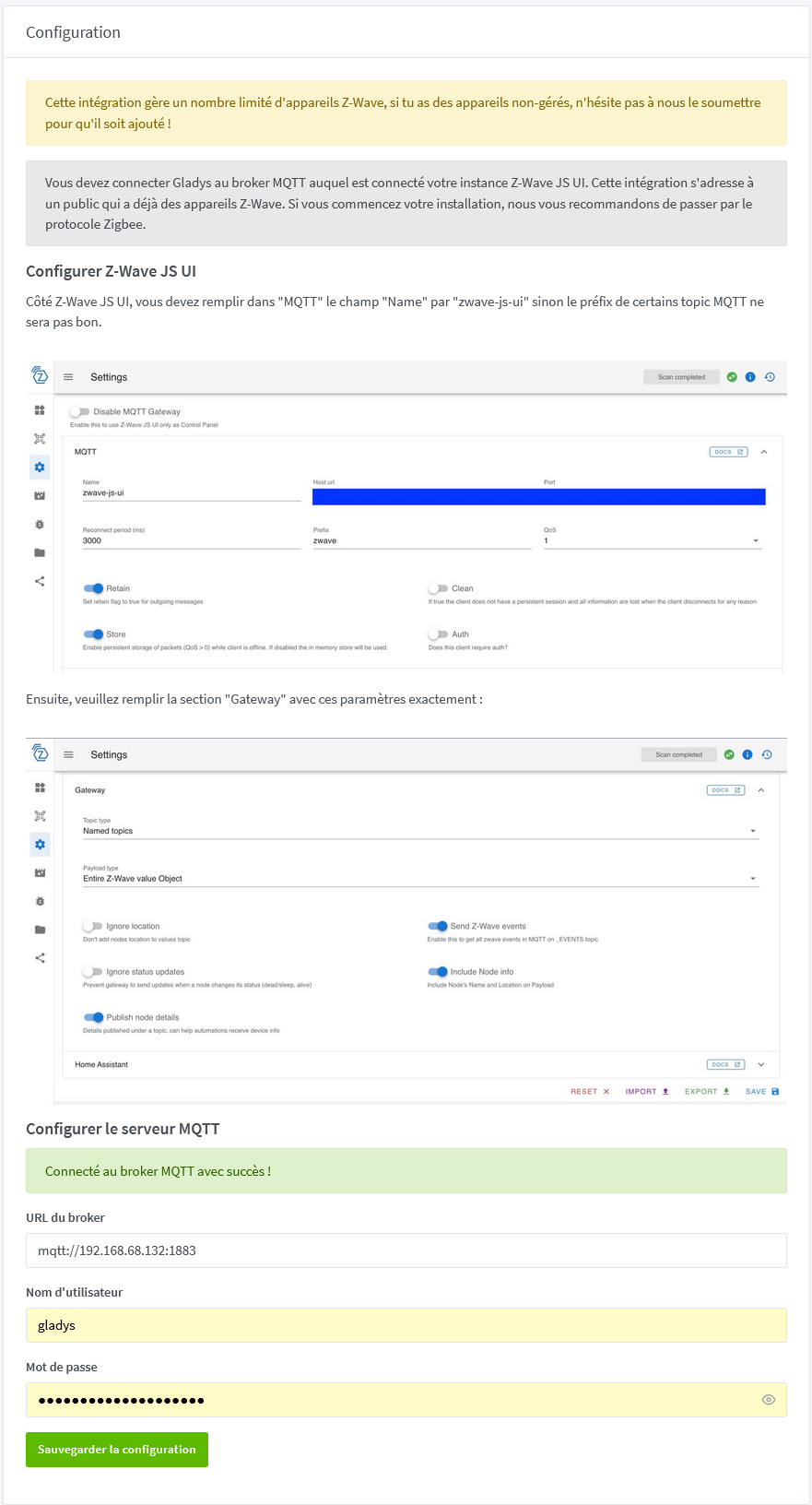
I went into the configuration interface and everything was OK.
I clicked on Save configuration
Everything started working again.
I was too lazy to post another message here because I had already had the problem, which had been resolved.
This morning, 17°C on the ground floor…
Same, I clicked on Save configuration and it works again.
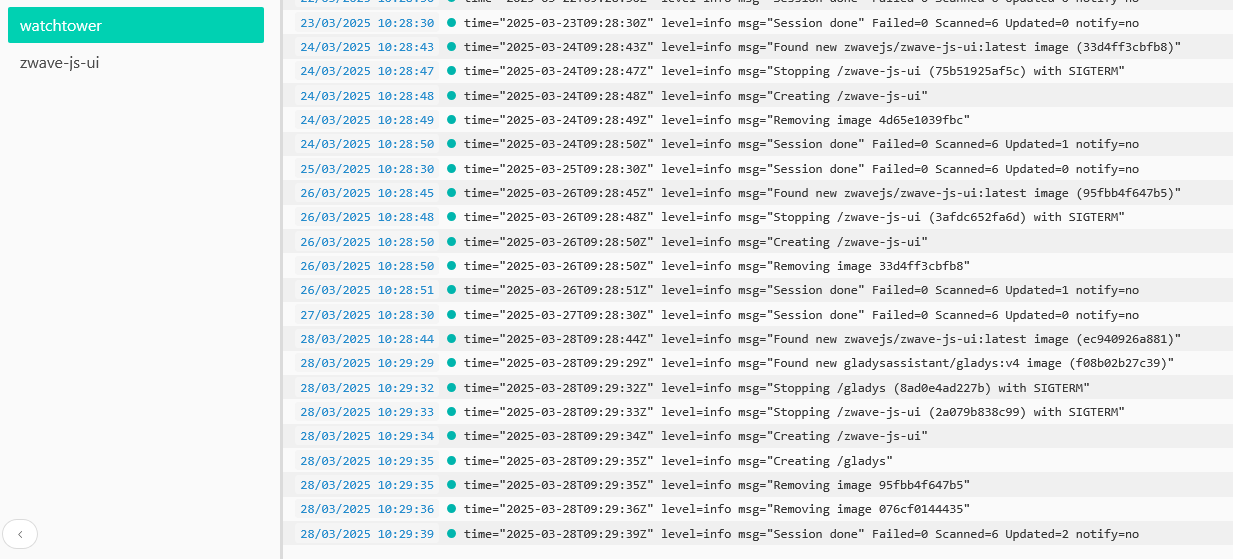
In the logs, I can’t go back far enough to reach the container creation.
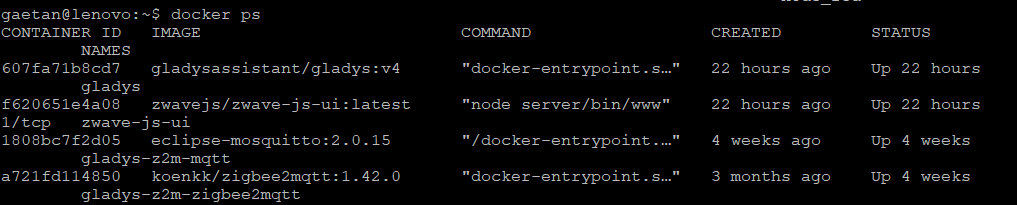
I stopped the zwave-js-ui container and restarted it, but it was still not working.
I stopped the gladys container and restarted it, but it was still not working.
I rebooted the mini PC, it’s down; by clicking on Save configuration it works again
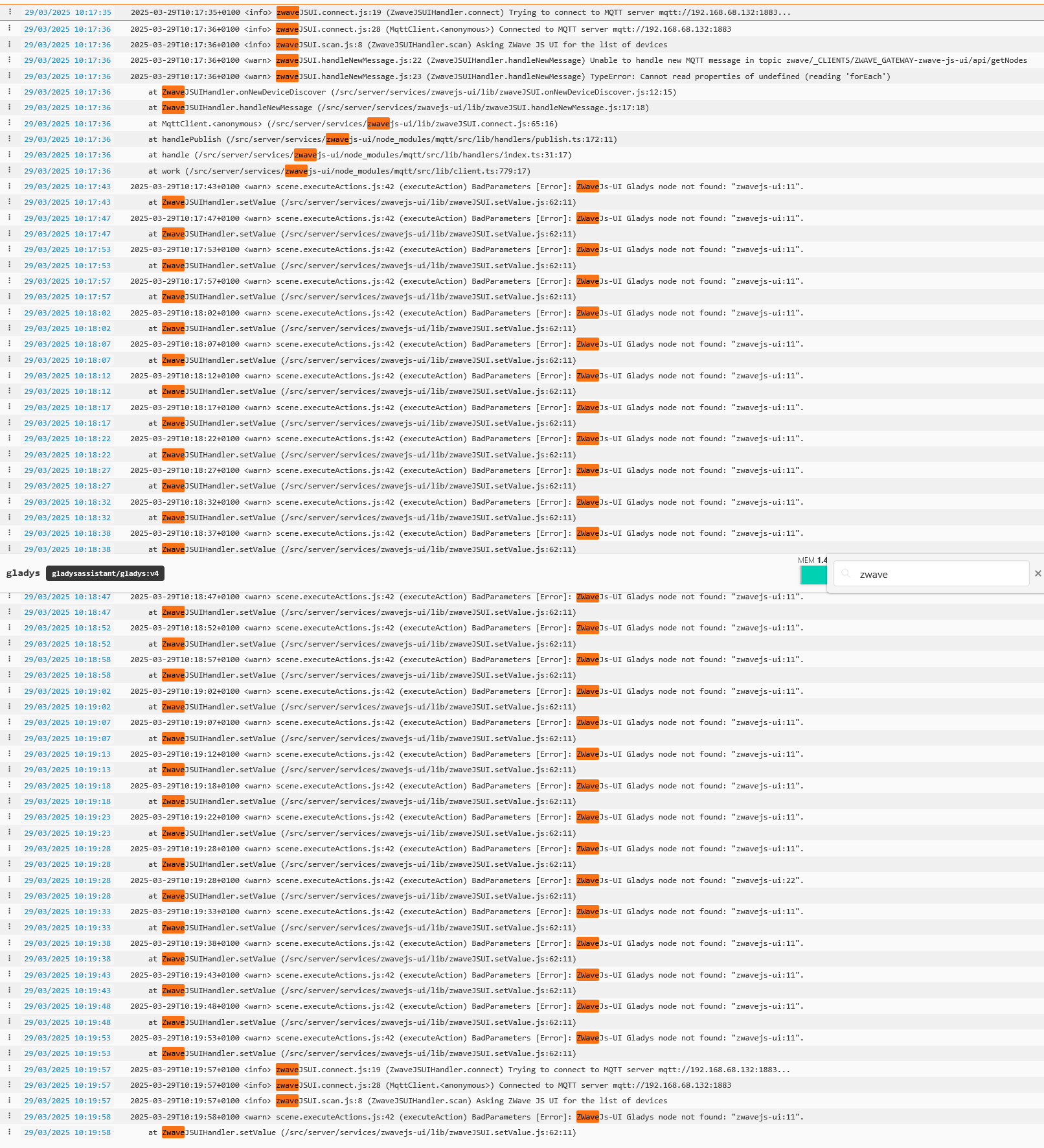
The ZWaveJSUI logs after restart (filtered with zwave):
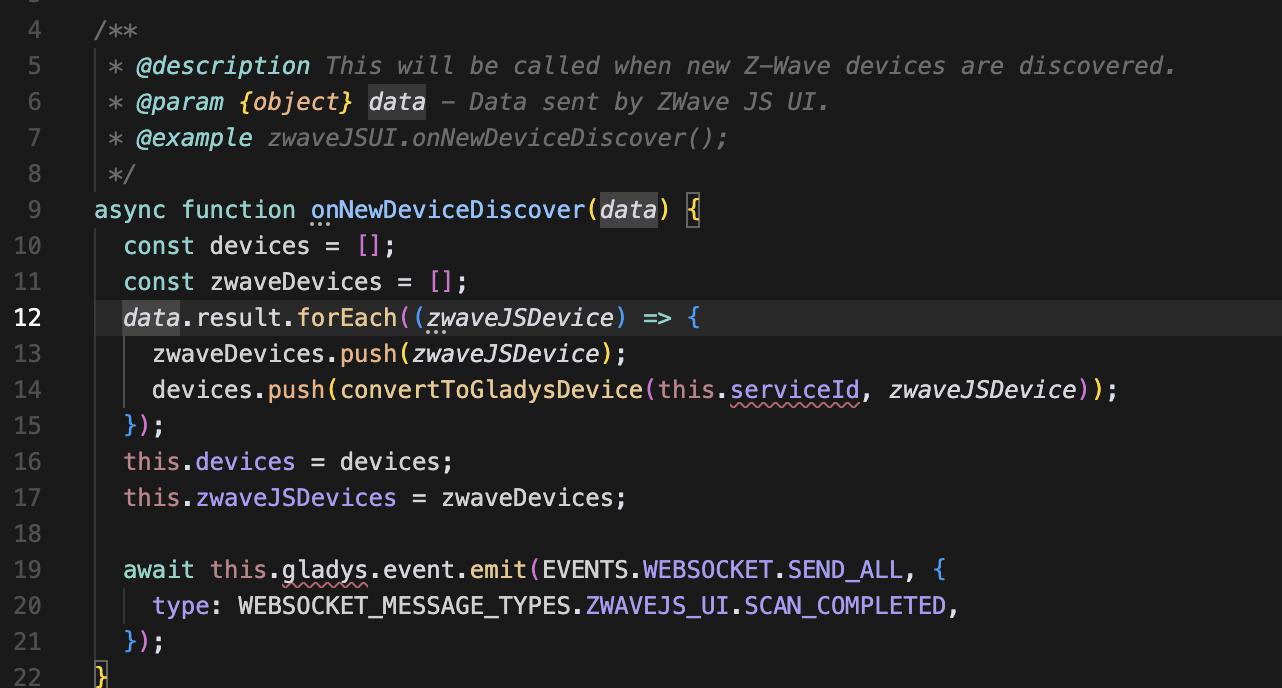
This is not an MQTT disconnection issue; the problem is that Z-WaveJS UI responded to the device discovery with an object that does not match what Gladys expects.