Hello everyone!
For those who haven’t followed this topic, I’ve been working since the end of June on a major update to Gladys.
This update will change how historical sensor values are stored in Gladys, moving from storage in an OLTP database (SQLite) to an OLAP database (DuckDB).
We keep SQLite for all relational data (users, home, scenes, etc.), it’s only the sensor values that will be stored in DuckDB.
Concretely, this update will offer all users:
- Much smaller databases. @GBoulvin went from an 11 GB database to 65 MB with DuckDB, for 11 million stored states. This is possible because these two database systems don’t work at all the same way, and DuckDB aggressively compresses time-series data.
- Accurate and ultra-fast graphs, even over long periods. No more imprecise aggregated data from Gladys; it is now possible to make graphs over long durations, mixing old data and live values from a sensor, which wasn’t possible until now!
- Better overall Gladys performance: no more hourly data aggregation processes that used disk bandwidth on small machines.
Why wait until now to move to this revolutionary system?
DuckDB is the only file-based OLAP database on the market.
Until now, DuckDB was in alpha/beta, and each version still brought breaking changes, which wasn’t compatible with our need for stability in Gladys.
In June 2024, DuckDB reached 1.0 (stable), and I immediately started the work to move to this system.
Next steps
I’ve already installed this version on my instance at home since the beginning of the week to check that everything is fine, and so far everything is going perfectly.
If everything continues like this, I’ll release this version on Monday, August 26 
Migrate now?
If you’re comfortable with the command line, and you want to migrate to this version right now, you can! (And give me feedback).
The Docker image is available at this address:
gladysassistant/gladys:duckdb
You can pull this version:
docker pull gladysassistant/gladys:duckdb
Then stop your existing Gladys container:
docker stop gladys \u0026\u0026 docker rm gladys
Then start a Gladys container with the DuckDB image:
docker run -d \\
--log-driver json-file \\
--log-opt max-size=10m \\
--cgroupns=host \\
--restart=always \\
--privileged \\
--network=host \\
--name gladys \\
-e NODE_ENV=production \\
-e SERVER_PORT=80 \\
-e TZ=Europe/Paris \\
-e SQLITE_FILE_PATH=/var/lib/gladysassistant/gladys-production.db \\
-v /var/run/docker.sock:/var/run/docker.sock \\
-v /var/lib/gladysassistant:/var/lib/gladysassistant \\
-v /dev:/dev \\
-v /run/udev:/run/udev:ro \\
gladysassistant/gladys:duckdb
(Don’t forget to modify this command for your personal case)
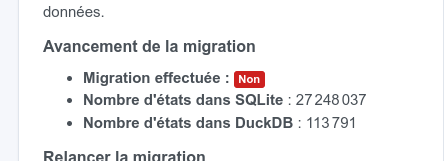
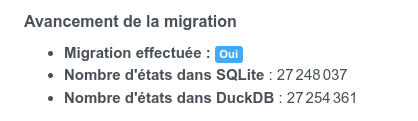
Then you will be able to see the migration status on your dashboard.
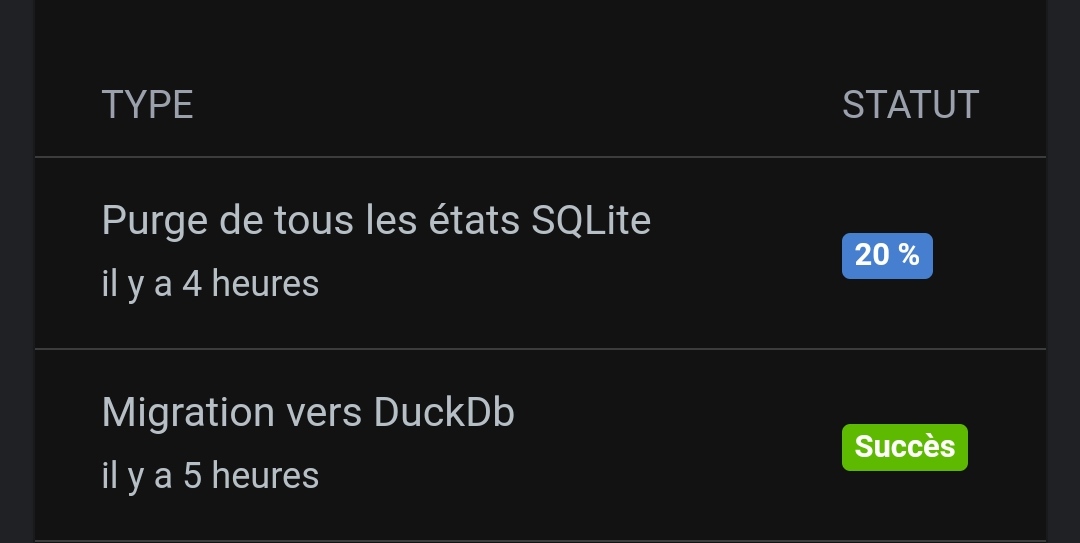
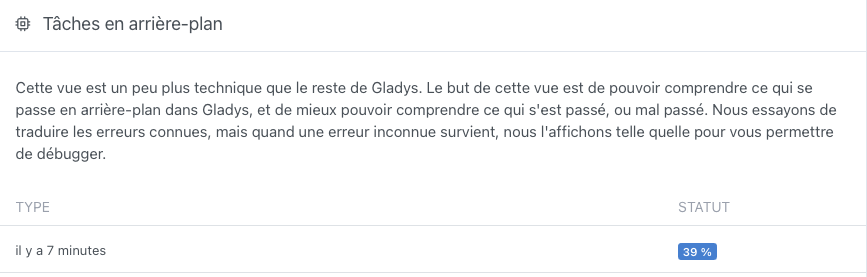
And once the migration is finished, you will be able to delete the old SQLite states in Settings -\u003e « System » of Gladys:
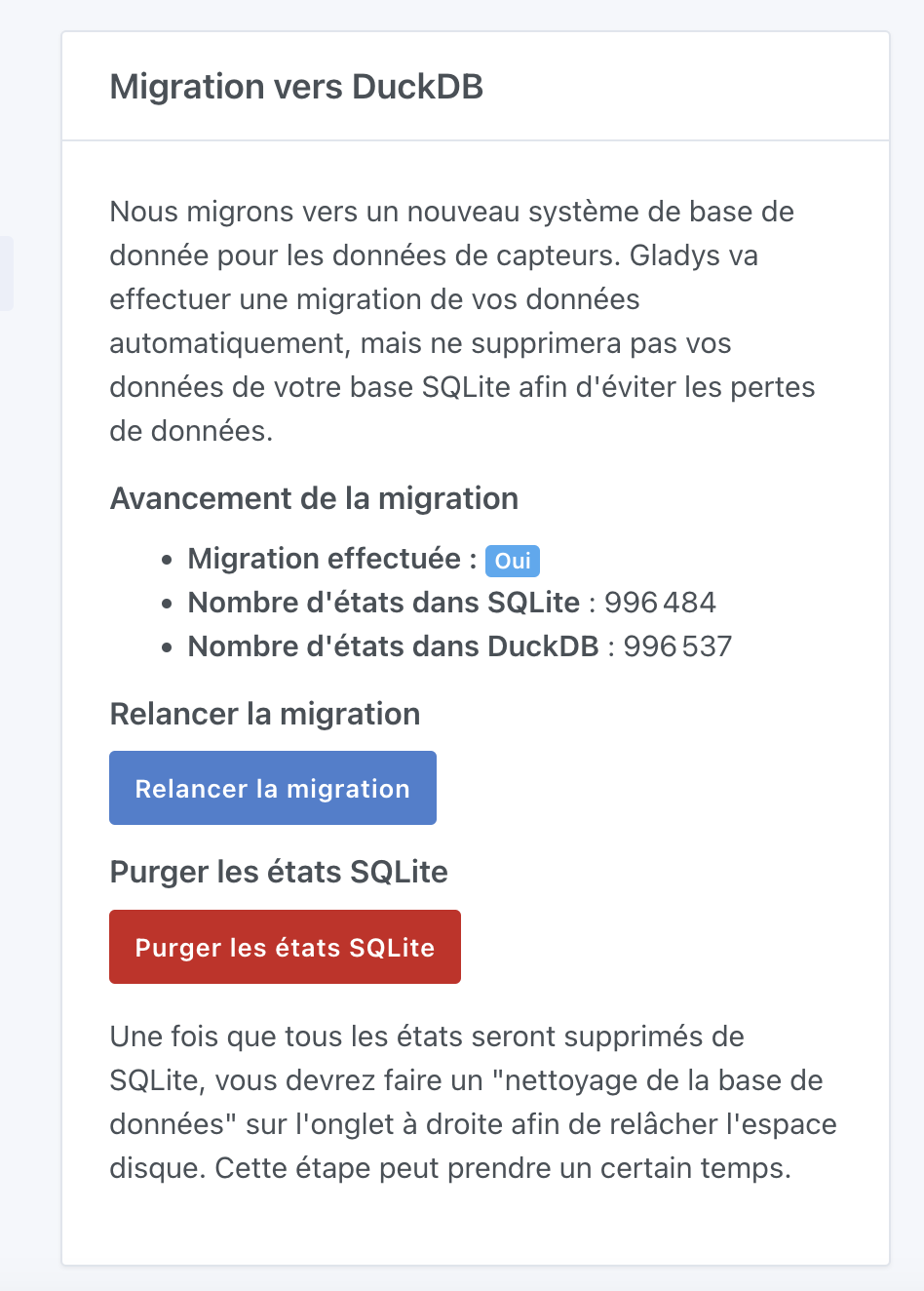
Note: You will of course need to switch back to the image gladysassistant/gladys:v4 once the update is deployed!
If you want to wait a bit
If you’re not at home on August 26 and you want to avoid the update happening automatically while you’re away, you can pause Watchtower until then and restart Watchtower when you return, which will save you from potential problems you couldn’t fix remotely.
I’m not opposing SQLite and DuckDB
SQLite is a great tool, which we continue to use in Gladys.
However, for the specific use case we have (time-series data storage), DuckDB is much better suited.
For the rest of the tables, SQLite remains the best solution on the market for our use, and I’m still a believer in SQLite!
So I’m not at all opposing these two databases, they are two radically different products 
Thanks to those who will test it, I’m really looking forward to seeing this new tech in your hands!










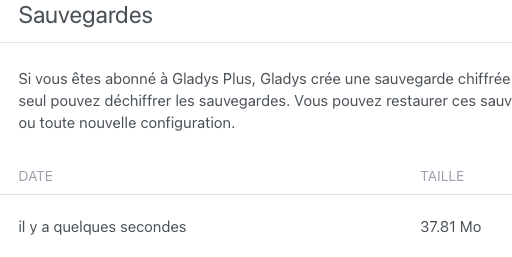
 I needed to go local and not on Gladys Plus: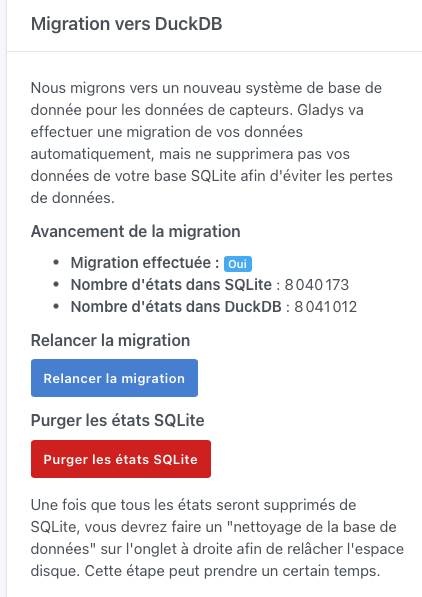






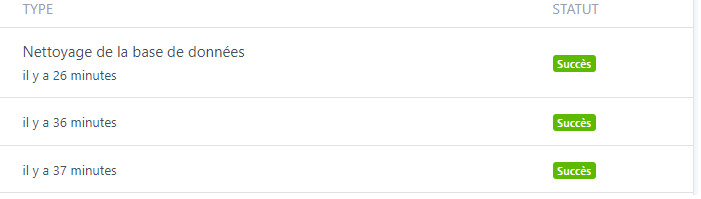
 Switch immediately to the DuckDB image!!