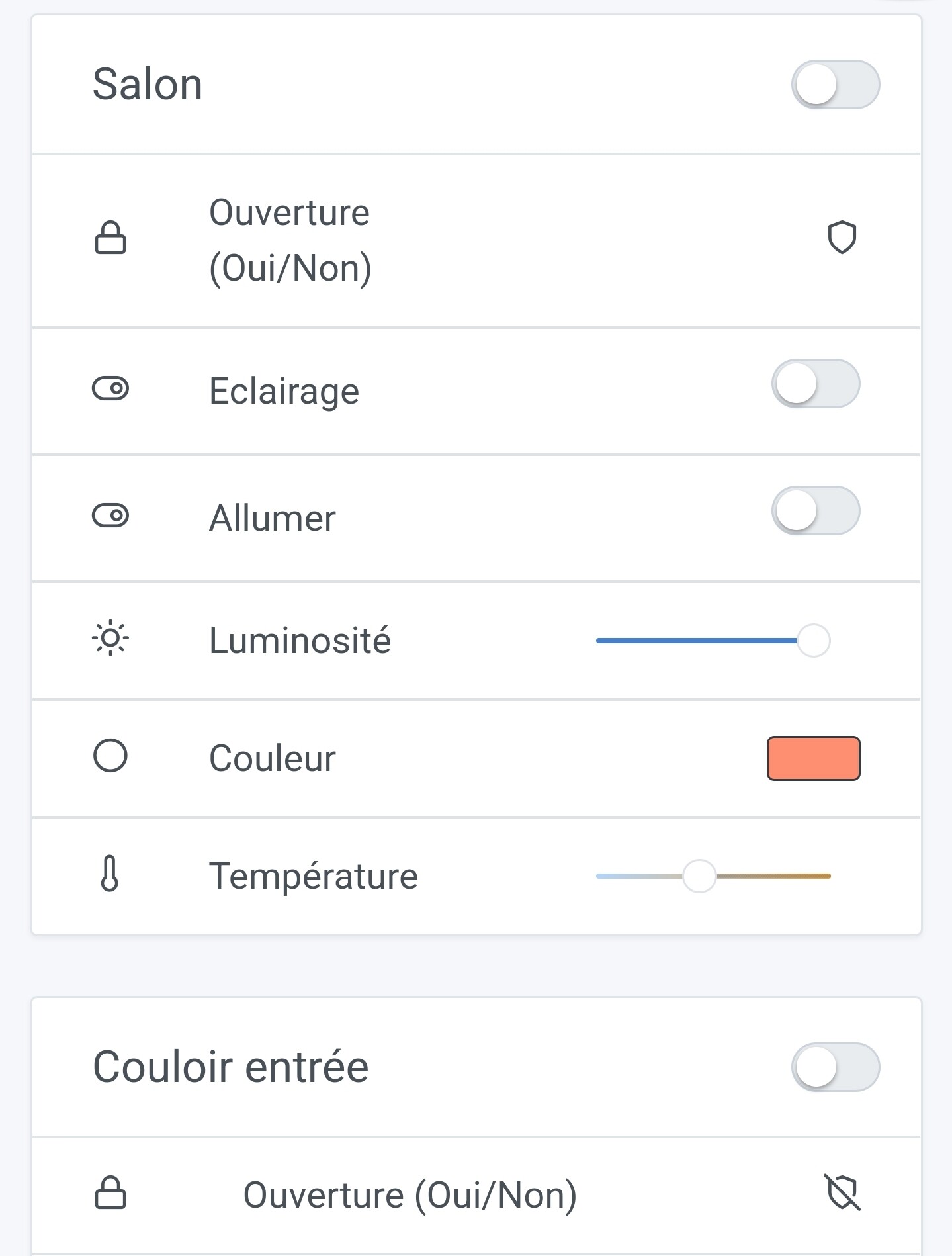
Display sensor opening

Hello!
I wonder if it’s possible to have a clearer display than this icon for this type of sensor.
Something like this but with the words open, closed or yes/no as indicated on the label:

My two doors are well closed, but one is considered open, which is not very explicit :smiley:?

For me, this icon would be better for an alarm, and even then, I prefer to have text armed, deactivated, or something else.

This is just a suggestion for better readability of the dashboard.

What do you think, @pierre-gilles?

Agreed with you but the icon pack we are using is very low in the number of icons and is no longer maintained.

We should also be able to select the icon, door or window for example.

I agree to some extent. I admit I’ve gotten used to it, but I don’t think it’s very clear either.
Either way, an icon is necessarily quite small and may not be the most obvious to read… we need to find the right one!

Moreover, the issue with the text, as you suggested @spenceur, is the background:
If your door is open, do you use a green background or a red one?
We often associate: open = green | closed = red.

Yet in home automation, it’s rather the opposite that we might expect: if a door is open > problem = red color.

In short… I’m talking but I don’t have the solution ^^

For me, you have your answer :winking_face_with_tongue:

Haha yes for you, but I’m not sure it’s intuitive for everyone in this direction

I thought it was ironic :smiley: it’s worth considering anyway

Probably just an « open »/« closed » padlock

As for the color, I’m not necessarily in agreement in this case, open or closed door/window is neither good nor bad ^^ And anyway, the color should not be a way to differentiate, the icon should be enough :slight_smile:

Why do we have the chains but as much as remove in the translation the « yes / no »?

Which translation?

The sensor label is:
« Opening (yes/no) »

I expected to see yes or no next to it and not just an icon ^^ (it’s misleading)

Can be modified by editing the device.

Is it possible to give the user the choice to enter what they want instead of the icon and not just be able to modify the label?

My very small contribution:

This may be a silly question, but why this icon pack and not one more specialized for home automation?

It seems I read quite a few messages about that and even a feature request :
https://community.gladysassistant.com/t/material-design-icon/6205?u=spenceur

Pg probably integrated this pack for its weight or because there wasn’t a font or a complete pack for home automation. Anyway I think you’ll get an answer by searching with the keywords « icon » « font » ^^
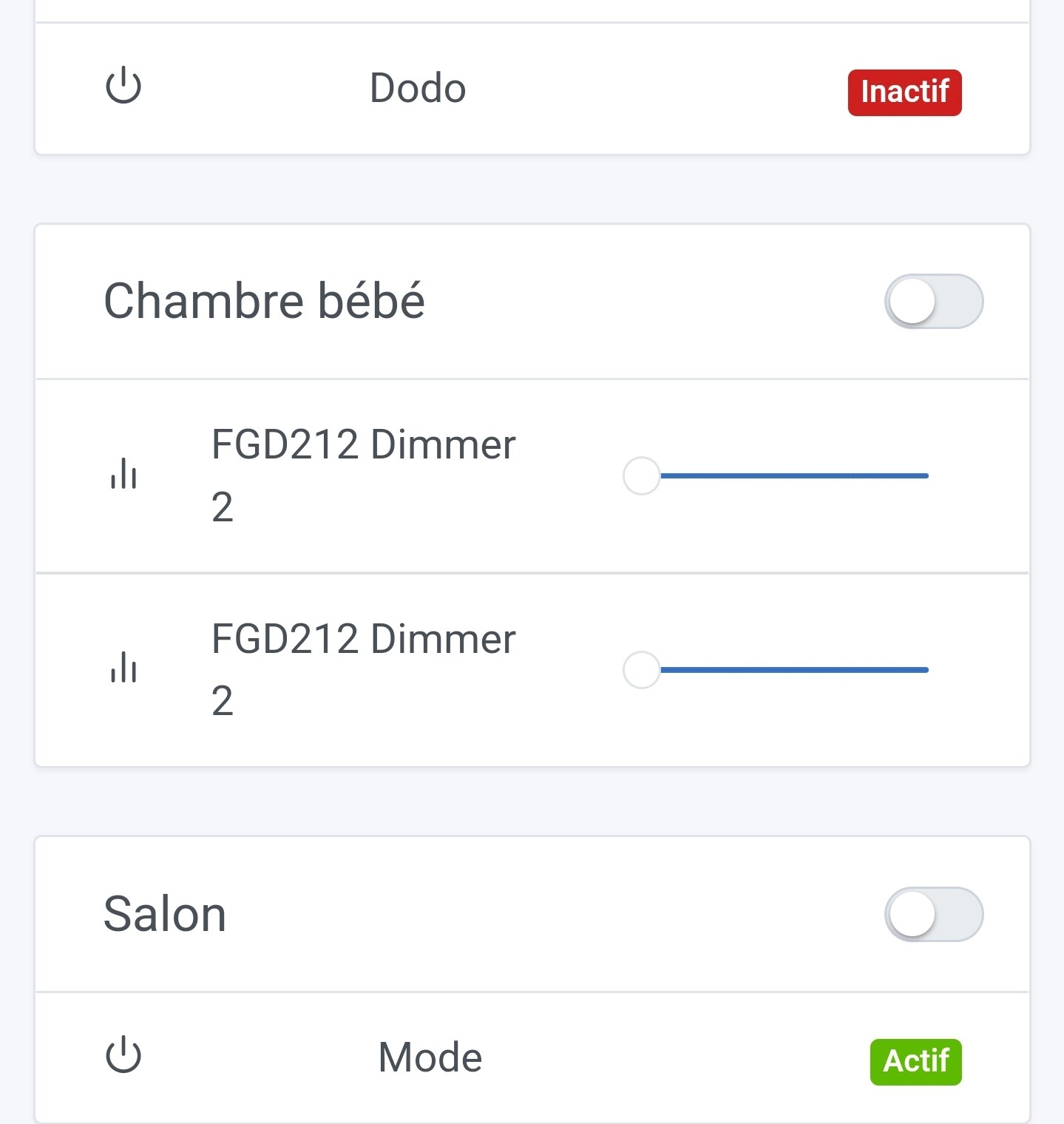
Thank you for your contribution! :slight_smile: I tested locally, it’s all good for me. It’s merged and it will be included in the next version of Gladys :wink: