In V3, it was possible to generate application tokens to facilitate access to the REST API by adding &token=xxxxx in the call.
This would facilitate the creation of scripts for Automate or Taskr
Good point, that’s a feature I have in mind! But it’s a good idea to have it here, it will give me an idea of the demand for the open API 
I’ve added the associated GitHub issue for tracking
I noticed you renamed the subject, are you going to look into it soon? 
It was mainly to give a clearer title to the issue
Just to know, what interests you in this feature? Which API route interests you the most?
Give me your use cases
There are two uses:
The first is to facilitate the creation of script automate/tasker.
I place my phone on the nightstand, it automatically launches an Automate or Gladys scenario → turn on the charger, turn off certain devices, etc…
So adding the token in the header or at the end of the URL is ideal
The second is to avoid having to retrieve an authentication token each time it expires in an Android app I am designing. In this case, it’s just to make development easier in the first place, in any case I will implement the retrieval of access tokens via credentials.
Regarding the API routes, it would be to access the on/off of devices, and the color/brightness setting of bulbs, the list of objects by rooms, if possible sortable by one of their characteristics: bulb, brand, maybe on or off.
If what is written on the doc is still good, it’s already partly possible.
I have a project to transcribe the entire Gladys REST API into a library Kotlin (and maybe Flutter later), in order to facilitate the creation of Android apps for those interested. (And also because I need it in my developments )
Ok I see, so:
1/ Launch a scene from Tasker
2/ Modify the state of a device from Tasker.
For 2), you can already do this with MQTT (Tasker handles MQTT as far as I know)
Also, in the meantime, you can use MQTT for 1). You create a « virtual » MQTT device that allows you to launch a scene (via a « device state change » trigger)
Are you designing an Android application? Just a question: doesn’t the PWA Gladys Assistant suit you?
Personally, I’ve added Gladys to my home screen and it’s like a native app, I couldn’t tell the difference.
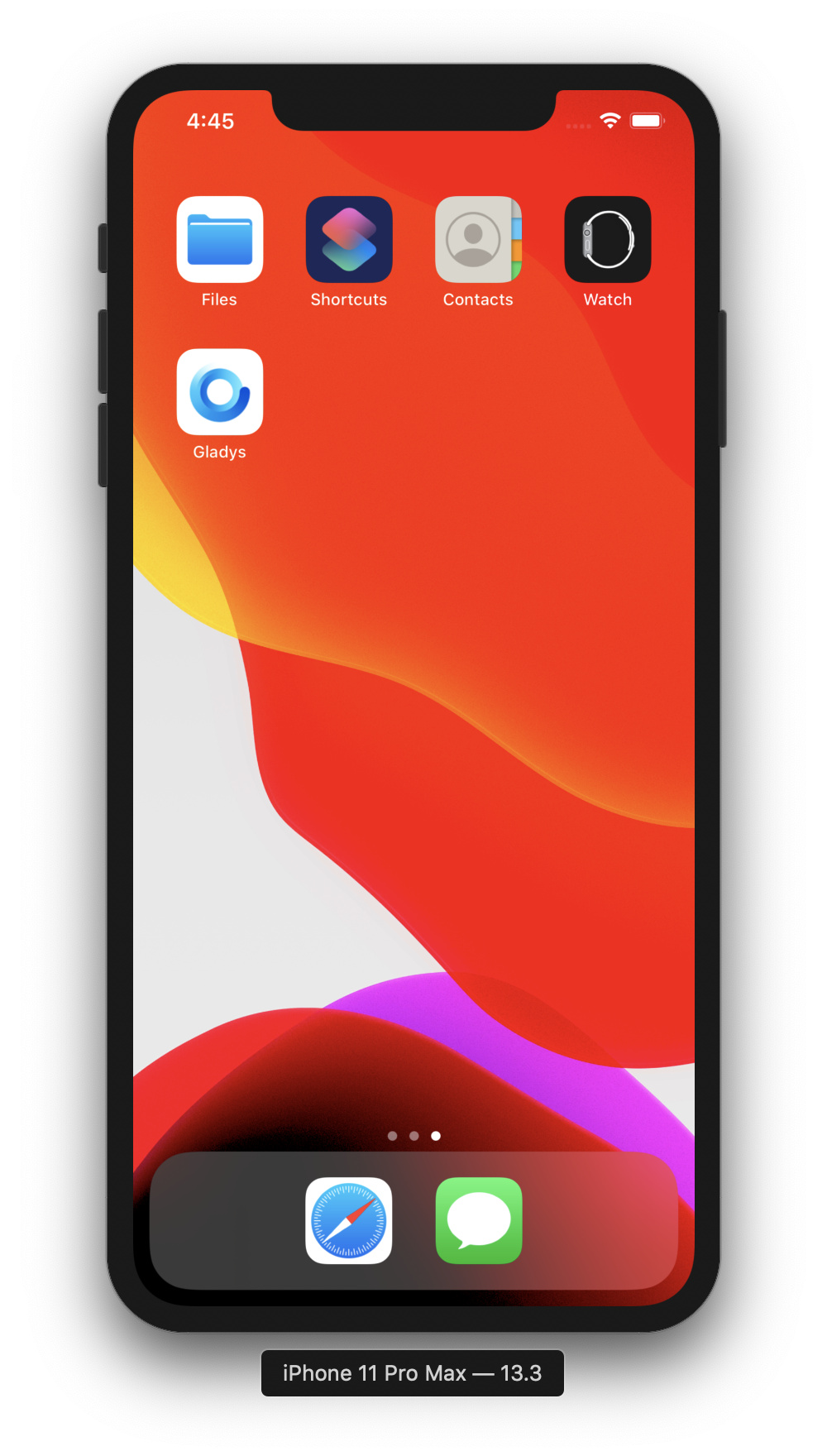

Tutorial:
(I put « Gladys Plus » in the title, but it also works with Gladys Assistant)
Same for PWA, it works.
The Tasker + mqtt case is not valid on an external network (Gladys +)
For those following this conversation, please note that there is an open REST API in Gladys Plus accessible from anywhere in the world!
Here’s a small example of an API call to push a new temperature sensor value remotely:
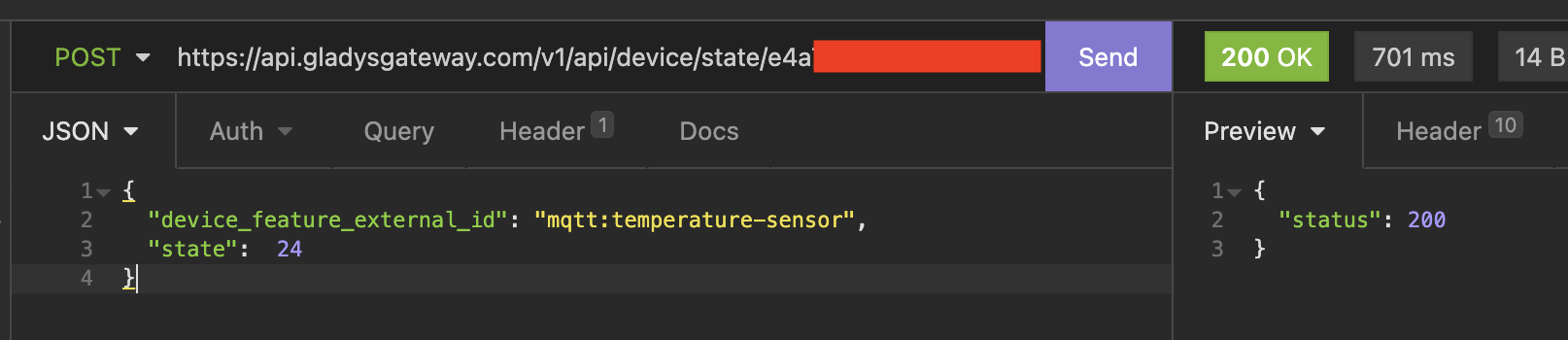
(The API key has been masked)
I recently demonstrated this API live on YouTube (at 39 minutes):
And there is a tutorial in the documentation:
Feel free to test it out, there is a 14-day free trial: Gladys Plus | Gladys Assistant