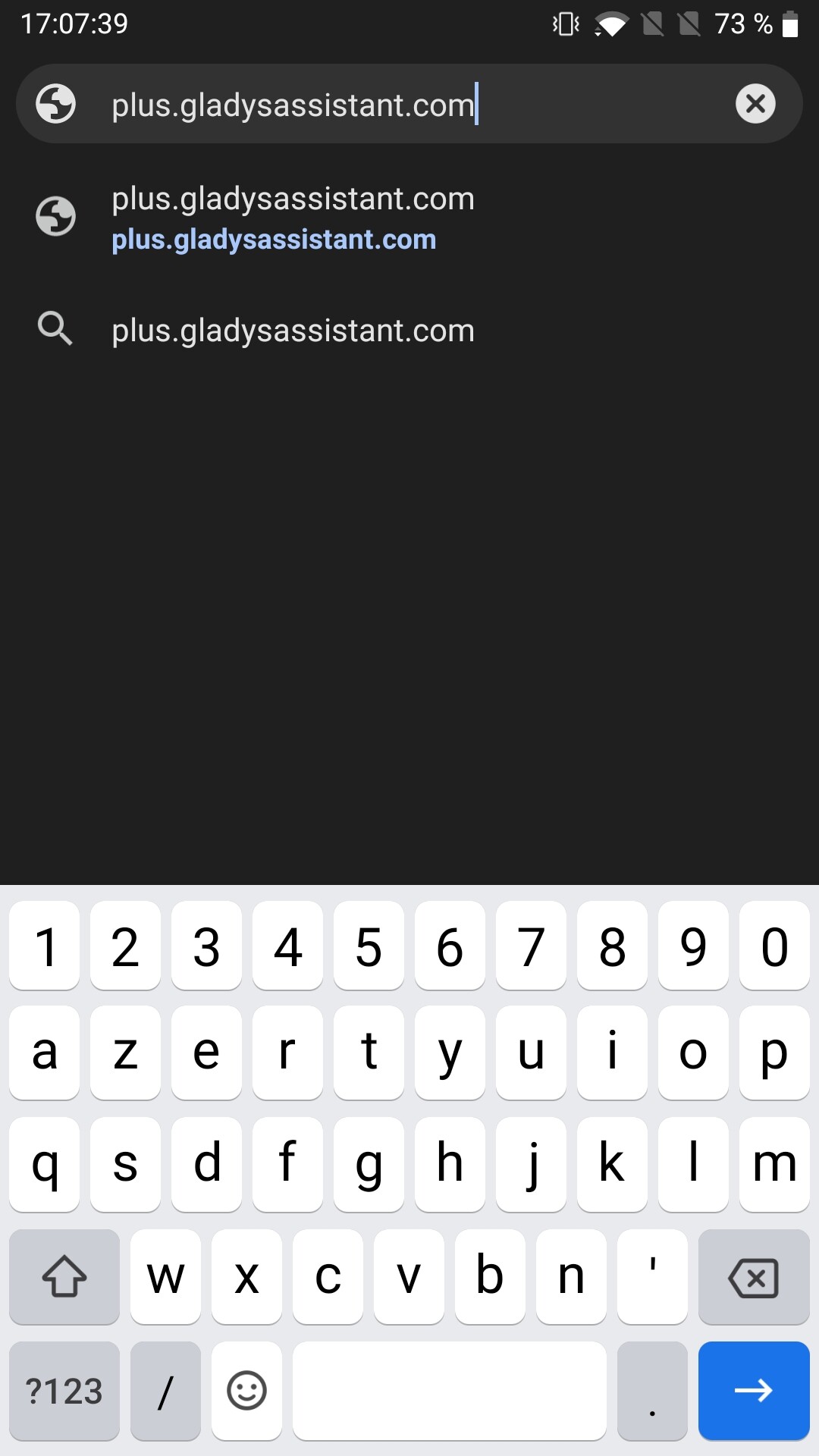
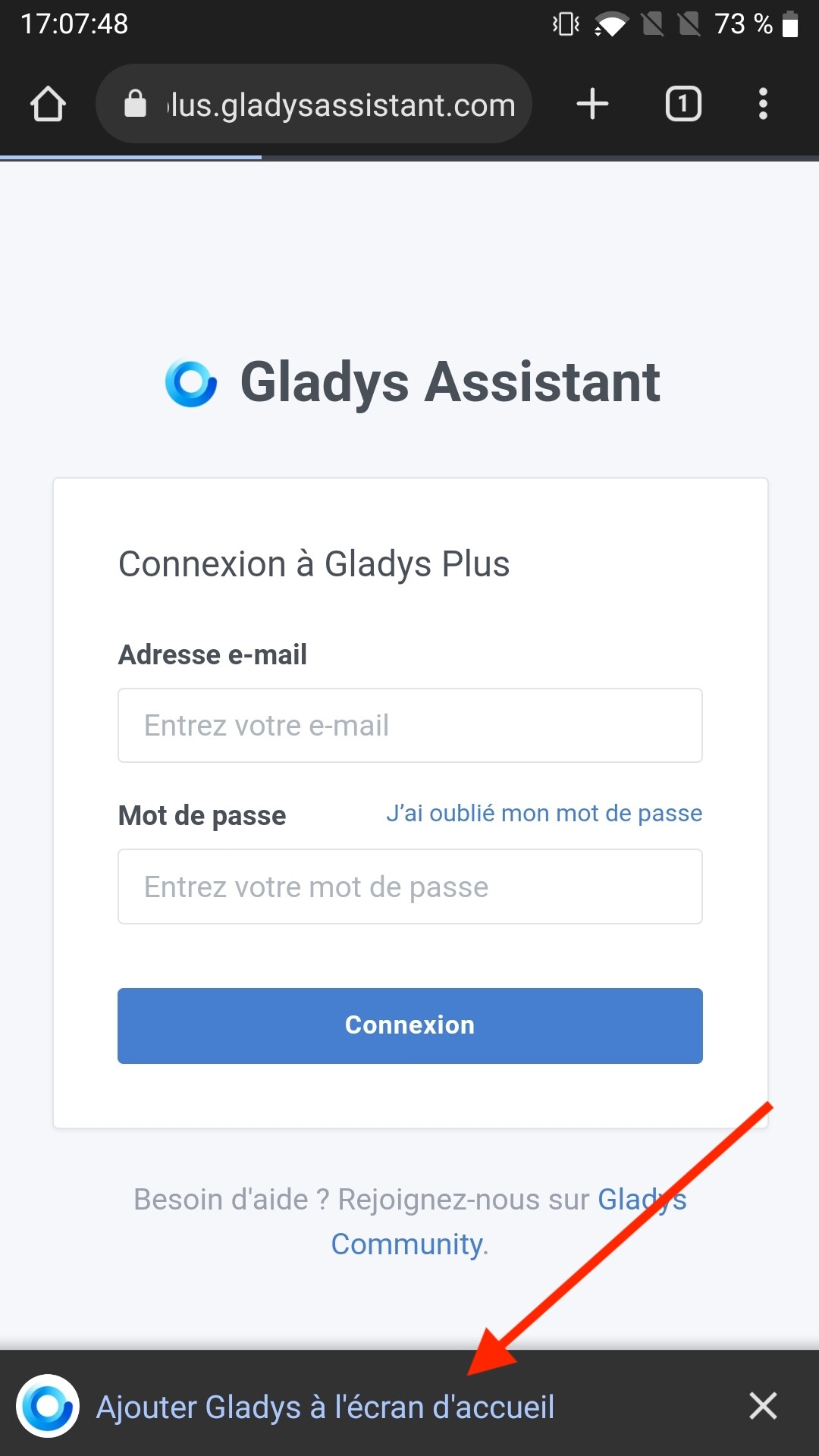
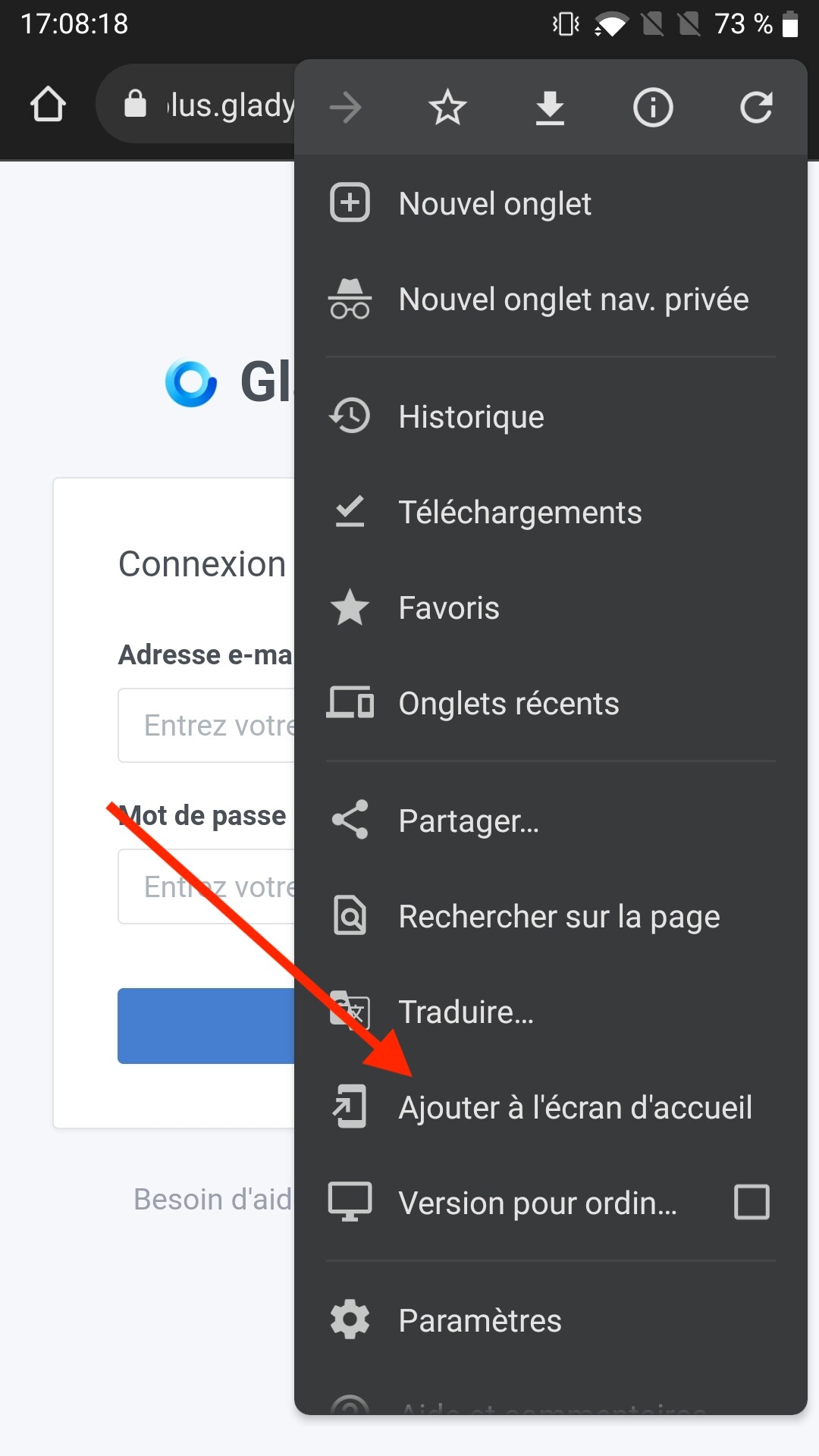
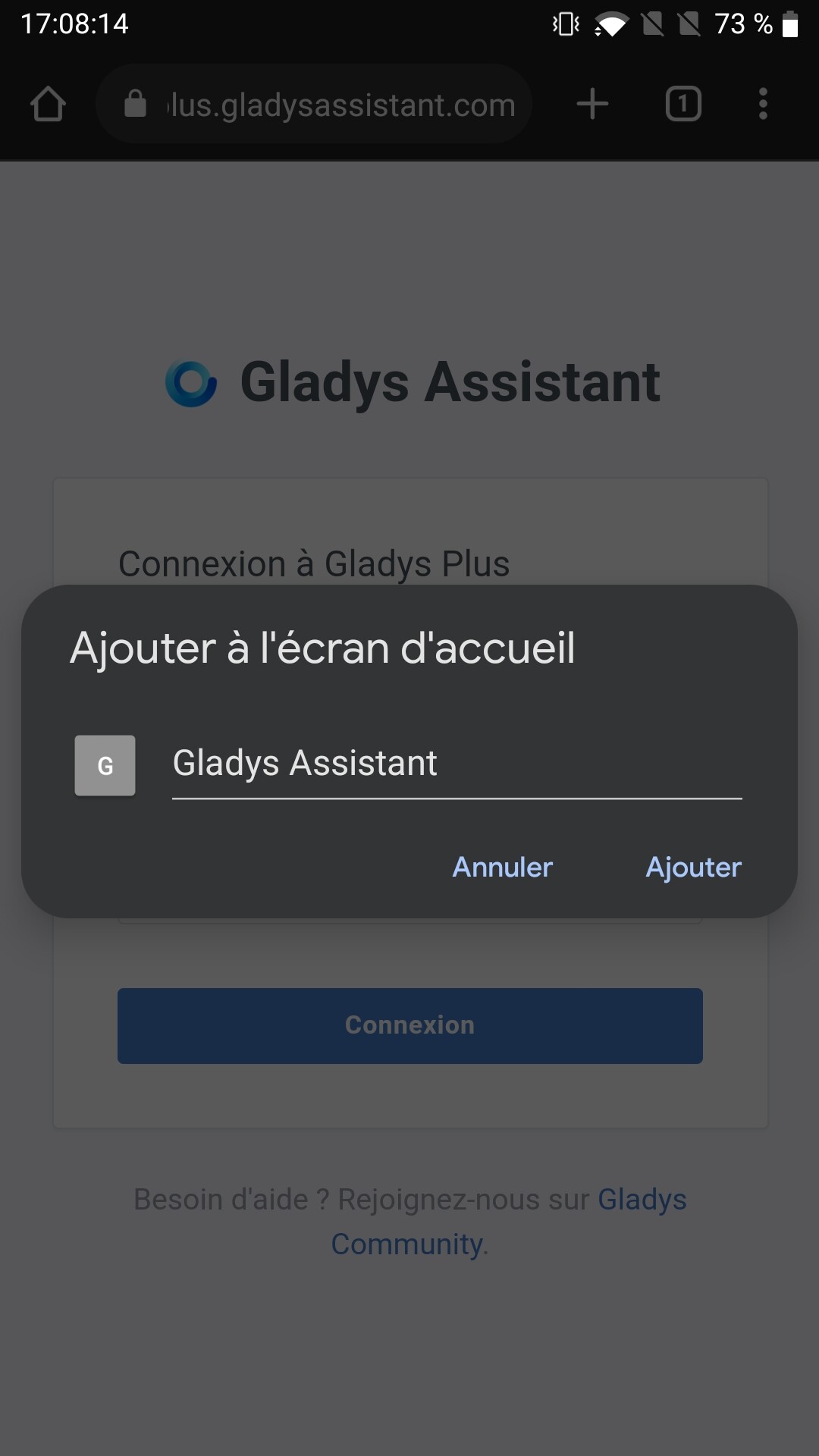
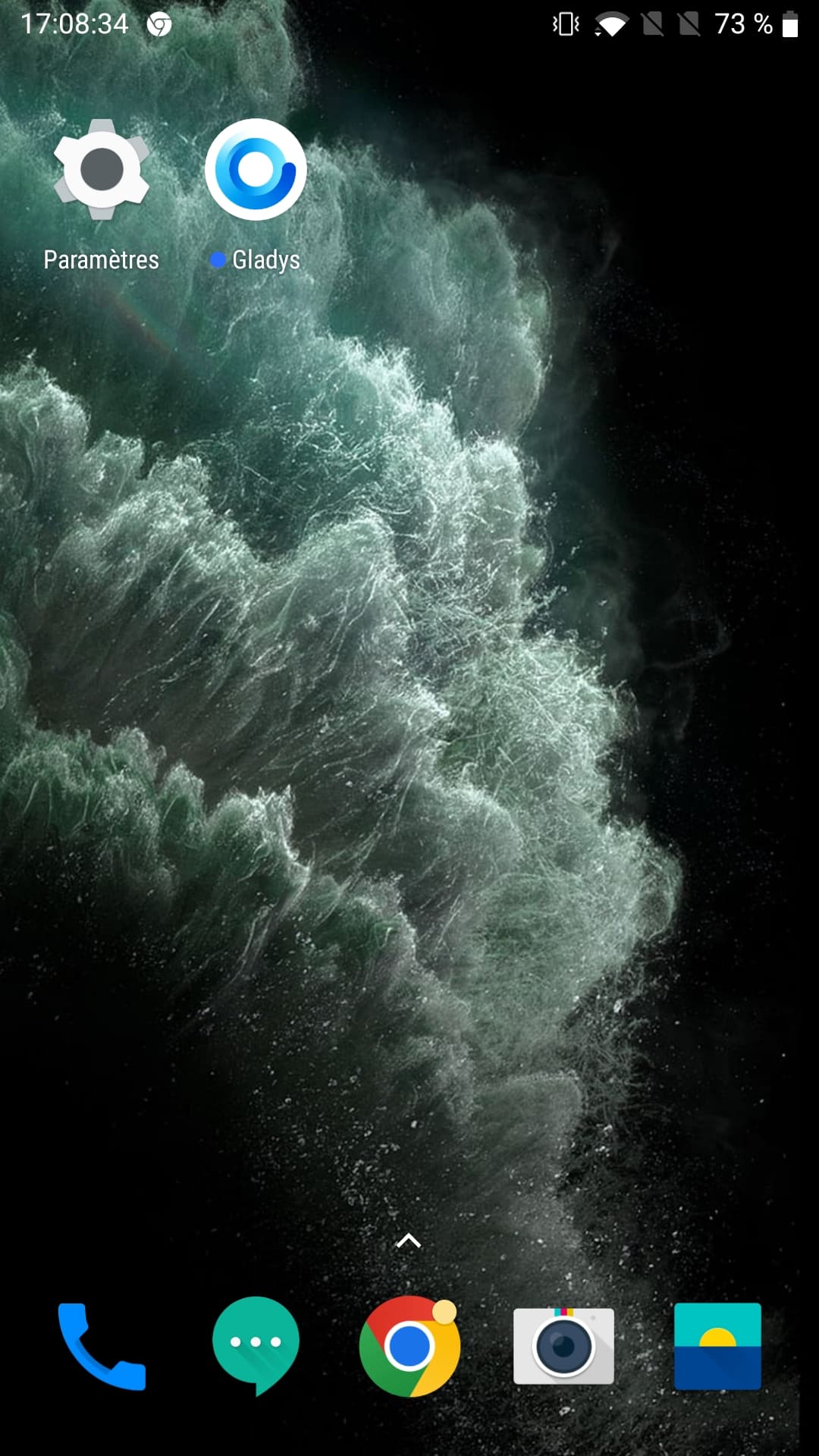
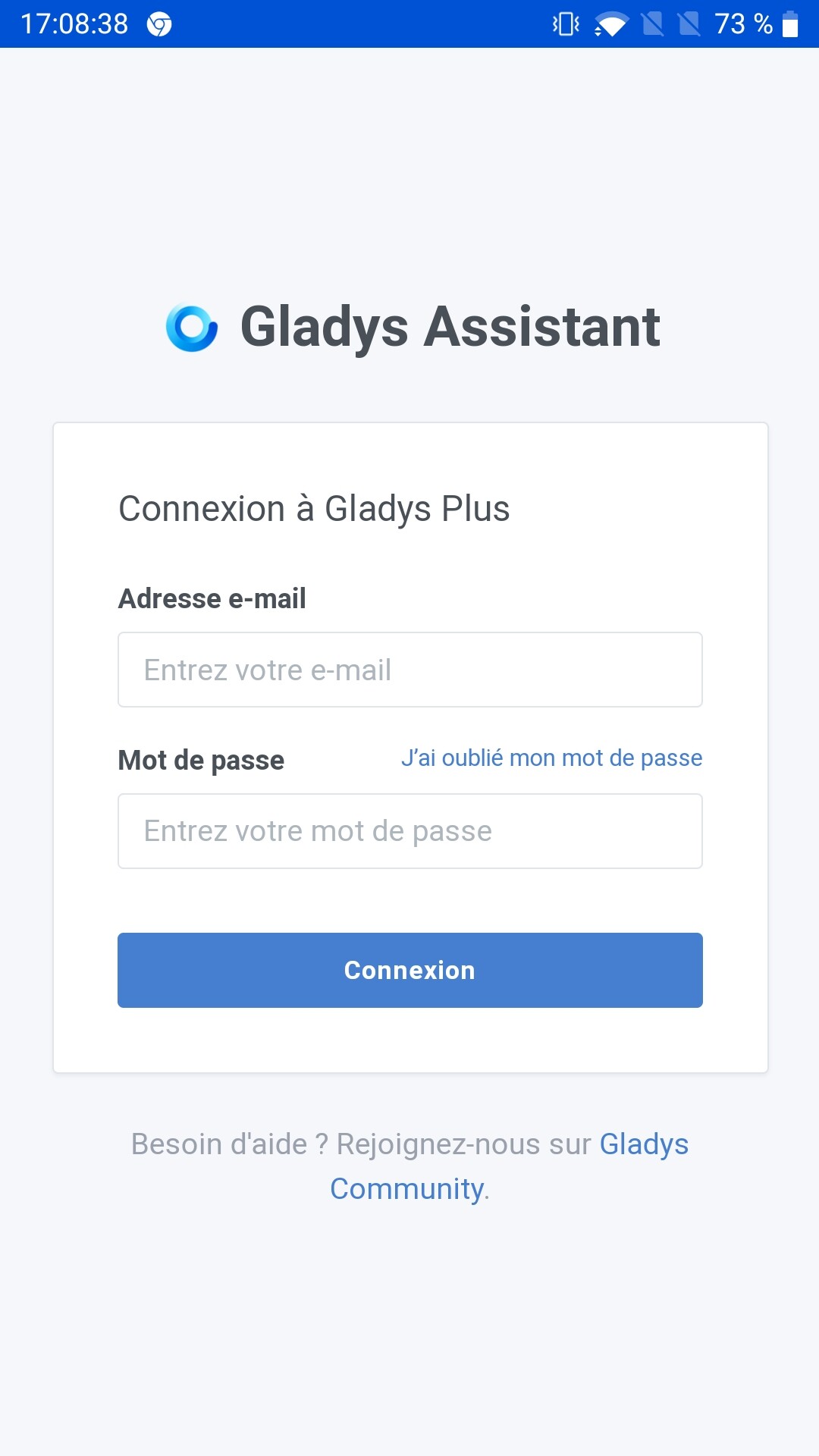
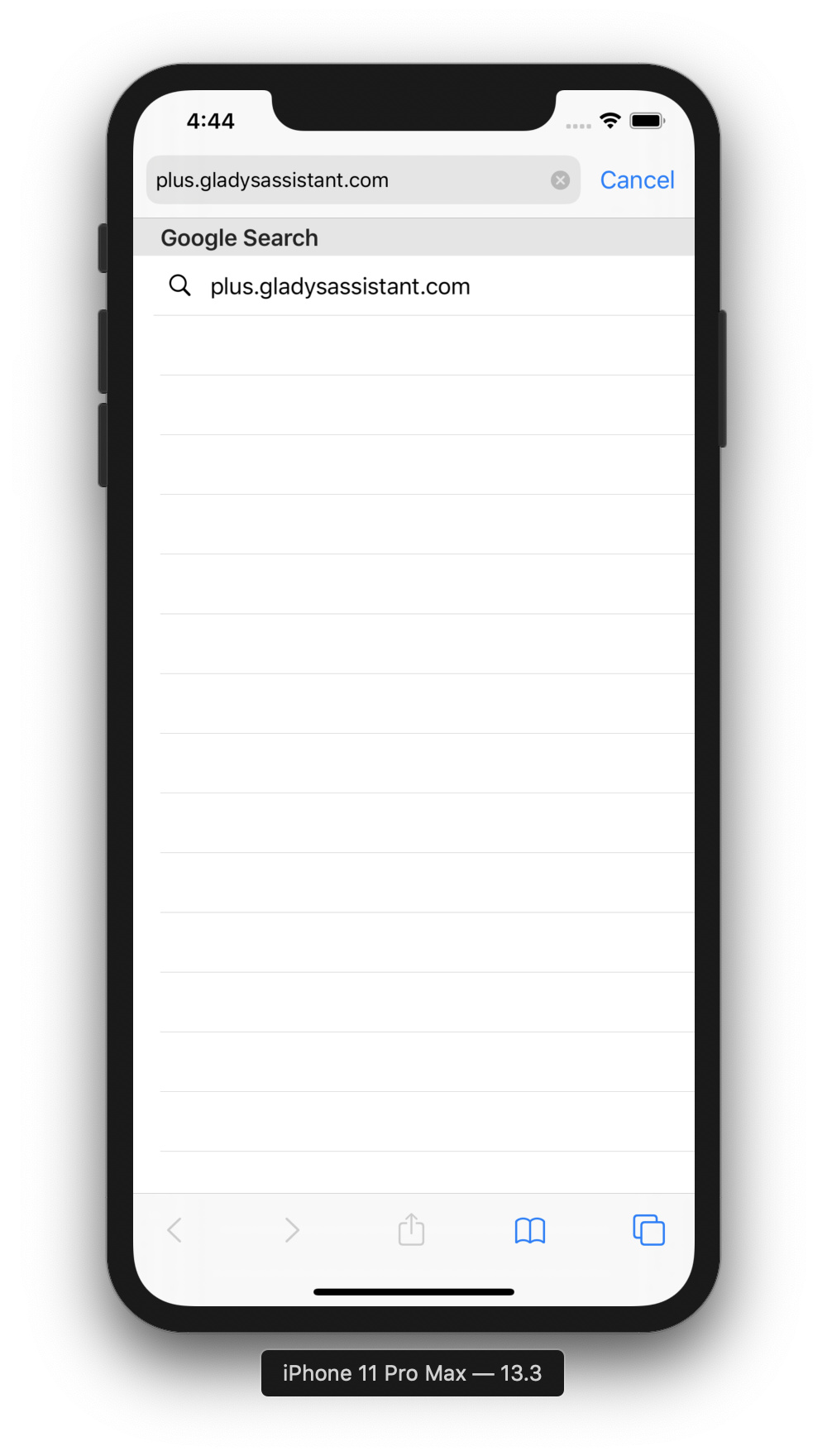
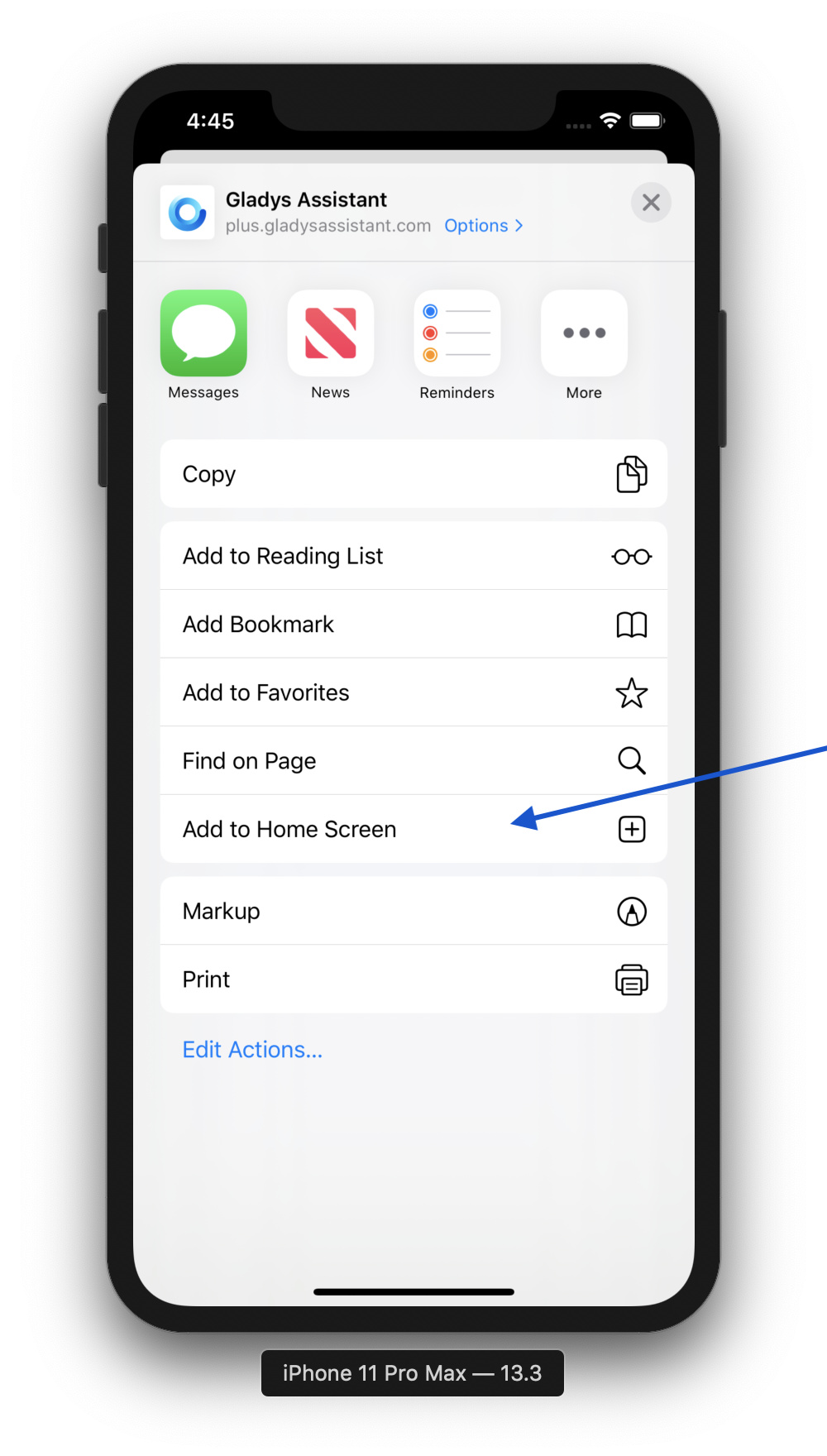
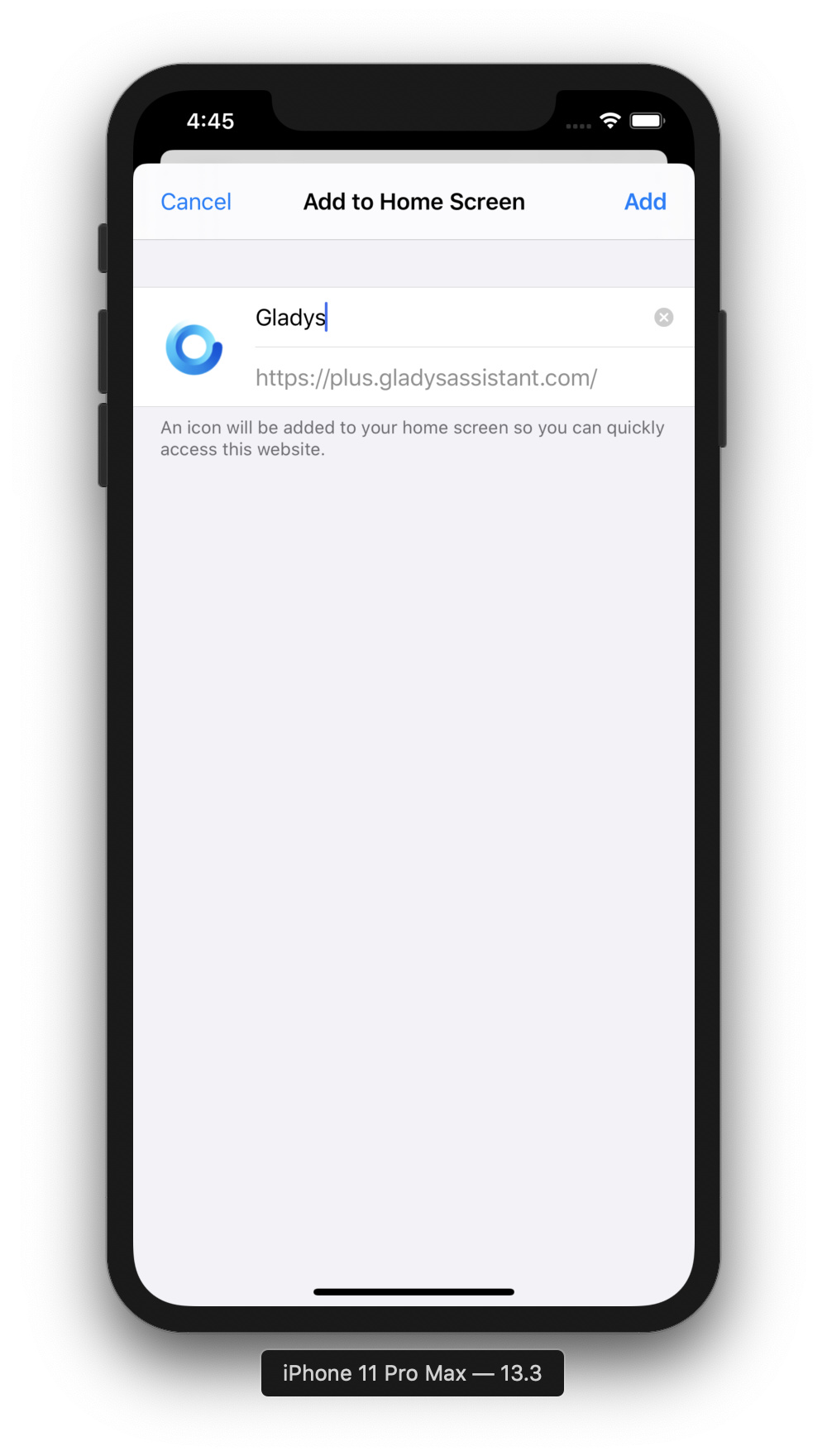
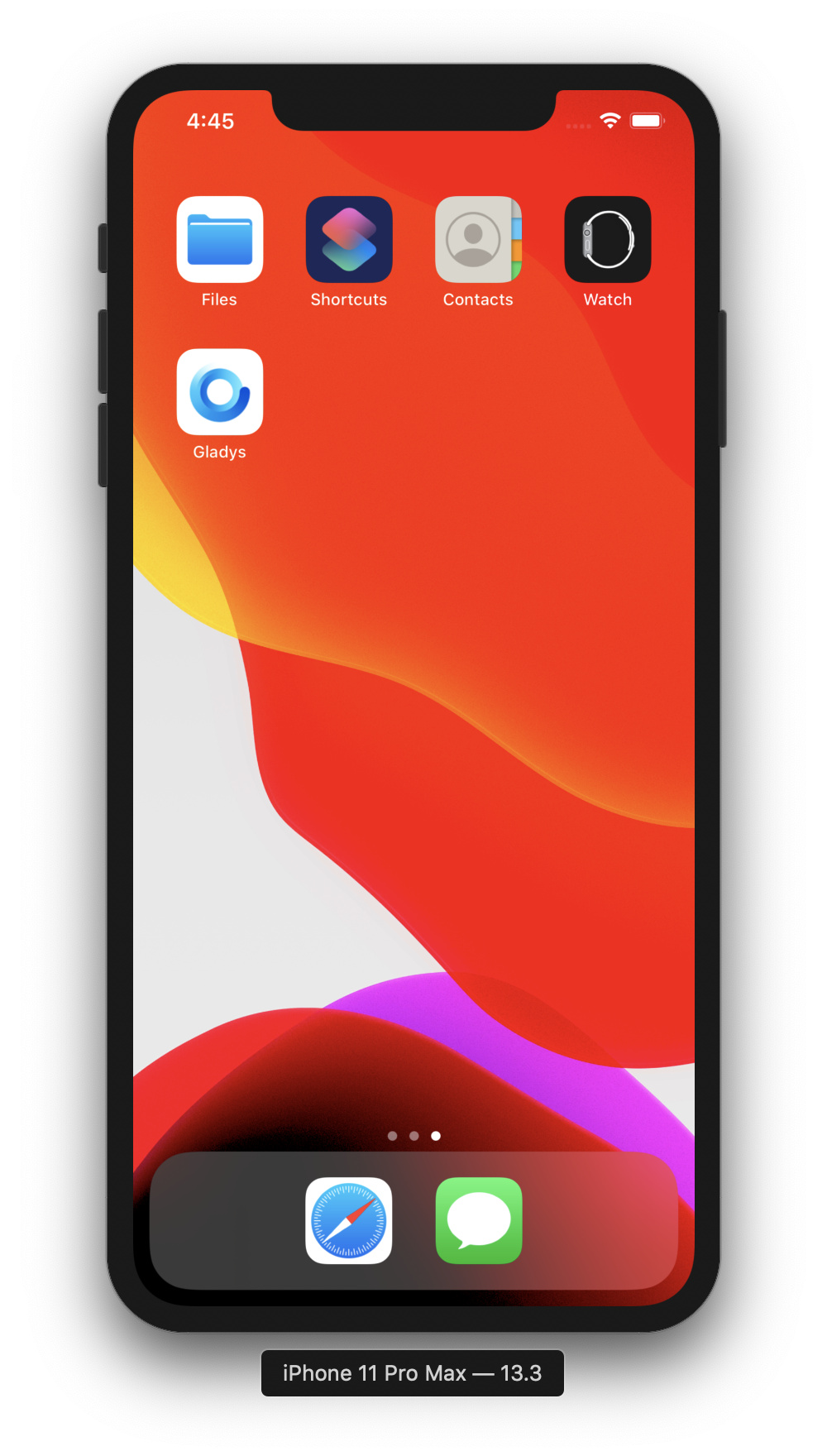
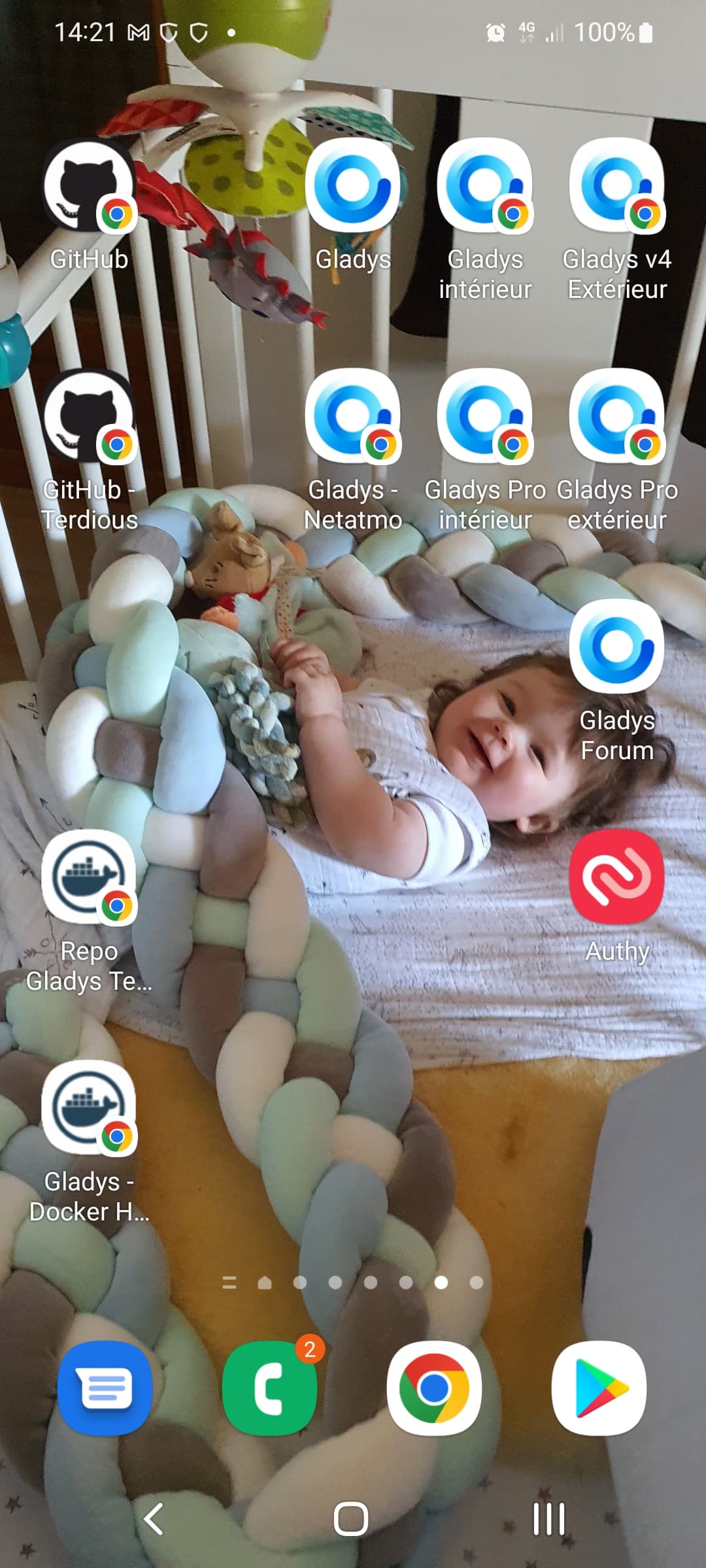
Gladys and Gladys Plus being a progressive web app, it is very easy to use it on your mobile like a native app. You won’t see the difference with a native application.
This tutorial shows how to use Gladys Plus as a native application, but it also works with Gladys locally, the only difference is that you will not be able to access Gladys outside your local network.
Gladys Plus allows you to access Gladys remotely, with end-to-end encryption.
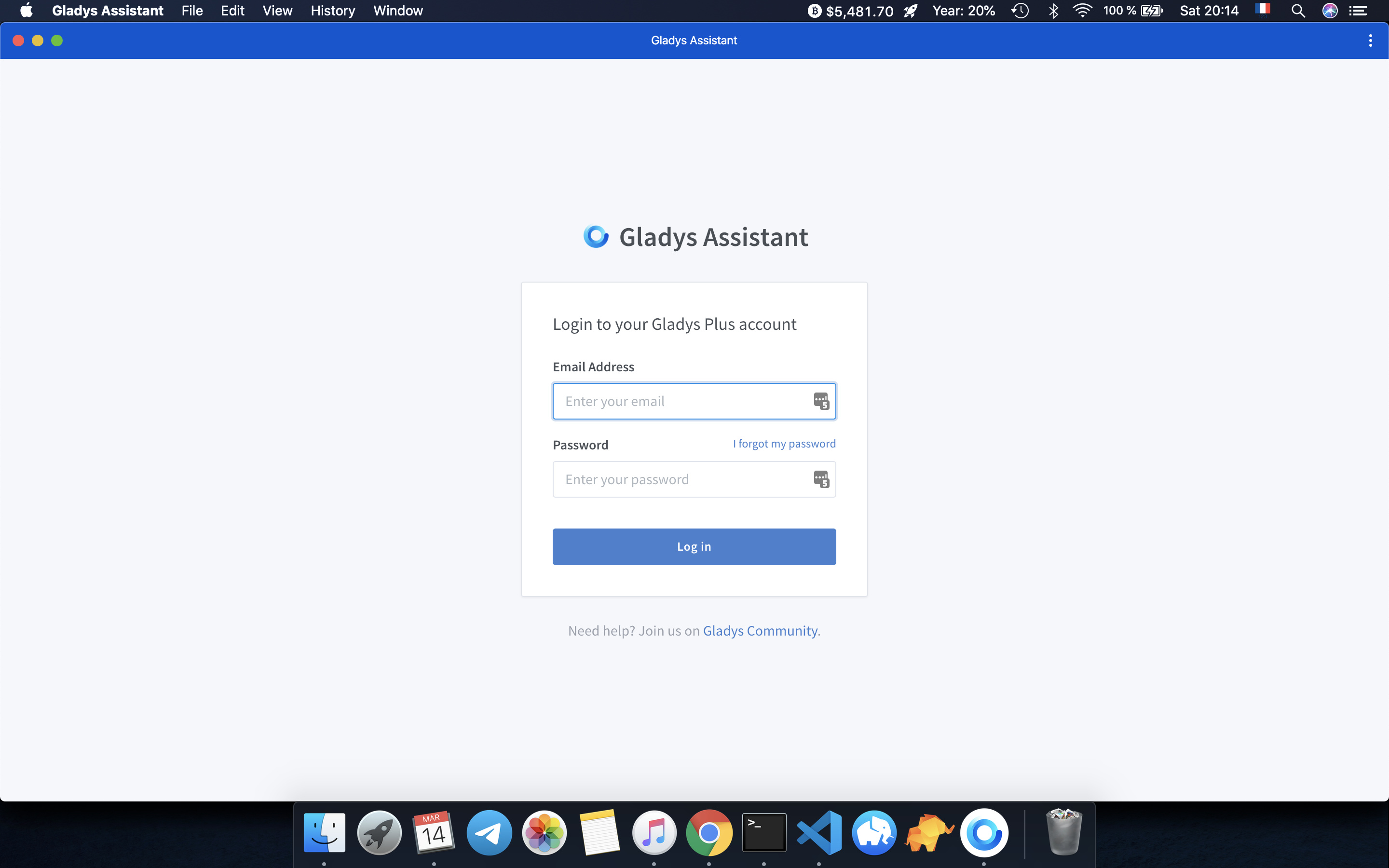
@Will9 It doesn’t work with Firefox, however you can use « nativifier » which allows you to convert a web app into a desktop application, and it works on Linux, Windows and MacOS!
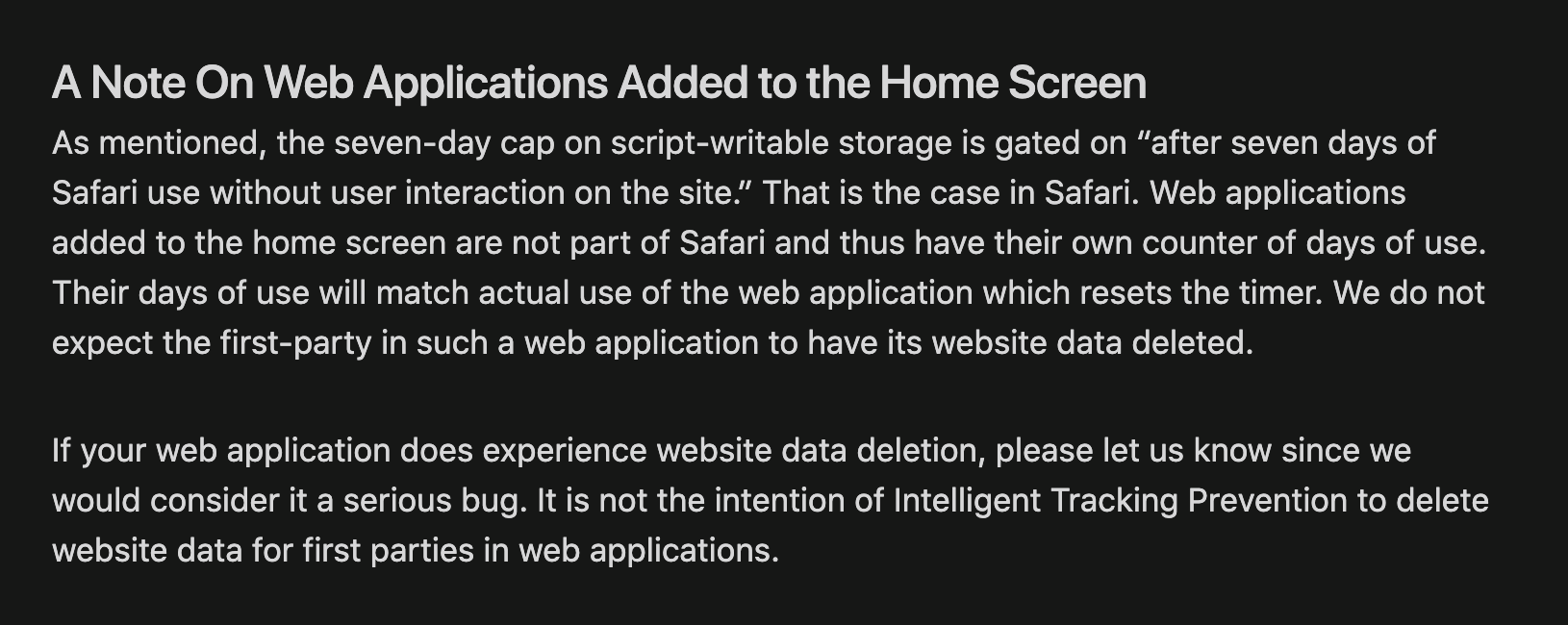
For information, for those following Apple/iOS/Safari news, Apple’s recent announcements regarding web storage management (cookie/localstorage/indexedDB) do not pose a problem for the PWA that is Gladys 4 / Gladys Plus!
As indicated in their post, cookies deleted after 7 days do not apply to web apps added to the home screen:
Hello,
On my side the icon isn’t great, I have a G with the Google Chrome logo in the bottom right.
Are there any specific recommendations on this point?
Should I sign in beforehand or not?
Thanks!
Do you have that? Or really a « G » as an icon? For my part Gladys Plus and the forum are neutral, whereas all the local Gladys have the Chrome icon at the bottom right.
I saw, after seeing the impact it has for us, I don’t think it removes the « add to home screen » functionality but only some features of it (web push, for example, which we don’t use)