I’m waiting for your test but here’s what I prepared… so I’ve gone ahead and added your 2 missing modes.

So I don’t understand, it’s impossible to run the command to put back @cicoub13’s image
at first no problem :
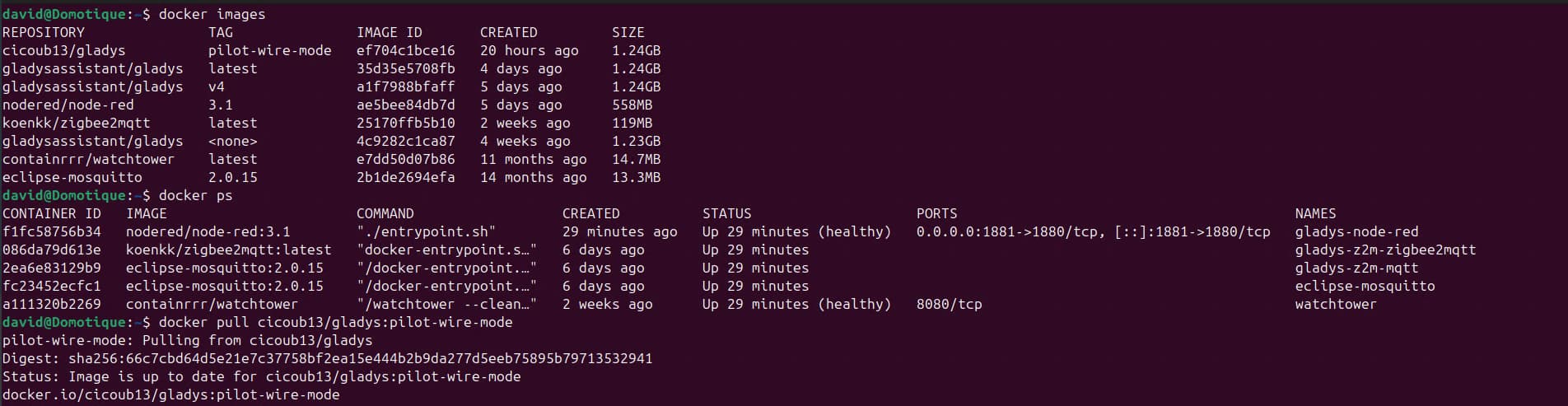
but later when I rerun the big command :
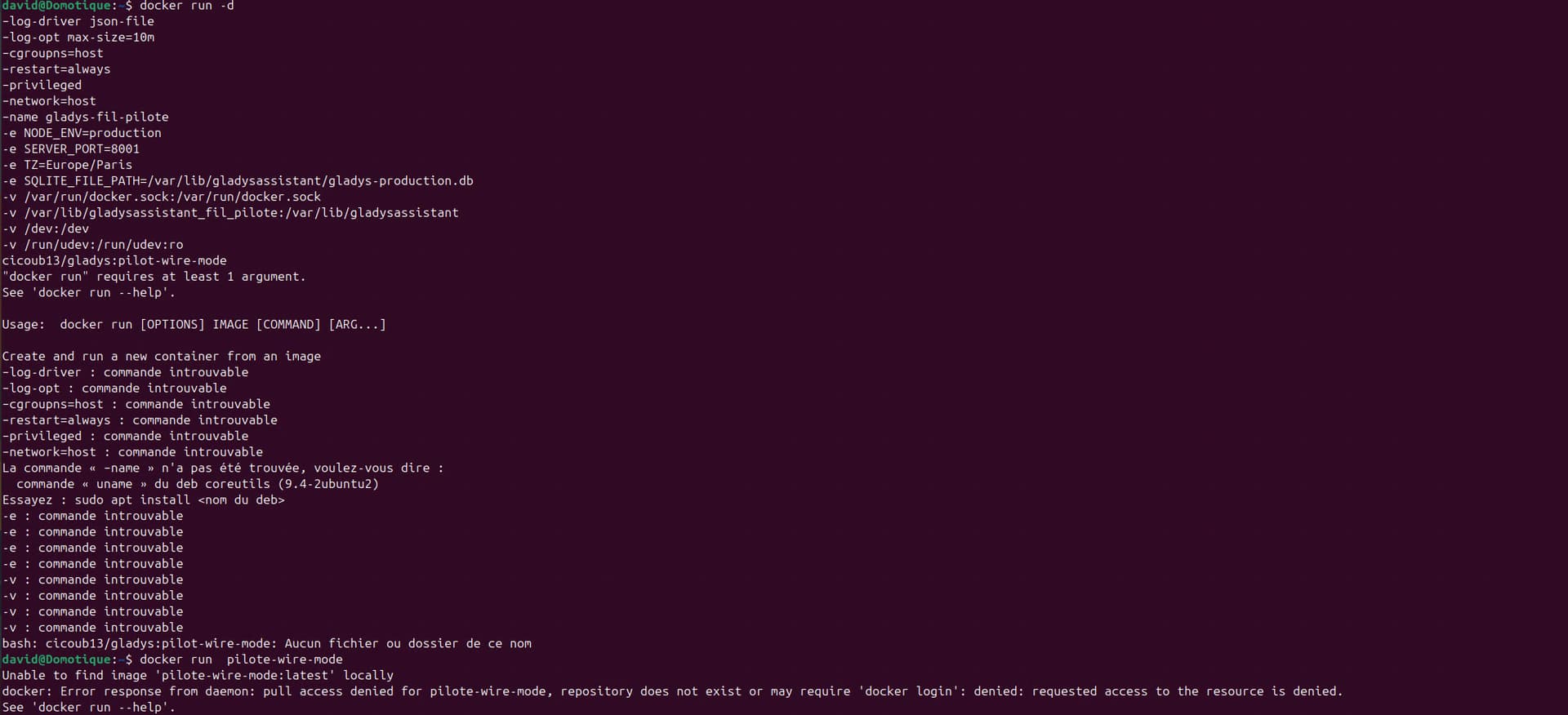
so in the end I try to run docker run on its own and it tells me there’s a login problem
I don’t understand
You probably made a mistake on the first docker run command. I suggest redoing it — copy/paste the instructions below:
docker run -d \
--log-driver json-file \
--log-opt max-size=10m \
--cgroupns=host \
--restart=always \
--privileged \
--network=host \
--name gladys-fil-pilote \
-e NODE_ENV=production \
-e SERVER_PORT=8001 \
-e TZ=Europe/Paris \
-e SQLITE_FILE_PATH=/var/lib/gladysassistant/gladys-production.db \
-v /var/run/docker.sock:/var/run/docker.sock \
-v /var/lib/gladysassistant_fil_pilote:/var/lib/gladysassistant \
-v /dev:/dev \
-v /run/udev:/run/udev:ro \
cicoub13/gladys:pilot-wire-mode
For your second run command, why? It’s simple to understand: the image doesn’t exist, so it can’t do anything with your command

So when I change in the drop-down menu it does indeed change the radiator
So it works
Only missing the 6 modes for people who have 6-step radiators
Anyway, great job
As soon as the 6-wire is ready I’ll test it for you
As soon
You’re welcome, it helps me and I think it will help a lot of people, because on the pilot-wire market I don’t think there are many choices of equipment.
Here is my image willde71/gladys-test:zigbee-pilot-wire
Keep me posted.
As for my part
I didn’t do much, it was @cicoub13 who did the job.
@pierre-gilles, I need your help to continue the PR on GitHub.
On my side, I had recreated a branch, but I don’t know how to link it to the current PR.
If you could point me in the right direction, or should I open another PR?
I closed my PR (no comments or value). You can open a new one, it’s cleaner/simple
@pierre-gilles , here’s the PR.
Thanks to @cicoub13 — he did 99% of the work.
That all seems very good to me!
And on mobile, how does it look? Is it responsive?
I’ve done my tests to see if it worked on my phone and didn’t see any issues.
responsive I don’t know but in any case easy to access

Silly question — how long does it take for cicoub’s work to be integrated into gladys global?
Because I’d like to start my work on the scenes before winter
I know it’s selfish but the cold is coming and my wife is complaining about seeing the radiators on the floor lol
It could be tomorrow (if Pierre Gilles has the time and the code is perfect), in a few days to avoid making a release just for that, or in a few weeks if @_Will_71 and I disappear from this community for some reason 
More reasonably, it’s usually integrated within the week once the work is finished and qualified (tests and code OK)
For Monday, I’m not sure because in another post, @pierre-gilles indicates he’s returning from Japan.
But don’t worry, the updates are regular.
Yes, I got back from Japan on Tuesday! I’m working on Gladys tomorrow and I’ll take care of it then 
Great, I’ll start working on my scenes right away.