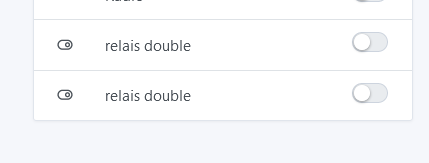
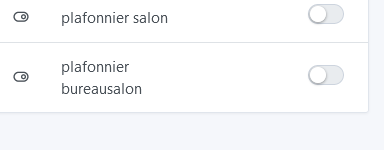
Indeed, like @VonOx, I don’t see any change.
Could this be because these are devices/features of the MQTT integration?
Beyond the name of
Hello
Following the update I’d like to thank the developers, and the people from near and far who do the job…
I just received the update and so I went to check my Tasmota Sonoff devices with the DS18B20
It displays perfectly for the DS18B20, but for the dual probes (THS01 temperature and humidity) it doesn’t match (the device temperature is reported and not the temperature from the temperature probe…
Shown in the photo are two types of devices (THR320 and THR320D)
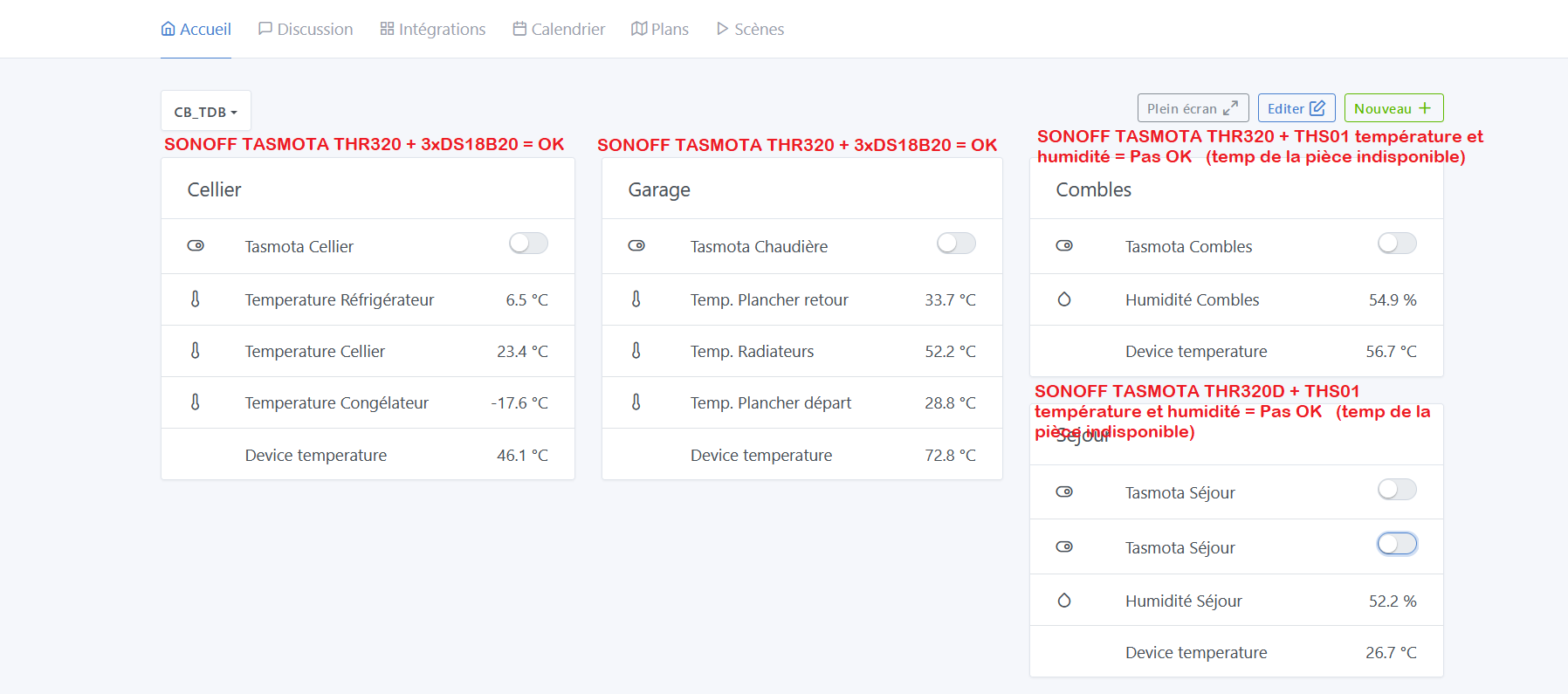
Now, if I read correctly above, I have the same observation as others…
Still in images:
We’ve got the device with its functions…
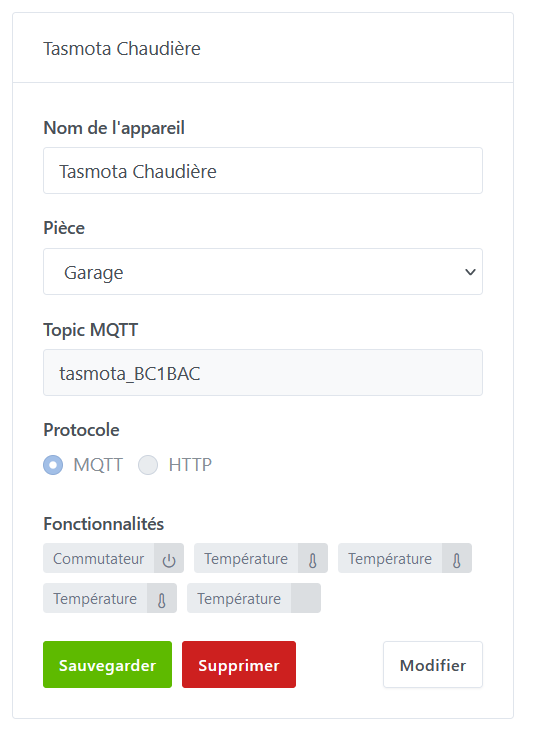
We set it up with its little names…
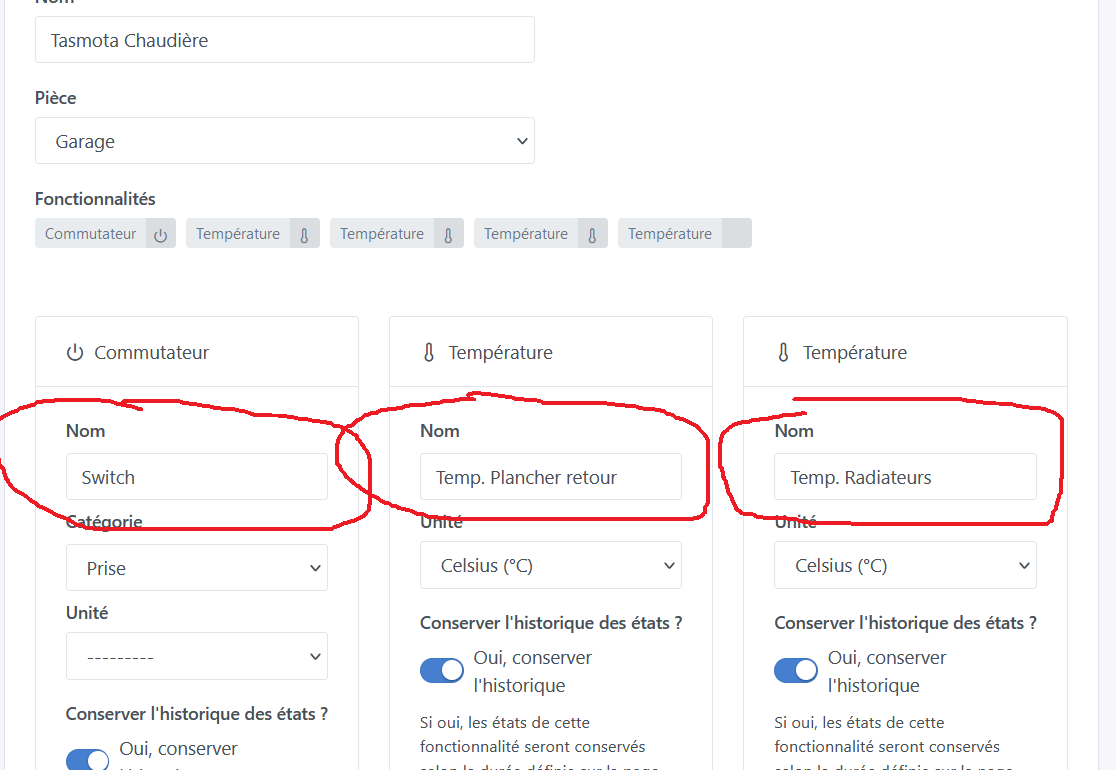
But when you’re in the dashboard (TDB) and you add them… you have to go by trial and error to figure out which is which…
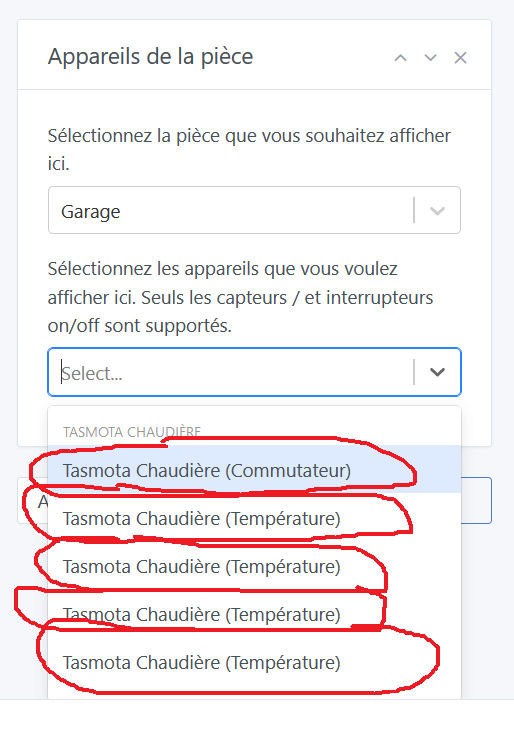
And, being the annoying person that I am, I couldn’t manage to put them in order (do the functions always sort alphabetically??)
Okay, I’m stepping out for 5 minutes!!
Thanks
For temperatures, @AlexTrovato should be able to answer you; as for the names, that’s not included in this update yet.
@pierre-gilles I have the change to apply this model: deviceName (featureName) (new commit included).
It’s fairly simple to modify, and centralized.
For the charts, I’d like to confirm, because I’m a bit lost in the code on that side.
For Tasmota:
@Titou43 so it’s one device with 2 temperature sensors?
I’m astonished (as they say). Could you send me the content of the message stat/tasmota_XXXXX/STATUS8 for this device? It’s possible to see it on the console of the small site available directly via the device’s IP address on your network.
For the naming, it’s in the validation phase with Gladys Plus, not yet in the local version.
I found this in the console :
stat/tasmota_BC0328/STATUS8 = {« StatusSNS »:{« Time »:« 2022-10-05T23:24:49 »,« SI7021 »:{« Temperature »:17.5,« Humidity »:55.8,« DewPoint »:8.6},« ESP32 »:{« Temperature »:55.6},« TempUnit »:« C »}}
It’s a single device (Sonoff THR320) with a THS01 sensor (it measures temperature and humidity and, by calculation, dew point…)
Thanks !!
Indeed, I can reproduce the problem; off
@AlexTrovato I don’t know if there will be too many testers, since the code is pretty straightforward I merged your PR so it’ll be included in the next update!
As a matter of principle, since you spent time on it, it seems normal to me to test it and give you feedback…
I’ll try to get to it tonight
That doesn’t prevent leaving it in the future update
Thank you
This fix is live in Gladys Assistant v4.11.1:
I just got the update…
But nothing has changed on my side
I’ll bet you’re wrong, that would suit me 
Are you sure you have the latest version? Even if you force a « search » you don’t have the changes?
Note that already registered devices will not be modified.
@AlexTrovato
As I’m really just getting started with Gladys I can do anything (set up, take apart…)
I deleted my Sonoff Tasmota devices and I deleted the dashboard…
I started a database cleanup just in case…
I’m waiting for the cleanup to finish…
What should I do to dig into the subject thoroughly?
Don’t hesitate to tell me
Claude
I tested with the Docker image on the test Raspberry Pi (not the production one…)
I confirm that I don’t have any changes…
Hi everyone !
Back to the main topic in this thread: device naming.
I deployed a new Gladys Plus frontend at [https://gladys-new-device-name-2.netlify.app/](https
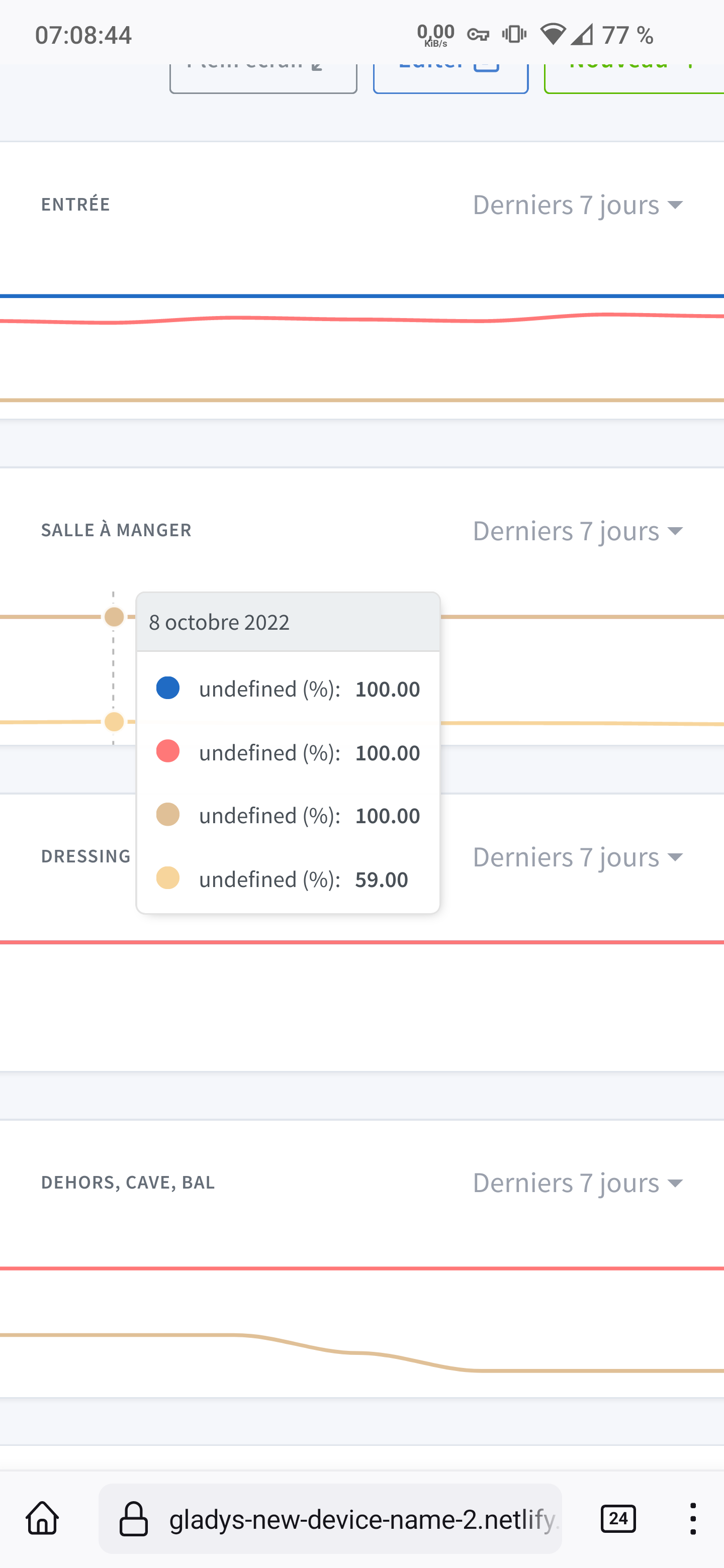
Same on my end.
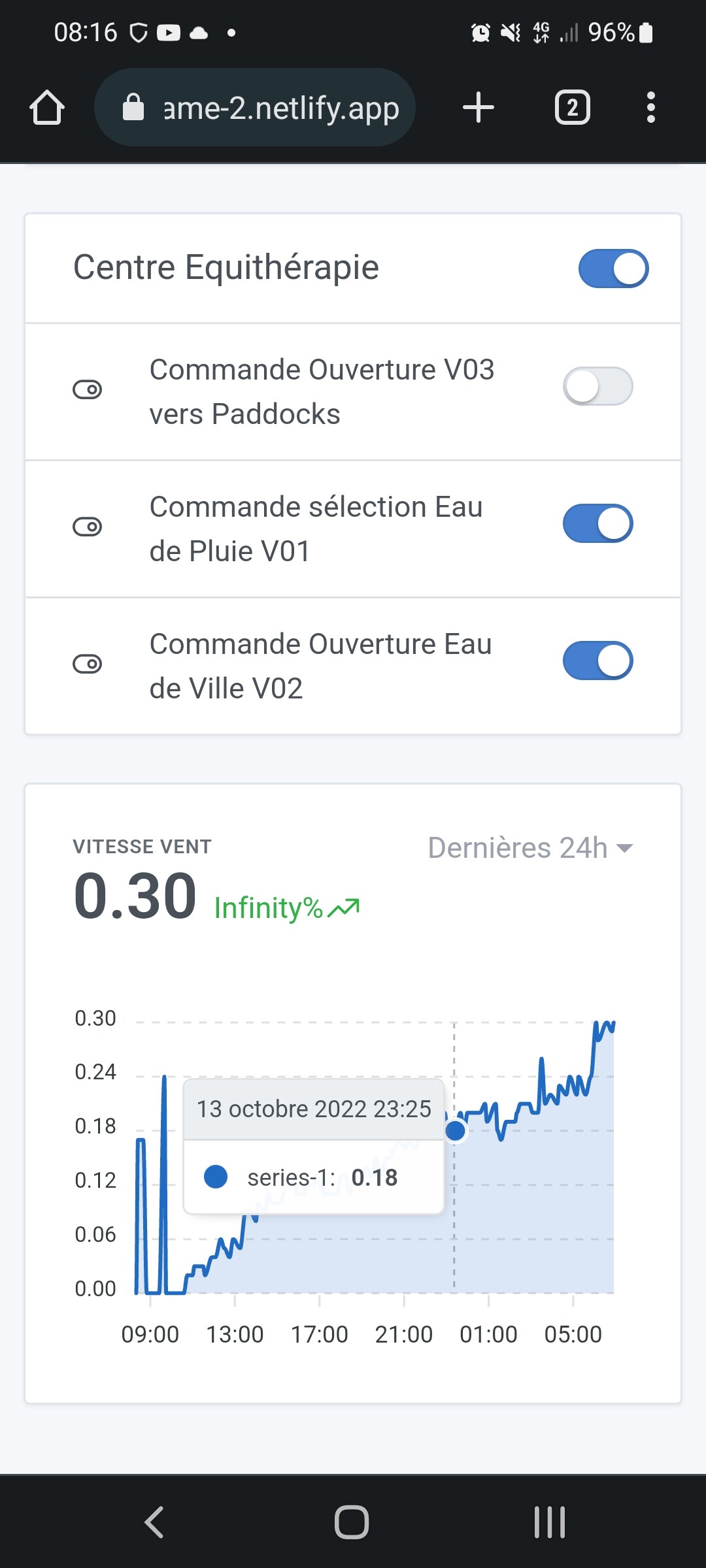
Same for me