I agree that could be a problem, especially since all users will open the pickers, but I’m not sure it’s a good idea to open them directly
On the other hand, I can block the EditText fields so they can’t be modified except by the pickers, and that would probably prevent errors!
Well spotted!
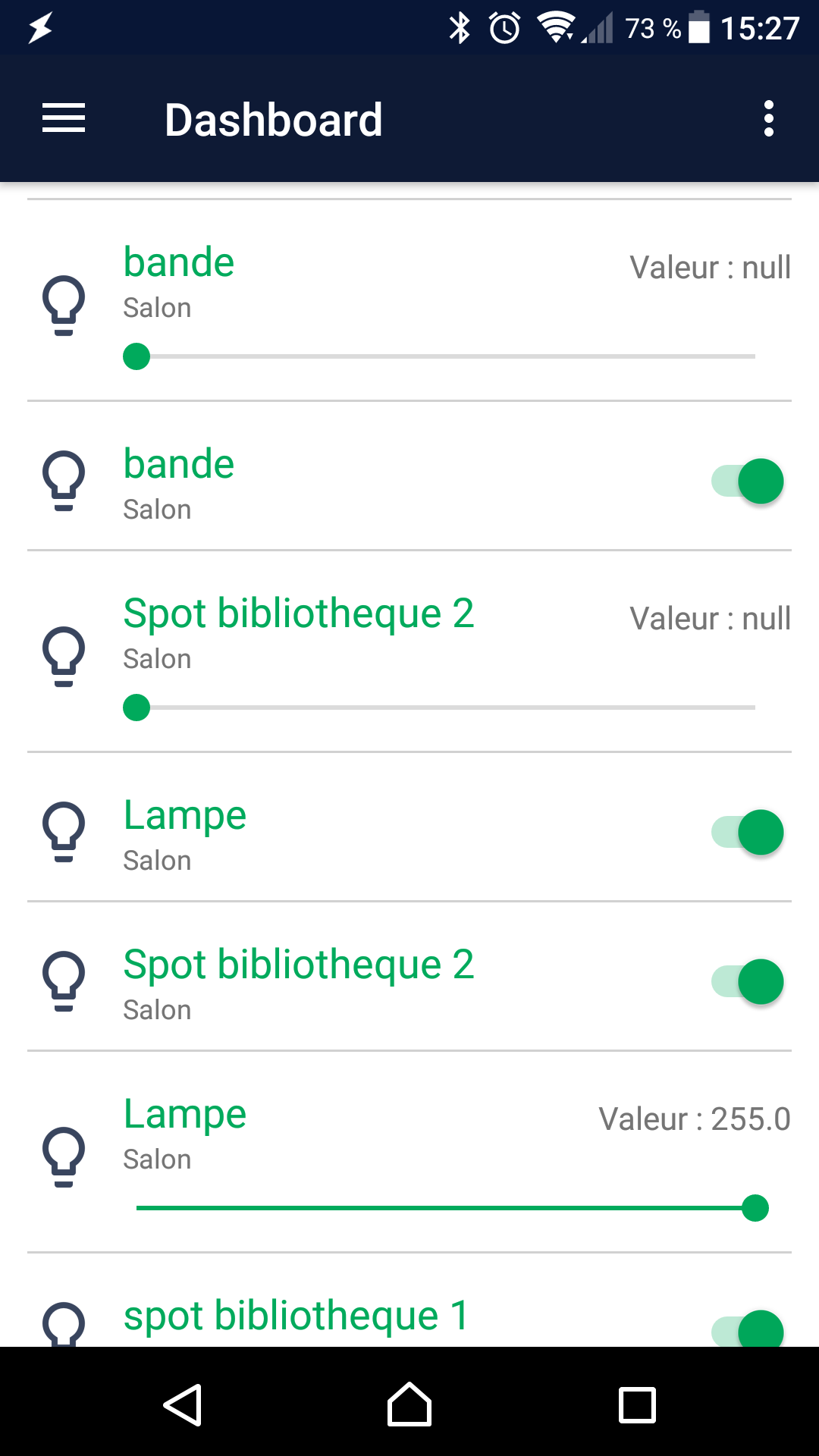
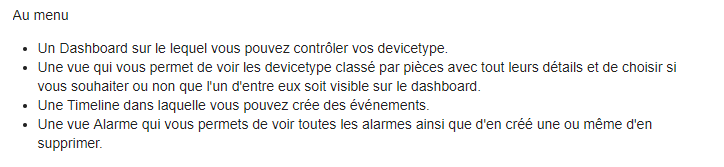
It’s normal @aiaalm not to clutter the Dashboard with the details of each devicetype, they are in another view!
It’s specified in the very first message of the post!
You need to go to the « Pieces » view and click on the one you want to see all the details of the devicetype ^^
Well, why not?
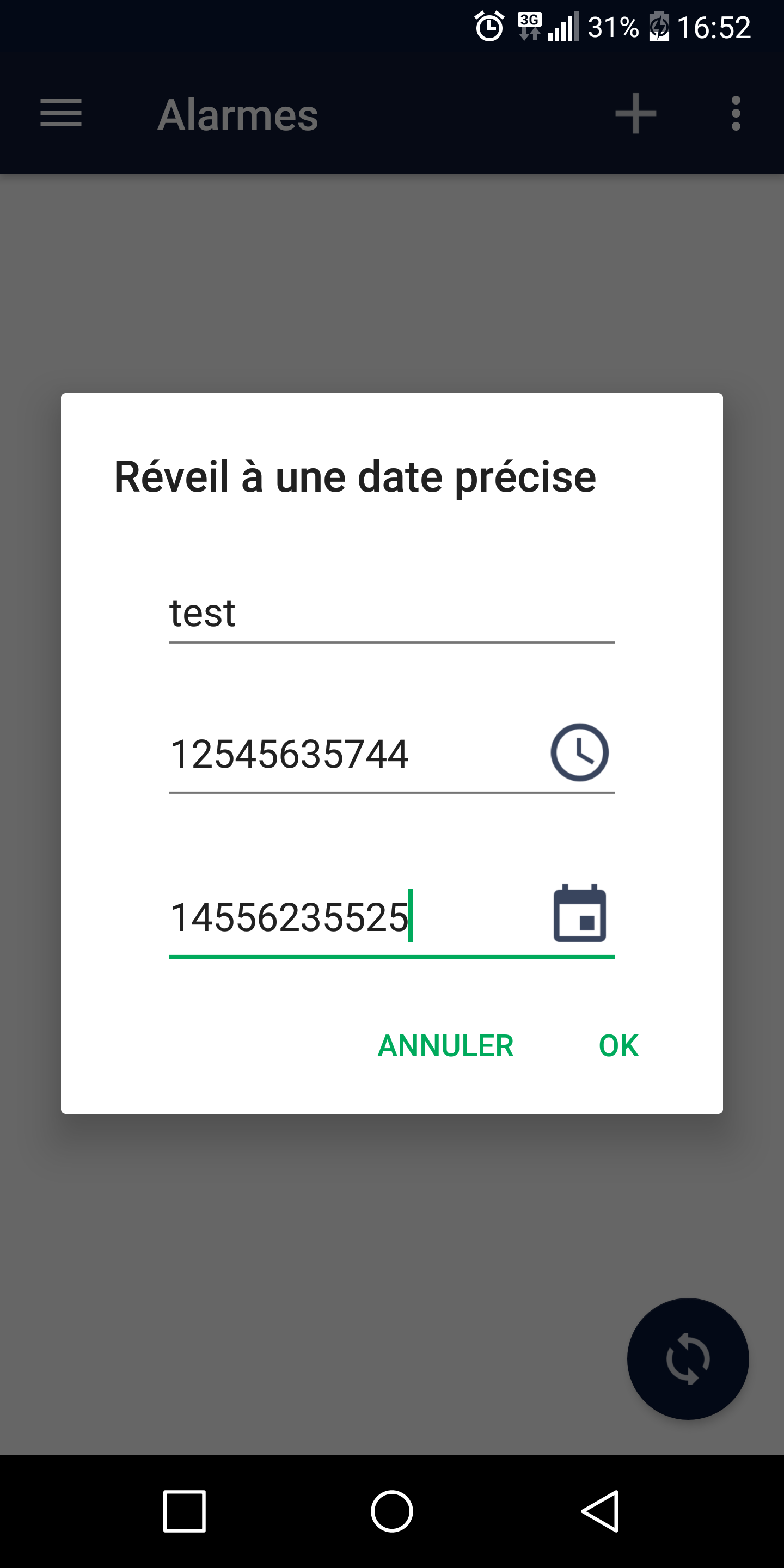
Basically, you click on « New Alarm »
You tap on the Time field, it opens the time picker
You tap on the Date field, it opens the date picker
Just like on Android when you set an alarm, right? ^^
Oh, I thought you wanted the pickers to open directly when the dialog box opens
But yes, that’s what I’ll do, you’re right!
In short, nothing will change visually, but when you click on the fields, the pickers will open and you won’t be able to modify them manually anymore ^^
There’s something I don’t understand ^^
You left the HTTPS option checked (when this option is checked, the app doesn’t use a port) but you still entered a port (80)?
No, that’s intentional! A DNS doesn’t work over WiFi, at least not at my place! That’s why it’s important to have two separate fields.
That’s already the case!
Basically, the app tests the network and if it’s on Wi-Fi, it uses the local connection info. If it’s on GSM, it uses the WAN info (DDNS), and if there’s no network, it returns an error ^^
A code 5 means there was an error reading the data returned by Gladys.
Have you checked your token? Did it work like this before? Can you check with Postman what it returns to you?
I just discovered the chat in Gladys, but it doesn’t appear in the app.
The weather doesn’t either.
And if I may suggest another idea, why not protect the app with a password (or even better, fingerprint for phones equipped with it), that would be a plus, right? (if it’s not too complicated, of course)
Well, I’m not really in favor of that because the purpose of the app is to go faster than using the Gladys web interface, so having to enter a password kills all the interest
And then normally your phone is locked so no one can access your apps, so an extra security is unnecessary.
As soon as I got back, I rebooted my pi and set up your app! So, to reassure you on one point, it’s perfectly configured; I’d even say it’s a piece of cake! Sync is great!
On the other hand, I already have a bunch of little points to improve the setup ^^ we’re going to have some fun together but worst case, I’ll reinstall Eclipse and the Android SDK to make you some PRs, that’ll refresh my memory. It’s been a while since the Android Honeycomb app from my BTS project

 All my devices are displayed!