Hello, I couldn’t find a general topic about Bluetooth, so I’m creating one.
Through this post, I’m bringing up a bug (or at least a problem) regarding the detection of presence via Bluetooth that @lmilcent and I have noticed.
Currently, to be able to use a selected device as a presence detector in a scene, the added device must be present in a room. When it does not have one, it is impossible to find it in the device list « Device State Change » in a scene.
Would it be possible to activate in the scene list devices that are not associated with a room in a house?
I admit that without your tutorial on the forum I wouldn’t have found out how to manage a user’s presence.
The simplest thing would be to do as for all devices: triggering on state change.
Bluetooth scans every 1 minute for example
If my NUT is detected, the « Nut Louis » device is marked as present
If my NUT is not detected, the « Nut Louis » device is marked as absent
In the scenes, I can base myself on the state change of « Nut Louis » and check if it is at 1 or 0 (or a dedicated present/absent button in the scenes like for presence sensors).
This is much more consistent with the rest of Gladys and it’s easier to navigate.
I agree, and that’s already the case for the part of detecting entry into the house.
For the « detecting exit from the house » part, doing this in a scene seemed quite complex to me for something that is quite similar for everyone (everyone will do it in the same way, modulo some parameters), so I found that forcing people to recreate a complex scene that can just be a box in the scenes was overkill.
In fact, you are assuming that if your device is not detected even once at your place, it means you are no longer at home. However, in reality, Bluetooth disconnections of a few seconds happen all the time. That’s why historically on Gladys, people have rather made conditions based on a period of time without detection rather than on disconnection which causes false positives.
That’s correct. Initially, I wanted to do something else, but I think it’s still impossible to do with Gladys: to check the value of a sensor over a period of time (e.g.: no movement for 10 minutes).
Question about presence detection: I can’t figure out how to trigger scenes when a user leaves.
When I check the device value, it’s always 1 whether I’m marked as present or not.
In the documentation, you explain very well how to mark a user as absent or present with the « Check presence » box, but this action does not allow it to be used in « Continue Only If » for example.
Why not link a device to the user profile?
Wouldn’t that be much simpler?
I just bought a Bluetooth key fob from Action for less than 2€.
I linked it to Gladys and it works perfectly.
Edit: Just that I have to click on it to activate it. Actually no need to click.
This is not possible yet! It’s a development to be done, you need to add a box « when the user leaves the house » and « when the user comes back home »
Too bad, thanks for the info
In this case, local network presence seems relevant to me (seen in another thread): what would be the procedure in this case?
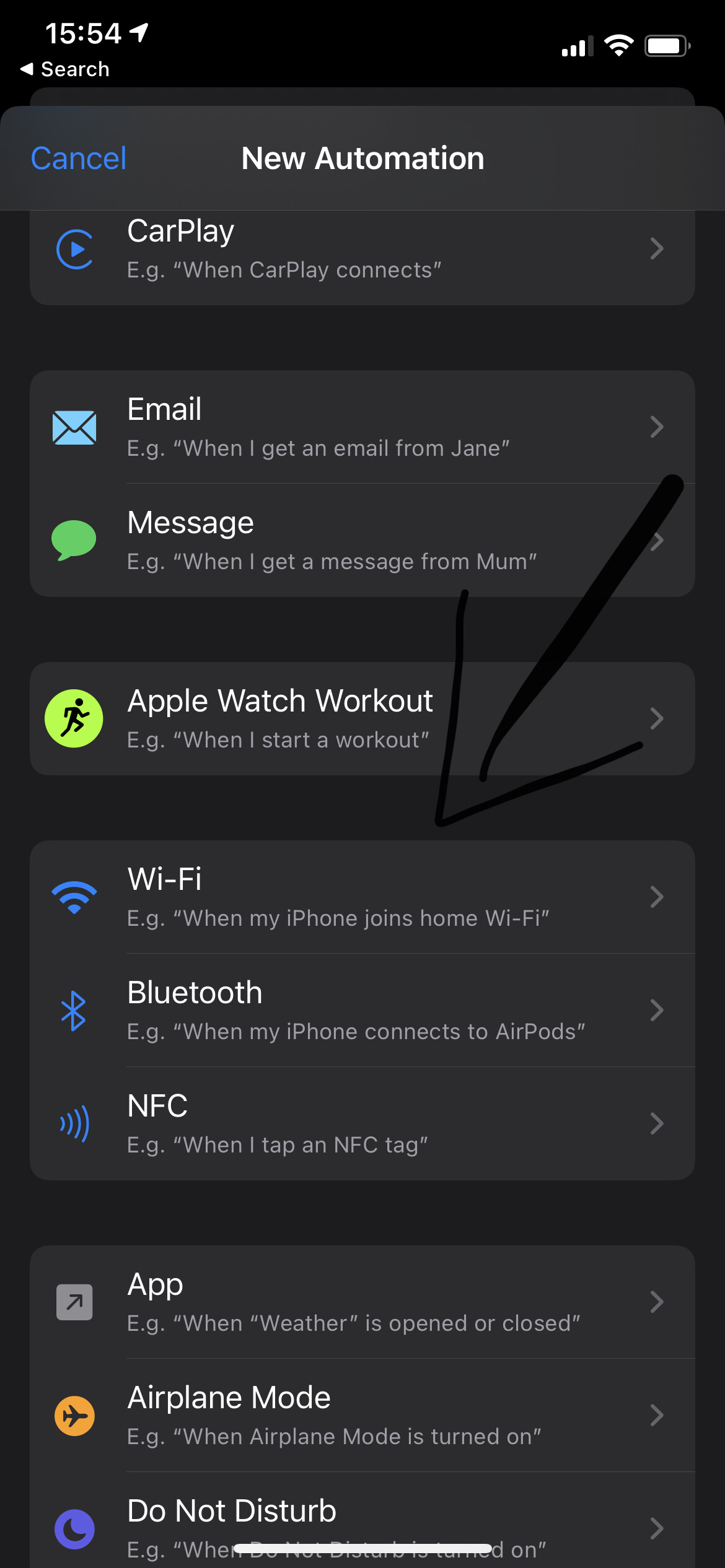
To appear on the local network, you can use the « Shortcuts » app on iOS (or Tasker or Automate on Android) to detect that your iPhone has just connected to (or left) your home Wi-Fi network.

 It’s a development to be done, you need to add a box « when the user leaves the house » and « when the user comes back home »