For me it’s already coded
Not tested on my side
For me it’s already coded
Not tested on my side
Shouldn’t we put a numeric value?
It would be good to record this info somewhere when a device is managed by Gladys. Airtable or directly in Gladys.
Airtable is already included (even with one less feature) 
you can test and give feedback 
I misspoke.
I meant to say that it should be mentioned somewhere:
1 short press = 1
2 short presses = 2
? long press = ?
I confirm there’s no response to a long press on Gladys, but it’s OK in the z2Mqtt dashboard.
hello @VonOx
For the long press we don’t have a conversion of « long press » into a number (5 for example to be consistent with Xiaomi)
as @Tlse-vins writes
1 short press = 1
2 short press = 2
? long press = ?
These are the same constants precisely to standardize on the Gladys side
const BUTTON_STATUS = {
  CLICK: 1,
  DOUBLE_CLICK: 2,
  LONG_CLICK_PRESS: 3,
  LONG_CLICK_RELEASE: 4,
  LONG_CLICK: 5,
};
Great
But for the Sonoff in long-press mode it doesn’t work. For the Xiaomi buttons, it works

Ok the Sonoff returns « long », I don’t know how to handle that with switch case ( cc @AlexTrovato @pierre-gilles)
What I’ve always said is that these values should never be shown to the user, that’s not the philosophy of this v4!
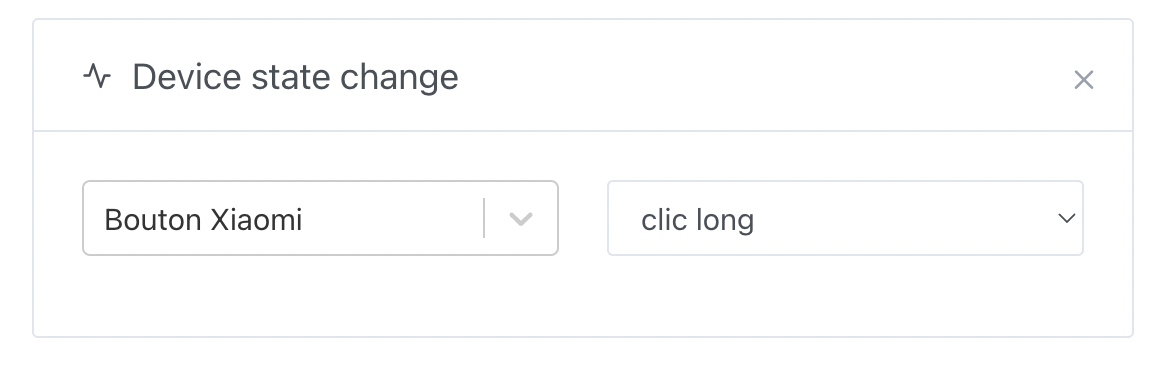
Instead of having to write manually 1, 2, 3 or 4, the user should just see a selector in the scenes, something like this:
(not coded, just a mockup)
That way no one has to remember these constants which are just internal implementation details 
I’m open to a PR on the topic
At a glance I think it’s the readValue that you need to modify:
I’ll let @AlexTrovato confirm.
I agree with you, if all the clicks are coded there’s no need to know the values.
Ok for readValue, no problem — so in the case of buttons like that, is writeValue never used?
I’m trying to understand  .
.
I’m not the author of the code, so I couldn’t say, but I do think that in the case of a sensor that’s never checked, only the readValue is useful.
[quote=« pierre-gilles, post:51, topic:6812 »]
What I’ve always said is that these values should never be presented to the user, that’s not the philosophy of this v4!
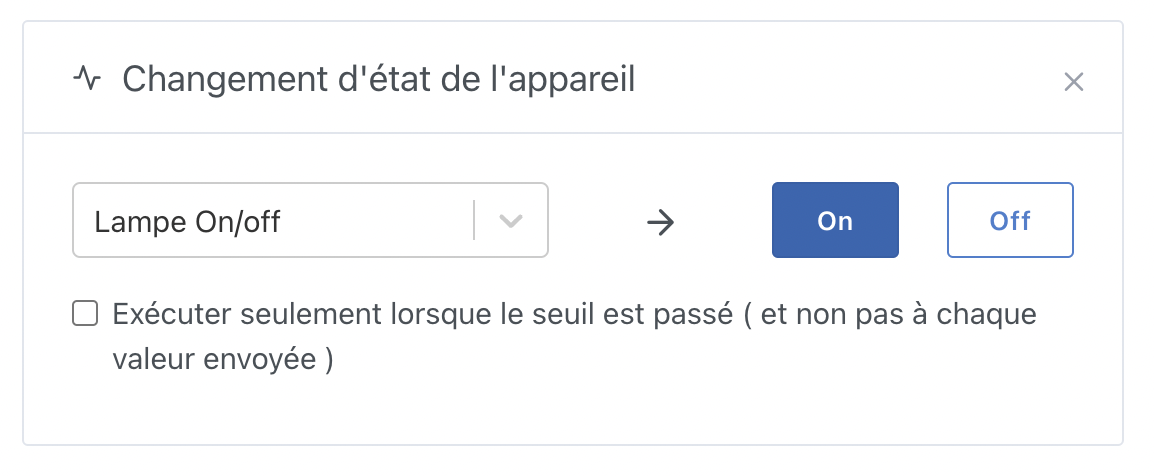
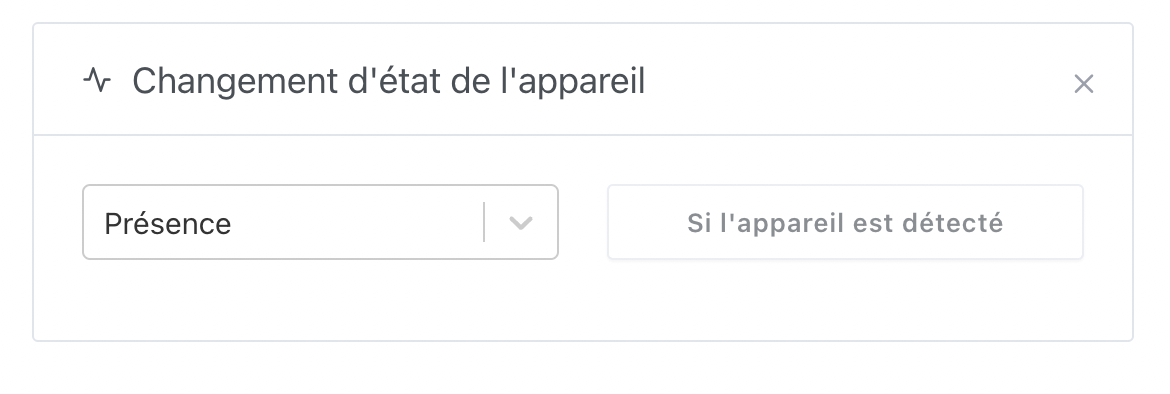
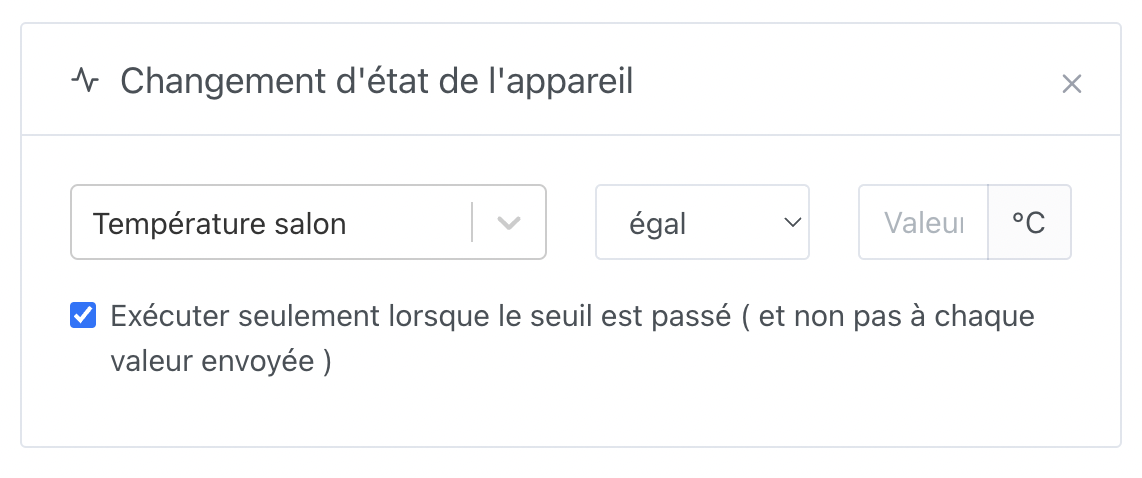
It’s just display, yes! Nothing new though, we already do it for quite a few types:
Binaire:
Appareil de présence:
Capteur avec unité:
The idea is that we never display values that come from our internal workings in the UI; we always show a nice component, translated, and clear to use.
We just need a component for Xiaomi-style push buttons.
Also, what we need to ensure is that only that button is classified as such; we need to know what to base the distinction on in the UI.
As a first step, a PR to handle the button
@VonOx your PR breaks backward compatibility for LONG_CLICK, changing it from 5 to 6
The old long became hold so no (the z2m hold value was mapped to long so it didn’t make sense) => So it seemed logical to me
Should I switch it back anyway?
No problem with the variable name (that’s our
Before my PR
Z2m sends « hold » => Gladys LONG_CLICK => 5
My PR:
Z2m sends « hold » => Gladys HOLD_CLICK => 5
Z2m sends « long » => Gladys LONG_CLICK => 6
Actually I don’t really see what that breaks then since
The mapping hold = 5 is still the same