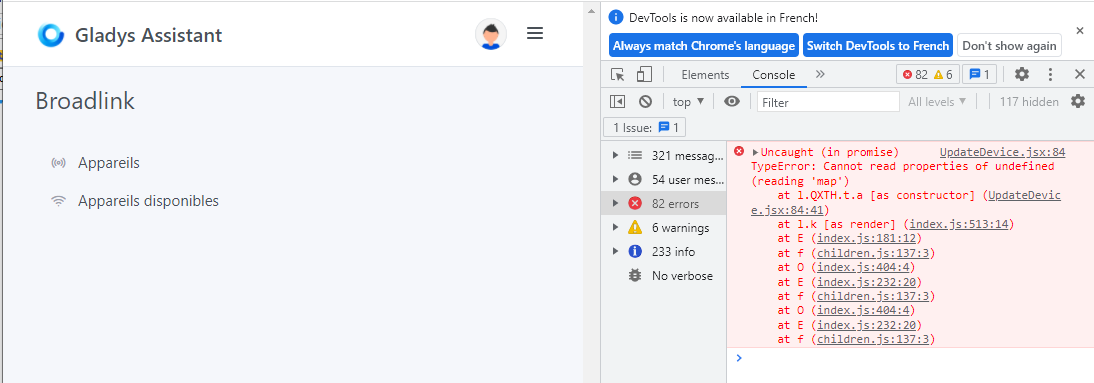
For the first part, the errors on the device, I opened an issue on the library’s GitHub
As for the editing issue, I’ll take care of it 
For the first part, the errors on the device, I opened an issue on the library’s GitHub
As for the editing issue, I’ll take care of it
Thanks.
As for the learning mode when adding a remote, no surprise, we also have an error, and the RM4 doesn’t work with it:
2022-05-08T23:08:57+0200 \u003cerror\u003e broadlink.learn.js:33 (BroadlinkHandler.learn) Broadlink fails to enter in learning mode on 83da3dae0bec device Error: 65529
    at Socket.\u003canonymous\u003e (/src/server/services/broadlink/node_modules/node-broadlink/dist/device.js:118:28)
    at Object.onceWrapper (events.js:520:26)
    at Socket.emit (events.js:400:28)
    at UDP.onMessage [as onmessage] (dgram.js:931:8)
We’ll wait for their feedback to know more and for the next tests ^^
Correction @AlexTrovato, il fallait modifier l’option « Lock device » dans les paramètres de l’application Broadlink.
Donc plus d’erreur sur le polling
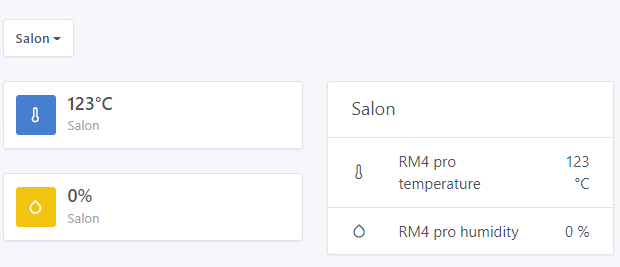
Toutefois la température me parait étrange  ^^
^^
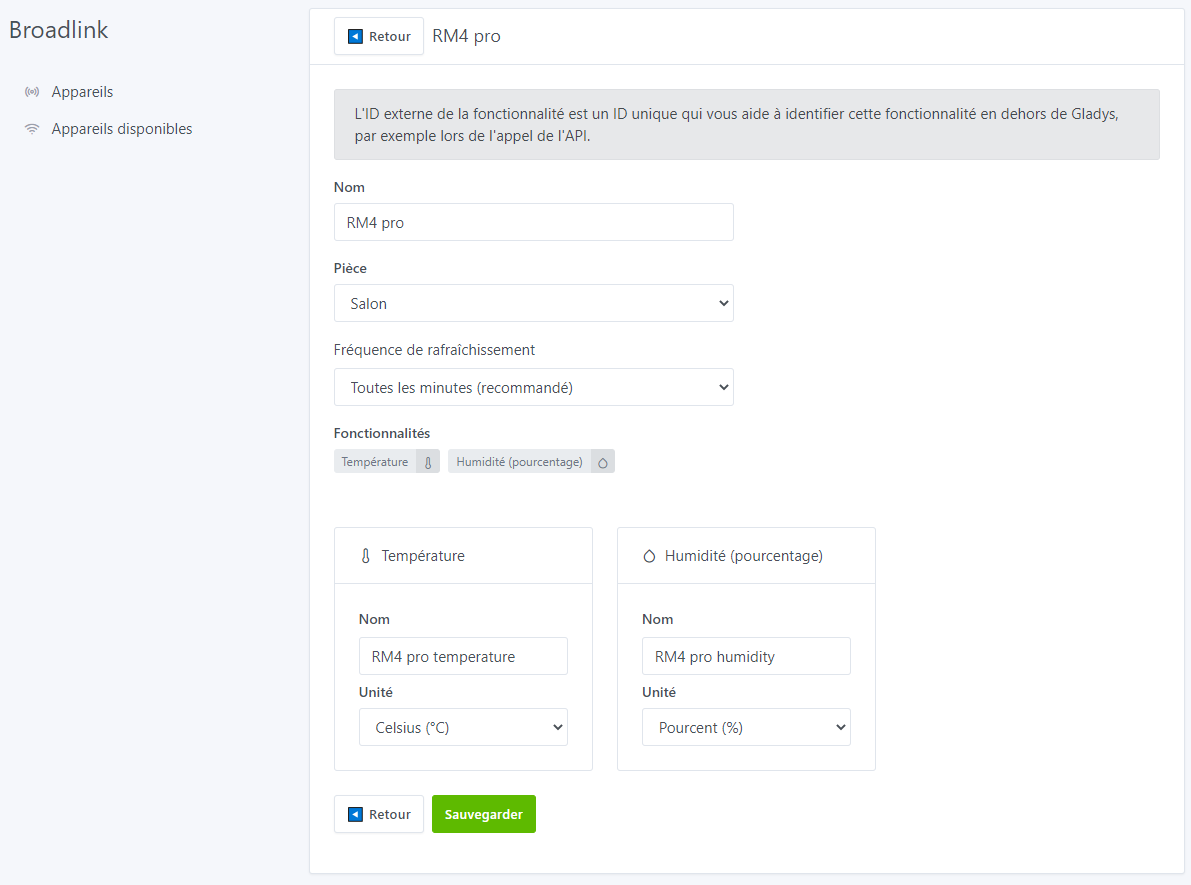
Et l’édition de l’appareil RM4 Pro fonctionne maintenant bien :
Concernant la création de la télécommande … sur mobile le bandeau haut fait un peu pâté (Samsung S21) :
Sinon ça à l’air de bien marcher. Le mode apprentissage fonctionne bien et se valide bien !!
Je poursuis demain ^^ Hâte ^^
Edit : Further feedback
On the remote, if you switch to learning mode, press the wrong button and then want immediately after the end of the full learning to reprogram it, the « Capture signal » button does not appear and becomes « Next button in 3s » without counting down.
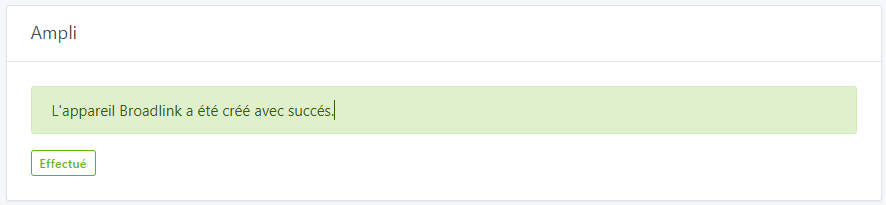
When saving the remote, is the « Done » button really necessary? The term doesn’t seem appropriate — maybe show this for 2/3 seconds before refreshing the page and automatically returning to the devices?
On the Dashboard side, I echo Albenss’s message:
Since the creation of features happens once you save, I suppose, if the « Turn off » and « Turn on » signals are the same, shouldn’t it indeed be a Push button? And if the buttons are different… how can you know if the TV is already on or off for the switch?? ^^
Maybe this is normal for now, but when adding « Room devices », I only have Power, Channels (number) and Volume (down and up).
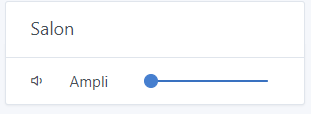
I don’t really understand why it’s a slider ^^ — you’re forced to click in the center then again on the left to decrease the volume by 0.5. Shouldn’t there be two Down and Up buttons like for a roller shutter, for example.
Will it be possible to add custom buttons?
Also, lots of good things, notably:
End of tests for now:
I tried to create a 2nd remote… and then it’s a disaster ^^ new page freeze requiring a forced refresh and a front-end error:
I tried deleting the 1st remote then the RM4 and recreating it, but it’s still the same, can’t recreate a new remote anymore?? What happened in between… no idea ^^
Edit: Ah apparently you’ll soon find out, GitHub crashed ^^ It must be related to your last change

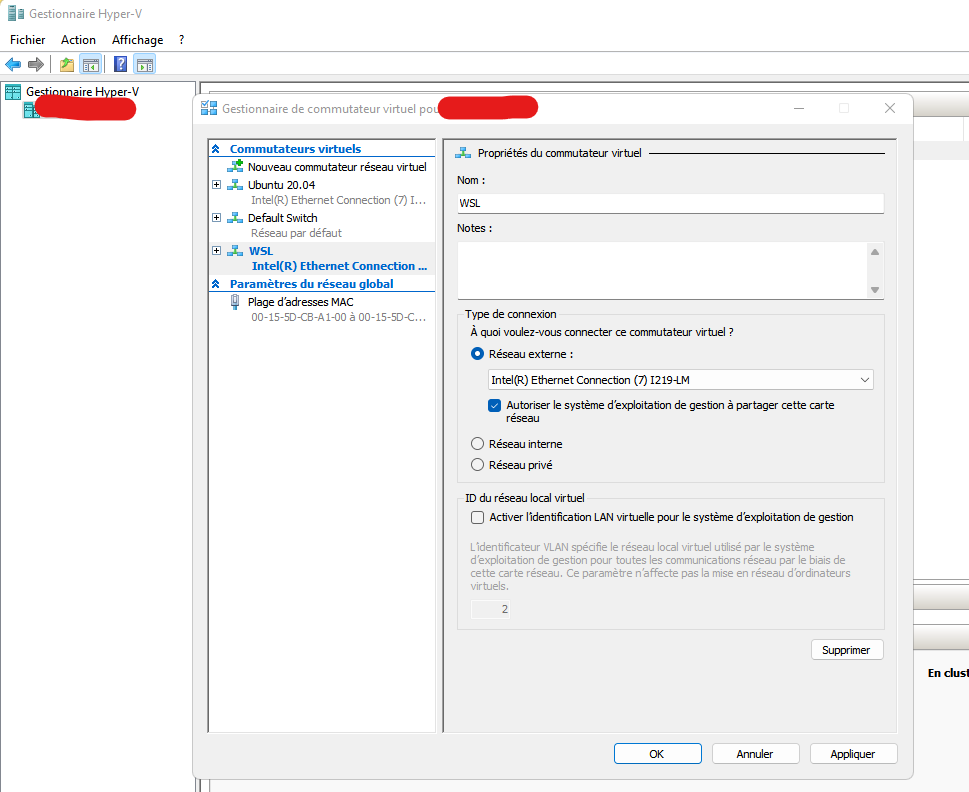
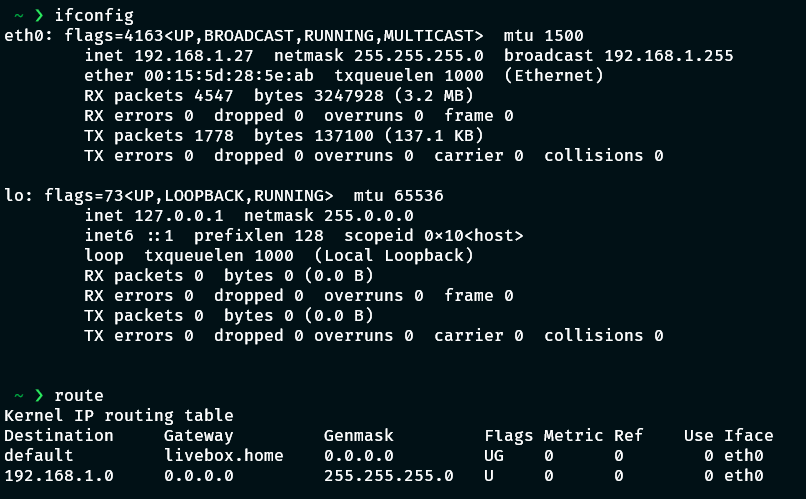
Yeah, though it’s not persistent, and be careful with DNS resolution
I’ll try to script this to make the developers’ job easier under WSL.
Infos here => https://stackoverflow.com/a/64217350
Static IP => WSL2 Set static ip? · Issue #4210 · microsoft/WSL · GitHub
Hey,
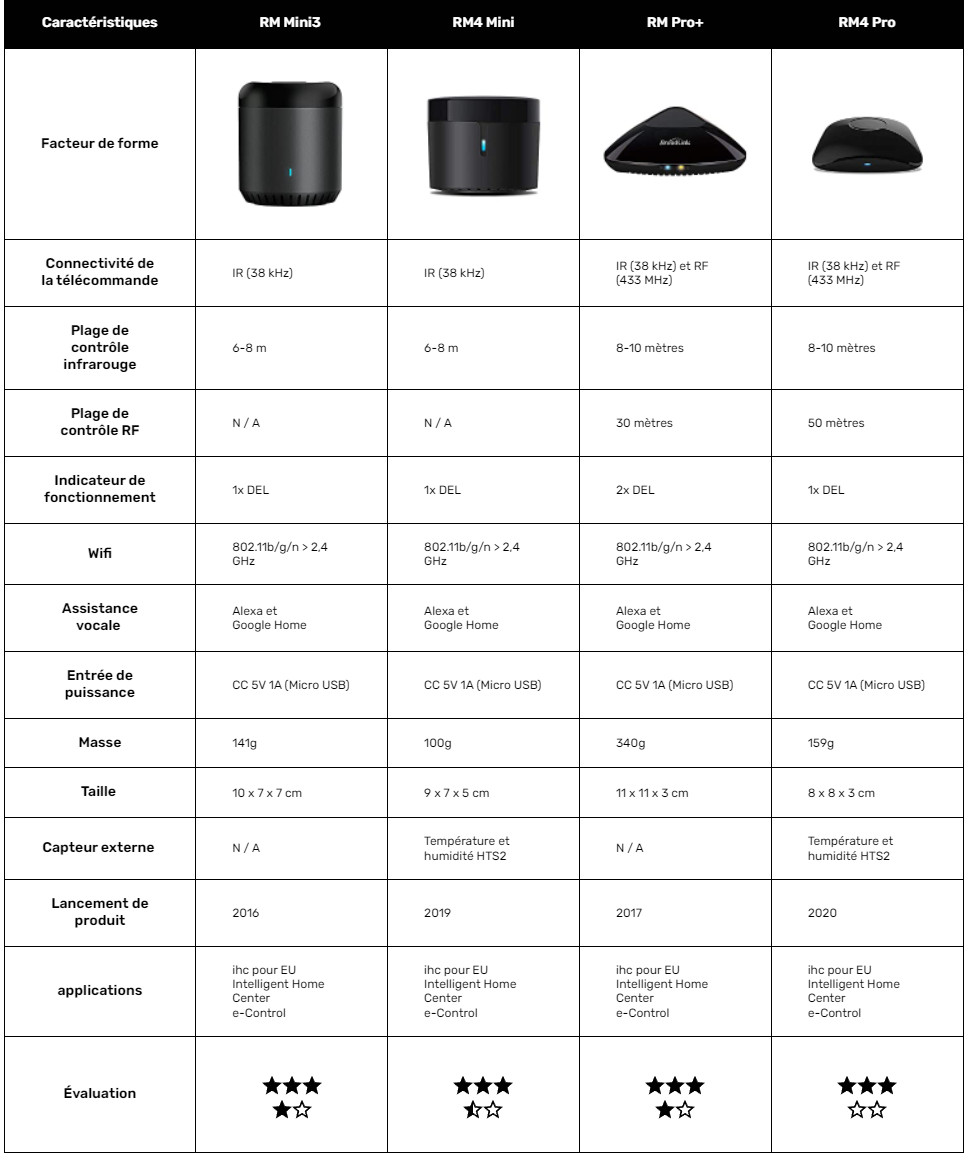
Quick question, I’d actually like to buy a Broad
I note:
Regarding
I think he wasn’t talking about the dashboard, but about editing the remote control.
I was explicitly asked to be able to capture the ON signal separately from the OFF button, because there are some models where these buttons are distinct.
For the dashboard, I don’t want to mix the Broadlink-specific part with the common Gladys part.
If you have design ideas for a box on the dashboard, feel free to share them.
On the positives:
Ah darn, if you use my branch directly you’ll get out of sync, because I rewrote the Git history on my branch. You’ll need to do (assuming upstream is the URL of my repo, otherwise replace with origin)
git fetch upstream # to update the history
git reset --hard upstream/broadlink # to overwrite your local version with the remote version
I often rewrite Git history because I usually work alone on a branch, and rewriting allows me to limit the number of commits, stay up to date with the latest Gladys version, and fix some typos in my Git comments…
In any case, thanks for all these remarks, I’ve noted the actions on https://github.com/atrovato/Gladys/projects/7 (I don’t know if it’s public).
I’ll address the points one by one, at my own pace, and I’ll get back to you once a new image is available.
Don’t hesitate to give more feedback while the iron is hot
In v3 we had done something like this :
https://community.gladysassistant.com/t/integration-api-television-dans-gladys/3358/40?u=spenceur
Maybe you can take inspiration from it and certainly improve it
Hello,
I’m up for testing. I have
Hello,
The docker pull command downloads the Gladys image with the broadling service currently under development by @atrovato
Then you need to create a Gladys container in Docker using that image
Hello,
So in PuTTY, I typed
docker pull atrovato/gladys:broadlink
broadlink: Pulling from atrovato/gladys
then
docker run atrovato/gladys:broadlink
and should it appear directly in the web interface?
I don’t see anything else… does it show up in Integrations?
I used @Terdious’s post to restart the install :
So a chain of ‹ stop › ‹ rm › ‹ rmi › ‹ pull › and ‹ run ›
Docker ps tells me it’s running…
however nothing more in the integration menu…
This is another instance of Gladys; if you used @Terdious’s command, this instance is on port 84
Hi,
you should rely on the documentation to run a test image.
By replacing the official image name gladysassistant/gladys:v4 with the one you want to test, here mine atrovato/gladys:broadlink.
For your problem
Look in the browser developer console (press F12 on the keyboard); there should be an error.
For the record, I think I’ve addressed all the points mentioned by @Terdious (at least the ones I said I would).
The new image is available (under the same name).