Thanks for the information.
I was completely off the mark, because I thought I was going to install an additional service on my existing Gladys instance…
I’ll try again!
Thanks for the information.
I was completely off the mark, because I thought I was going to install an additional service on my existing Gladys instance…
I’ll try again!
Continuation of my story:
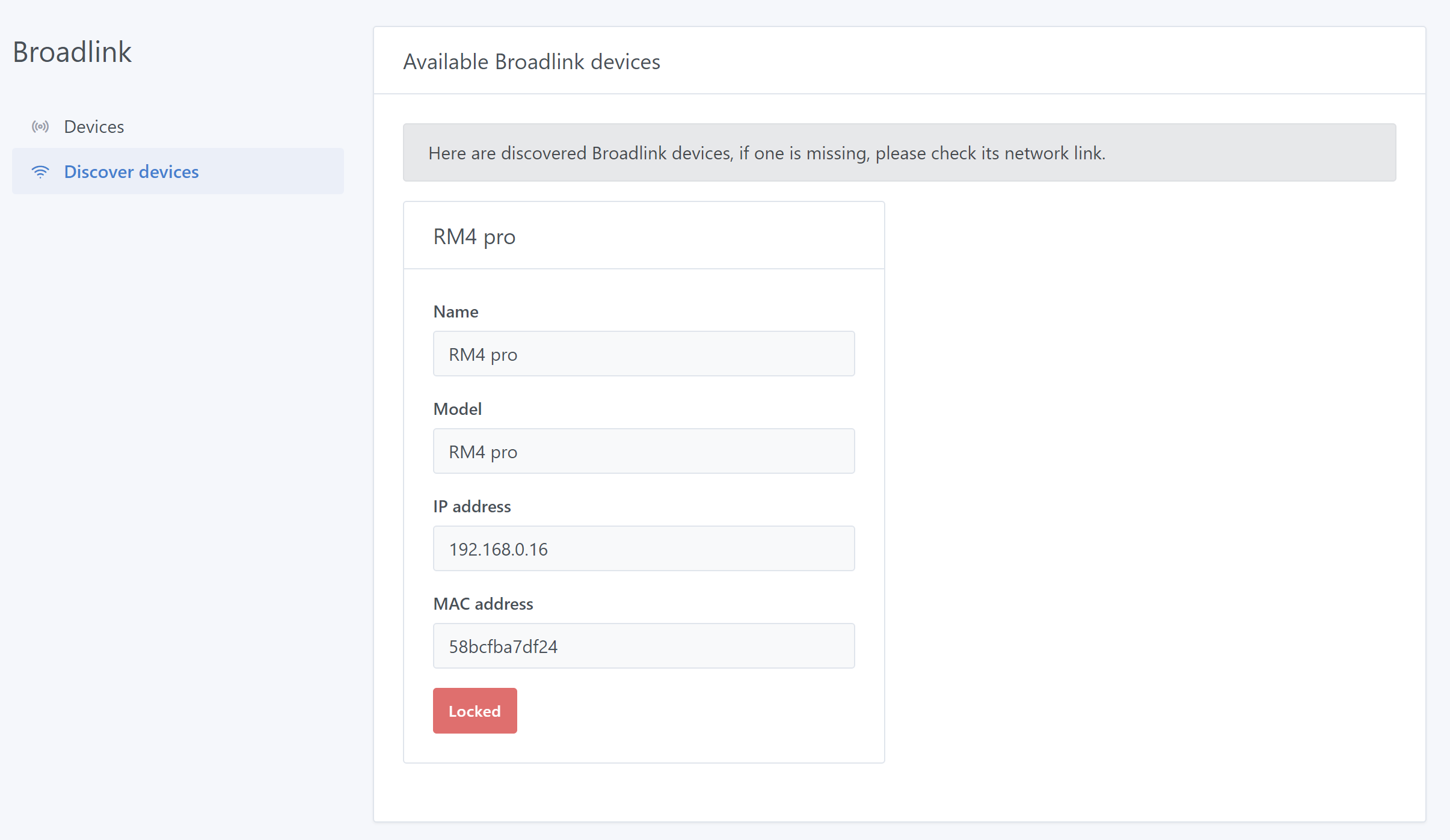
My RM4 pro is recognized and once it is unlocked there are no issues adding functions…
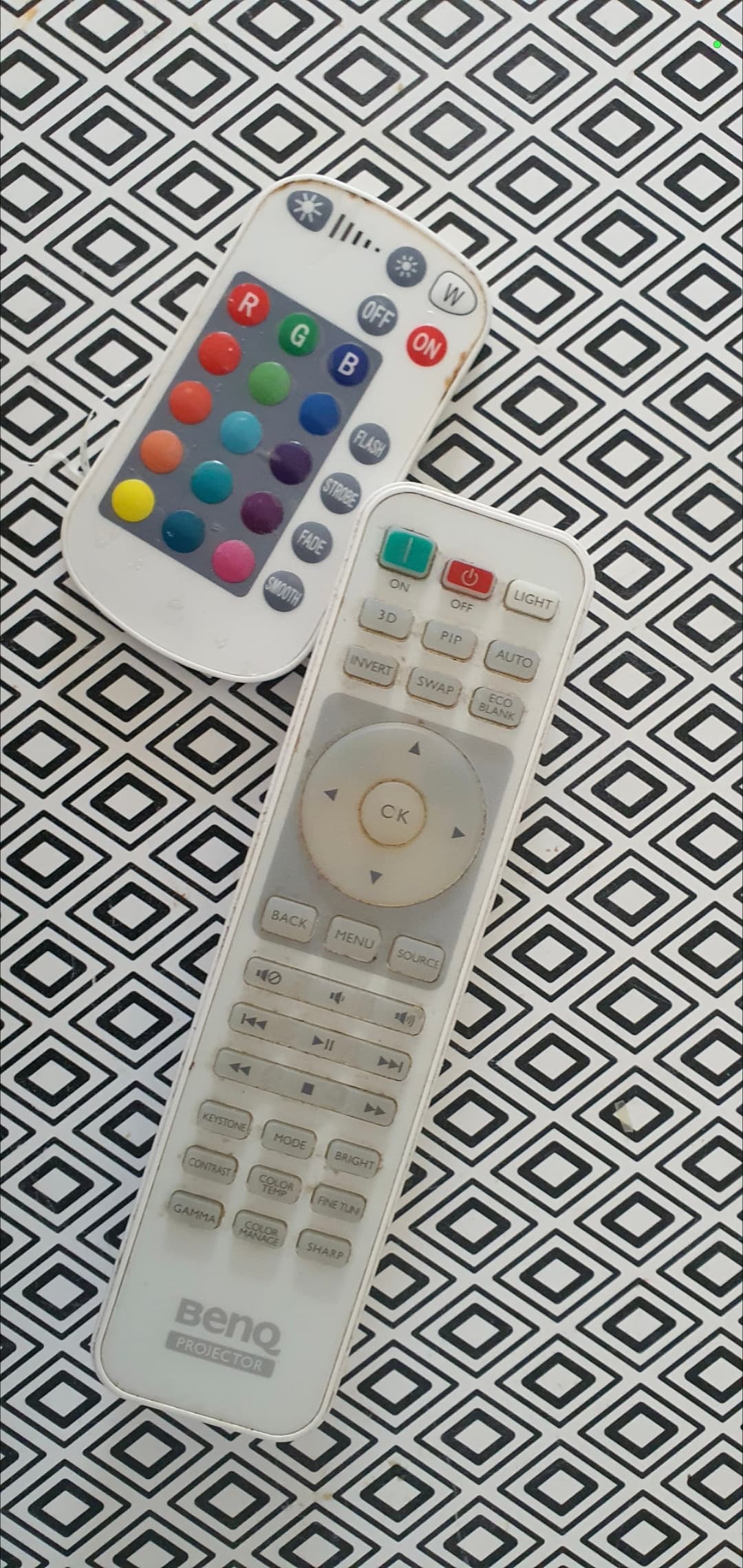
On the IR side, I have two devices that use remotes with this technology:
A multicolor LED bulb and my video projector.
For the video projector, I’m only interested in the 2 power buttons (On and Off), which are distinct.
The particularity is that to turn it off you need 2 successive presses on the Off button because a confirmation is required… for me it works by toggling the switch 3x…
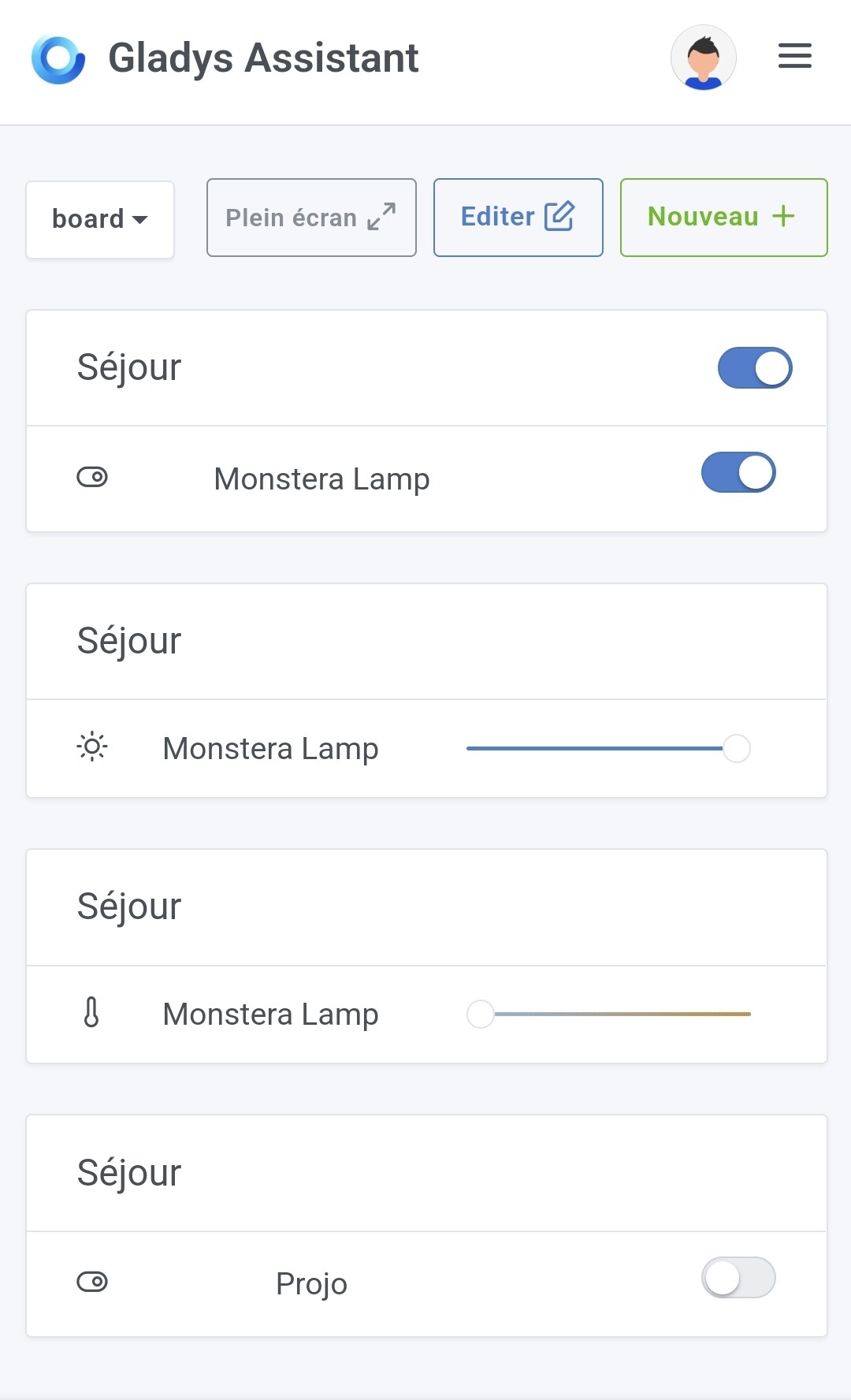
For the lamp, I configured On/Off, brightness and temperature.
For the temperature I cheated by setting white for cold and a color for warm.
Summary:
on/off: ok (if you use the remote control, without state feedback you can end up inconsistent… but I imagine you’ll have to accept it / to be checked with several Gladys users)
Temperature: if I don’t use the intermediate position, the other two positions change from white to the chosen color…
Brightness: nothing works
Note that the tests after learning worked well.
In any case this integration is amazing…
I’ll keep tinkering.
if we could add RF as well… what would happen if at the moment of learning I send it an RF433 signal? I suppose nothing… edit: indeed nothing
Thanks for this work.
Hi, we’ll deal with RF later. I already thought of distinguishing IR signals in memory.
By the way, for those who updated my latest image, please delete your devices, they will no longer work (because of the IR distinction).
@AlexTrovato did you change something, now the projector turns off with a single ‹ press › on the button?
Hi, no I didn’t change anything, you just need to be well aligned 
Regarding the double press… I don’t know, but you may have registered a double press from the remote on the Gladys button.
Good for me… it’s just luck! Sometimes you need it.
I take this opportunity to thank you again for the Broadlink dev, which is more than useful to me…
Hello,
how’s it going over there? 
For your information, I had to make some technical changes, so I generated a brand-new image under the same name (expected to be made available today around 10:00, French time)
If you could confirm that there are no notable differences from the last version, I’d be very happy.
Do you have any other feedback? Bugs? Misunderstandings?
Thanks.
Knock knock knock!
Has the latest version been tested?
Want to know if we can include it in a future/next version.
Hello,
@AlexTrovato I’m only checking your messages… sorry
Is the image supposed to update automatically? If that’s the case it was painless on my end!
FYI I just merged the PR, it will be included in the next Gladys release!
Great !!
Don’t forget the documentation :
Yes! I’ll merge that at the same time as the release
Hello,
Is it planned to add « Device types to control » to the available list (in particular robot vacuum & air conditioner)?
I also want to take the opportunity to report a very small display bug I have when I’m in learning mode on the discovery of channel numbers: there’s a little null wandering in the message (but it doesn’t prevent it from working correctly):
![Capture d’écran du 2022
Isn’t there a translation issue?
« The chain feature is selected[…] »
Hi, we’ll add device types as we go.
But for now, it seems to me that the vacuum and the air conditioning/heating are not yet supported by Gladys.
I’ll push a fix for the labels.
Hello
I notice a strange behavior with an HDMI switch…
If I go through the Broadlink app it works…
Via the Gladys integration the switch seems to receive nothing
Normally the Gladys Broadlink service simply replays a signal captured during recording.
If that signal is « badly » captured, it will be « badly » replayed.
If the switch’s IR signal is « sensitive », it may be difficult to capture; I recommend trying to recapture it. You also have a « test » button that lets you play the capture before saving, so you can validate that the capture is correct.
That’s exactly how I had understood it!
It’s precisely with the test button that I realize it’s not working…
What I don’t understand is why it works with the Broadlink app for Android…
I’ll try capturing the signals again
Hello
I’m picking up my RM Pro+ again and I’m trying to install a radio using the Television type. I do capture the functions I want, but when I try to put it on a dashboard, only the power function appears in the device list, I don’t have access to the other functions
Is this normal?
thanks