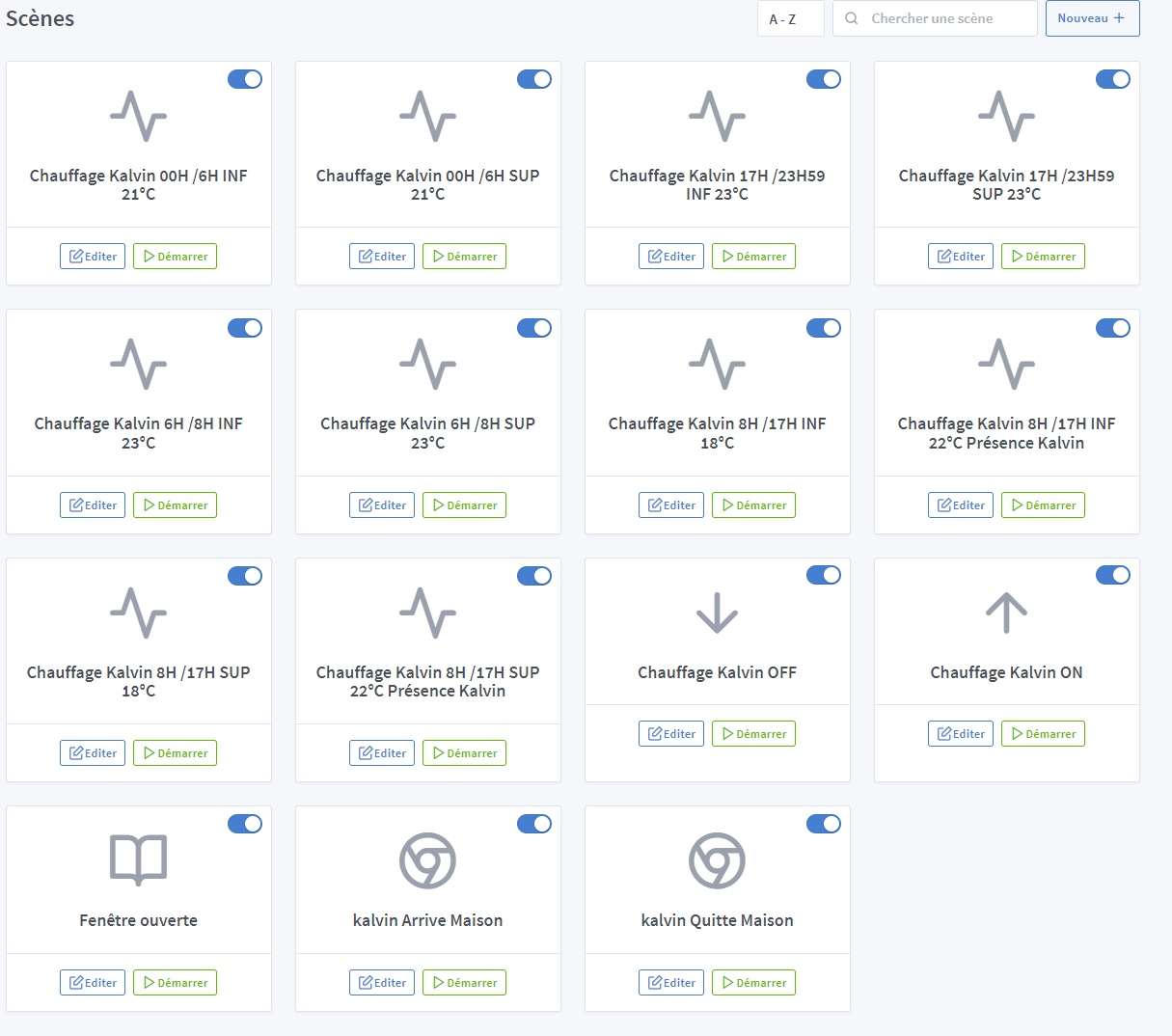
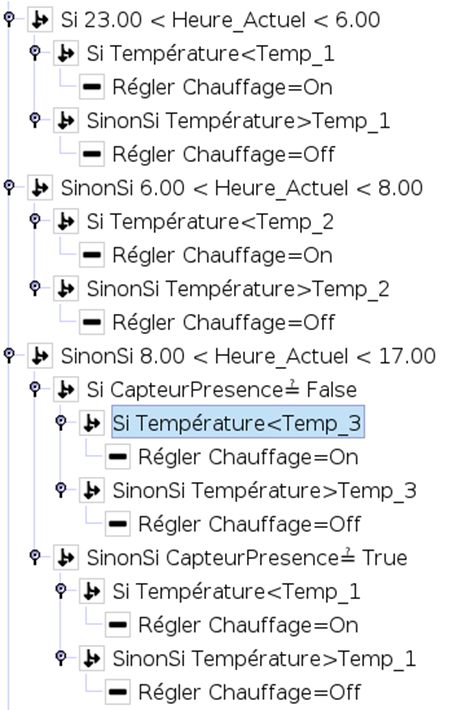
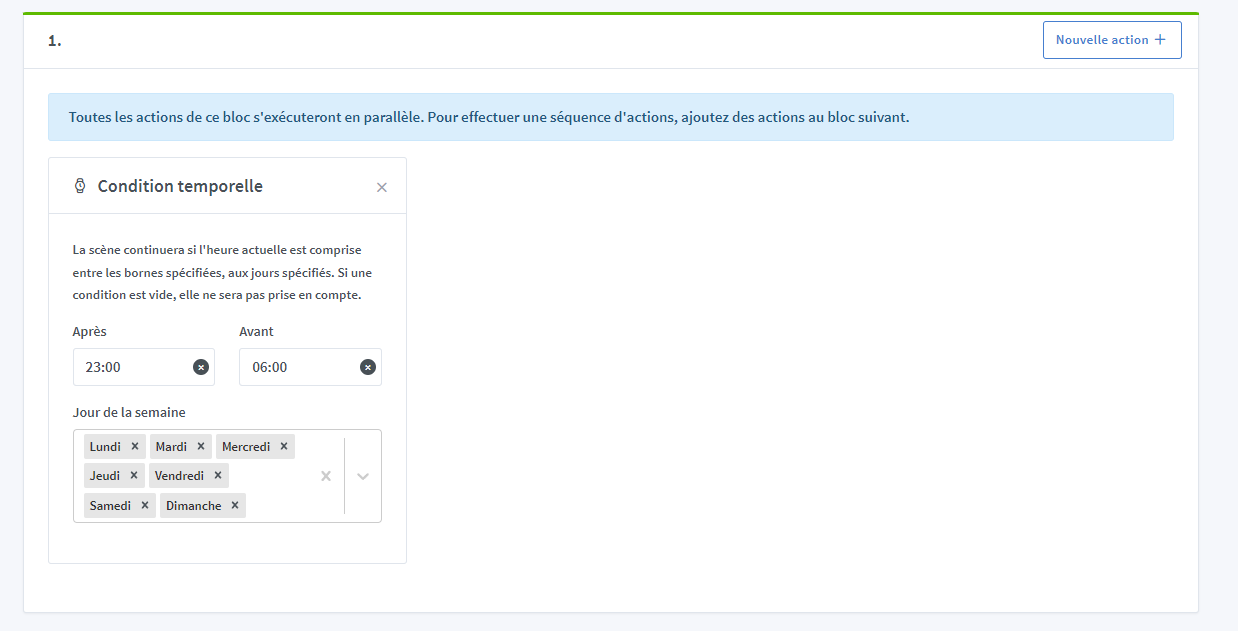
I created a time condition between 23H and 6H, and it turns out that at 23:30, the condition did not want to execute. So I replaced 6H with 23H59, and now the condition works.
To summarize, the condition does not work when you put a smaller value on the right than on the left, see image. To fix the problem, I had to create 2 scenes, one with the condition 23H00 to 23H59 and another with the condition 00h00 to 6h00.
From my perspective 23H to 6H if it’s 23:30 we are between the two so the condition is true.
PK I think it’s a bug, because already I am an automation engineer and it’s the first time I see this condition not working.
Secondly, before I used the Aquara application to configure my devices and this condition did not bother it. It automatically detected that 23H to 6H00 was a condition with a day change.
Automatically it added (next day) next to the 6H00 it therefore detected a day change in the schedule.
This is not a bug, but indeed the intended behavior. It’s an « AND » that we have developed, and you are describing an « OR », which is not developed in Gladys.
We are aware of this lack, and it’s a development that is requested by other users.
Having the possibility to integrate actions in the « if » and if this is not valid, moving to the next line would simplify this part, in my opinion.
Adding to this, having variables usable between scenes and to which we could assign the value we want at any time would make our programs very flexible.
But I don’t know everything, maybe you are already developing something like that.
In any case, here it is, thank you for the explanations.
You couldn’t have known I invite you to follow the feature request, as soon as it is developed you will receive a notification like that!
Indeed, as @VonOx said, heating management is a standalone development that will be developed precisely so that it is not necessary to create such complex scenes.
You can vote for the feature if you’re interested:
Hello,
I just tested it and it works perfectly on Chrome.
I set a time condition between 5 PM and 5 AM with the action to turn off the heating, and it turned off at 5:25 PM.
It’s perfect

 He won’t be able to do it, the OR is missing, it’s a development requested by many people.