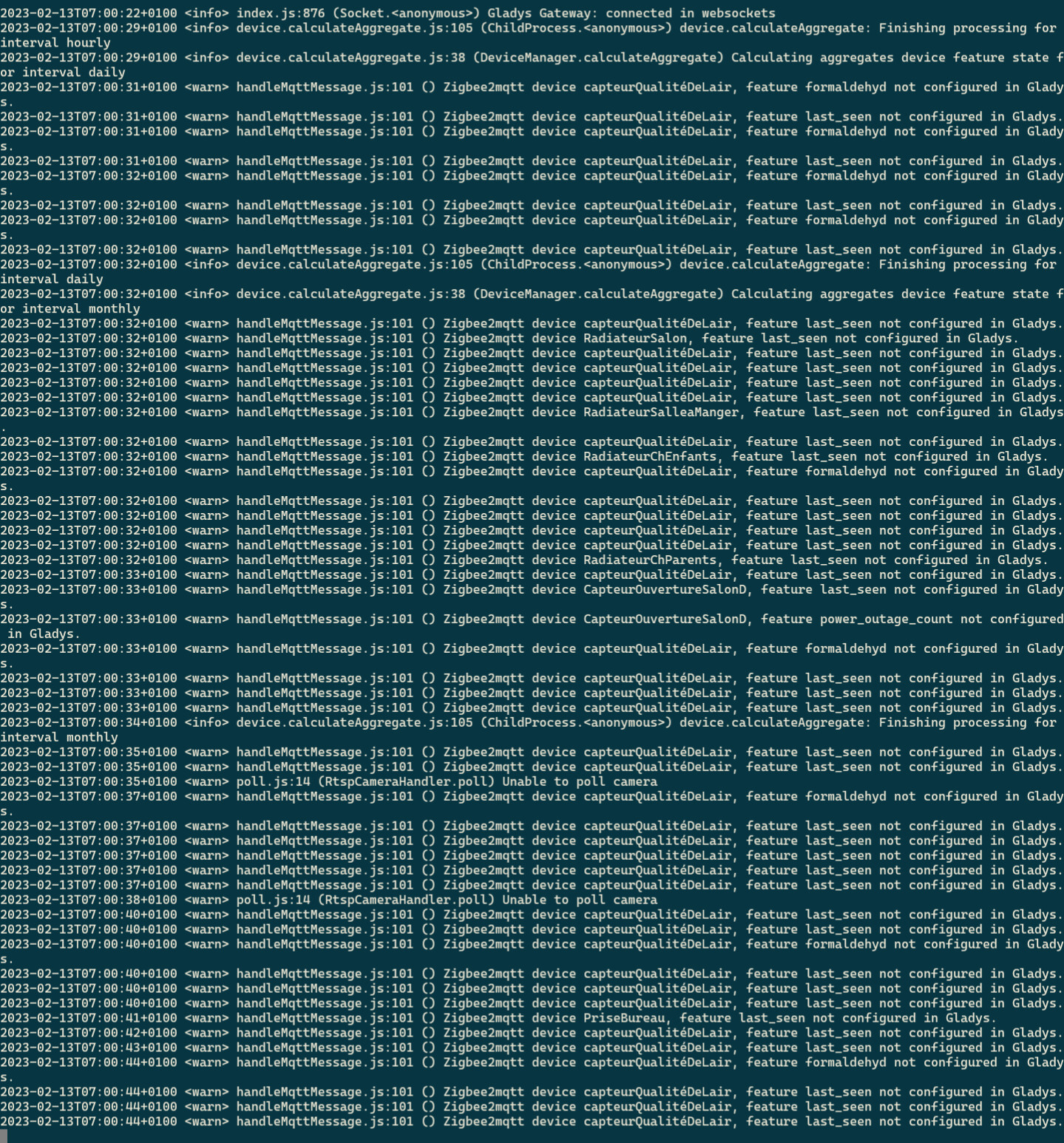
I’ve just updated to v4.17.0 and I’m seeing Zigbee2MQTT errors.
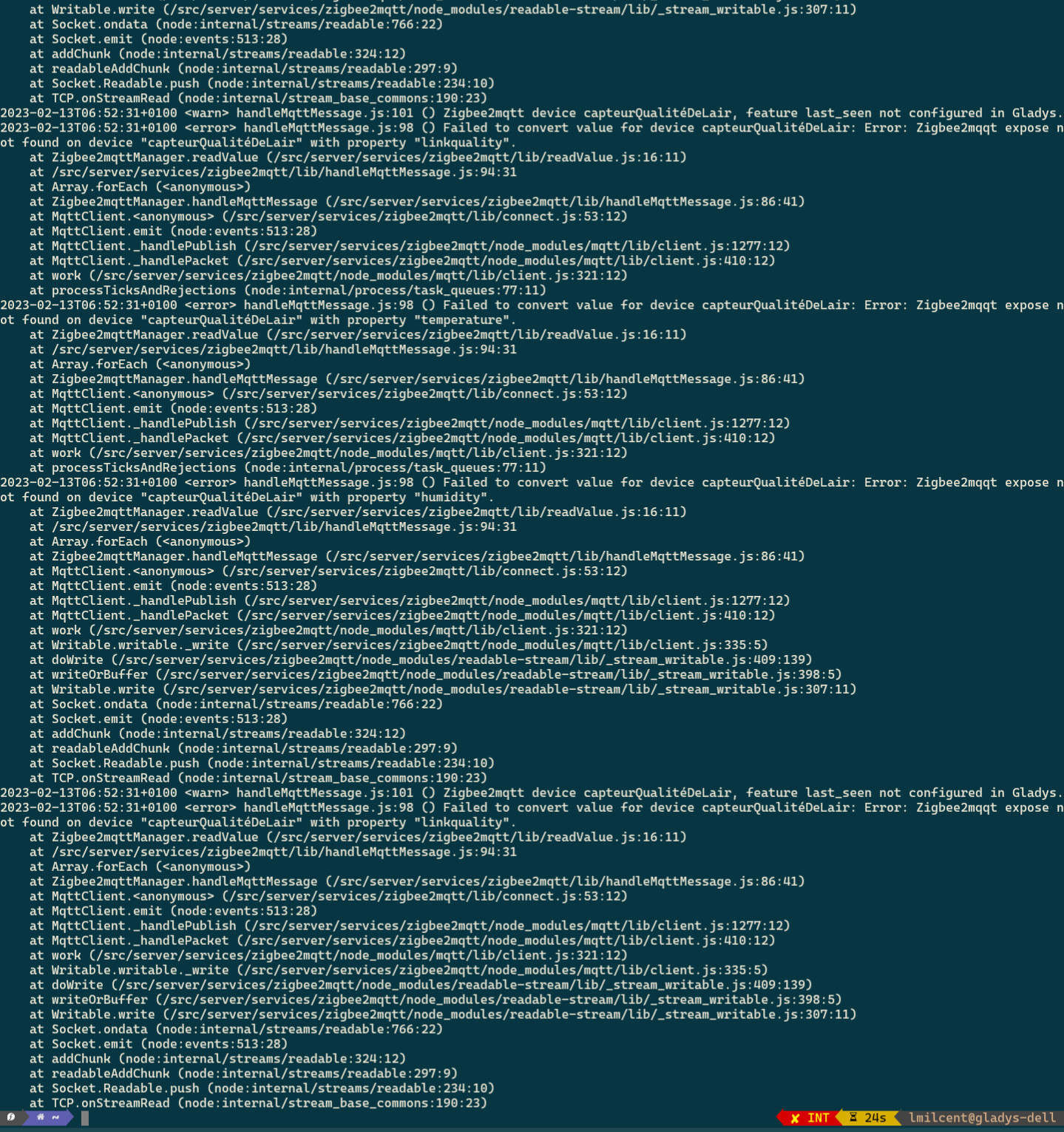
This is probably related; I can no longer control my Zigbee devices since the update, but the Gladys interface works.
I’ve just updated to v4.17.0 and I’m seeing Zigbee2MQTT errors.
This is probably related; I can no longer control my Zigbee devices since the update, but the Gladys interface works.
I confirm :
Hi, I have the impression that the error simply says that Gladys receives a value from zigbee2mqtt, but that value is not handled by Gladys.
Can you try to update your device from the « Zigbee Discovery » page of the Zigbee2Mqtt service?
I checked, there was no Zigbee device update in the service settings.
I just saw your solution… it’s still annoying that it’s so unstable…
Don’t hesitate to provide more logs/info if instability issues come back.
The more info we have, the more we can try to implement a fix.
FYI, v4.17.0 doesn’t touch Zigbee2mqtt, so you probably ran into a bug related to Gladys restarting, or to the restart of one of the two containers required for this integration.
You would have needed the complete logs to see what happened; next time, remember to keep them 
What’s the best way to recover that?
So I know for next time..
I’d do:
docker logs gladys \u0026\u003e gladys_logs.txt
That’s a looooot of logs, but it does work indeed.
However, MQTT was updated on my system yesterday… Maybe related?
Does Zigbee2mqtt handle a restart of the MQTT container well? The one from Gladys?
If anyone manages to get a reproducible example
I saw that I was on 4.17.0 this morning… first thing I do: I open my shutters (z2m) and no problem at my place
Hello,
On my end, the service seems to have restarted correctly (everything is started according to the integration’s configuration menu).
However, none of my integration devices have been updated since the restart following the Gladys update. I’ll check the logs when I get home tonight to provide information for the discussion.
@AlexTrovato If Gladys restarts, and the MQTT container is not available, is Gladys able to reconnect to it later when the MQTT container becomes available?
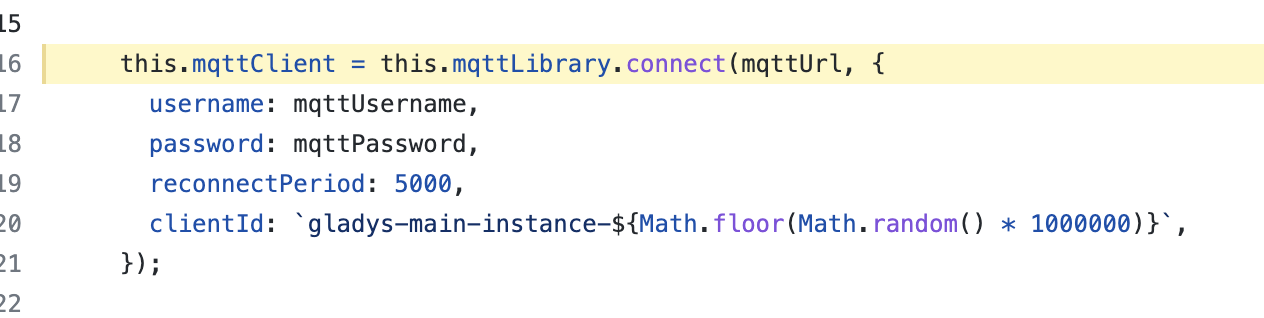
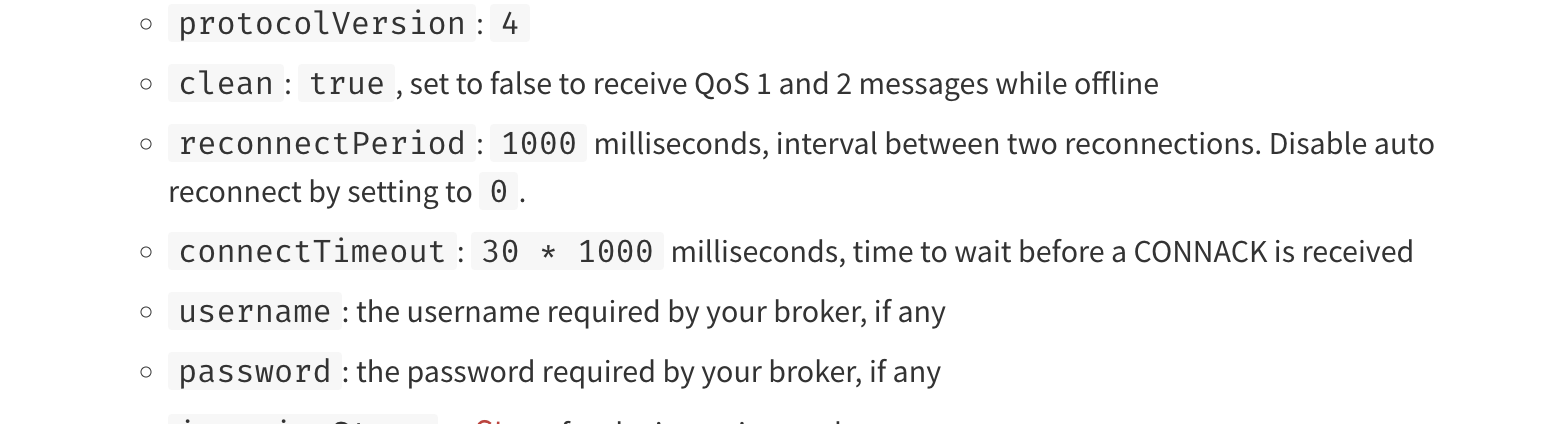
I’m replying to myself — from reading the code and the MQTT.js docs, it seems that if the connection doesn’t happen within the first 30 seconds, it’s game over
On the Zigbee2mqtt integration side in Gladys:
(Source: Gladys/server/services/zigbee2mqtt/lib/connect.js at master · GladysAssistant/Gladys · GitHub )
On the MQTT.js docs side:
Doc: https://www.npmjs.com/package/mqtt#connect
In some cases, if MQTT is updated just after Gladys is updated (which makes sense — Watchtower does everything in series at the same time), and if the update takes more than 30 seconds (quite possible if the user’s internet connection isn’t great), the user will no longer have Zigbee2mqtt available
Needs testing in real life, but I think this is what’s happening.
@AlexTrovato what do you think?
In my opinion, we need to have a real reconnection strategy even before the first connection in case it fails — we should see if there’s a recommended way to do this with that lib, to retry every 15 seconds « ad vitaam »?
That still seems odd to me, given WatchTower’s order. Restarting these containers (mosquito and zigbee2mqtt) is almost instantaneous, the download is supposed to be done beforehand.
Watchtower will pull down your new image, gracefully shut down your existing container and restart it with the same options that were used when it was
Otherwise, is there possibly a delay parameter for Watchtower to update containers?
@cicoub13 Indeed! But I still think there’s a gap at that level — it’s worrying that the integration can’t land on its feet if a container is unavailable for 30 seconds (for the first connection)
Given that I have Zigbee devices that are « polluters » in terms of data volume, could that sometimes mean a slower restart when updating Z2M?
In any case, it’s true that the integration should regularly try to reconnect. We’re not immune to a delay, a user doing something at the wrong moment, etc.