Hello,
I am using an ESP32 BLE to collect the values transmitted by my LYWSD03MMC temperature sensors, which are Bluetooth and are sent to Gladys via MQTT. At the moment, sensors coming via MQTT are not supported by the « room temperature » box, but with Zigbee it works.
Would it be possible to standardize this behavior between MQTT and Zigbee2mqtt?
Hi @Psoy, there is no distinction of the sensor’s origin in the « room temperature » box, I just think you selected the wrong sensor type for your MQTT sensor.
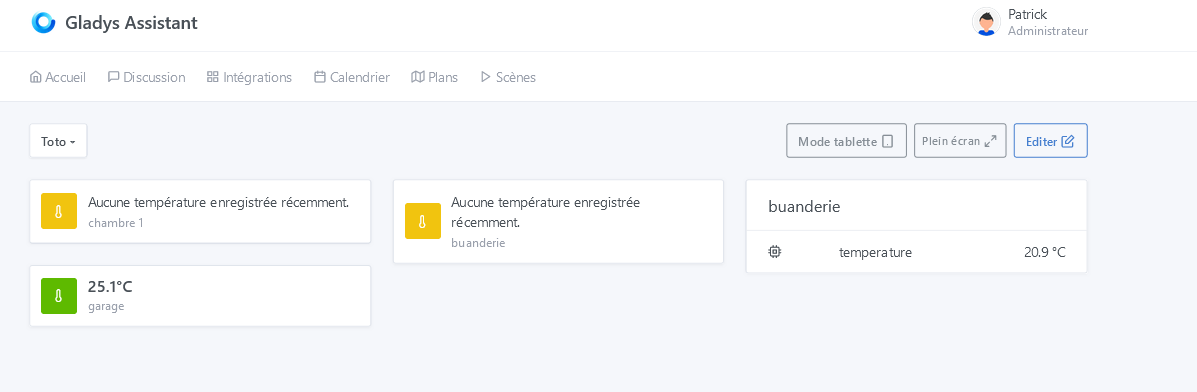
The right-hand temperature of the « laundry room » is displayed in a room device box while the one just to its left, which is the same LYWSD03MMC sensor, is displayed in a room temperature box — no temperature value is reported.
The one below « room temperature "garage" » is a Zigbee temperature sensor, which is displayed correctly.
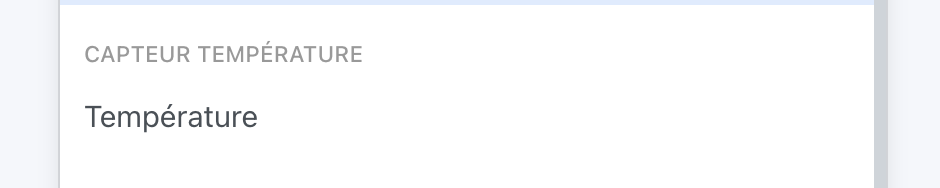
That’s exactly what I told you, you picked the wrong device type! You selected a « device temperature » (CPU temperature) which is naturally not used for a room temperature.
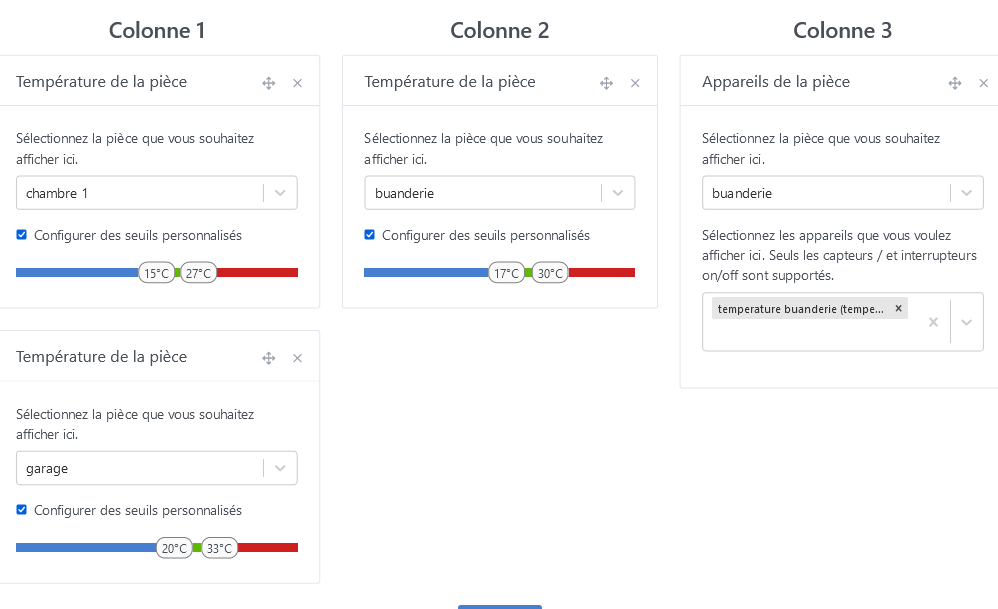
I can’t set the green temperature range to less than a 10° difference. However, before selecting the threshold configuration, we have 17°C and 24°C, a 7°C difference,
Is this normal?