Problem displaying "Room temperature" with Aqara vibration sensor

Hi dev team,
j’ai un capteur de vibration Aqara DJT11LM très bien reconnu.
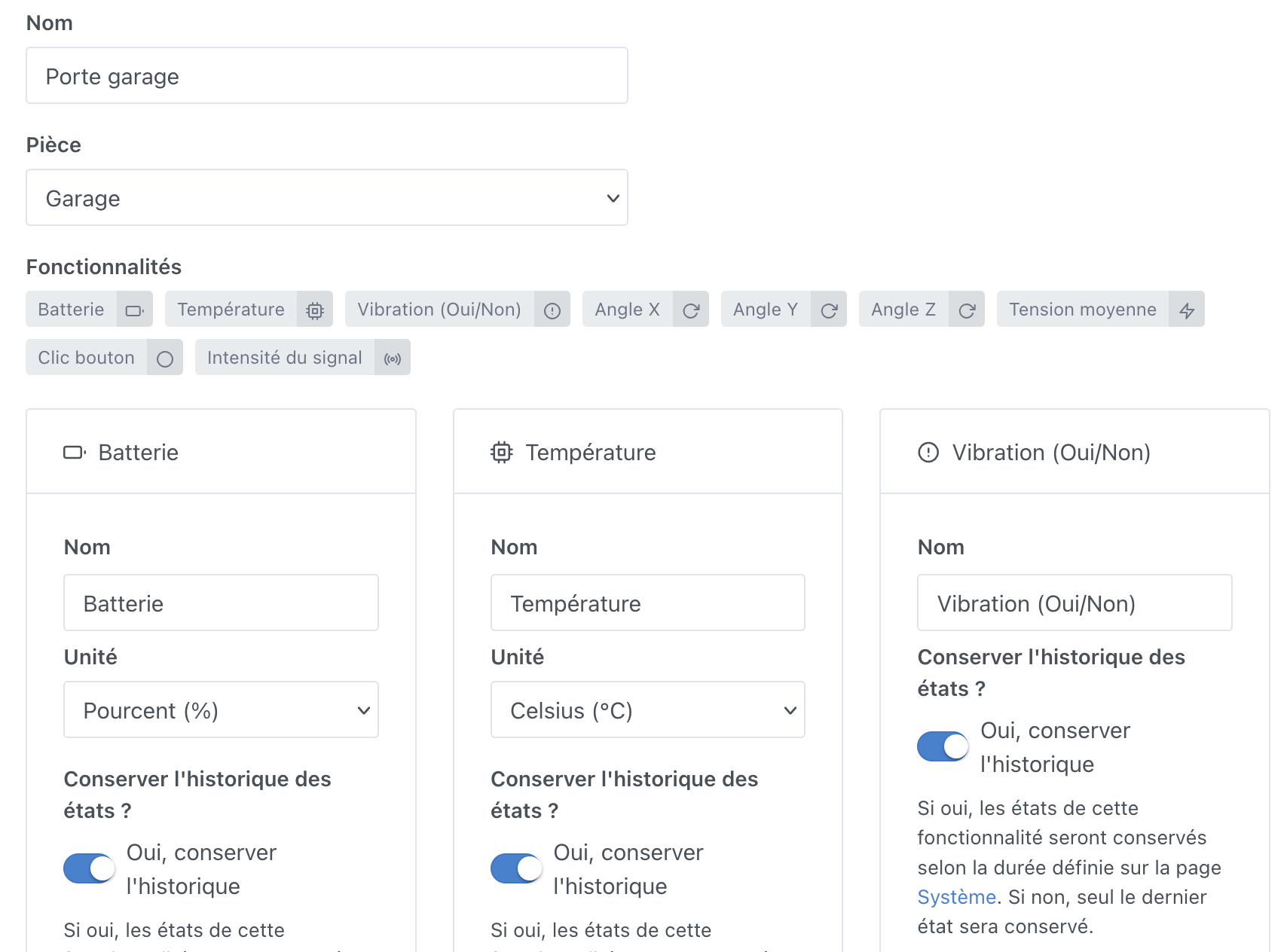
A l’intérieur j’ai une remontée de température que je souhaite utiliser :


Je le mets sur mon dashboard dans un widget « Room temperature » :

Par contre je n’ai aucune valeur qui s’affiche alors que j’en ai une avec l’affichage de la valeur de l’appareil :

Est-ce normal ?
La différence que je vois c’est l’icône mais je ne sais pas si ça a un impact spécifique.
Thanks in advance :slight_smile:

This icon is different because it’s to indicate the internal temperature and not the ambient temperature! This data is not taken into account for the room temperature!
image

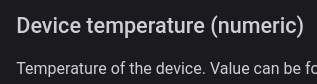
Here is the description on zigbee2mqtt.io

image

Thanks for your reply @_Will_71, I understand better now (even if, in the end, it’s also the temperature in my garage :wink:).
So would the solution be to create an MQTT device and send it the temperature from the Aqara sensor, then put that MQTT value in the widget?

I don’t know why they classified this sensor as « device temperature », but no, it’s not the same thing. You should see device temperature as the temperature measurement of a PC CPU, for example ^^

2 options:

  • Error on the Zigbee2mqtt side (in that case, you should report it to them)
  • Or this Aqara device doesn’t really expose the

So I must not be good at this because the trigger « state change » requires me to specify an equality/inequality to trigger and not just a change of value :face_with_raised_eyebrow:
I’m forced to choose something in order to save the scene, is that normal?

In any case it works when I run the scene manually, I’ll see later if it triggers by itself.
![Capture d’écran 2024-12-09 à 14.50.01|300x375](upload://hufNjeie8MMA

If you configure in the « state change » trigger a temperature « greater than -100° », WITHOUT checking the « only when the threshold is exceeded » box, it will in practice trigger on every value received :wink:

2 Likes

@mutmut it’s still worth opening an issue on the Zigbee2mqtt side if you think it’s a bug :slight_smile:

You need to comb through the docs for this sensor and figure out whether it’s actually supposed to expose a room temperature or not

In the DJT11LM documentation on zigbee2mqtt, it is indeed a device_temperature, and I haven’t found anything in the Aqara documentation or on the web that highlights this sensor as also being a temperature sensor, and I no longer have the original manual to check what it says.

1 Like

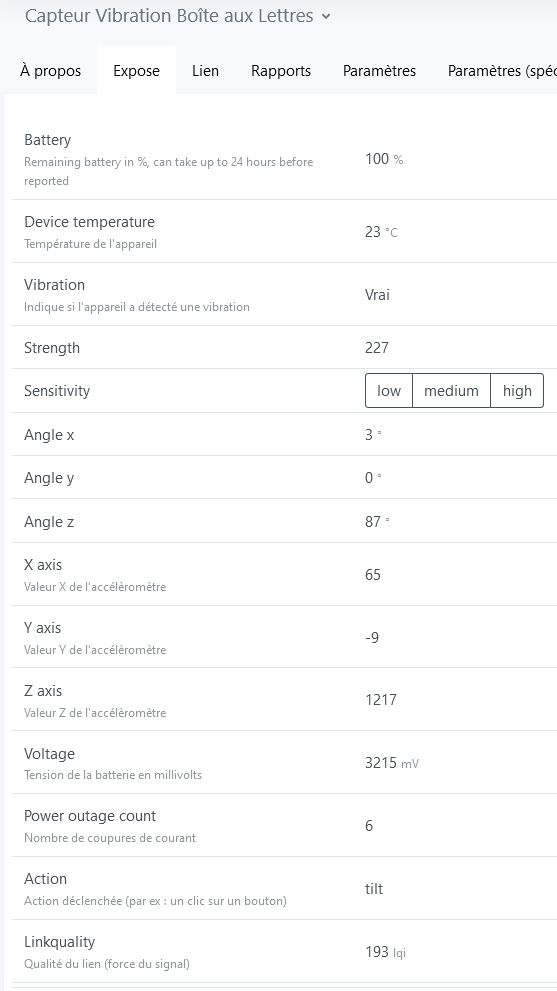
It returns a device temperature.

Zigbee2MQTT Expose:

1 Like

@gaetanb76 that’s right, and I have a scene that updates an MQTT device each time the temperature changes. What you should know is that the step is only 1°C.

1 Like

Once again, if you consider this a bug, I suggest you contact Zigbee2mqtt :slight_smile:

For me it’s not a bug because I didn’t see anywhere that this device is a temperature sensor (not even in the documentation if I read correctly).
The device’s temperature is an extra that I repurpose :wink:

1 Like

No, I don’t think that’s a bug.

1 Like

This is not a bug and it is indeed the device’s temperature

1 Like