hello, I have an old Android tablet lying around running Android 4.2. No more Android or app updates possible. I would have liked to use it as a touchscreen mounted on the wall to control Gladys on a daily basis. Since Gladys is a PWA, does the version of Chrome or any other browser matter to open it? I tried with my tablet and whether locally or via Gladys Plus I get a blank page. The browser seems to find the page but it stays blank. With my laptop and my smartphone there is no problem displaying the Dashboard.
What version of Chrome do you have on it, is the store blocked?

Hello, I made progress on my question — my very old version of Chrome was indeed affecting the opening of the Gladys app. I found a site that offered more recent versions of Chrome, Google Play and the store for Android versions up to 4.1.
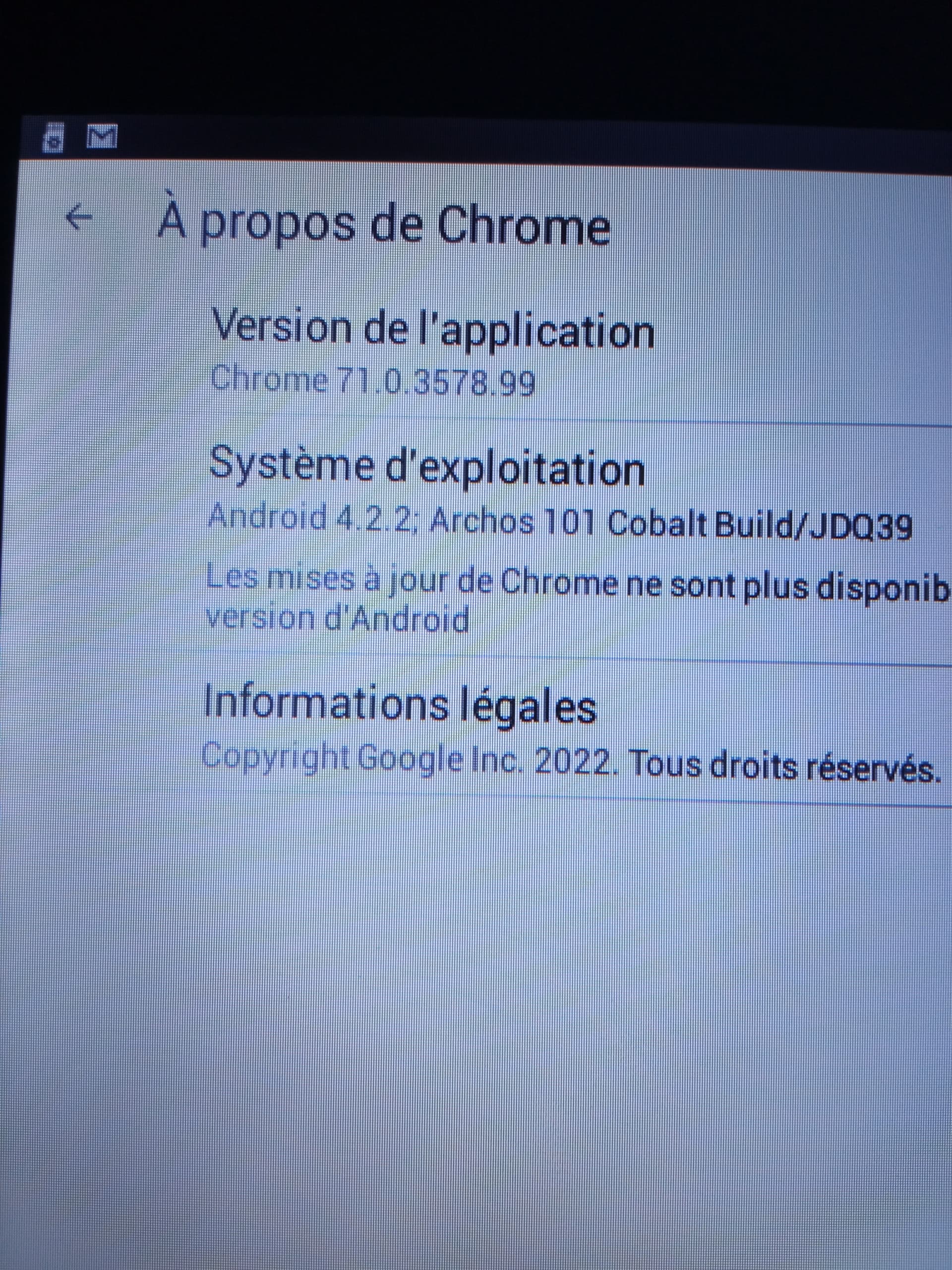
And just like that I was able to install Gladys on my old tablet as well as on my smartphone.
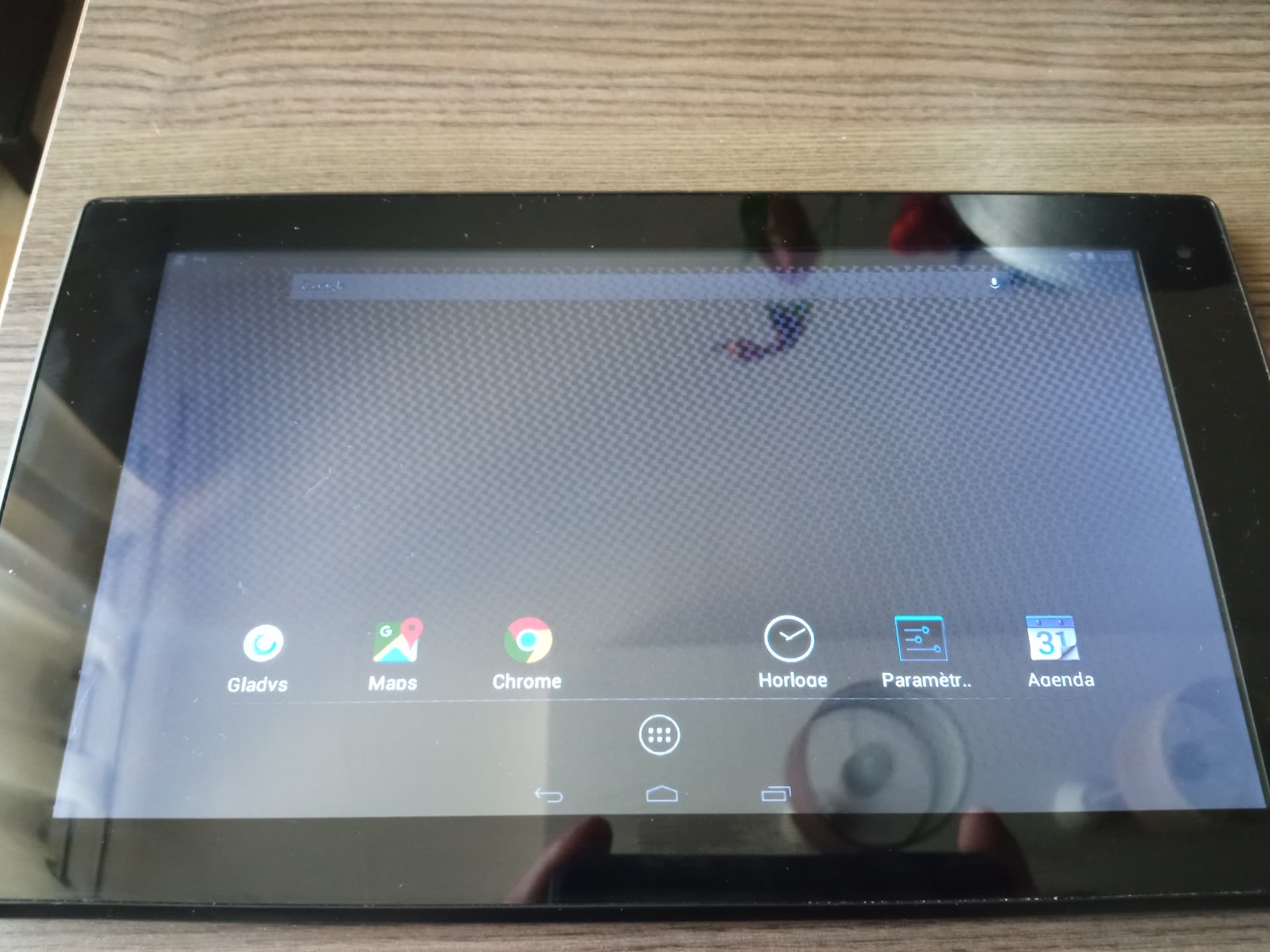
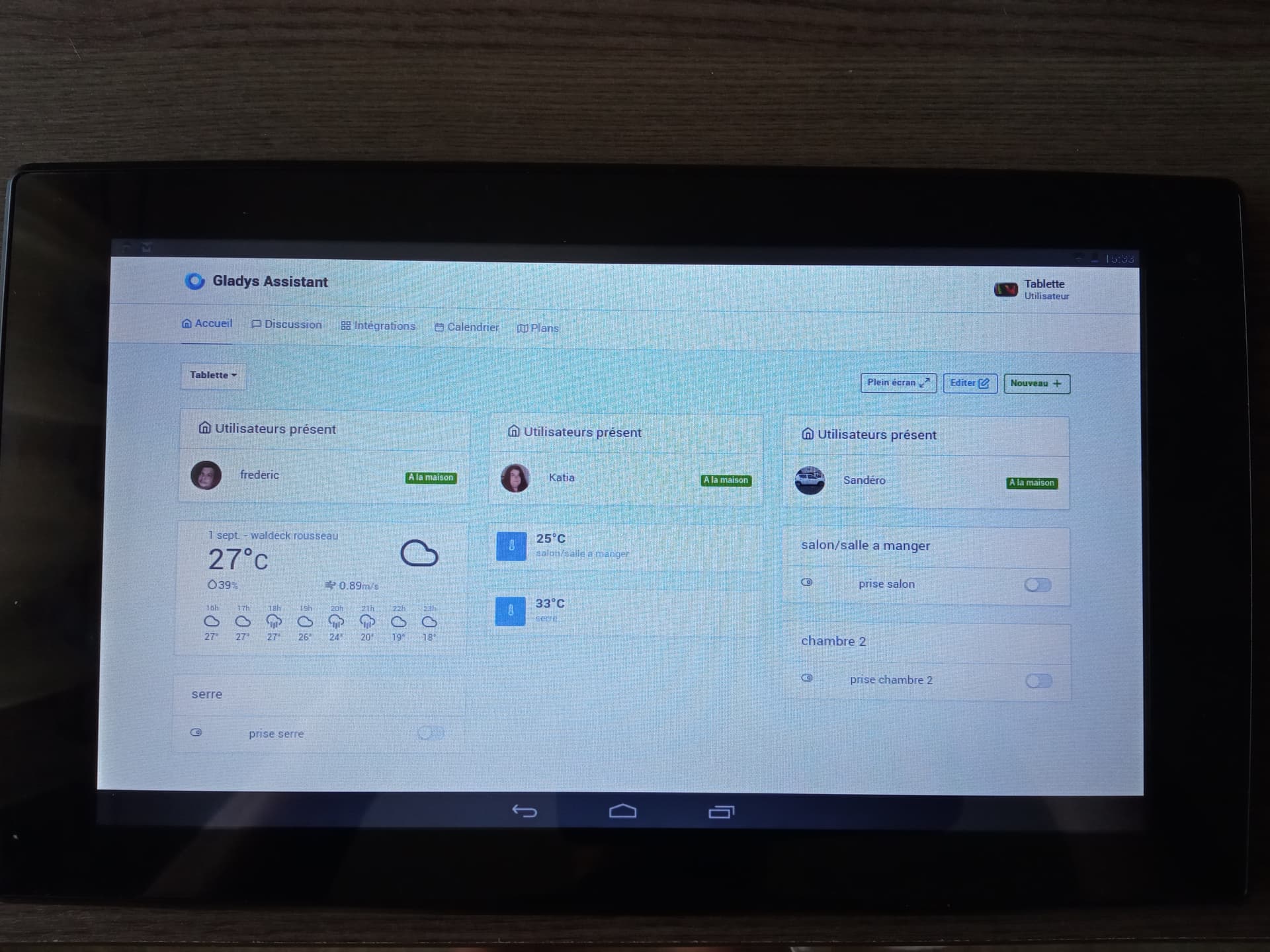
I created a user « Tablette » so that the displayed information and the plug controls (Silvercrest) are accessible to everyone. Now to see if I can wake up this old granny with her webcam.
Thanks VonOx for your help.
Recycling 

That was the goal . 


Personally, I use « IP Webcam » on the « old » tablet and I’m very happy with it 
Very neat @elfedagger! Do you mind if I share this photo on social media?
Great example of recycling « old » devices 
No problem on my end, you can share.