I would like to ask for your help in designing a Gladys display.
The chosen technology is based on a 7.5-inch ePaper screen and a battery-powered ESP32. Therefore the device must power on for a short period and then enter deep sleep for at least 15 minutes.
The goal of this screen is to display data from certain sensors that are all registered in Gladys as MQTT and Zigbee2mqtt devices.
I’m wondering how to read the data from Gladys. I see two solutions:
Via HTTP API calls (Gladys Plus). I don’t particularly like this solution because I would prefer to stay with local calls.
By creating an MQTT device composed of all the features I want to display. Again, this isn’t straightforward because in a scene it’s not easy to populate these features from other devices. This is the solution I’m leaning toward for the moment.
Do you see another solution that would allow reading data from Gladys?
I’m not a developer, I’m experimenting… So please excuse me if there’s an obvious solution.
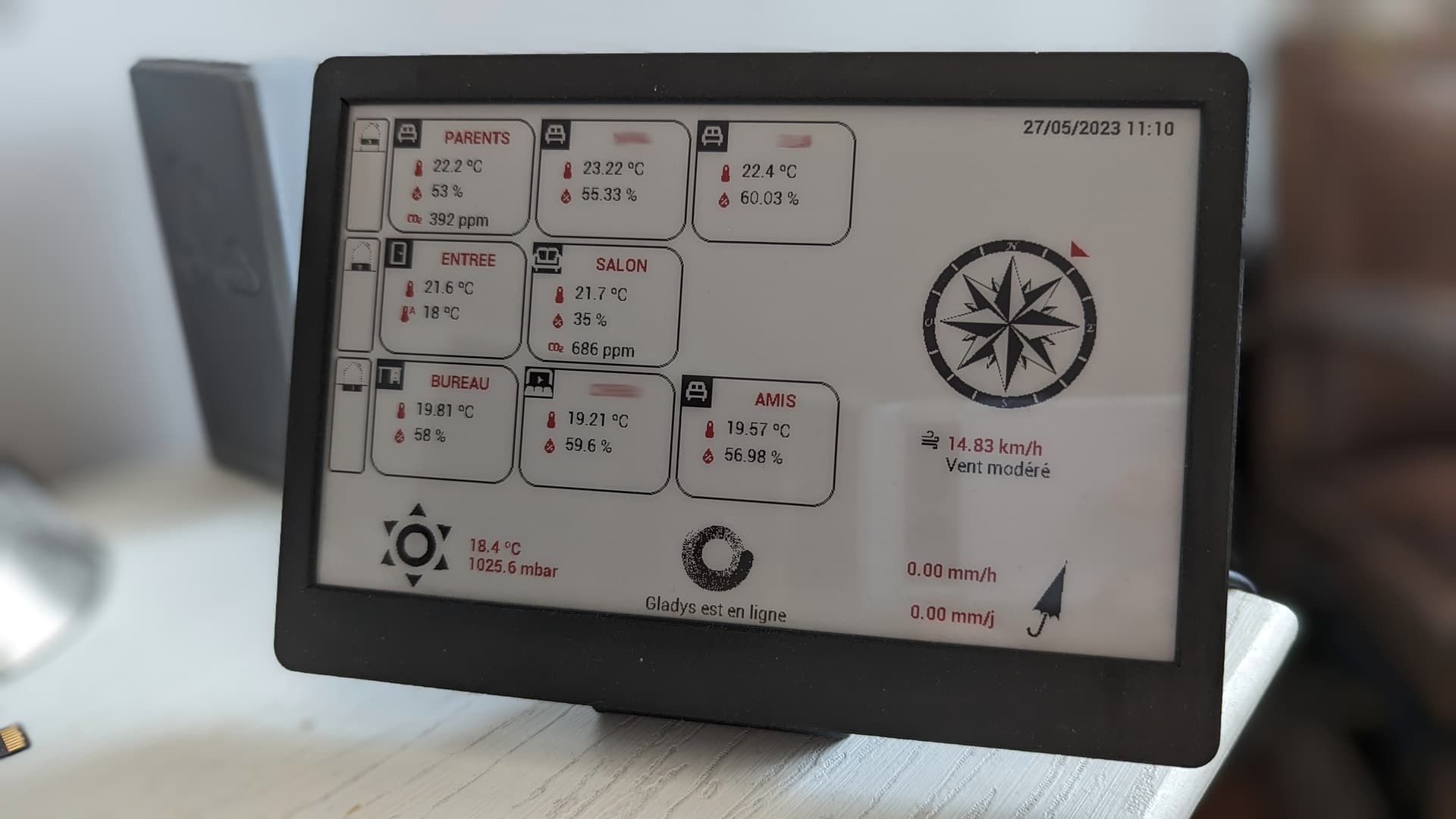
Here is the result. I don’t have time to do more at the moment so the display is not standalone (mains-powered) and I’m not entirely happy with the interface.
You can find the whole setup on Amazon for around €90.
The information displayed comes almost entirely from Gladys except for those relating to wind speed and direction and the weather icon in the bottom left.
Thanks again for your help on the DEV side
If you have any suggestions on how the displayed information could be better presented, I’m all ears!
Hello @PhilippeMA
Waoouh !! Great job !!!
Is it possible to have an A to Z tutorial on how to implement it?
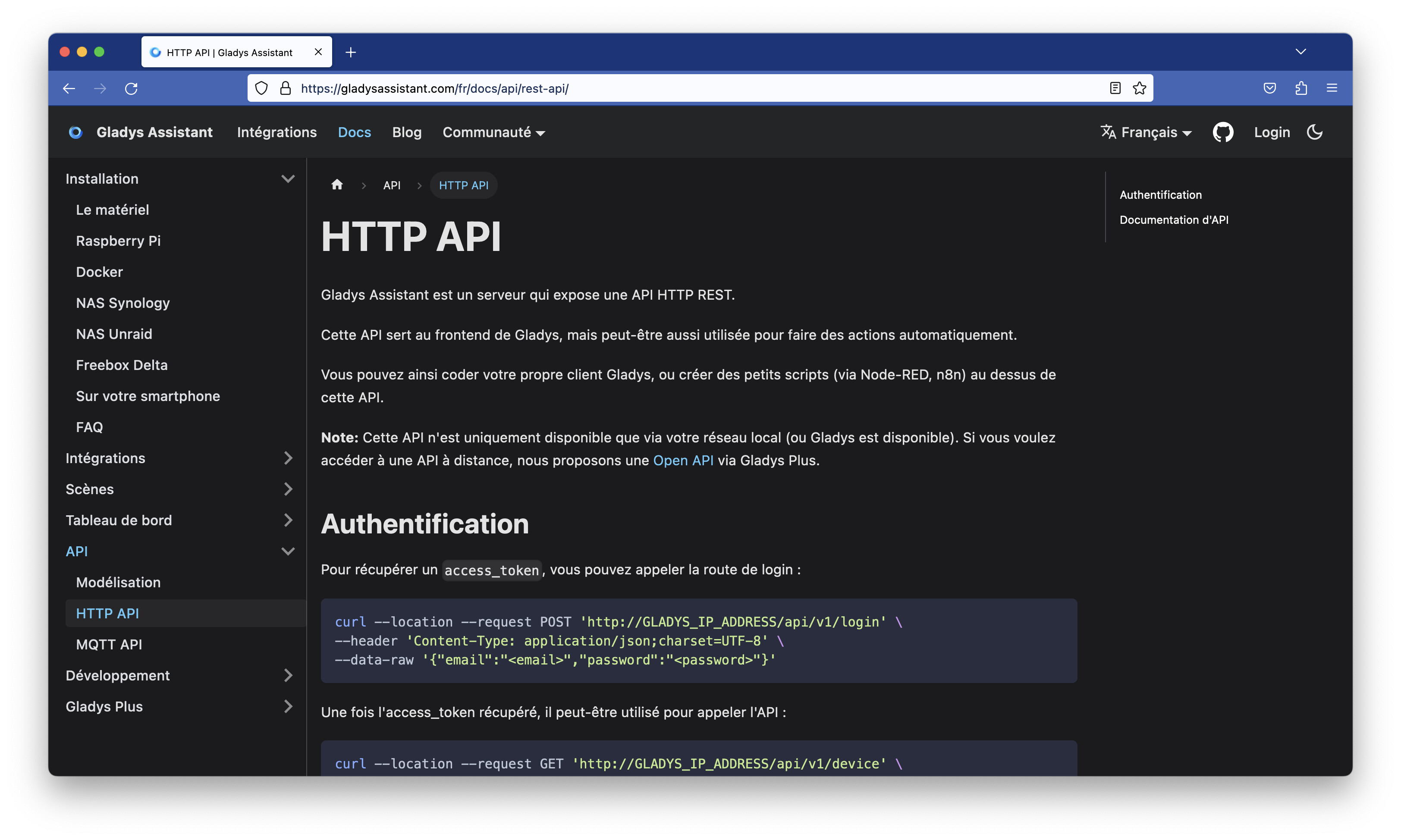
As for the APIs, yes they are documented but maybe lack a few implementation examples! It’s like when you push a broken-down car, the first push is always hard and discouraging but once it’s moving …
Yeah no problem I can wait…until tonight!
No, more seriously it would already be great to share with the community and especially to provide a reproducible tutorial!!! In the meantime, we’ll stay in the
I also took the opportunity to update the package « apidoc » to get the latest UI, and I restored the build process in the API documentation which was apparently broken. From now on, with each Gladys release, a new build will be done on Cloudflare Pages automatically.
I hope this will inspire people to make small projects of this kind with Gladys
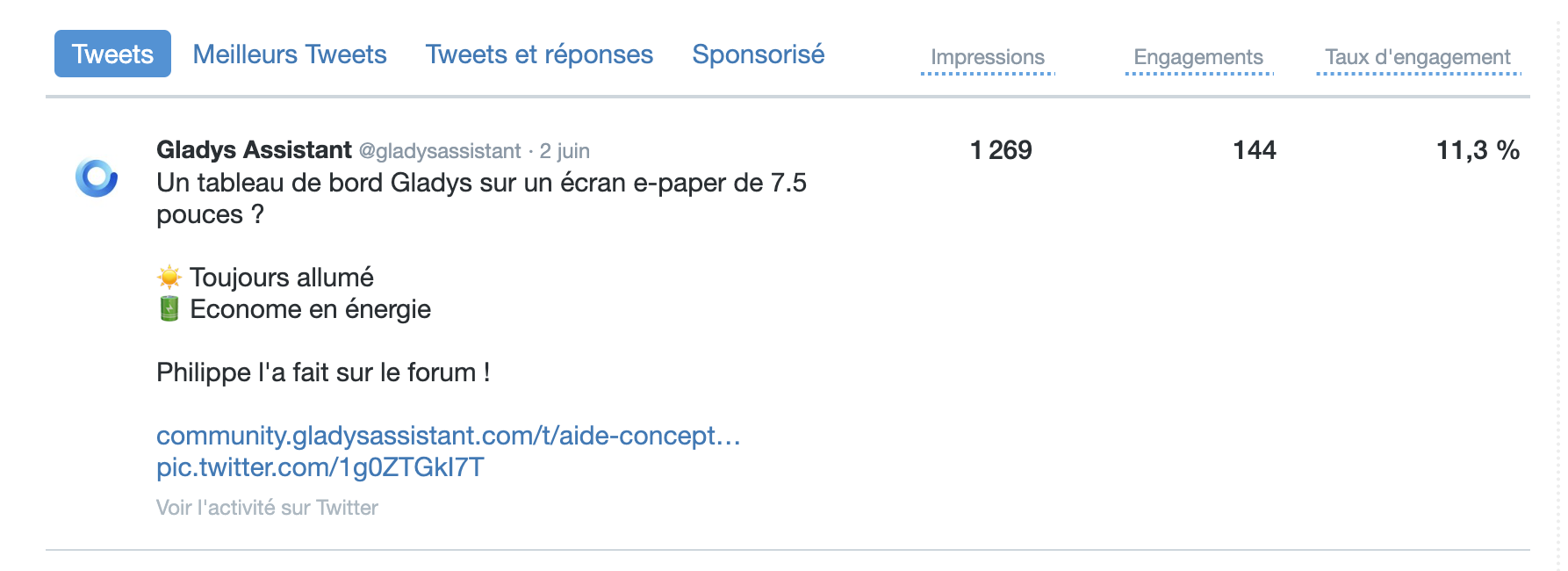
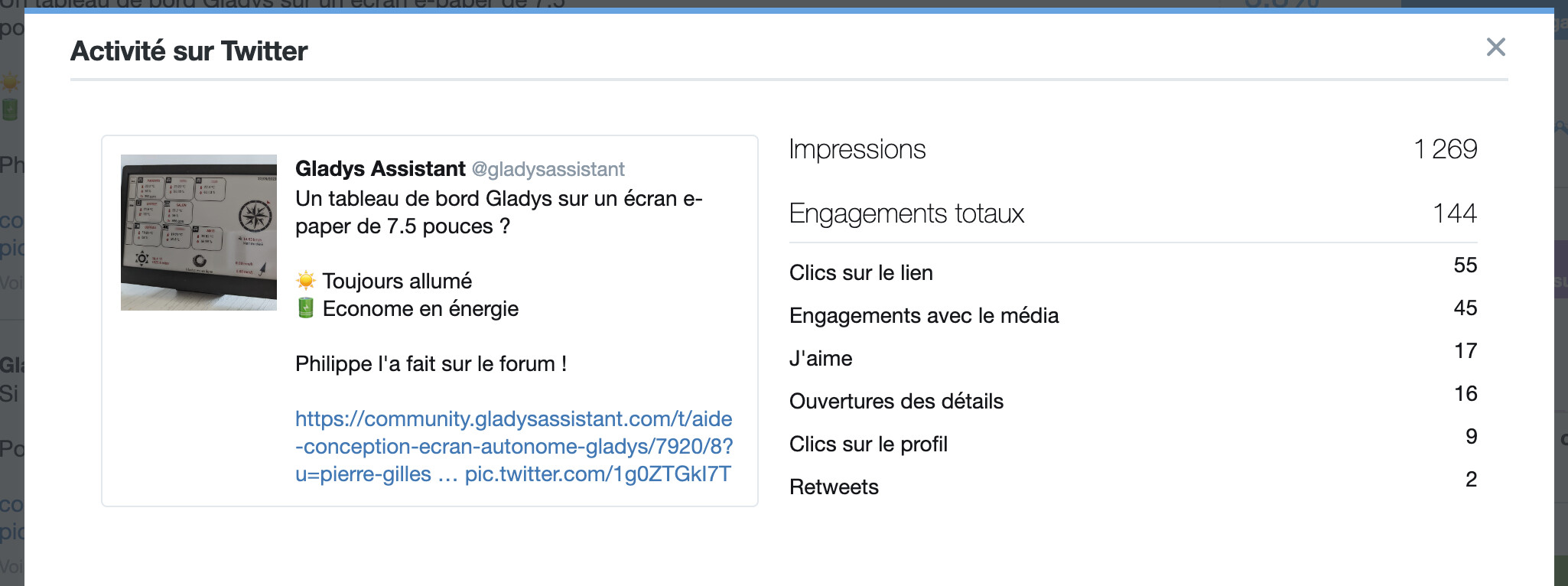
Anyway @PhilippeMA, your project blew up on social media; it’s one of the best posts of the year and had a record engagement of 11% (I’ve rarely seen that)


 I didn’t know. Thanks


 It’s like when you push a broken-down car, the first push is always hard and discouraging but once it’s moving …