I haven’t looked at how Watchtower works; I imagine it checks for a new version every X days, which would be sufficient for automatic updates.
But yesterday I wanted to make Gladys speak through my Sonos speaker and I noticed that the update hadn’t happened despite all the containers being up. Not being in a hurry, I’ll wait to see when the update will happen on its own.
Ok thanks for the feedback, so I should be able to play with Sonos tonight
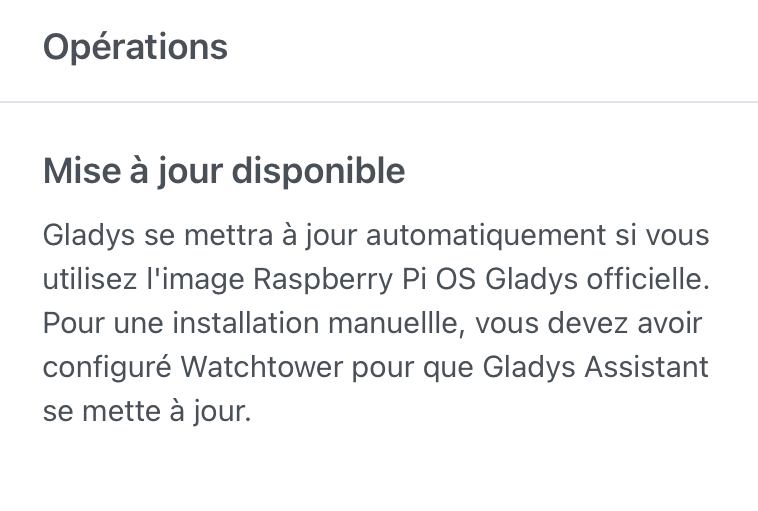
I know I can do it over SSH but for this kind of feedback, with the ultimate goal being to provide an all-in-one box, I’m trying to put myself in the shoes of a novice user and Madame Michou, whom I know well in her current state, is likely not to understand. In my opinion, the message should specify the 24-hour cycle and/or add the button that would launch the command.
Ok I’ll try to take the lead on this PR.
That will motivate me to deploy a test environment, and to get a bit more familiar with GitHub, Node.js and the overall process itself.
Show the button if and only if WatchTower is running and execute the update on interaction.
@Philou She must be from Gironde, Mrs Michou
Well, if you go for it you have my support, I vote!
It’s true that it’s a missing feature, it’s like the action history in a log file — you need to be able to follow and verify what happened in Gladys otherwise there’s no trust in what worked/didn’t work in scenes and devices (on the alarm side it’s downright a necessity!
And beyond the small added value this will bring to the solution, it’s also — and above all — a way for me to get my foot in the door with everything around it that I’m not (yet) comfortable with
No! This command starts a brand-new container so there’s no need to check anything
@Philou cool! We use dockerode in Gladys to run docker commands. You just need to make a function that starts watchtower, ideally running only on the Gladys container (pass the container name as a parameter to watchtower)