
Good evening, everyone. I just received 4 new Tuya Zigbee temperature sensors. I have already been using 2 for some time. One monitored my greenhouse all summer, triggering the ventilation whenever the temperature exceeded 35° and now monitors the temperature inside the chicken coop. And the second monitors the temperature of my living room. All that to say they work very well. I tried pairing my 4 new sensors in vain, both on Gladys and on the zigbee2MQTT interface. I found it strange to have the same problem on 4 brand-new sensors at the same time. So I removed a motion detector that was already paired and was also working very well. I tried pairing it again and that doesn’t work either. So here’s my question: could the latest update affecting zigbee2MQTT have caused this malfunction? I also disabled and restarted the zigbee2MQTT service. I disabled and relaunched the configuration of the zigbee2MQTT integration without success. Any idea?
Wouldn’t you have interference that didn’t exist during the first pairing?
I had to put a 50-centimeter USB extension between the Pi and the dongle to be able to add the last ZigBee switches…
Good evening @elfedagger
Maybe a silly question, but haven’t your settings changed, is the dongle still on the same port, or are both connections validated between Gladys, MQTT and Zigbee. I’m mentioning this because for a while the port address of my Zigbee dongle was swapping with my Rflink.
I followed the trail of interference — I already have 2 USB extension cables, one for my Zigbee dongle and the other for the Bluetooth one. I quickly cobbled together a mount because I don’t know where or how to attach my dongles which are no longer attached to the Raspberry Pi.

I separated the two, but I still had to bring my sensors as close as possible to my dongle to get them paired. My first sensors had connected very easily via my Zigbee plugs. Everything is paired in Zigbee, but I’m still struggling a bit in Gladys. On some devices the rooms disappear on their own, on others devices are duplicated and even when deleting one, it comes back by itself.
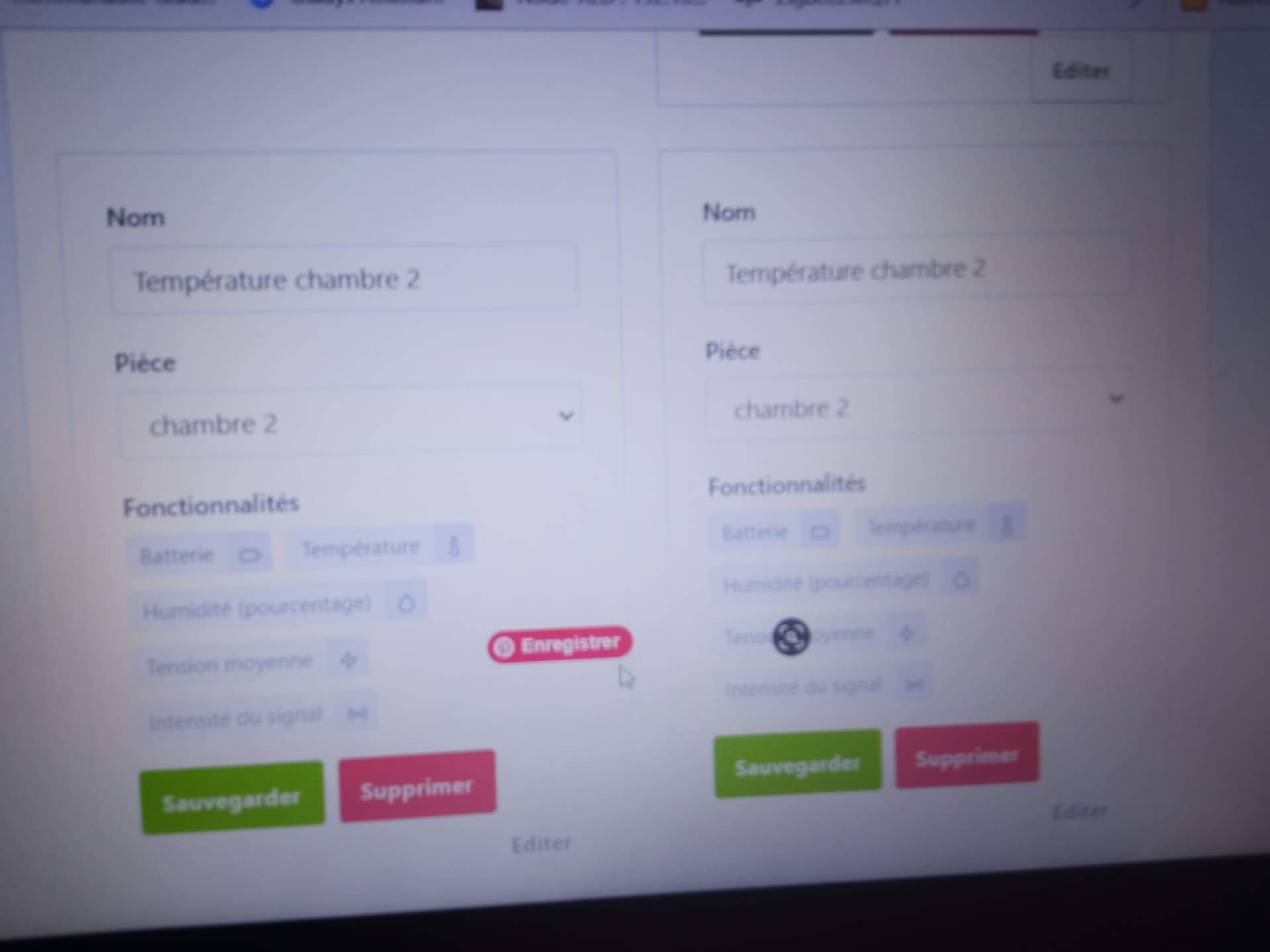
For my veranda, although the room is created and the sensor is paired, it’s impossible to find the « veranda » room when I want to display the temperature on the dashboard.

This is a nightmare!
Psoy, what do you control with your RFLink?
I have Somfy solar RTS roller shutters, I
Hello @elfedagger
RFLink controls devices at 433 MHz. There is this tutorial, but you have to use Node-RED
Good news if the pairing succeeded! It seems the interference issue is common with an RPi (Raspberry Pi) 3B+ and 4 [Source]( FAQ | Zigbee2MQTT
I’m on a 3B+ and I found my verandas’ temperature by typing the first letters of « vérandas » as you suggested. For my duplicate device I had to delete everything and re-pair my sensor, and today it worked very easily even far from my dongle. Sometimes home automation is strange!
For the 433 MHz I knew, mine is built to receive at 433 MHz but to transmit on Somfy’s RTS frequency at 433.42 MHz, I think. I’ll probably remove the receive part — my Somfy shutters don’t need that. I found the tutorial with Node-RED; I’ll see if I can use it for my shutters.
hello @elfedagger
you will still need a receiver part on your shutter to control it, but if you no longer want RTS, you need to find a WiFi or Zigbee module to control your shutters. Or you can completely change your switches; for me they are Tuya WiFi shutter switches, which are controlled by Node-RED and MQTT
I was talking about removing the receiving part of the RFLink, not the shutters. Somfy RTS shutters do not send any information. I just need to send the commands to raise, lower and stop to my shutters.
I had thought the opposite, but I believe RFlink does not support the RTS protocol.