Good evening everyone,
I need to edit the Gladys server logs and I don’t know the corresponding command.
When I run « docker logs gladys », the output is the equivalent of 72 pages.
Thank you in advance for your help,
JLuc
Hi @Jluc 
You can run:
docker logs gladys --tail=200
This will return the last 200 lines of logs.
If you want to see the logs « live », you can add « -f » (« follow »):
docker logs gladys --tail=200 -f
Documentation reference: docker container logs | Docker Docs
Hi @pierre-gilles and thanks for your feedback.
I started the logs after triggering the scene and here is the result:
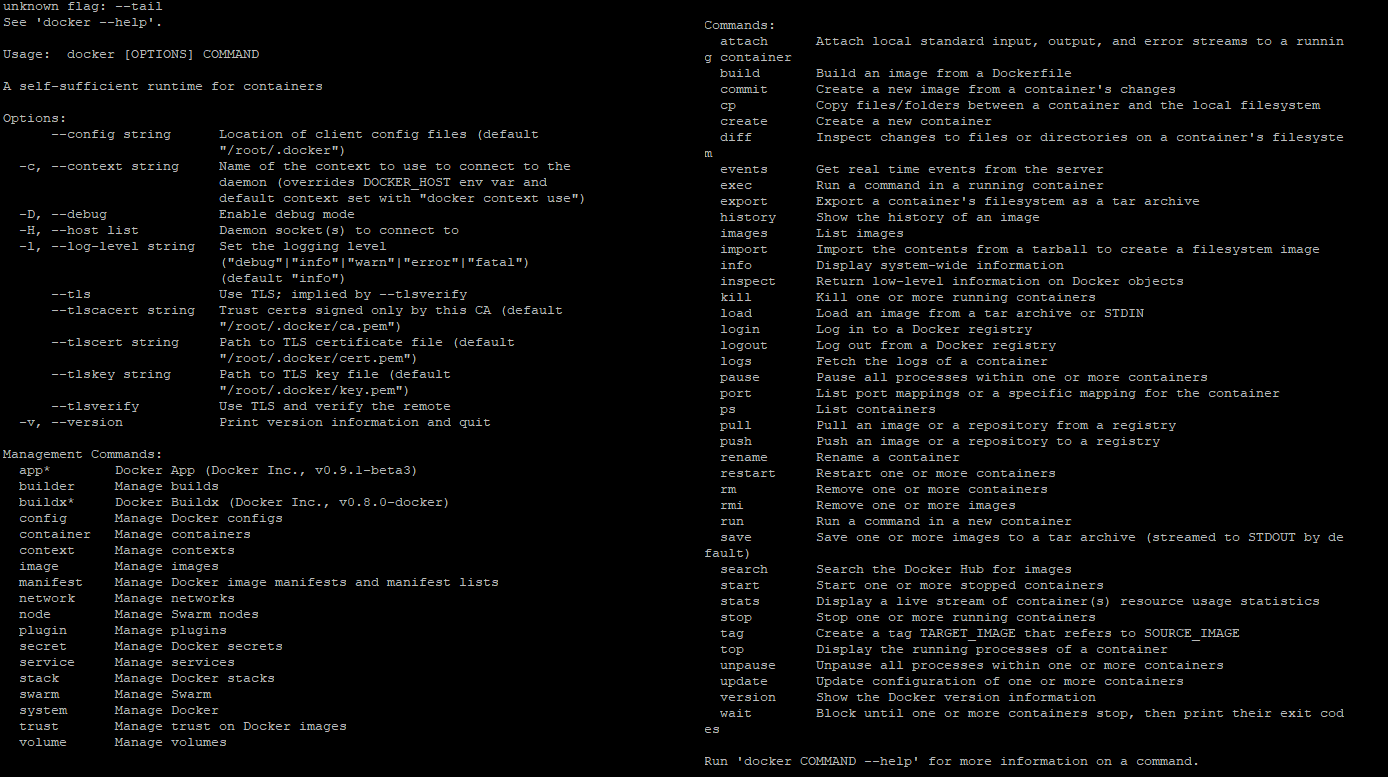
That’s not the right command…
docker logs --tail 200 gladys
Thanks @GBoulvin. Which command should be run to get the info?
I just added it to my previous message 
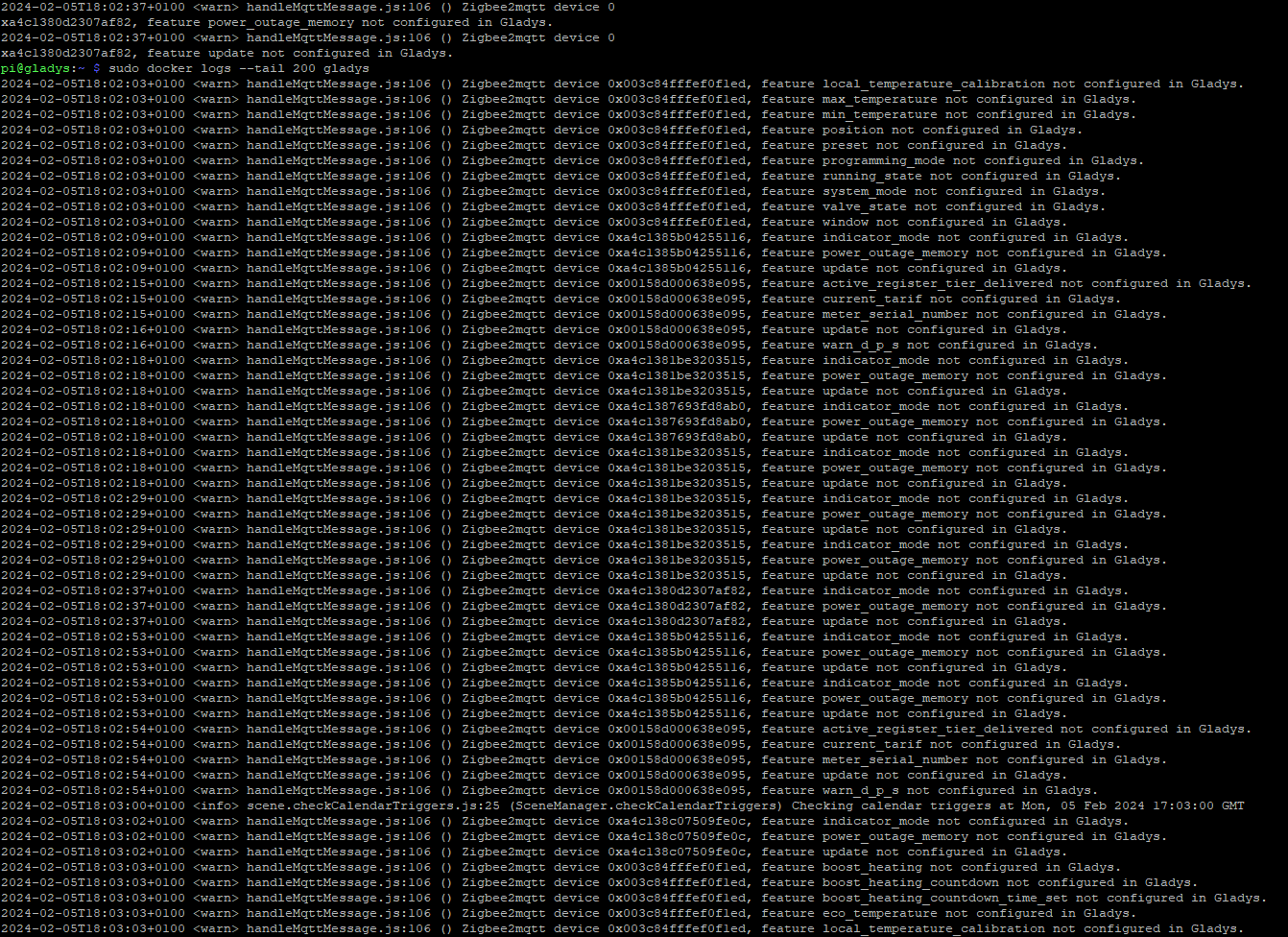
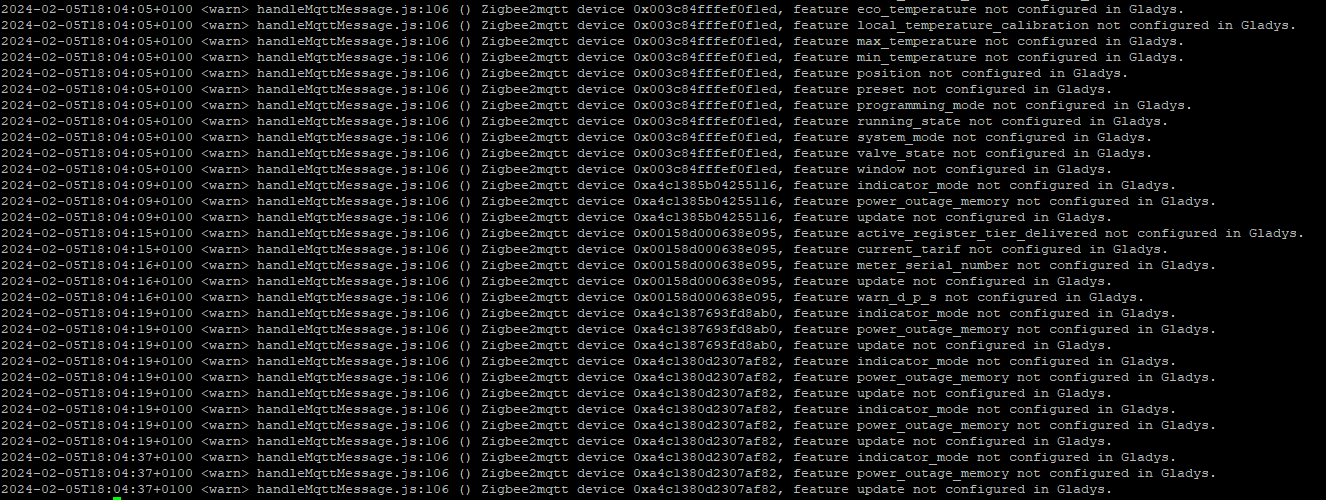
Thanks again @GBoulvin for your help which allows me to forward the logs to @pierre-gilles. I see many lines « not configured in gladys » and I don’t know if these are errors to fix.
Good evening everyone

I was thinking of changing the log level (debug) of this feature, which doesn’t add much and clutters the logs a lot.
+1 @cicoub13