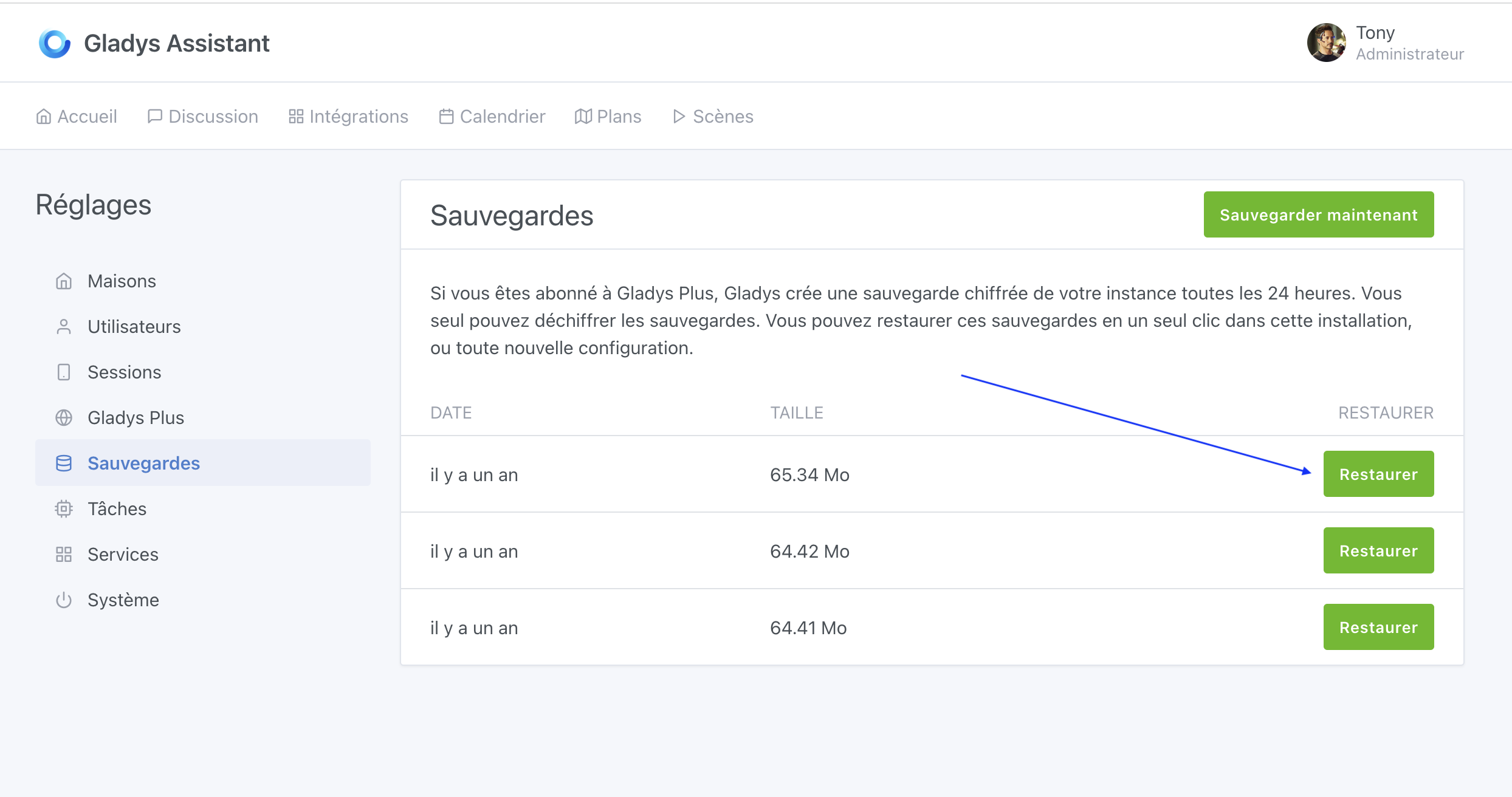
Hello, during an attempt to restore the GladysPlus backup, the restore failed due to an error with the username. I likely made a mistake, because the username in the new installation is temp-user instead of the name I usually use. This name is locked and cannot be changed in the local installation. Is there a way to put the configuration back in order?
When you perform a restore via Gladys Plus, a temporary account is created on the local instance for the duration of the restore (the so-called « temp-user »)
If on the local instance the name is still « temp-user », it means the restore did not work (most likely due to the authentication issue).
I invite you to try the restore again by logging into Gladys Plus in the settings, then going to backups and clicking « Restore »:
Thanks Pierre-Gilles for your quick reply — indeed a succession of errors.
When copying my backup key configuration into OneNote, I didn’t see that the first letter had been changed to a capital, and of course during the restore I did a copy-paste so it was an error I didn’t notice. I powered up my old Raspberry Pi… and I saw the difference.
I’ve now moved to Docker on Ubuntu on a mini PC with the very good tutorial offered on the site. Everything works very well and all Zigbee components have been restored. Thanks