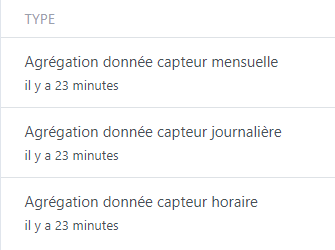
In the « Background tasks » tab, I have systematic monthly, daily or hourly aggregation errors; here is the latest report:
Monthly sensor data aggregation
****10 minutes ago
Error: Error at Database. (/src/server/node_modules/sequelize/lib/dialects/sqlite/query.js:179:27) at /src/server/node_modules/sequelize/lib/dialects/sqlite/query.js:177:50 at new Promise () at Query.run (/src/server/node_modules/sequelize/lib/dialects/sqlite/query.js:177:12) at /src/server/node_modules/sequelize/lib/sequelize.js:314:28 at async SQLiteQueryInterface.bulkUpdate (/src/server/node_modules/sequelize/lib/dialects/abstract/query-interface.js:366:12) at async t_device_feature.update (/src/server/node_modules/sequelize/lib/model.js:1958:28) at async /src/server/lib/device/device.calculcateAggregateChildProcess.js:153:5 { name: ‹ SequelizeTimeoutError ›, parent: [Error: SQLITE_BUSY: database is locked] { errno: 5, code: ‹ SQLITE_BUSY ›, sql: ‹ UPDATE t_device_feature SET last_monthly_aggregate=$1,updated_at=$2 WHERE id = $3 › }, original: [Error: SQLITE_BUSY: database is locked] { errno: 5, code: ‹ SQLITE_BUSY ›, sql: ‹ UPDATE t_device_feature SET last_monthly_aggregate=$1,updated_at=$2 WHERE id = $3 › }, sql: ‹ UPDATE t_device_feature SET last_monthly_aggregate=$1,updated_at=$2 WHERE id = $3 ›, parameters: {} }
I also very often observe very long latencies (several minutes or more); could this be related?
Gladys Plus runs on a Synology NAS DS218 with DSM7 and 10 GB of RAM, and regularly uses almost 2 GB, which seems like a lot to me!
Number of connected devices and with which technology? (Zigbee, etc.)
Any cameras, and if so at what refresh rates?
The error indicates that your database is struggling to keep up, and as a result the aggregation sometimes fails due to the DB file lacking « availability ».
I assume you’re talking about Gladys (and not Gladys Plus)
It all depends on your setup! 2 GB can be a lot, but it can also be normal for a large installation.
Thanks @pierre-gilles
No, I’m indeed talking about my Gladys Plus install that’s been running for about 4 months now on my NAS.
I mainly have Zigbee devices (about 10 to 15) and a Xiaomi IP camera that I temporarily removed.
I also have virtual MQTT devices + an IFTTT webhook.
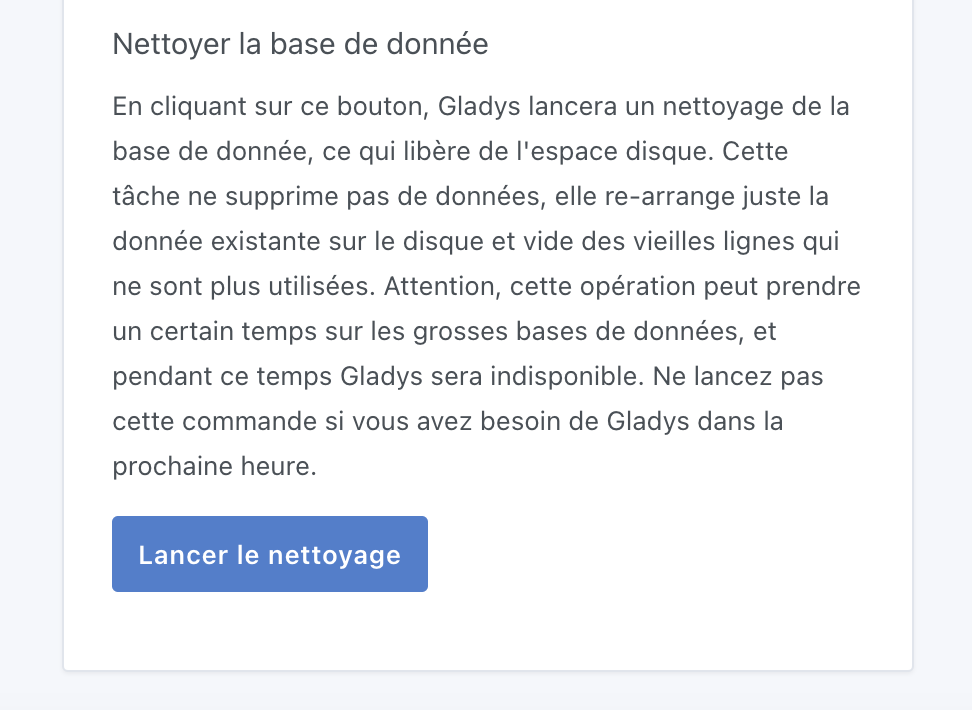
My DB is about 1.2 GB, I tried cleaning it from the CLI as you advised @lmilcent in another post, but with no result.
By latency I mean the response time when opening or switching pages.
Thanks for your help
@pierre-gilles
No, I don’t use a Lixee, I have my own teleinfo system not integrated into Gladys.
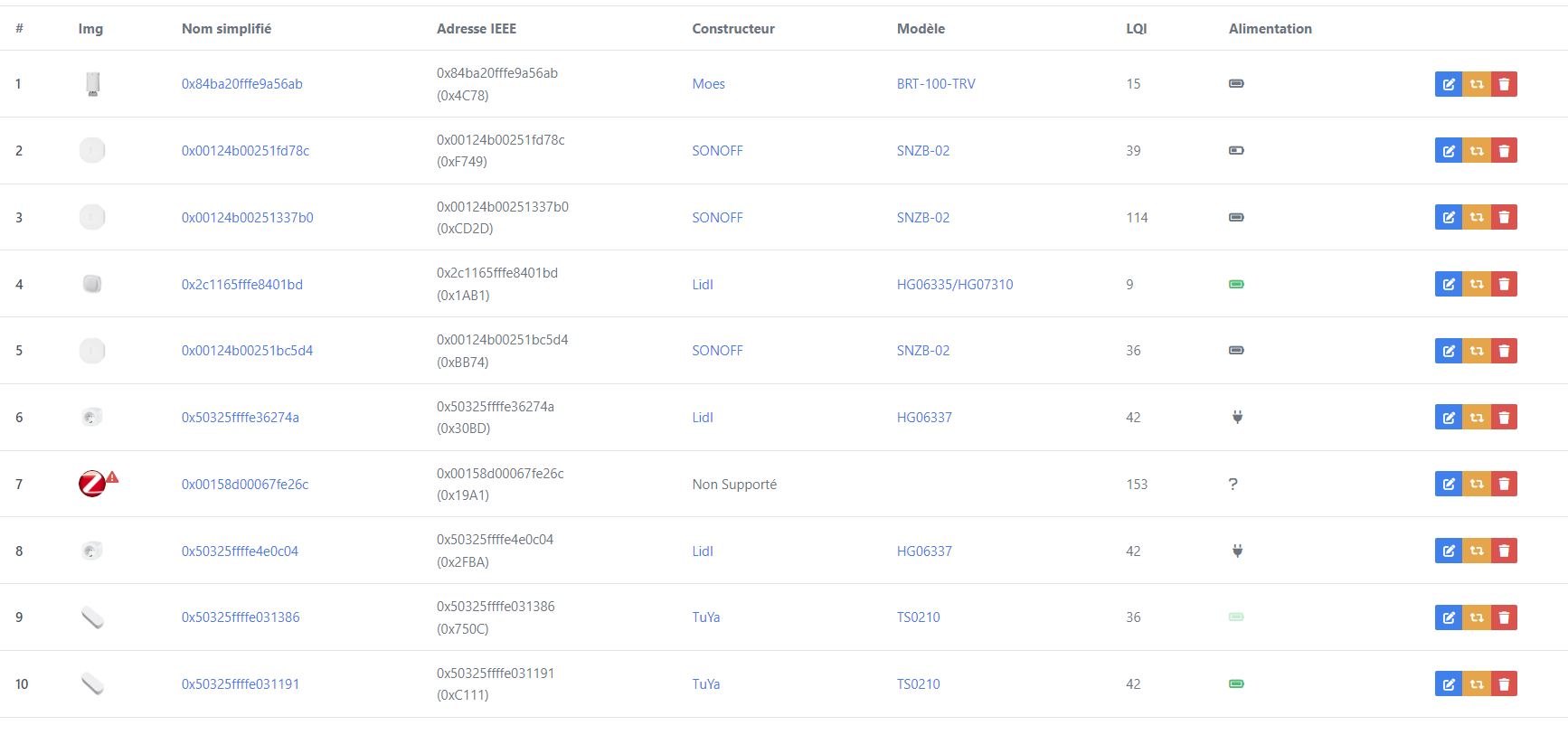
Here is the list of my Zigbee devices, the 2 unsupported devices are not integrated into Gladys
Actually, what we need to try to find is whether there’s a device at your place that’s « spamming » Gladys and sending a bit too many values, which slows Gladys down.
I was talking about the Lixee TIC because it’s a device known to have default settings that are a bit too « aggressive » and they need to be reduced, otherwise Gladys gets a bit overwhelmed.
If you can, checking the DB and the send frequency for each device can help
@pierre-gilles I only have 3 scenes that are minimally invasive.
I’ve already deleted in my database the largest integrations (about ten) with
DELETE FROM t_device_feature_state WHERE device_feature_id
Deleting the states won’t change anything in your case — you’re only fixing the « past » and not the future If a device spams in the past and you change nothing, it will still spam in the future!
Can you also review your integrations and check that you only have the bare minimum of features checked in:
@pierre-gilles
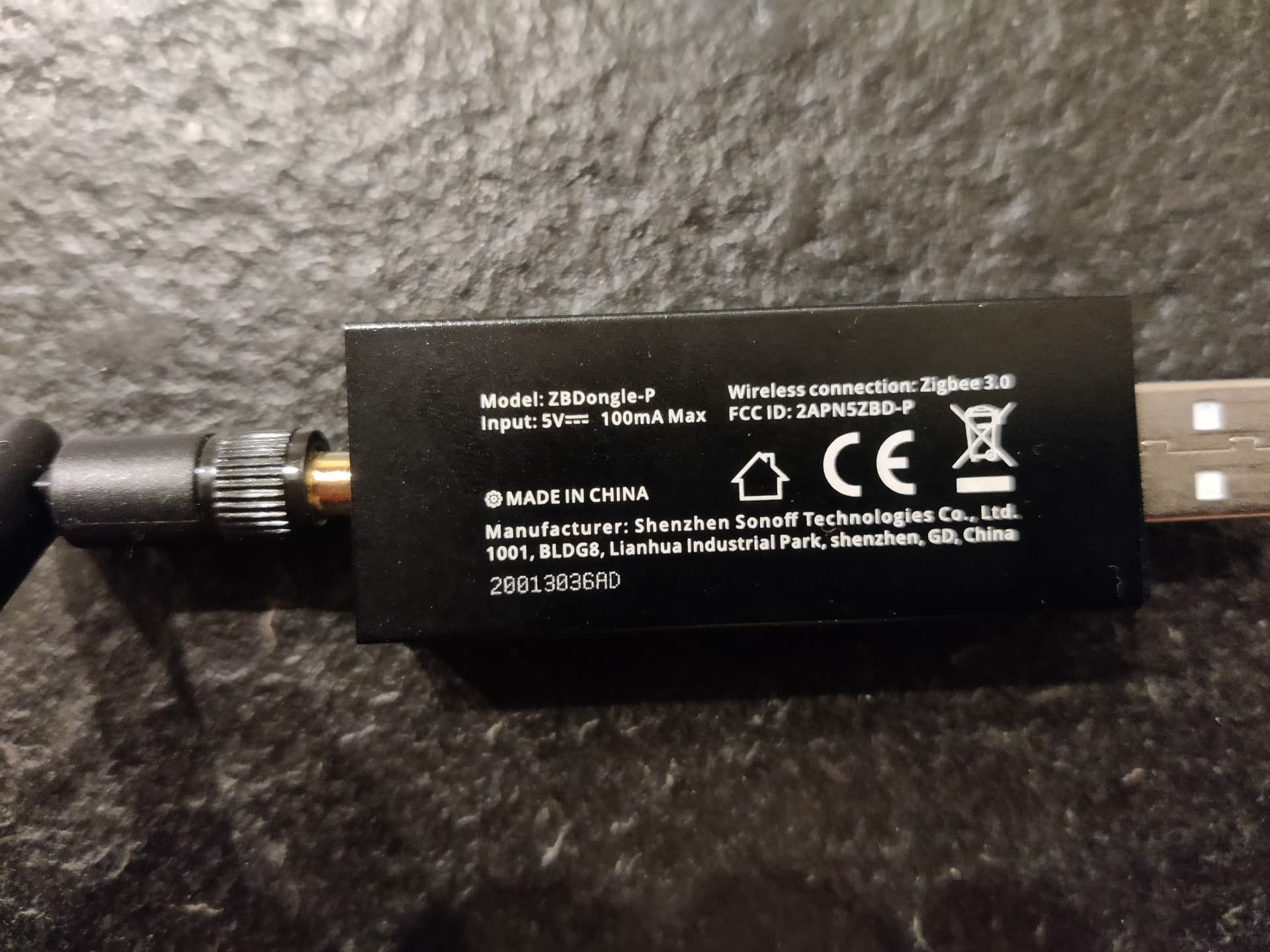
I think I solved my problem by simply replacing my Zigbee dongle!
Time will tell!
I took the opportunity to do a bit of cleanup and everything is green now.
For info, I have Sonoff devices ordered from Domadoo.
Thanks for your help.
Hi @jparbel,
I have exactly the same problem as you whether for hourly, daily or monthly aggregations.
This results in the loading spinner spinning in a loop while waiting for the timeout to finish, which makes for a really poor user experience. Could you tell me exactly which dongle you had and which one you replaced it with?
I have this one: SONOFF - USB Zigbee 3.0 dongle + external antenna 20dBm (V2) ZBDongle-E (domadoo.fr)
@pierre-gilles I cleaned the database with no result. Could you guide me through
which has been working for several months without any problems.
However, my slowness issues came from my Synology NAS DS218+ which was struggling with Gladys; I couldn’t find the reason, even with 8 GB of RAM.
Gladys is now installed on a Beelink BT3 Pro mini PC, it’s like clockwork: no crashes or latency.
Thanks for your reply,
That’s interesting because I also use a Synology NAS. It’s certainly a higher-end model, the 1621+, but it’s still the Synology architecture underneath.
It could be worth troubleshooting, because if there’s any compatibility issue with these NAS it would be good to know.
Thanks in any case!
Gladys has been running for 1 year or more on my 920+ and no problems of that kind.
I had that before Gladys’ ffmpeg fix (instance never closed).
Everything is fine on it.
Do you have Zigbee devices that are a bit too verbose, maybe? Do you have a Lixee TIC?
Some Zigbee devices outright spam the network and that clogs things on the Gladys side. Often, the publish interval for the values is adjustable on the Zigbee2mqtt side, worth taking a look
Does anyone have the command(s) to trigger the aggregations?
I decided to start from a fresh install and add my devices / scenes little by little, but waiting for the automatic task each time makes the process endless
 If a device spams in the past and you change nothing, it will still spam in the future!