Hello,
I’m a beginner; I know nothing about the command line.
I installed Docker on my DS220plus, but I’m unable to continue the tutorial because I don’t know where to type all these command lines.
Thank you for your help
Good evening, to be confirmed by more experienced people, but you need to connect to your NAS with software like PuTTY to enter the commands to install Gladys.
And welcome among us.
There is an initial pkg made by @VonOx but I don’t know what state it’s in.
Otherwise there is a tutorial to install Gladys on your NAS
No package, Synology SPKs aren’t super easy to debug and I haven’t really had the time to look into it, especially since there’s the possibility to launch the container via SSH, so we’re not really blocked.
I can’t run the commands with SSH
What do you mean? You can’t connect via SSH?
When I type commands into the terminal, nothing happens
Which command? Help us help you, a screenshot would be welcome.
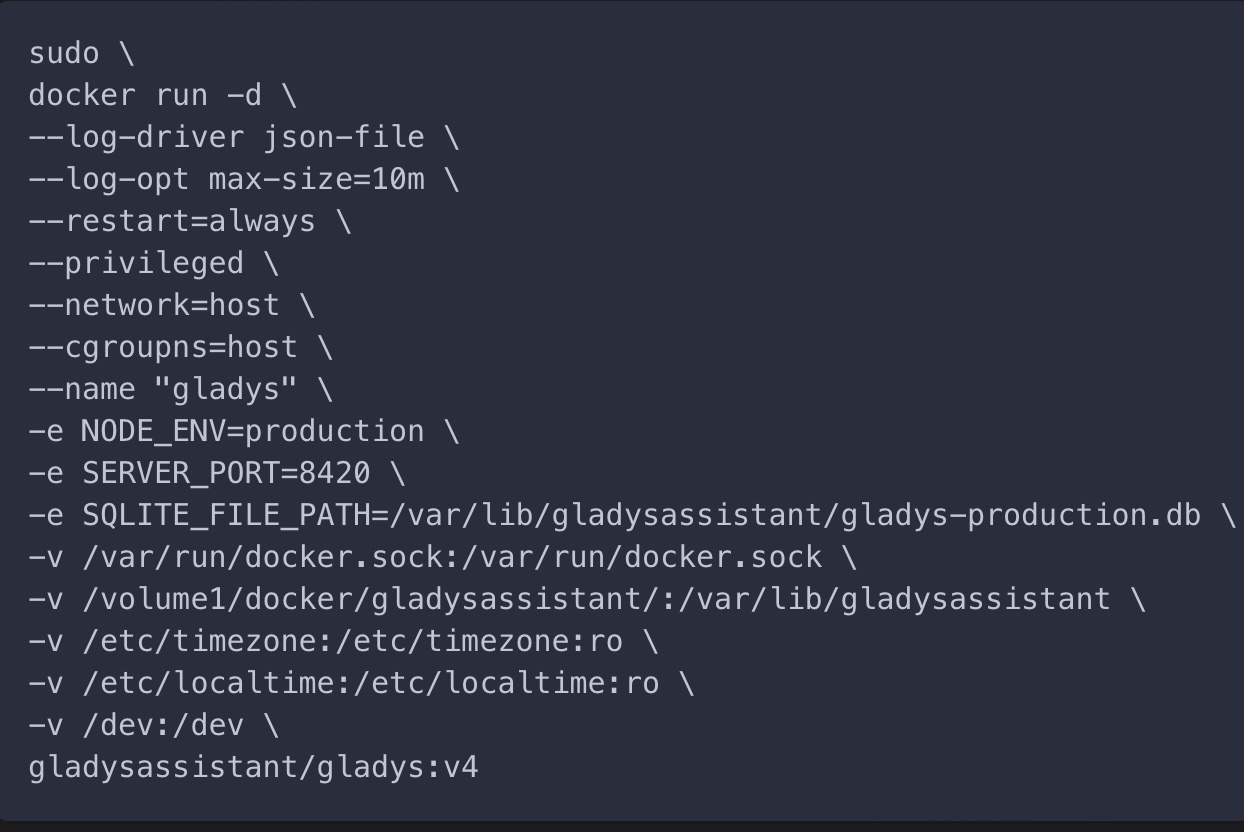
Yes and no: on NAS devices with Docker it’s OK; without it, there would be the Syno package.
Docker was a dependency
Ah, so indeed, it’s pointless except for less experienced users ^^

Docker is not installed on your machine!
Start with that, but be aware that it is not available on all Synology models…
@GBoulvin uh no, it’s worse than that, it’s local on his Mac!
@dakouri_karim You need to connect to your NAS via SSH before running this command.