I would see this kind of design for example:
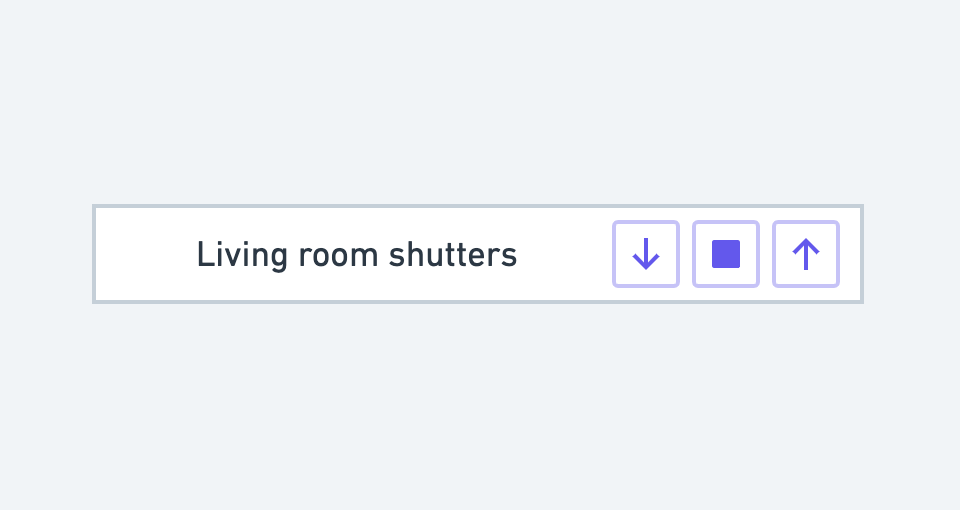
(icons taken at random, but that’s the idea)
This is exactly what is generally used and it’s the most effective.
At your choice in the middle a STOP button icon or a PAUSE type icon, each to their own!
In the long run (long term?), the ultimate goal is to be able to configure « fixed » points in the shutter position to easily find them again.
For example, at my place in the evening I don’t fully close one of my shutters so that my cats can pass: the simplest solution is to have a dedicated button with a percentage value.
The very poorly illustrated version of what you proposed @pierre-gilles is:
Living room shutters DOWN | STOP | UP | 25% | 85%
Why not in the long term, but I think just having simple control for now is already a big step forward  Let’s keep the basic functionality simple but working well, we’ll see later for special cases.
3 commands for a feature.
How do you think we should handle the command messages? 0(up), 1(stop), 2(down)?
Will the « up » and « down » buttons, after being pressed, remain activated (highlighted, for example) until the stop feedback is received?
0 - UP
1 - STOP
2 - DOWN
yes certainly
And not stupid the story of the highlighting for devices that handle feedback.
As said @pierre-gilles let’s start simple.
If someone takes the subject, let him signal, otherwise I will do it during koh-lanta 
I really like it!
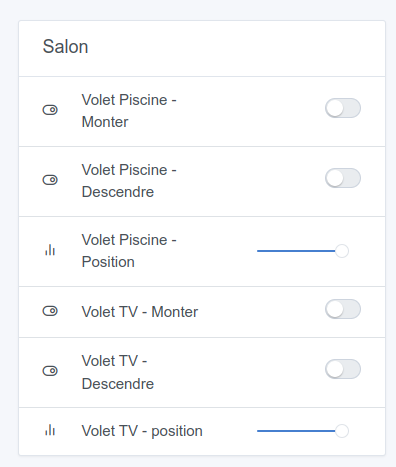
However, I think it would make more sense if it’s the same curtain that there is no « separation » between the two lines. Otherwise, it seems like they are two different devices.
These are 2 different features. For now, on the dashboard, we display one line per feature.
@AlexTrovato Are there devices that handle these 2 types of controls? Isn’t it one or the other?
You usually have both
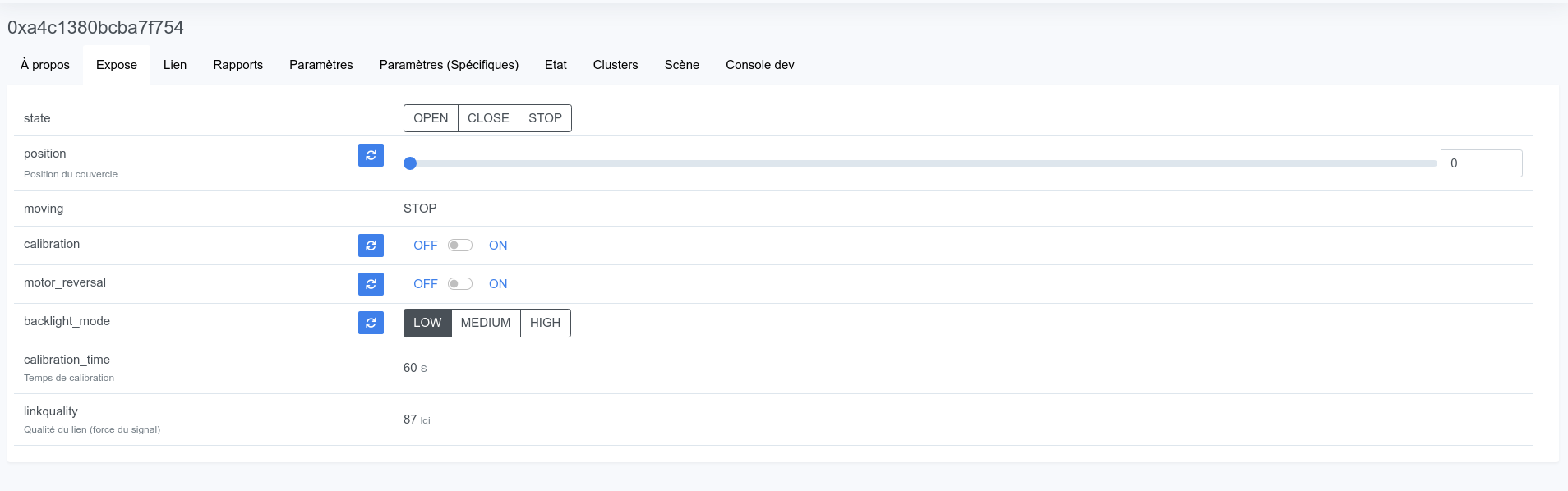
For my device roller shutters ( CCT5015-0001 ) I have:
I have several Tuya-compatible models at home, from different « generations »:
On ALi, the latest generation also allows adjusting the opening percentage (screenshot by @guim31)…
@AlexTrovato Do you have the code for this UI somewhere?
After the Alexa development, I’m tempted to start this development
The idea would really be to release a minimal version that works well for the most common case (open/close/pause)
I think it’s on this branch
It’s already been developed, actually  Nothing to do—or almost!
We had talked with @VonOx about this, and we thought of showing « open / close » rather than up/down chevrons, since the shutter or curtain might open from left to right.
Hello guim31
What equipment do you use to control your pool cover that must be low-voltage?
Thanks for your reply
GV
Hi @lsage 
Actually there’s a misnomer: it’s the roller shutter (of a sliding glass door) that faces the pool! However, I still control my pool’s underwater light, the pump, and the 12V terrace spotlights with a 4-way Zigbee switch
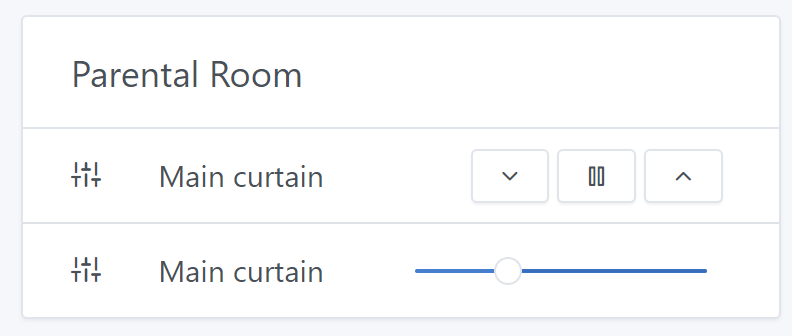
 it’s better to use the « OPEN/CLOSE » concept