Bonjour tout le monde,
I haven’t yet integrated my heating into Gladys, for now I’m just starting with Gladys and I don’t have all the elements I would need to integrate all my home automation, and at the same time it’s not easy to break an existing system that works for another solution but I’m progressing slowly. In the meantime, I can show you how I did it in my current system Domoticz, if it can give you ideas.
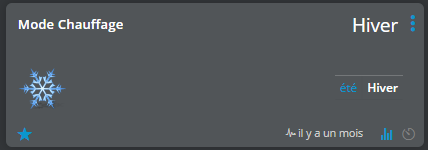
First, I have a virtual switch (fake device) for the heating mode (WINTER / SUMMER)
If SUMMER mode, then the heating is off
If WINTER mode then I activate the heating
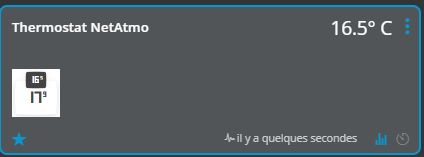
Then I have a NetAtmo thermostat, whose relay is directly connected to my pellet stove. In Domoticz I retrieve 4 pieces of information:
-
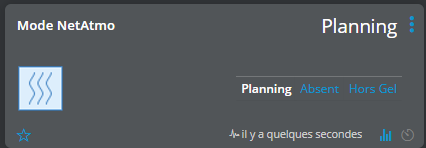
Operating mode => allows to manage the operation of the heating of my whole house (pellet stove and electric radiator) according to a scheduling mode, an away mode and an antifreeze mode
-
Relay status => allows to know if the thermostat relay is active or not (you can execute scenes eventually depending on the status)
-
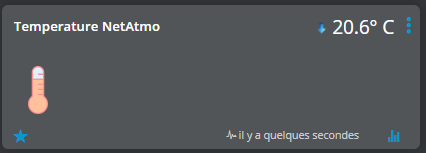
Temperature read by the thermostat
-
Setpoint temperature
I wrote a Python script that allows to query the NetAtrmo API and display the data in Gladys if it can interest someone. I just miss the display of the mode because there is no MQTT fake device that can display text, or then I didn’t find how to do it.
The heating of my stove is therefore managed directly by the NetAtmo thermostat and I just read the data in Domoticz.
Then in each room I have an electric heating with a pilot wire (controlled with a QUBINO module in ZWAVE)
For each room I have created several fake devices:
-
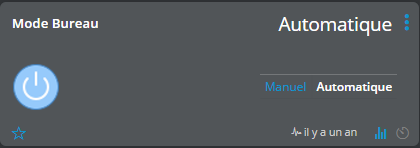
Operating mode => manual or automatic
In manual mode, there is another fake device that allows to control the radiator
In automatic mode, I have a scene that checks the status of my general thermostat, if for example I am in scheduling mode and the setpoint temperature is above a certain value then I allow the individual heating of each room
-
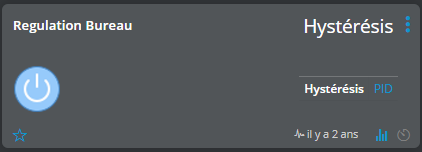
Regulation type => hysteresis or PID
Hysteresis => this is an on-off regulation with 1 start-up value and another for the stop. For example I start the heating at 18°C and I stop at 20°C
PID => this is a more complex regulation (proportional, integral, derivative), to summarize it’s a closed-loop control system that aims to smooth the temperature (or whatever you want to control)
-
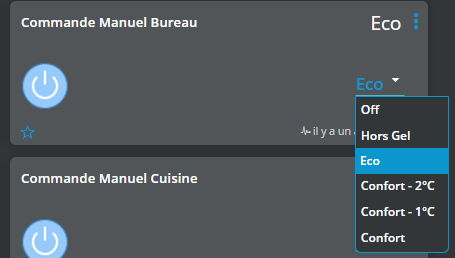
Manual command => if the mode is set to manual then I can select the operating mode of the room radiator (OFF, antifreeze, eco, comfort…)
-
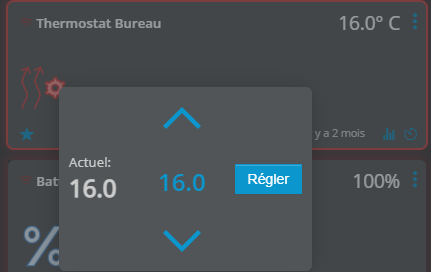
Thermostat => which allows to define the setpoint temperature of the room
-
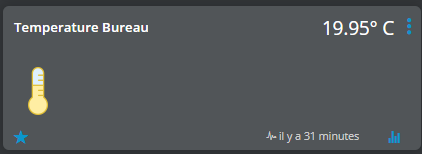
Temperature sensor
Here I use a Xiaomi Aqara Zigbee sensor to read the room temperature and compare it with the value of the virtual thermostat.
So if the setpoint value is higher than the current temperature, and also depending on the general thermostat and the manual or automatic operating mode, I control the radiator in comfort mode otherwise in Eco.
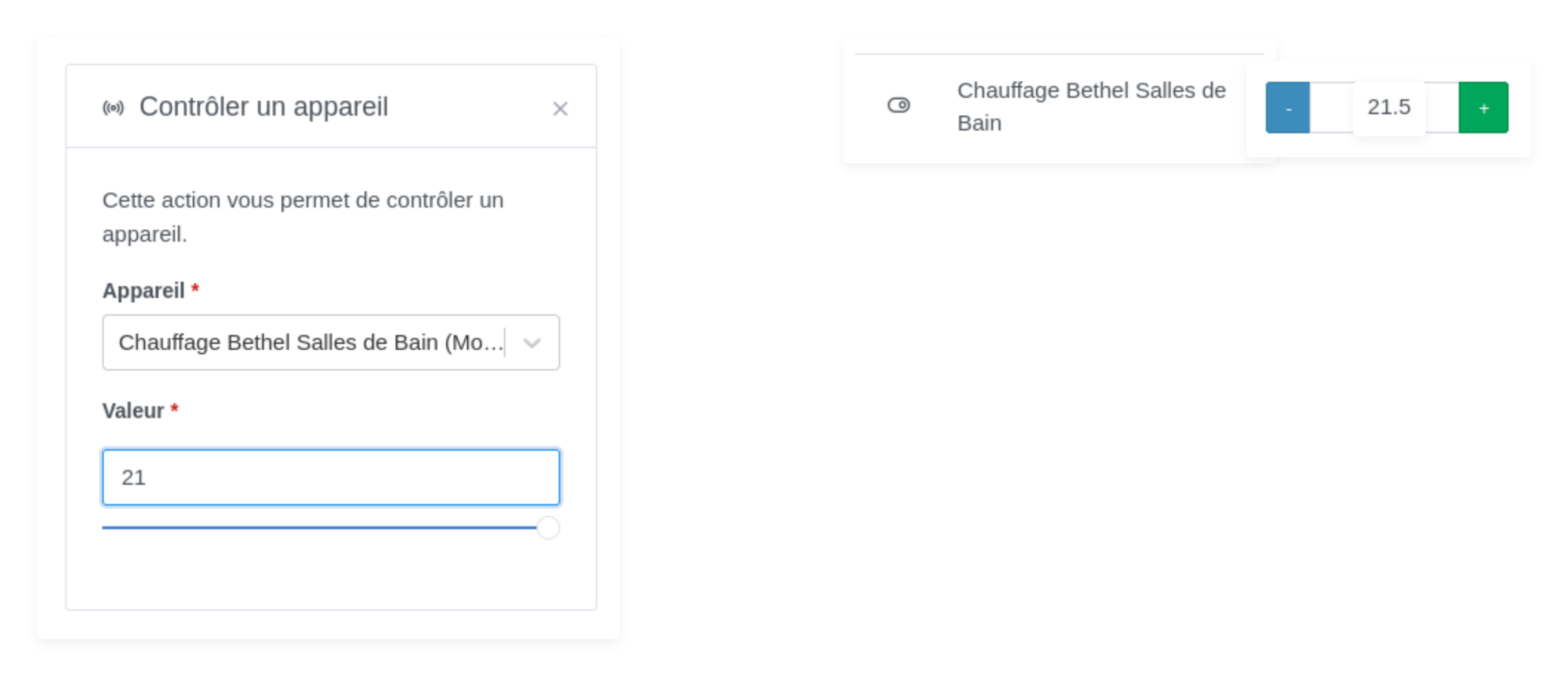
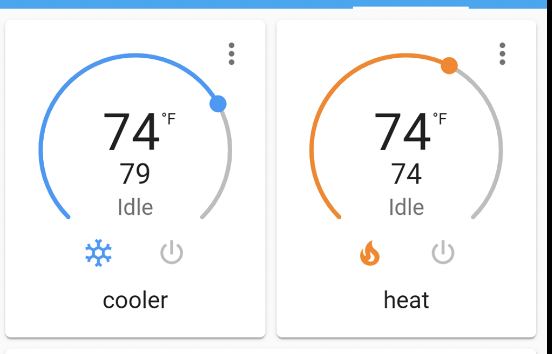
For my part, what is missing in Gladys to achieve a heating function, is a thermostat fake device, a fake device type multi-position switch, not only ON/OFF, with the possibility to define a text for each switch position. After that for me everything else can be managed by scenes except the PID regulation which is quite complex. For the general thermostat, I use a NetAtmo thermostat because I can control it remotely and if my home automation system fails I can always control it physically, but for the integration in Gladys we could imagine a thermostat fake device that allows to set a setpoint value. Then with the calendar and a scene come to control the thermostat automatically according to what we will have defined.