Hello,
I’ve been lurking on the forum for a while, but I haven’t taken the time to introduce myself properly yet!
What is my profile
28 years old, passionate about aeronautics and computer science among other things.
The first PC at home was under Win95, with 1GB HDD… and my first PC in my room was a Compaq under Win3.1, with the famous « Turbo » button.
It’s silly, but I’m really proud to have had that in my hands as it has become extremely rare today ^^.
What were my needs / How I got into home automation
This is the purpose of this introduction!
I stumbled upon Gladys a bit by chance, while browsing the web looking for all kinds of Open-Source projects. I immediately liked Gladys, because in addition to being free & open-source, it’s beautiful and polished (it was version 3 at the time).
Finally, like Beatrice a few topics above mine, I really like the AI aspect!
But I had no real need: I live in a small apartment (35m² without any doors inside) and well, I still have the energy to get up and take a few steps to go to the kitchen to make my coffee or to the bathroom.
So it’s not easy to really get started: I installed Gladys, the weather module and Telegram and that’s it. Done.
Until today!
I got into home automation for my three-legged feline (he actually has four, but very rarely all operational  )
)
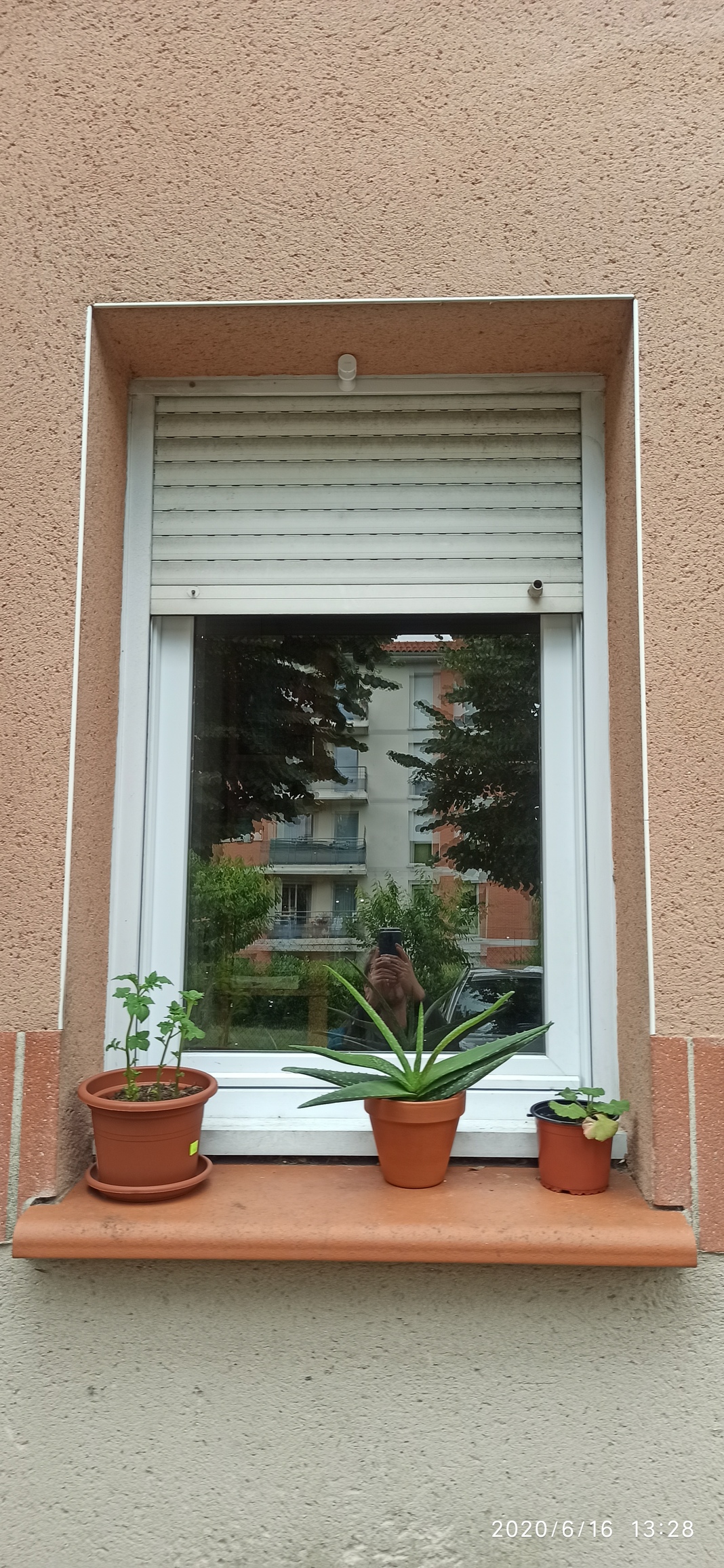
He usually comes in through the kitchen window (I’m on the ground floor). But in the evening, we watch TV in the living room. So, he can sometimes wait on the window sill for a long time before we notice his presence 
So, I thought it would be nice to have Gladys detect his presence, then send me a little Telegram or turn on a night light via the scenarios…
What equipment I chose
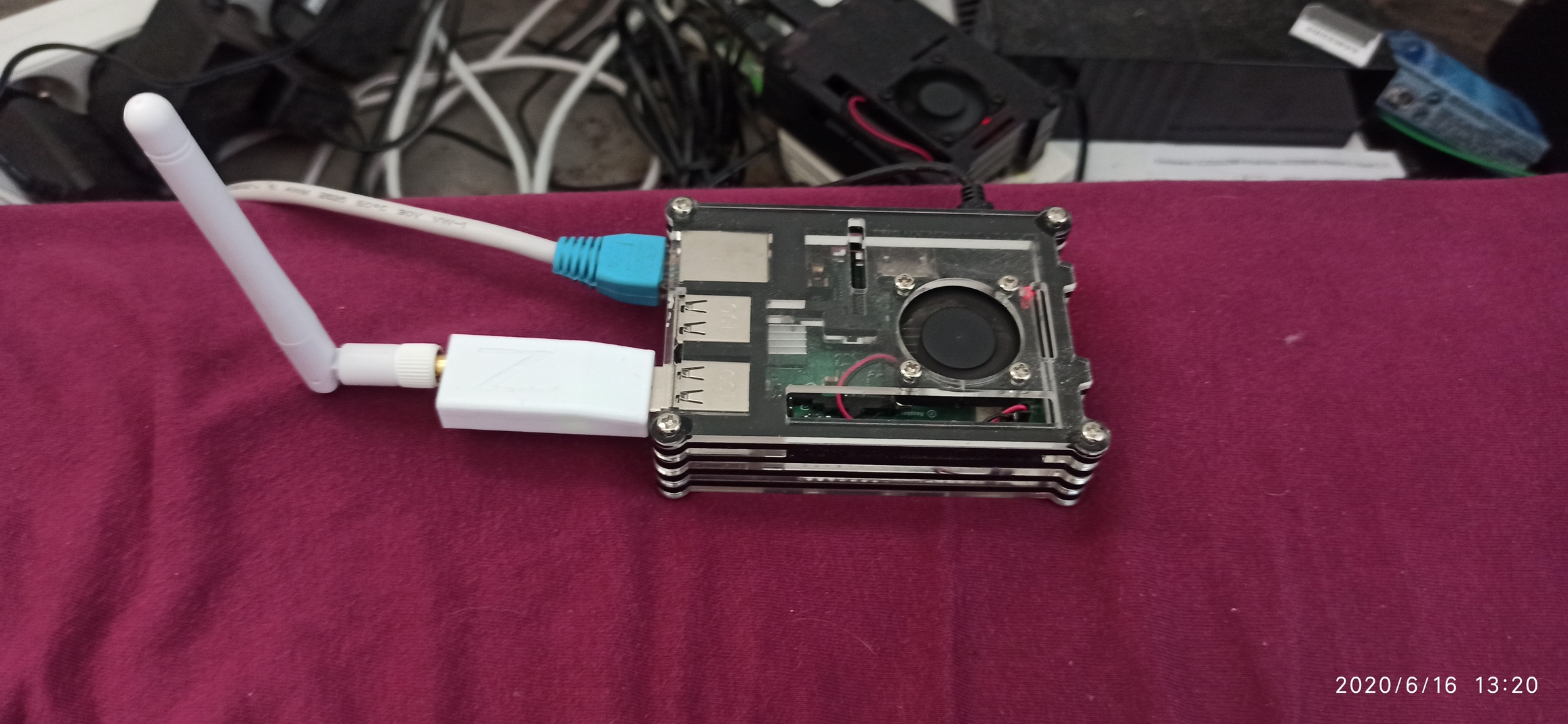
- Gladys on RPi 3b+
- A Zigbee « plug and play » interface bought from Hans Weiss, following the reading of the Zigbee2mqtt topic driven by Ren0: for compatibility, and respect for privacy.
- For now, a Xiaomi Aqara motion sensor
- The most important part, the implementation (this is the part where you can put photos, plans, in short, everything you deem necessary for the description of your installation)
The implementation
I’ll spare you a plan for so little…^^
My constraints:
- The window sill is also occupied by small potted plants
- My better half doesn’t want wireless home automation, so I have to make sure everything is as discreet as possible
- For the time being, I will consider that it is not possible to put a collar on my cat (he is not friendly when you start handling him…)
So for now, it looks like this:
Gladys + Zigbee2mqtt inside
The Xiaomi motion sensor stuck upside down in the upper left corner of my window, facing the lower right corner, where my cat is approximately when he wants to come in.
What could be the future evolutions of my installation
We’ll see if this sensor works well with low light. I will also have to modify it to reduce its detection angle. Originally 170°, but I only need 30-40° I think.
I don’t want to trigger the scenario when a neighbor passes by outside, or me inside ^^.
If it doesn’t work properly, I will have to think of another method of presence detection. If you have any ideas, I’m interested 
To conclude a small personal experience feedback (you can highlight the difficulties encountered, the mistakes to avoid, as well as the benefits brought by home automation)
For now I don’t have any, this section will be completed as I go along
 !
!