I just tried, I have a local version of the documentation site, but the integration page never loads…
Does that ring a bell?
I have the impression that there is a regression on the API /api/v1/service/usb/port which returns the active USB ports but only with comPath and not comVid (linked to vendorId) 
I am currently looking into it
Same issue here: Can't read back FTDI USB serial number in docker container · Issue #2224 · serialport/node-serialport · GitHub
and there SerialPort.list() only shows ports when script is run with sudo (Rasperry Pi) · Issue #2141 · serialport/node-serialport · GitHub
A matter of rights, I don’t really understand why it worked with the test images and not anymore
I’m talking about the « v4-doc » site, not Gladys directly 
[EDIT] I didn’t see the previous message, your answer wasn’t for me 
If the problem is identified, that’s great 
I also wanted to test it, but I had the same issue on my end with a zzh key mentioned in VonOx’s post:
Nothing on the USB even though it is present in the lsusb command.
Don’t hesitate if you need help with your research @cicoub13.
Oh bother I have the same as you @Terdious.
I’ll test it tonight.
I know why, because @Reno was using udev to list USB devices, however, you should not have it on your containers in standards.
This is missing from the docker command
-v /run/udev:/run/udev:ro
It’s Ok with the new raspberry image but not on your containers
Yes, in fact, no USB device is displayed 
Two solutions, download the new image
OR
I proposed a MR fix(zigbee2mqtt): Fix USB listing by cicoub13 · Pull Request #1116 · GladysAssistant/Gladys · GitHub that I am currently testing
@cicoub13 keep me posted if your fix is good or not, I’m going to bed now, if it’s good I’ll merge it tomorrow morning and I’ll make a release!
Honestly, going to bed at 16:53 is ridiculous 
#jetlag
Are you happy with it? Have you tried the Bluetooth?
Tested and functional, we will have different behavior depending on the image used.
https://github.com/GladysAssistant/Gladys/pull/1116#issuecomment-812064435
Cool, by the way I think we should systematize what you did on the USB services.
Well, I’ll tell you about that soon hihi!!^^
As for Bluetooth, I haven’t tested it yet, but I’ll let you know about that too!!
For those who are impatient and not afraid of SSH, you can quickly fix
docker stop gladys && docker rm gladys
docker run -d \
--log-opt max-size=10m \
--restart=always \
--privileged \
--network=host \
--name gladys \
-e NODE_ENV=production \
-e SERVER_PORT=80 \
-e TZ=Europe/Paris \
-e SQLITE_FILE_PATH=/var/lib/gladysassistant/gladys-production.db \
-v /var/run/docker.sock:/var/run/docker.sock \
-v /var/lib/gladysassistant:/var/lib/gladysassistant \
-v /dev:/dev \
-v /run/udev:/run/udev:ro \
gladysassistant/gladys:v4
There you go
For others, you will have to wait for 4.2.1 tomorrow 
Great job guys
Gladys v4.2.1 is being built!
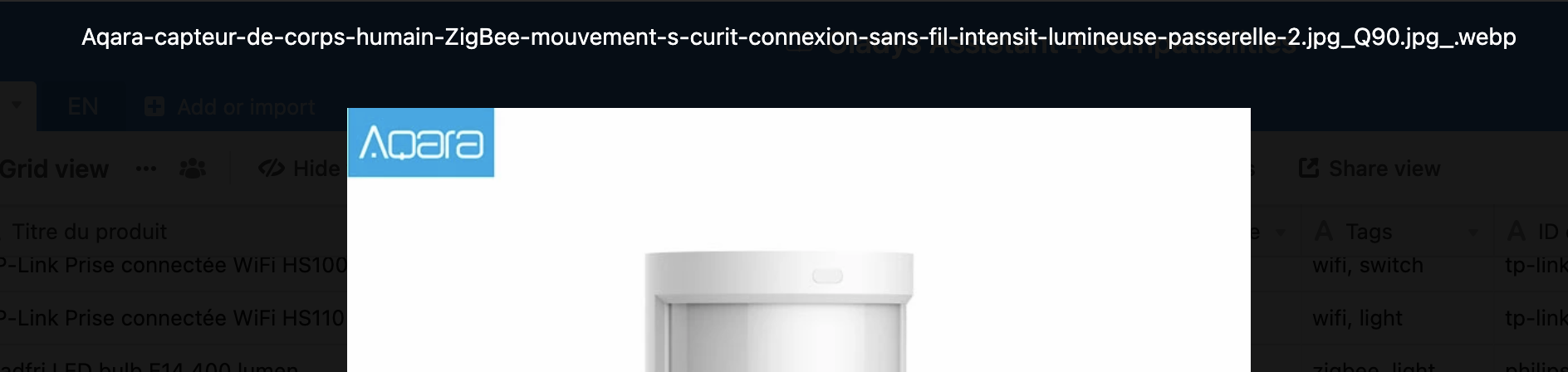
I have the same problem as you, I went to check the files you added are in webp format (I don’t know if it’s you who put them or if Airtable converts everything to webp now…), but I don’t think the build tool we use supports webp.
Gladys v4.2.1 is built and I confirm that it fixes the bug! Thanks @cicoub13 for your responsiveness, I’m sure this will allow many people to test during the Easter weekend