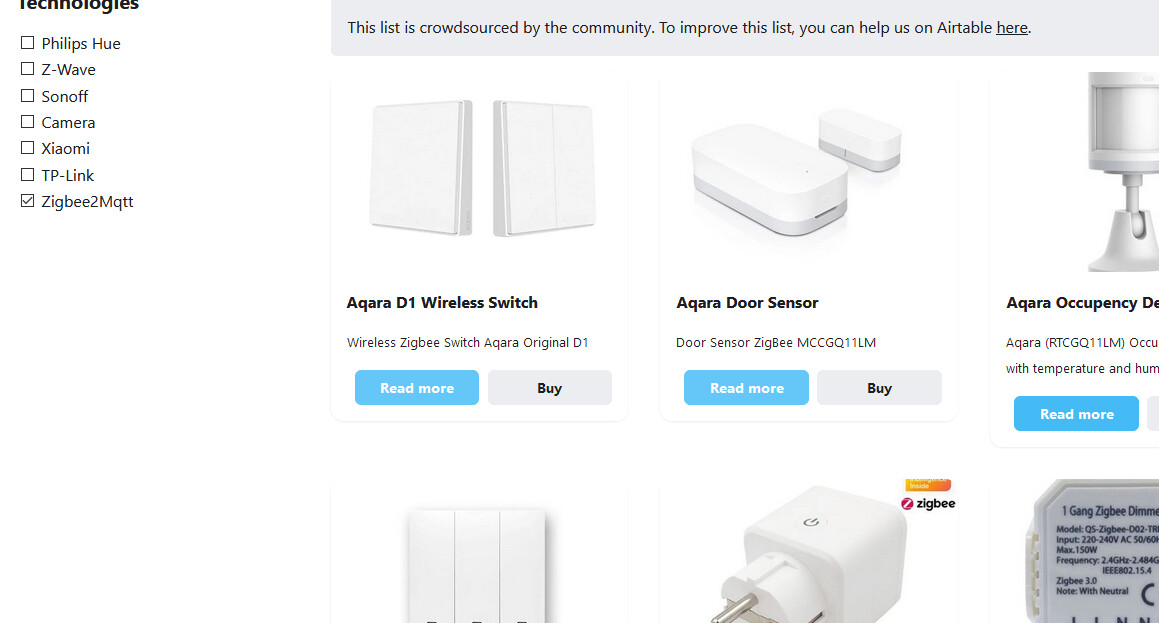
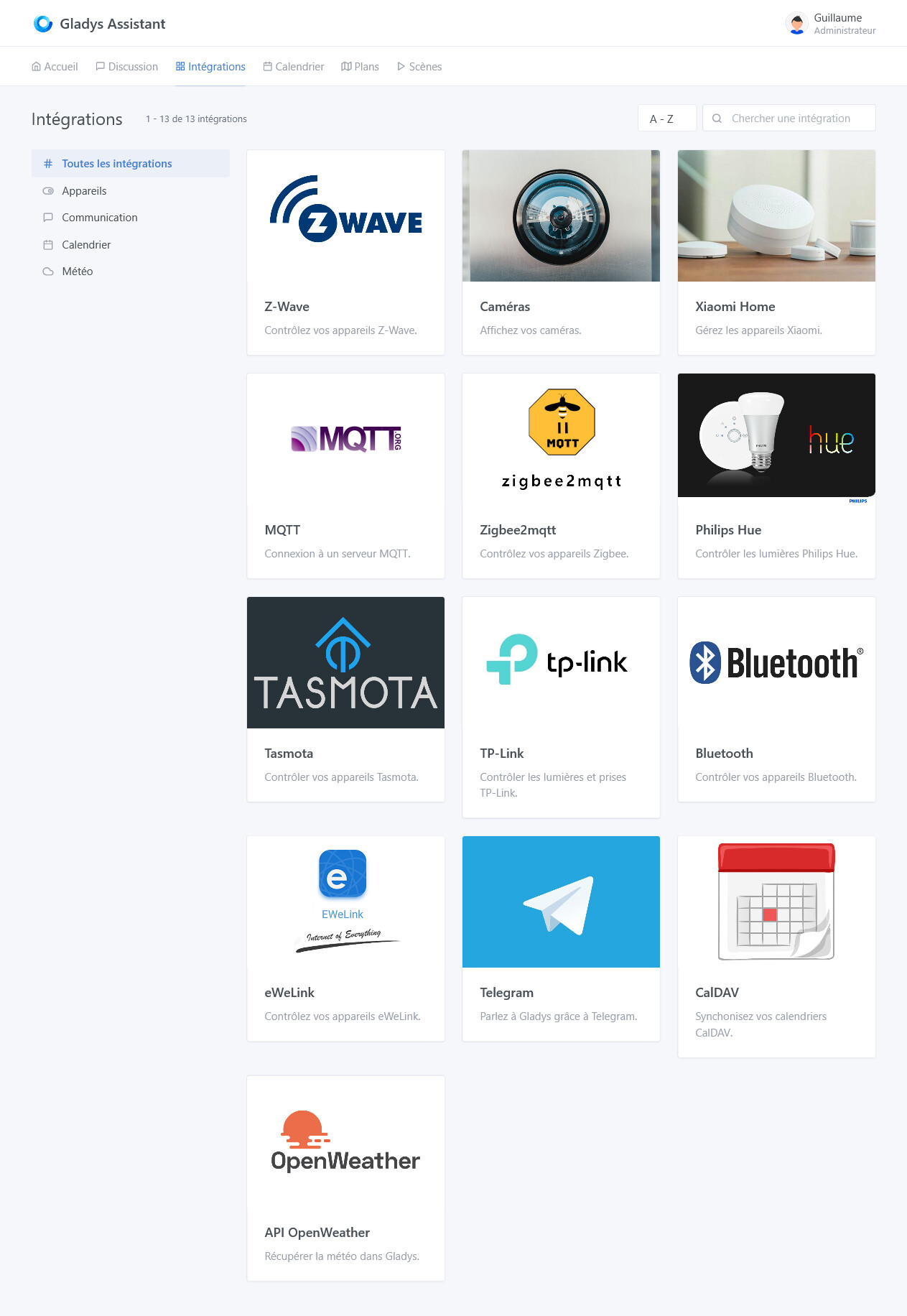
Yes, it was me who used the webp. Since it was displayed on airtable, I thought it was supported.
I’ll make the change and submit the PR.
Thanks @cicoub13 for your quick response!
Yes, it was me who used the webp. Since it was displayed on airtable, I thought it was supported.
I’ll make the change and submit the PR.
Thanks @cicoub13 for your quick response!
Hello,
Small question about integrating Zigbee2Mqtt into scenes, in my case I have two Aquara switches (reference WXKG01LM) and a cube (MFKZQ01LM) from the same brand.
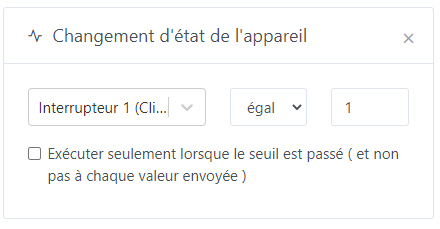
If I want to use scenes triggered with my buttons, for example for a single click I do this:
Now if I want to use a triple click on my button, I cannot insert the value « triple » in the value box since it only seems to take a number, I tried to do it with the value 3 directly but it does not work.
How to do for devices having, for value stored in gladys, a string?
Hello, you can look at this discussion Scène avec un bouton (double ou simple clic) - #32 par cicoub13
I have integrated single/double/long clicks but not all cases. I will soon make a PR to standardize the management between the Xiaomi service and Zigbee + add a selector in the scenes (rather than numerical values).
It’s good indeed, I successfully retrieved the zzh key!
I just tested it with 2 motion sensors (Mi Motion Sensor model RTCGQ01LM) and 2 window and door sensors (Mi Window and Door Sensor model MCCGQ01LM).
It works very well. What ease of integration with Gladys.
A big bravo to @cicoub13 and @Reno, and of course to the beta testers, for this beautiful and welcome integration!!
Hi,
Sorry, I sometimes use git, but rarely GitHub across multiple projects, so I’m a bit stuck 


You go to the Pull Request tab and create a new PR by selecting the correct branch (normally GitHub will suggest it)
There is no sorting management.
Blur on my side as well
Is this normal behavior during the development of this site @pierre-gilles?
After a few quick tests, several devices were recognized immediately (all Aqara):
door opening sensor
water leak sensor
mini switch
One unrecognized device:
Light Sensor
I was able to open an issue directly… Top!
Are you sure @guim31?
Because the open issue concerns a switch
Oops! I confirm it’s the switch! 
The light sensor doesn’t work either: I’m out of batteries!
Quick question by the way, I would really like to get my Aqara bulbs (Aqara ZNLDP12LM control via MQTT | Zigbee2MQTT) working
But I don’t even see them appear during the device scan. I did put them in pairing mode (switch on/off 5 times > bulb blinking). I see nothing.
Did I miss something?
EDIT: could this help? Aqara Zigbee LED Bulb E27 - Hardware - Home Assistant Community
Thanks in advance!
@VonOx sorry for the duplicate on Github, I think I clicked by mistake from my mobile phone!
Off the top of my head, I think if there’s nothing in Gladys, it means the pairing didn’t happen. (This needs to be investigated)
No problem, the second one was more complete 
Hello,
You can try to connect to your_ip:8080, which will allow you to access the zigbee2mqtt web interface. You can check the logs (to see if there is a problem) or even try to associate from this interface.
If it is well connected via Zigbee2mqtt, you should see it appear on Gladys afterwards.
Okay, thank you, I will do some tests from this page!
Okay, I will check the logs to see if I find anything…
Hello everyone,
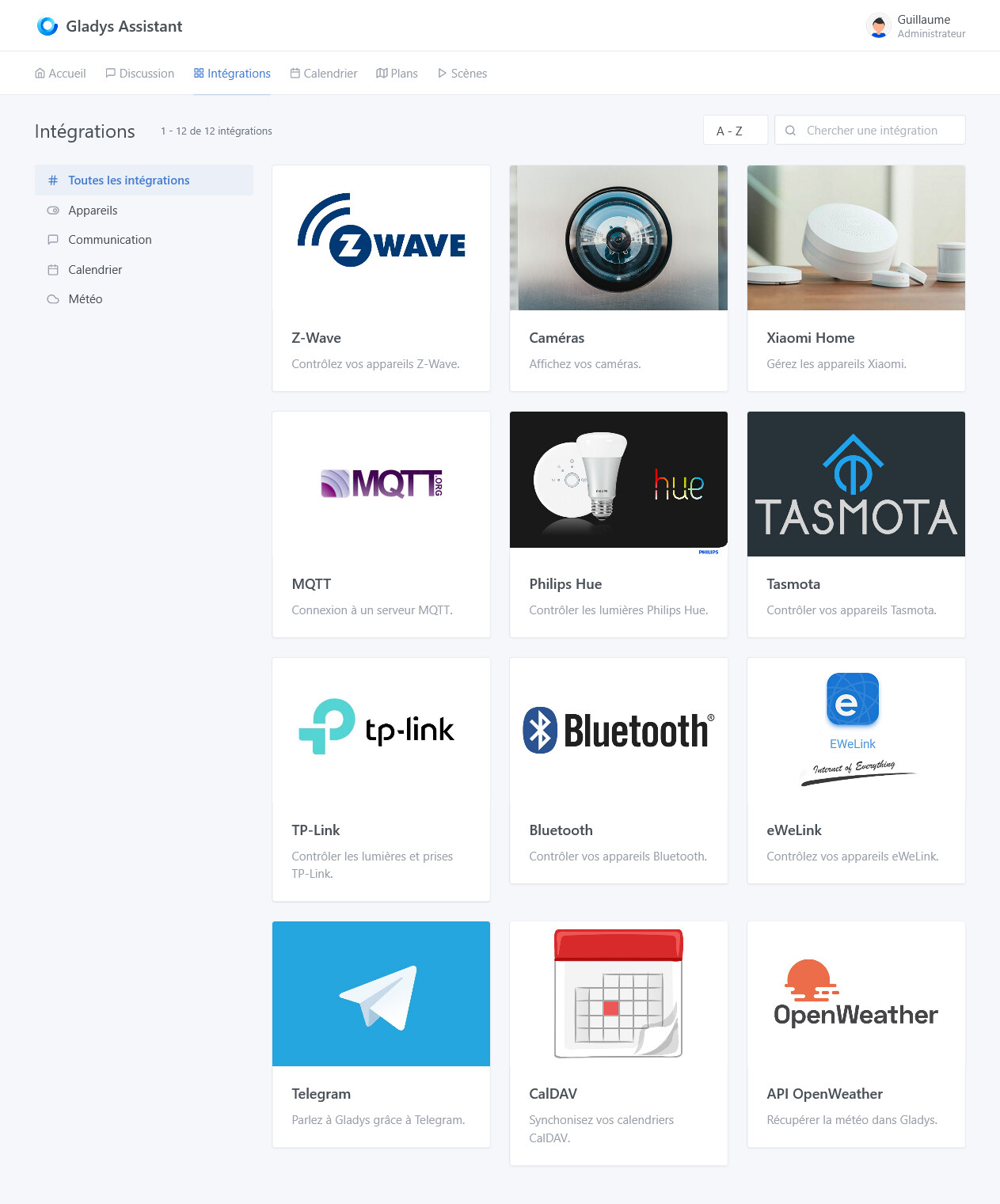
I don’t know about you, but I don’t have the zigbee2mqtt integration in Gladys+
However, on the IP I have it
Is it because I was in a hurry and I ran the commands from @VonOx
To go into detail, I formatted my SD card, I sent the latest image proposed in the documentation (by the way, the web page is really great, well done @VonOx)
once everything was installed, I did not configure Gladys, I immediately removed it to run the docker command from @VonOx so that zigbee2mqtt works directly. That’s it, otherwise everything is fine, the installation went very well and I will see if it takes my door/window opening detectors.
EDIT: well I spoke too soon, yet everything was fine last night. But now the zigbee2mqtt container keeps restarting in a loop, here are the logs
When trying to insert the logs here I hit a forum limitation @pierre-gilles
Body is limited to a maximum of 32,000 characters; there are 75,477.
So I’ll put it on pastebin
@cicoub13 if you have any ideas …
no  it’s not my fault for once
We are all concerned, the problem has already been reported (I don’t remember where), I created an issue for PG
https://github.com/GladysAssistant/gladys-gateway/issues/80
32,000 is not bad already 
Your error is the same one that keeps recurring and concerns zigbee2mqtt.