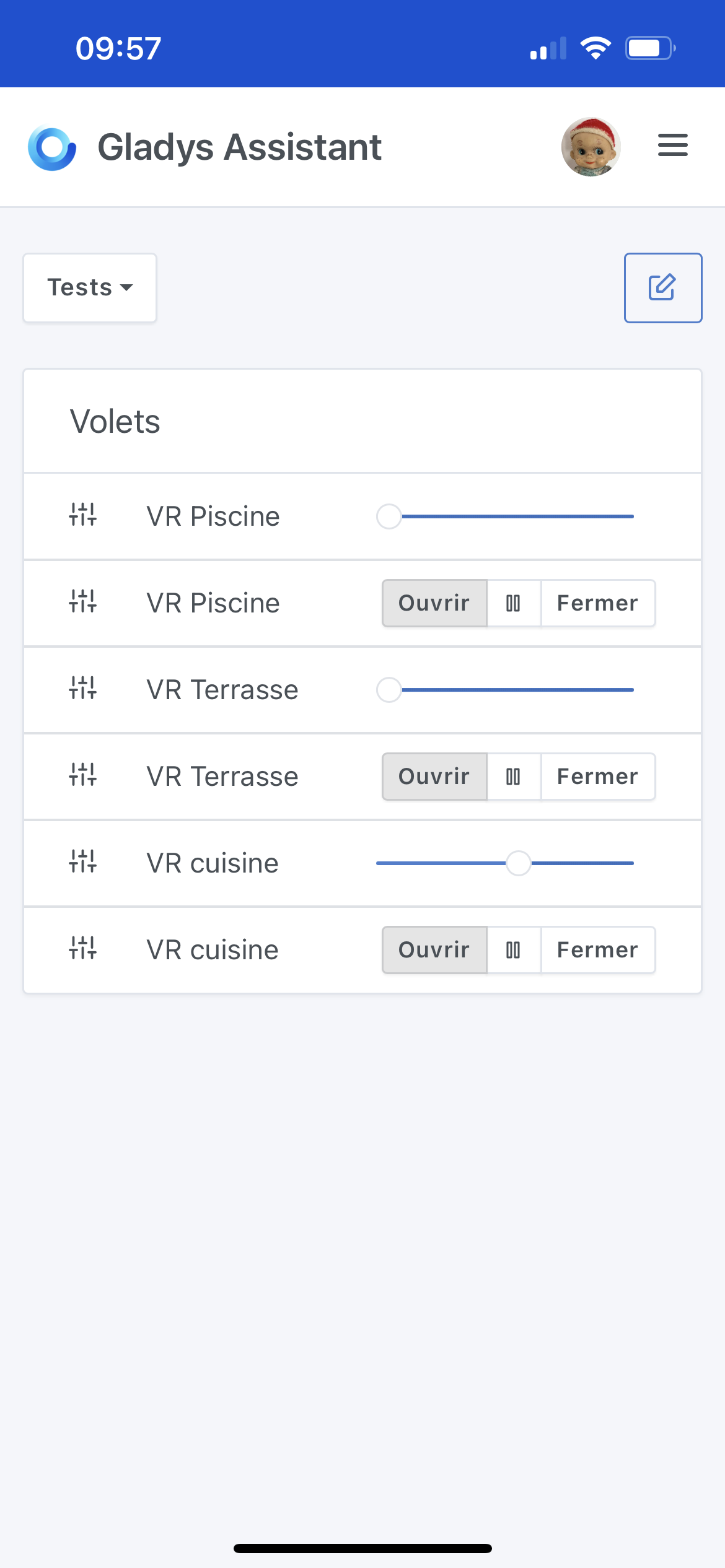
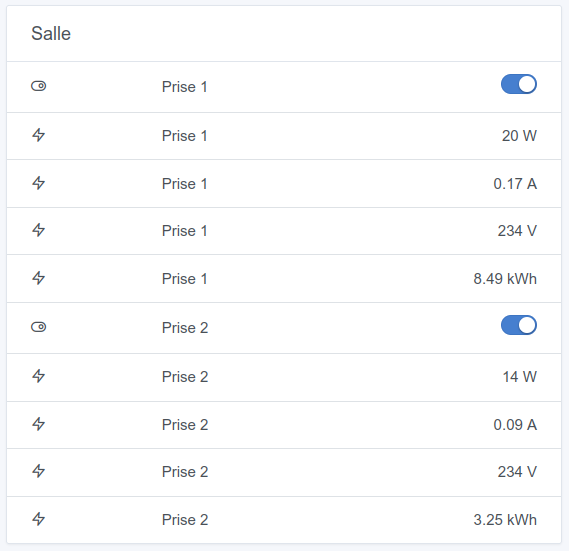
I think we had already brought this up (a long time ago) coupled with being able to rename widget titles as well.
Personally, it’s something I would really love.
An important thing is to always display the device/feature name in edit mode (so that six months later when we want to make a change to our dashboard, we know what we’re talking about ^^)
Question : does that mean that at deployment, everyone who assigned feature names will have to go back into their dashboards to reassign the name on each row? And that each time the same feature is called on each dashboard?
So another question, what is the point of being able to modify the feature names?
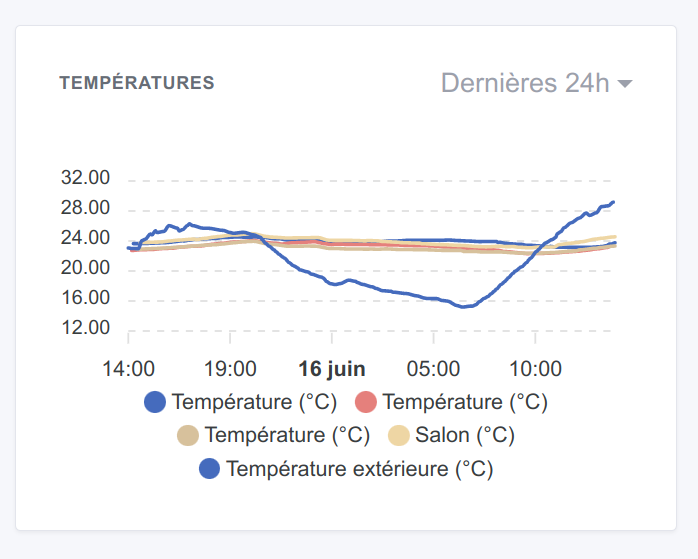
Another question, will the planned behavior be the same for curves (names to be defined for each feature of the curve)
Wouldn’t it be possible, more user-friendly and functional, to integrate this proposal as I suggested in the other conversation :
in the room box => device name if feature type is single (as today), feature name if feature type is multiple (as today) or if the feature name is modified (thus different from the original)
in the new devices box as proposed by @spenceur and graph => device name + room in parentheses if feature type is single, feature name if feature type is multiple (as today) or if the feature name is modified (thus different from the original name from the code)
This would keep it user-friendly for everyone, the modification would be done only in dev and have no impact on the user. Customization would become easily possible and with your proposal there would also be per-dashboard customization.
Here are some interesting questions. For my part I mainly see one major benefit: no system satisfies everyone at the moment.
I think the Gladys user is someone who expects simplicity and clarity.
The problem is that assigning a label (whether it’s the device name / feature / other) is simplicity… but it sometimes comes at the expense of clarity.
A very simple example to pick up on your second point:
Anyway I think I understood that I’m in my living room since on the same page it’s written five times…
All this to say that being able to edit a display name in a widget / or possibly the title of a widget removes some simplicity, but it brings A LOT of clarity and above all, in my eyes, it makes Gladys more credible.
To be frank, when I look at my LIVING ROOM dashboard, which shows the word Salon everywhere… I think Gladys is pretty inflexible for not allowing that to be changed.
I think a bit of flexibility like this wouldn’t hurt the UX at all; quite the opposite.
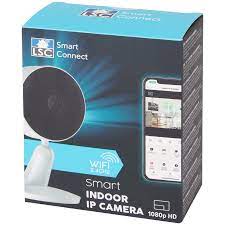
\nUh… I haven’t done any testing with a camera, I’ll see what’s possible. Would you have a link to that camera so I can see if I can find an equivalent as a virtual device in Tuya?
So first, for the cameras it won’t be possible because access to the streaming API is paid. The only actions that can be done for free are actions on the camera (e.g.: start recording)
Yes, but now that the simple features seem to be working I can look into more complex devices
Do you have a model so I can create a virtual device to test?
If I may ask you…
The only Tuya device I own is a video doorbell from Action (https://www.action.com/fr-fr/p/sonnette-video-lsc-smart-connect/). Although the video stream is not supported, would it be possible to access notifications from the button?
Indeed, if by chance the proprietary app is not enabled, we aren’t notified when someone rings and I’m sure Gladys would be much better at that…