Perfect! It’s good for me, it’s approved and being deployed on the site 
I discovered that on GitHub, there is a demo link for Gladys. But not on the website.
It would be good to add it.
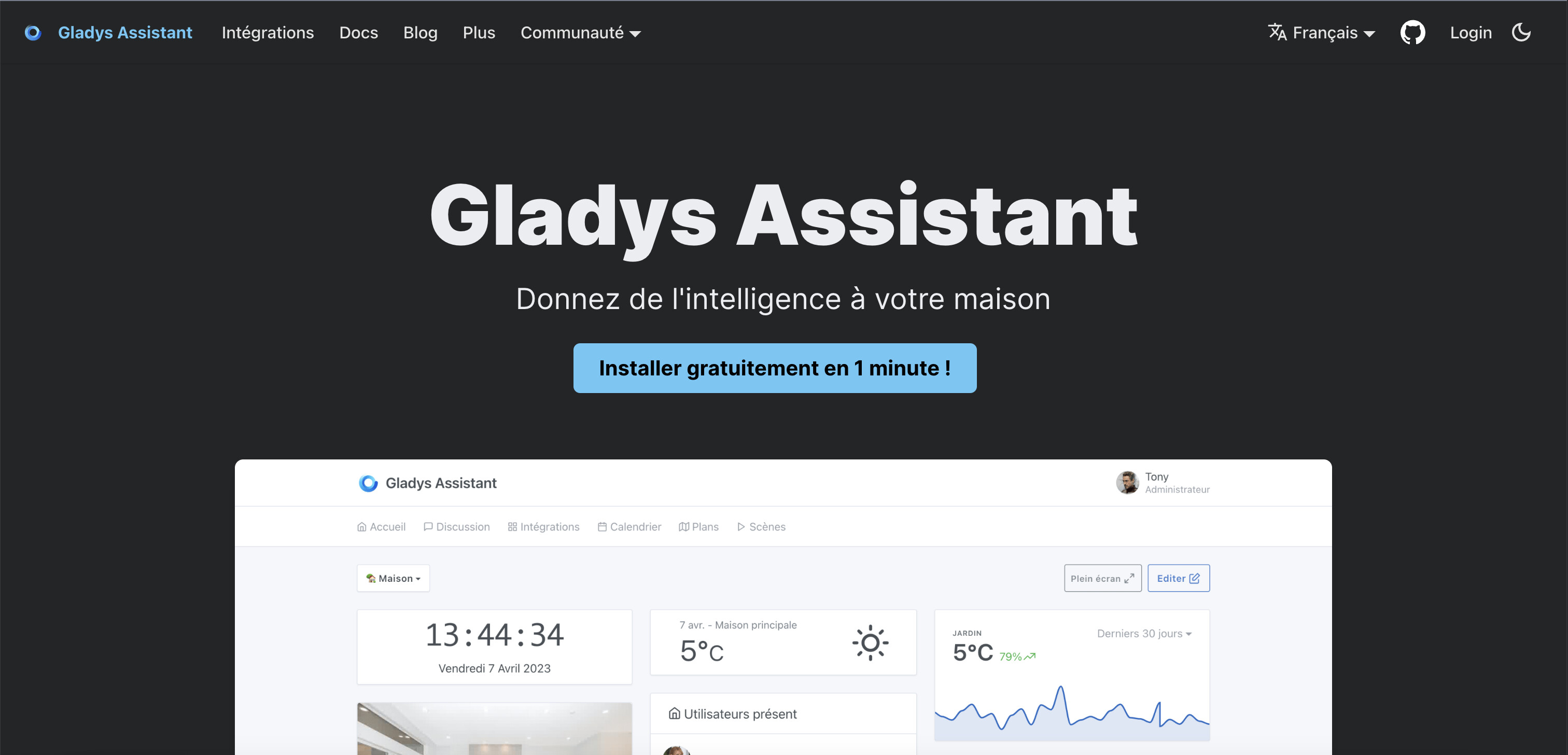

Ok, that’s good.
Maybe put it further down the page and not next to the Install button.
We’ll see.
No, I don’t think so.
For now, I’m more in favor of trying to stop talking about the demo site.
My theory: Users who arrive on the site see nice screenshots that make them want to try.
Then, the next step is installing it to try it out. If there’s a demo site, it hijacks the installation and somewhat kills the newcomer’s « excitement » because they’ll see a « poor and lifeless » interface—the demo interface doesn’t control anything real.
On the contrary, if we push for installation, it helps get the new user started and we keep the excitement of seeing the interface.
It’s a test, of course; since I’m not satisfied with growth, I change things until it works
I did some tests to improve the presentation and layout of the icons on the site.
I modified the Integrations button to show the integrations rather than the compatible devices.
I created a page just for the integration documentation.
What do you think?
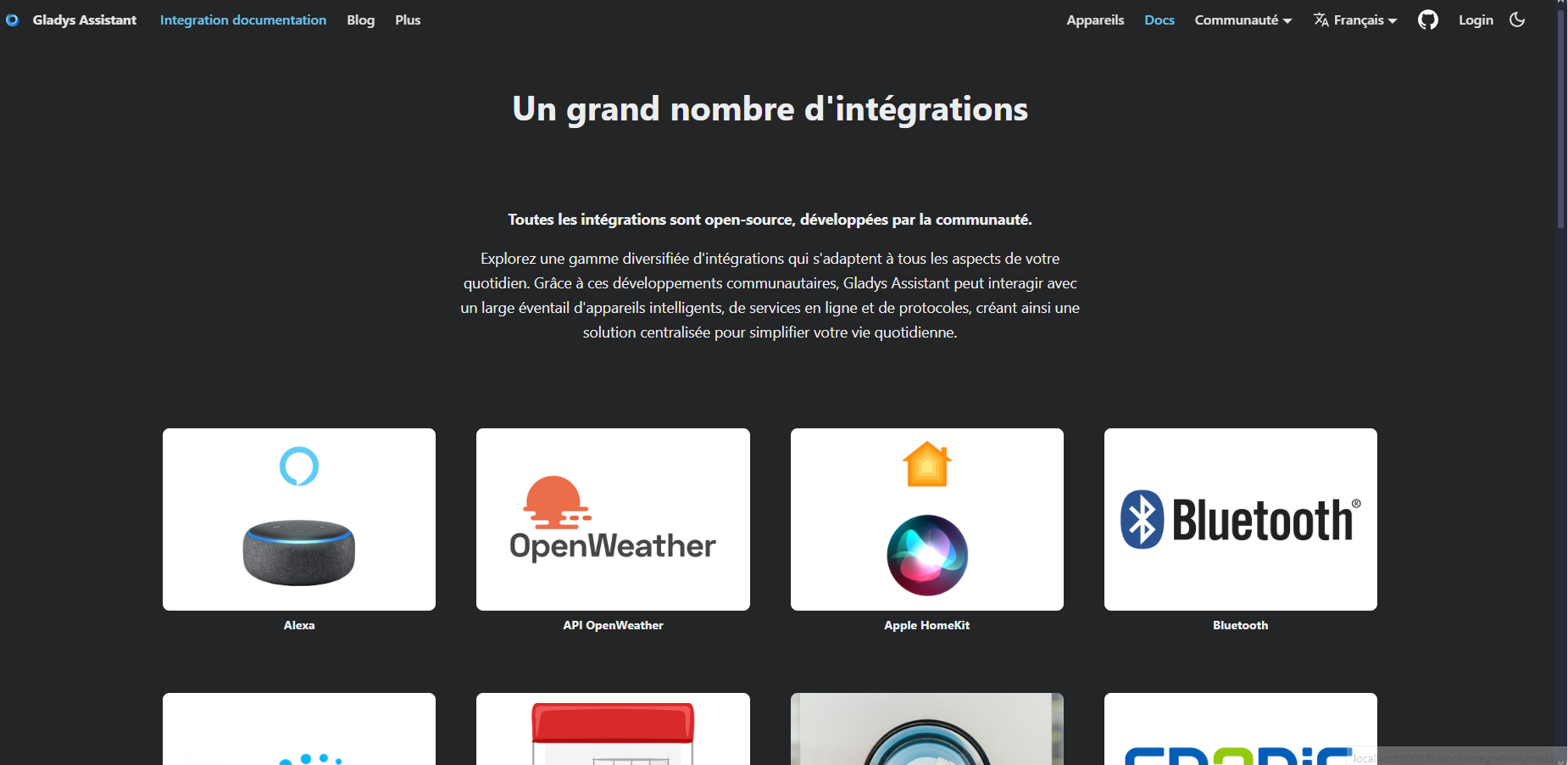
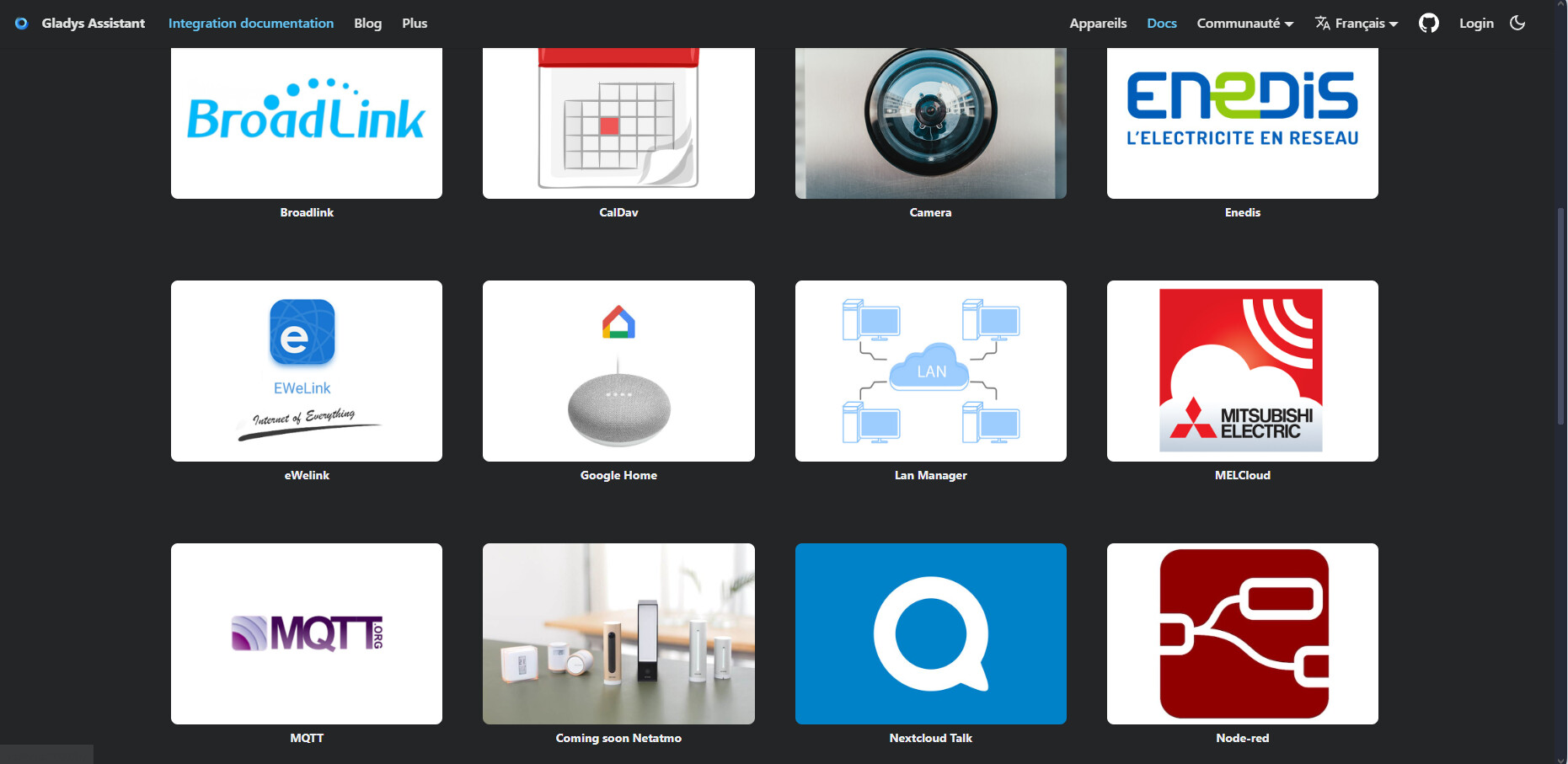
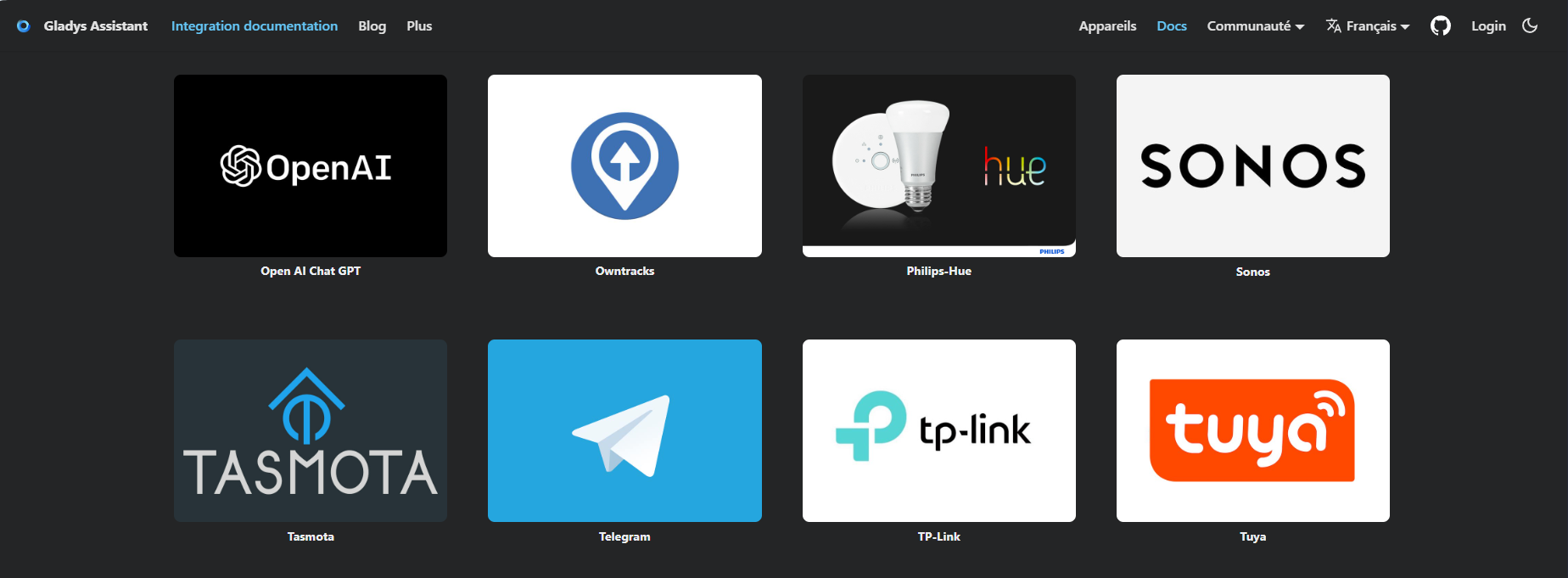
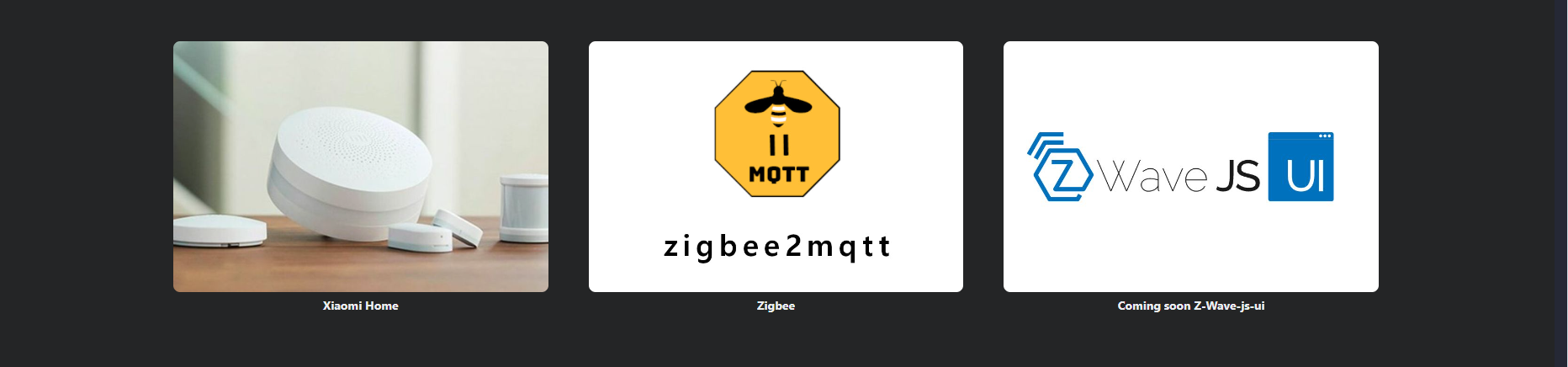
The last line needs to be changed; I couldn’t get it to the same dimensions as the others.
I think it’s nice to visually see that there are lots of compatibilities.
However, the dark background with images with white backgrounds isn’t the prettiest. But it’s a minor detail.
It’s the night mode that does that.
Very nice, but does that mean we lose the list of compatible devices?
Isn’t that list still useful anyway?
Keep in mind that in terms of revenue, we get affiliate income from those links, so it’s not insignificant either
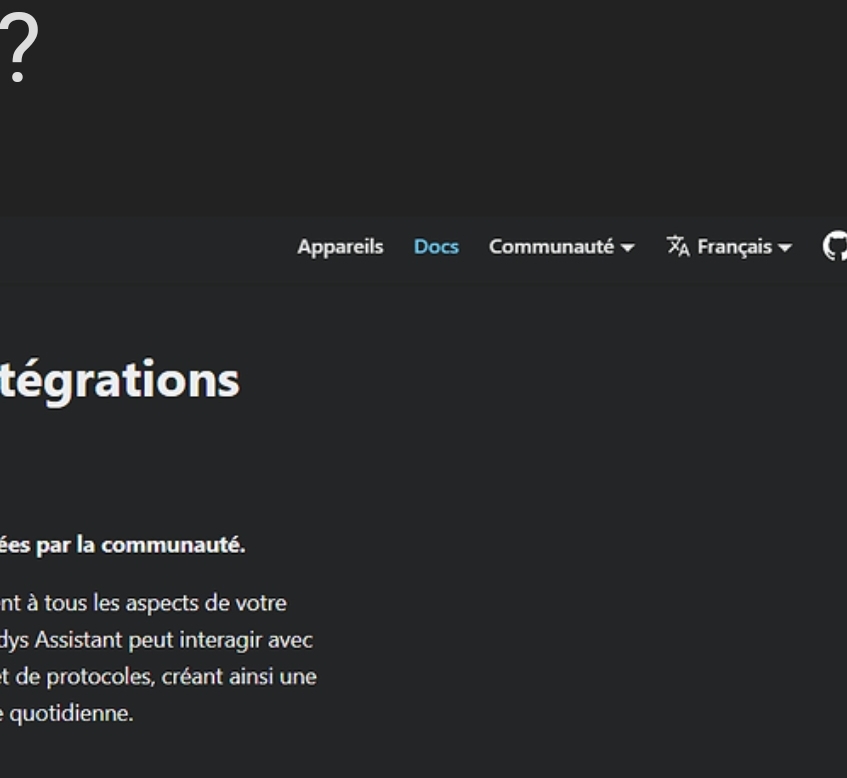
I didn’t have time to reply but yes.
The idea is to have the public / communication side on the left and the more technical / development side on the right.
I think it’s a bit busy, isn’t it? ^^
It just adds a tab, maybe after the « Devices » tab in the docs rather than directly in the menu.
It needs to be fine-tuned.
I’ve opened 4 PRs for the documentation :
- Bluetooth
- Enedis
- Philips Hue
- Owntracks
The others are coming soon.
I added the Sonos speakers to Airtable but I can’t select the documentation ID. I think @pierre-gilles you’re the only one who can add IDs.
Thanks for the PRs @Tlse-vins !
I’ll look into that as soon as I have a bit of time
Sorry, right now I’m fully focused on the project I mentioned in the kickoff live stream 
PS: I created the Sonos option! For the speakers you added, is that the one compatible with the library?
Yes, I only took the library. However, I couldn’t find the link; I used @Terdious’s screenshot.
Do you have it,

Do we still need to add the devices for the English version too, like before?
Because many are missing, and not all the IDs are in the documentation.
I’m working on making all the documentation consistent.
I’m missing screenshots for the TP-Link integration, but unfortunately I don’t use it.
@cicoub13, I believe you’re the developer of this integration.
Could you retake screenshots in FR and EN?
Look at this link — you’ll understand what’s missing.
French:
https://
@Tlse-vins I went to look at your PRs!
There are lots of absolute links + empty links that slipped into your PR, I guess it happened when doing an export/import/export from Notion:


Could you take another pass over these PRs to check all that?
Thanks!