If I understood correctly, it’s no longer necessary to make PRs to add lamp models to the service. You’ve modified the code to recognize all of them, right?
What happens to the device list on « Airtable » for lamps at least?
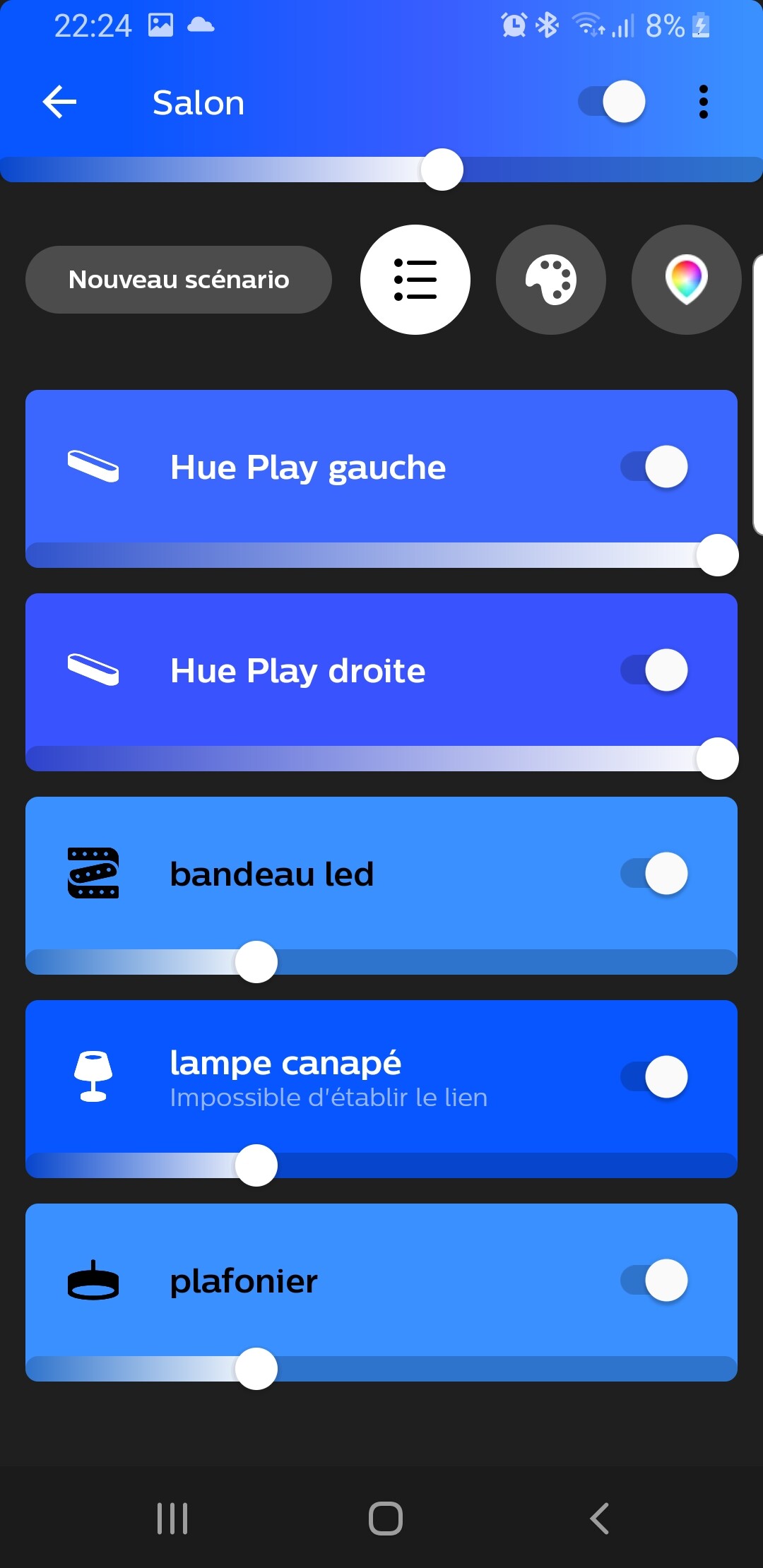
It would be interesting to be able to choose the icon you want to put on the dashboard for this or that device. This would allow them to be identified more quickly.
Icons like those in the Philips hue app.
This is more of an error due to your Raspberry Pi rather than Gladys itself. Are you sure your Pi is okay? It seems like you’re having a lot of issues with your hardware! Maybe a defective SD card?
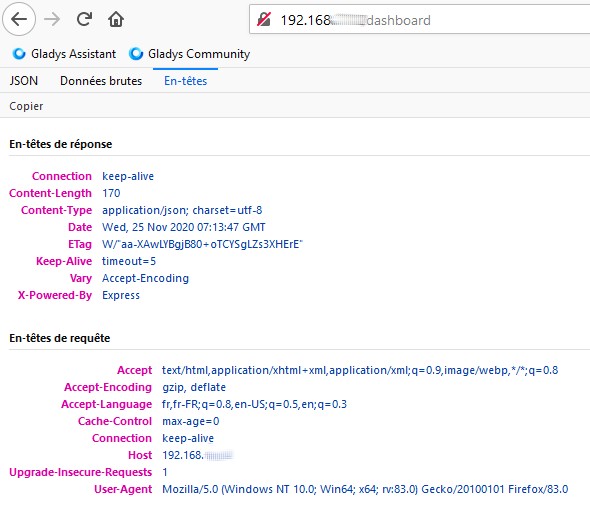
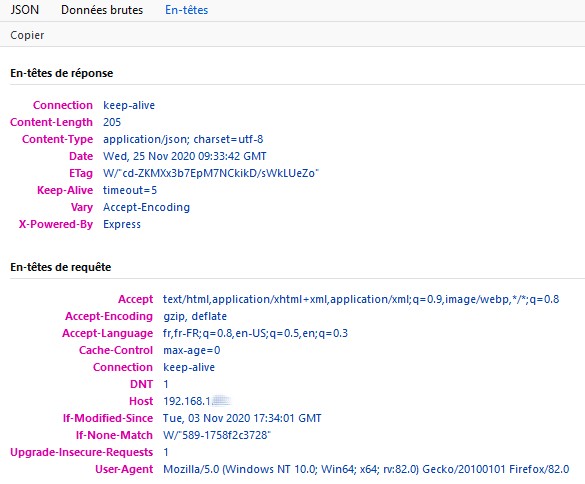
I did it and I get a page with 3 tabs: JSON, Raw Data, Headers.
Gladys has been working correctly since October 25, until last night.
The last message received on Telegram was on 23/11 at 8:22 PM.
I created a scene that sends me a message every hour.
I tested my SD card with h2testw before installing Gladys: no errors.
No, that’s not the console.
The console is at the bottom of the screen, that’s at the top.
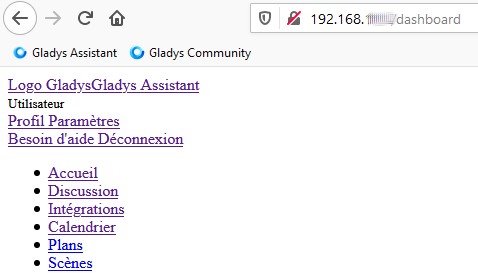
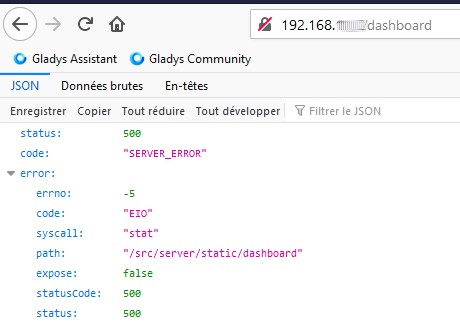
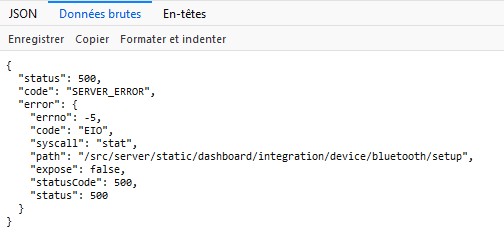
If I enter Gladys’ IP address, I get the page that I pasted at the top.
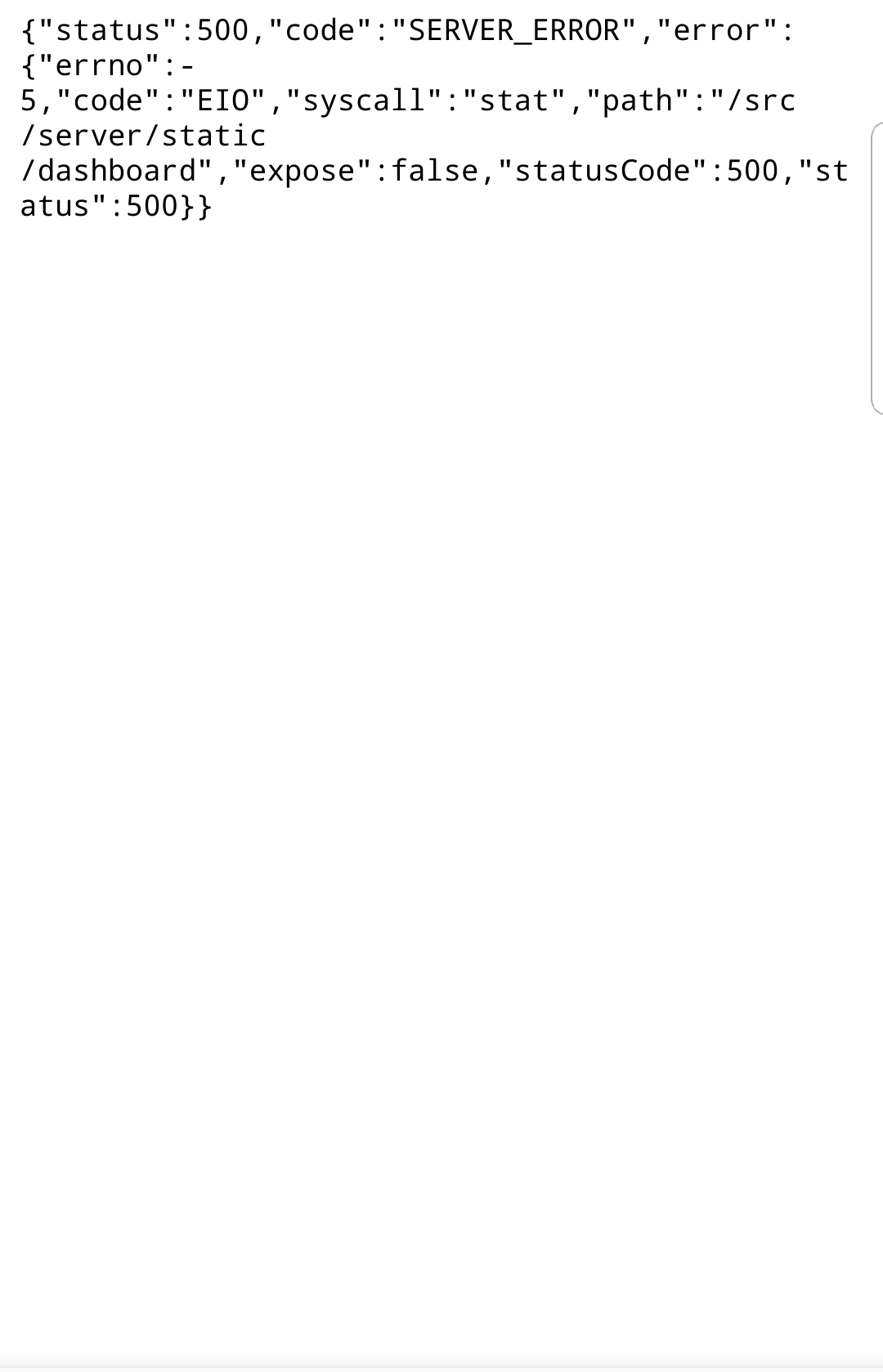
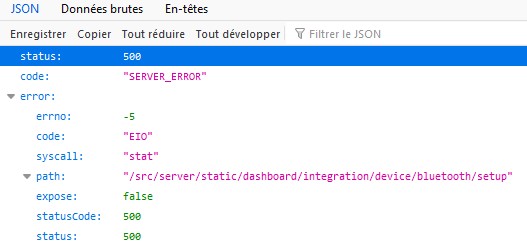
If I then press F5 to refresh the page, I get:
Yes, it’s the image from my first message.
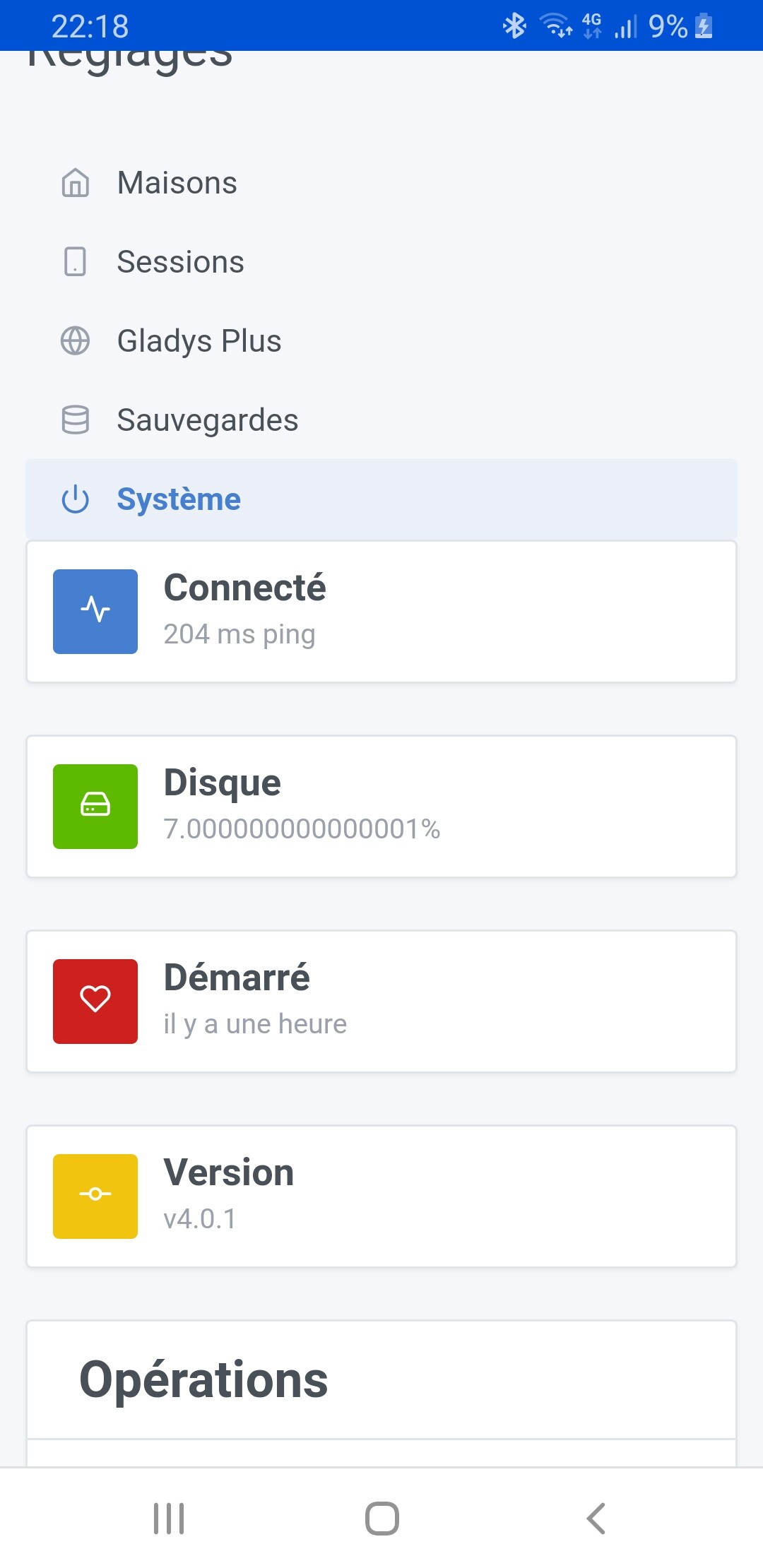
When I saw Pierre-Gilles’ message, I logged in and saw that I was still on v4.0.0.
When I tried again later, I got this error.
I have the same thing on Edge
Edit:
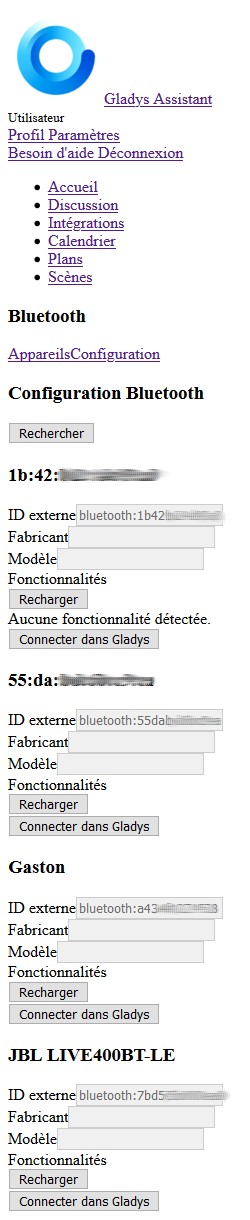
On my other PC, turned off since Sunday, where I had stayed on the bluetooth page, here’s what I have, before and after F5:
@gaetanb76 the error is quite clear: some code files from Gladys related to the front end do not exist on your machine (the « stat » EIO bug makes me suspicious of this).
Given that we distribute a packaged image in an « all-in-one » Docker image, if it works for others, it means that the update that was deployed is good, and what is happening on your side is something much more low-level (system/hardware problem), or that you have made manual manipulations via SSH that have broken your installation.
A few questions:
Were you on an official Raspbian image installation that you did not touch? If you touched the image, what did you do?
Are you really 100% sure that this is not a hardware problem? Given all the problems you have had with your hardware, and this new error where the hardware track is not negligible, this seems to me the most probable track. I may be wrong but I would not be surprised if there was a hardware issue behind all this.
Yes, I noticed it was a display issue.
The image I installed and the one available when you mentioned the upgrade to v4.0.0.
The only things running on it: Tplink IP camera (not the USB one), openweather, telegram and a sonoff mini module that I switched to tasmota, with creation of an MQTT broker via Gladys. One scene that sends me a message every hour.
For the hardware, how can I be 100% sure? My Raspberry comes out of the purchase box, the SD card was used for Gladys beta, then for v4.
I have another new Rpi3B+. I will reconfigure it, starting from v4.0.0, when I have time.

 )
)