On the Docker forums, people experienced this problem because of their Wi‑Fi connection.
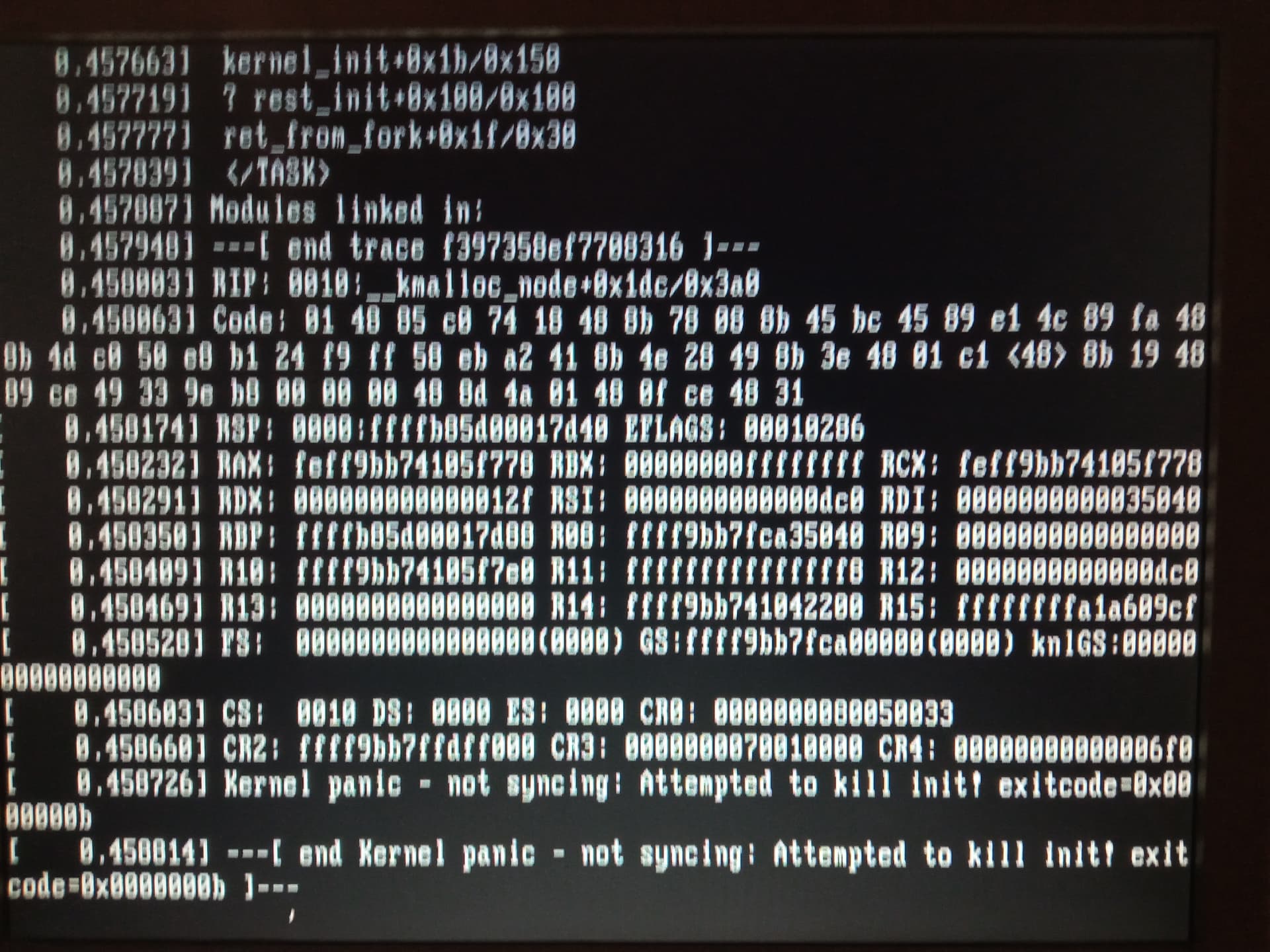
AAAAHHH !!! I’m cursed, Ubuntu Server won’t boot anymore. I give up on Ubuntu Server, it’s too complicated for me. I didn’t want a graphical interface to save RAM; I’ll follow cce66’s advice and try Linux Lite.
Hello everyone,
After installing Gladys on a Raspberry Pi for a while, I took the plunge and installed it on a Dell Optiplex 790 USFF with Ubuntu Server. Reconfigured all the sensors and all that stuff, and it works 
Hello everyone,
I received my mini PC this week, and I’m about to transfer my Gladys instance from the Raspberry Pi to the mini PC.
Since I have Gladys Plus, if I make a backup and restore it after configuring a new instance on this mini PC and linking my GladysPlus account, will that be sufficient?
Will I recover my entire current instance with all the scenes, the Z2M and MQTT devices?
Thanks
The Z2M (Zigbee2MQTT) backup is not yet integrated but it’s currently in development.
You can manually perform the transfer for Z2M (Zigbee2MQTT) if you want.
Yes, absolutely.
However, all your scenes will be saved. Remember to save the Gladys key in advance.
Thanks @_Will_71 and @Tlse-vins for your replies.
I’ll follow these instructions to migrate cleanly to a mini PC, at worst I’ll redo it — I don’t have much equipment yet.
I found what I was looking for on eBay.
Dell Optiplex 3040M Core i3 3.2 GHz - HDD 500 GB RAM 4 GB Windows 10 Pro
Is 4 GB of RAM sufficient or would 8 GB be safer? It will run without a screen, but with future Gladys developments like camera streaming, maybe more would be better.
4GB is the minimum to start. We’ll see about streaming later.
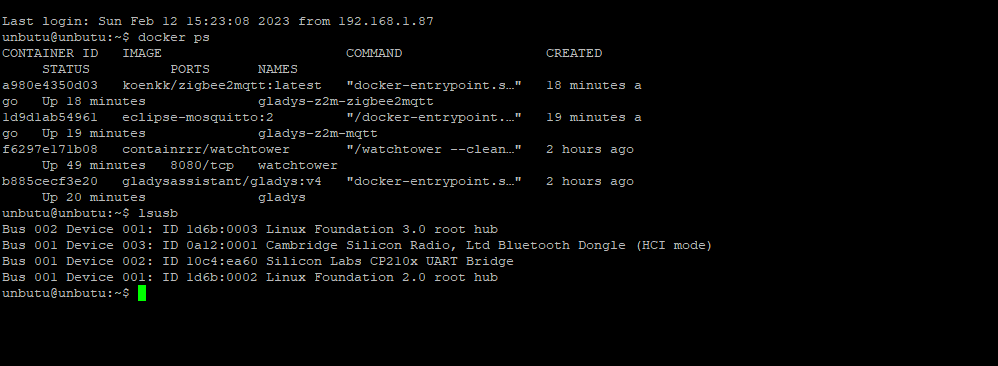
And voilà, Gladys has been moved to a new machine — €75 on eBay for an Optiplex 3040M. 10 minutes to replace the hard drive with an SSD, 20 minutes to install Ubuntu Server and the same again for Docker and Gladys using Pierre Gilles’ tutorial. A restore thanks to Gladys Plus backups and voilà I recovered almost everything. I need to pair all my Zigbee devices again; my Lidl plugs are no longer recognized. MQTT no longer works even though I have the Mosquitto container created by the restore and started. Maybe I should remove the container and reconfigure the MQTT service from scratch? The Bluetooth service also no longer works; my Sena UD100 dongle is not recognized. I also can’t access Node-RED anymore. But I’m very happy — I’ve made a big step. Gladys Plus is really great for recovering everything.
[quote=« elfedagger, post:51, topic:7791 »]
And voilà, Gladys has changed machines, €75 on
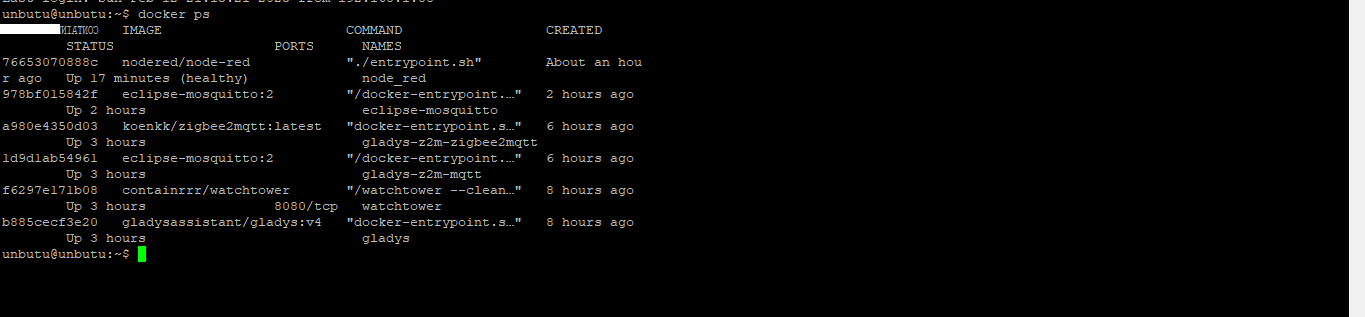
For Zigbee I just had to pair 2 of the 4 smart plugs that act as routers and the whole network rebuilt itself. For MQTT I restarted the configuration and an MQTT container was created and the service restarted. I only have 2 Mosquitto containers, I hope that won’t cause a problem. For Node-RED, I reinstalled everything using Pierre Gilles’ video tutorial.
Only Bluetooth left, and I don’t know what to do — Gladys doesn’t see my dongle even though it is visible on the USB ports in Ubuntu.
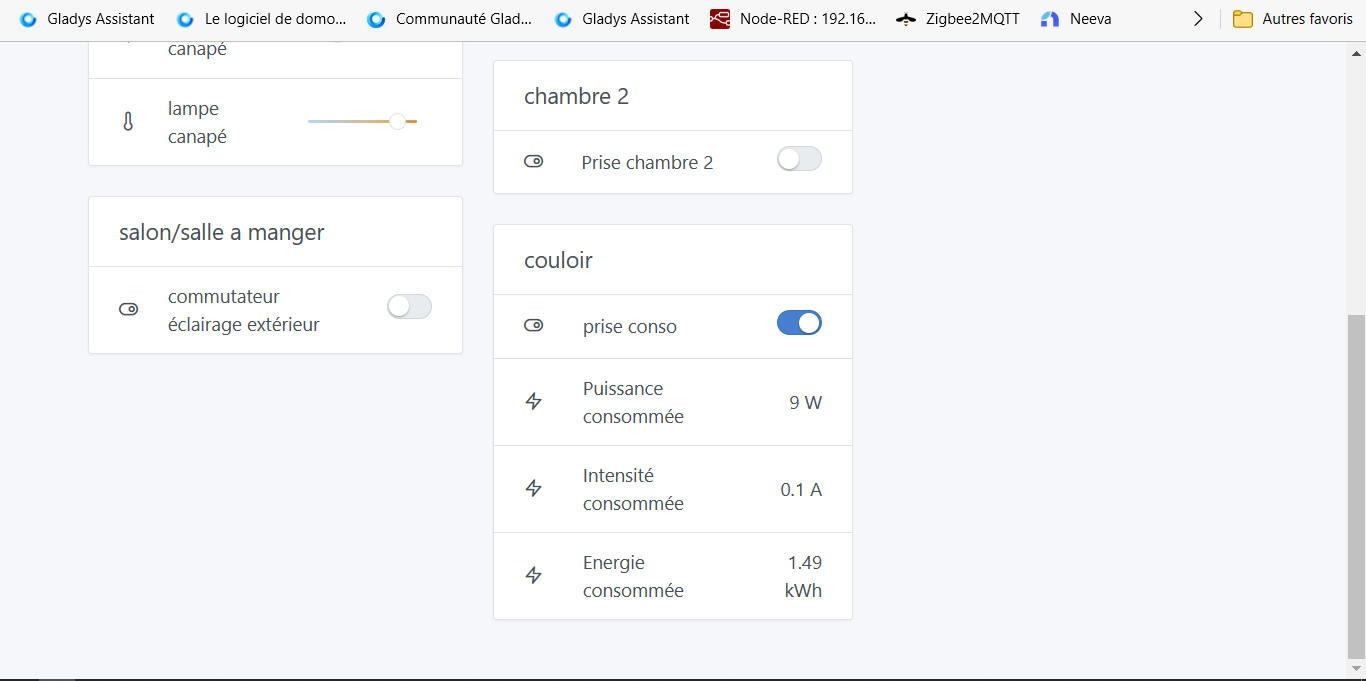
I fixed my Bluetooth problem by installing the Bluetooth service on Ubuntu Server with the command
sudo apt-get install Bluetooth bluez bluez-tools rfkill
I then started the service with
sudo service Bluetooth start
I restarted my server and there you go, the Bluetooth integration works again in Gladys. I hope it will work better than on the Raspberry Pi. It’s one of the reasons why I switched to a mini PC
Good evening everyone,
I finally had some time to transfer my Gladys instance from the Pi (Raspberry Pi) to the mini PC.
hello , I was able to retrieve this at work, do you think I can run Gladys on it
Lanner LEC-7020D Fanless
thanks in advance
I looked at the specifications, 1.6 GHz but a maximum of 2 GB of RAM.
Gladys will run without problems but if you have several devices on USB it might be tight, needs testing.
Thank