add Doc install Gladys V4 on SSD - raspberry pi and test performance
It works perfectly well ^^ Thanks a lot!! I put it on port 81. And here I am with a base for the pro.
However, a question: how does it work for watchtower? Is it able to update the 2 gladys? I doubt it, but it’s worth asking ^^ If not, is there a way to configure it accordingly? Being a container, I doubt it…!!
{« content »:« Ca fonctionne impeccablement bien ^^ Merci beaucoup !! J’ai mis ça sur le port 81. Et me voilà avec une base pour le pro.\n\nToutefois une question : comment ça se passe pour watchtower ? Est-il capable de mettre à jour les 2 gladys ? Ca m’étonnerait, mais ça vaut le coup de poser la question ^^ Si non, y a-t-il moyen de le paramétrer en conséquence ? Etant un container, ça m’étonnerait … !! »,« target_locale »:« en »}
It updates all the containers
Did you change the name of the db?
Ok great!! Thanks for the feedback.
Well no, but I changed the folder to /var/lib/gladysassistantpro.
I was afraid it would cause problems for the backup in the same folder. Is this a mistake?
No, no problem
I’m continuing the tests at the same time!!
So I’m on the RPI4 - 8GB but with a 32GB micro SD that’s barely used. So for writing, we’re weak: 20 MB/s
But for reading: 560 MB/s … compared to the 2 used 64GB micro SDs (6 months and 1 year, but with a lot of DB writes). It’s a change from the 40-50 GB/s for the latter … I’ll try to describe that in the tutorial but I think I’ll need a proofreader. I’m far from being a writer ^^ But very clearly you’re right, DB accesses … they wear out, they wear out … ^^ 
Yes, and above all, an SD card is not designed to host an operating system. It is an element that is absolutely not reliable in terms of storage. At any time, it can have major defects at the controller level. I worked in a recovery company and we always had different problems with this type of equipment.
So in that case, wouldn’t it be possible to create a Docker image integrating these commands directly for those who want it and who wouldn’t have the desire or the ability to run the commands?
I might be talking nonsense here. Especially since I thought I read that sudo rpi-update could break the Pi.
This would allow the user to insert the SD card, a page instead of the account creation explaining to turn off the Pi, remove the SD and install the SSD with the « normal » Gladys image beforehand.
Top! Is it WIP? The most important thing is the installation steps 
Yes it’s wip!! Sorry not mentioned!!
It’s modified, for the netatmo documentation as well!!
It’s still a shame to forget the tutorials made back then for v3
https://community.gladysassistant.com/t/tutoriel-installation-de-gladys-sur-disque-ssd/3395
I had quite a few writing issues on the SD card and when @piznel wrote his tutorial I switched to SSD and since then no more problems
By the way, the tutorial doesn’t seem too focused on v3 and could be categorized as v4. 
Indeed, some tutorials could be converted to v4, you’re right.
On the other hand, for this tutorial, it is still very focused on v3 (it talks about manual installation of MySQL, for example), and above all, I have the impression that it is no longer very up-to-date. I see many commands that are not currently necessary to install an SSD, I think the process has been simplified in the more recent versions of Raspberry Pi OS
It doesn’t seem to me that I installed everything manually when I did it.
I thought I had flashed the image directly to the SSD.
My mistake.
This hasn’t been mentioned, but is it possible to put Gladys on a USB key?
Technically, I think so. But in practice, is it viable?
It’s possible! But I don’t know the lifespan of a USB key and whether it’s more like a micro-SD in terms of long-term stability or more like an SSD…
We can still use the SD card if we want.
I found this video in French that explains quite well how to do it.
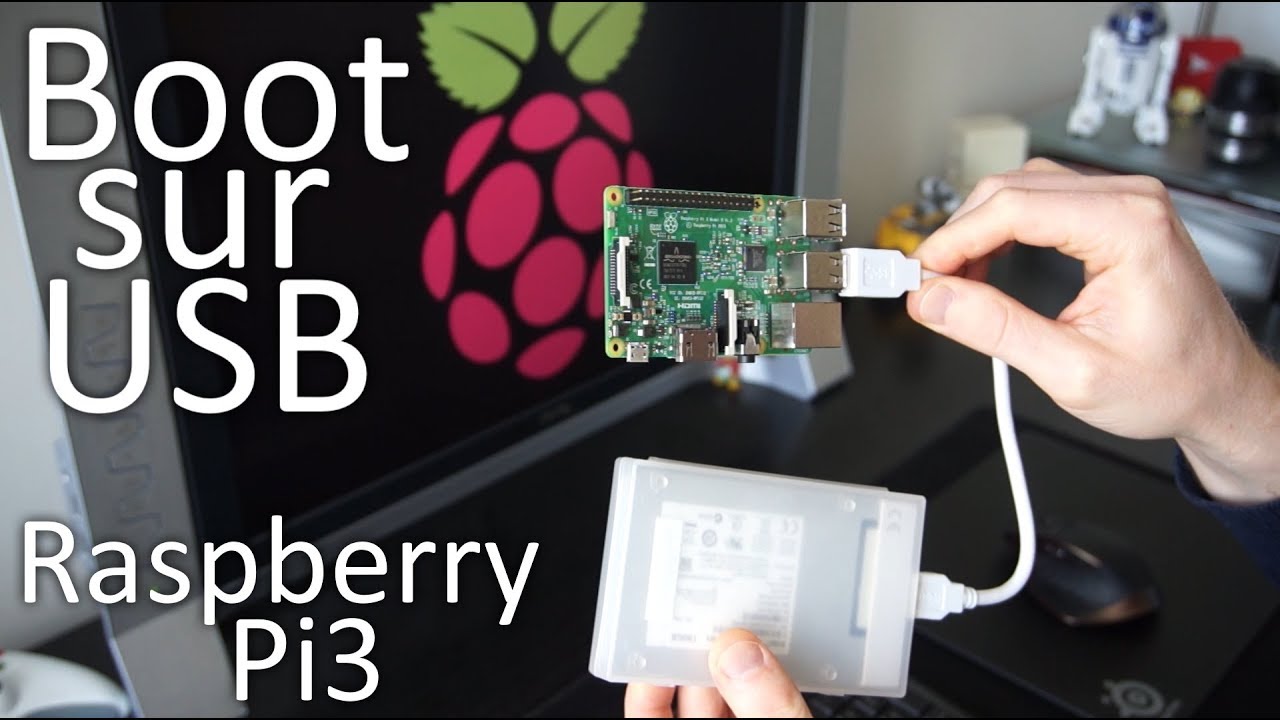
I’m going to test it on a USB key, I’ll keep you posted.
The SD card is an additional storage medium. The boot is on SSD or USB or something, you get the idea
I must admit I haven’t looked into it much. Booting from the SSD is perfect for me, and I don’t think I’ll be going back to the SD card in the future. I still have the SD card lying around, do you want me to do a quick test tonight?
If you want.
I’ll admit that I’m also going to test because I don’t have any Gladys in service at the moment, so I’m going to do it quickly.
I just need to find an SD card now because the one I had is dead.
Last night I was able to put Gladys on a USB key and it works well.
I waited 24 hours to get the latest update. Everything is in order now.
I have a ping between 38 and 78 ms.
Time will tell if the USB key holds up.